


If you’re wondering how to play Clash of Clans on your PC, you’re in the right place. Although there isn’t an official version for PC or Mac, you can still enjoy this mobile game by using an Android emulator like BlueStacks.
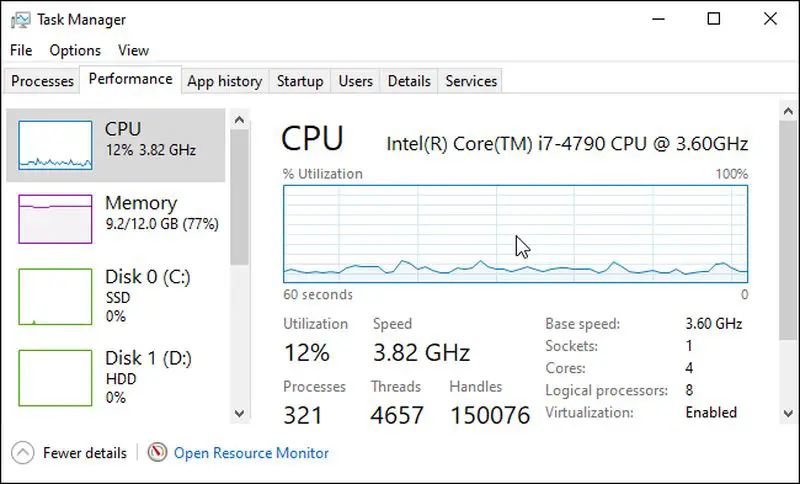
Before you start: Ensure your PC meets the system requirements for running BlueStacks and has a stable internet connection.
Warning: Follow the steps carefully to avoid potential issues with performance or installation errors.


How to install and play Clash of Clans on PC
This guide provides easy steps to download and install Clash of Clans on your PC using BlueStacks.
- Go to https://www.bluestacks.com/download.html in a web browser. This is the download page for BlueStacks, an Android emulator for PC and Mac.
- Click Download BlueStacks or select the appropriate option for your operating system (Mac, Windows 32-bit, or Windows 64-bit) from the drop-down menu.
- Double-click the BlueStacks installer file and click Install Now.
- Follow the install instructions provided by the installer.
- Once installation is complete, open BlueStacks by clicking its icon in your desktop, Applications folder, or Windows Start menu. This may take a few minutes depending on your PC’s performance.
- Sign in to the Google Play Store with your Google account. Click the green button that says Sign In and enter your email and password.
- If prompted, agree to the terms of service by clicking I agree.
- Type Clash of Clans in the search bar and press Enter to find the game.
- Click Install next to the Clash of Clans icon to download it.
- After installation, click Open in the Google Play Store or return to the BlueStacks home screen, then click the Clash of Clans icon to launch the game.
- Use your mouse to play by clicking instead of tapping on the screen.
- Zoom in and out using the Up and Down arrow keys on your keyboard.
Pro tip: If you experience performance issues while using BlueStacks, consider closing other applications to free up your PC’s RAM and CPU resources.
Playing Clash of Clans on PC can enhance your gaming experience with a larger screen and improved controls. Emulators like BlueStacks allow you to dive into the game seamlessly without the limitations of mobile devices. Once you’re set up, enjoy building your village and strategizing with your clan just like on your phone.




