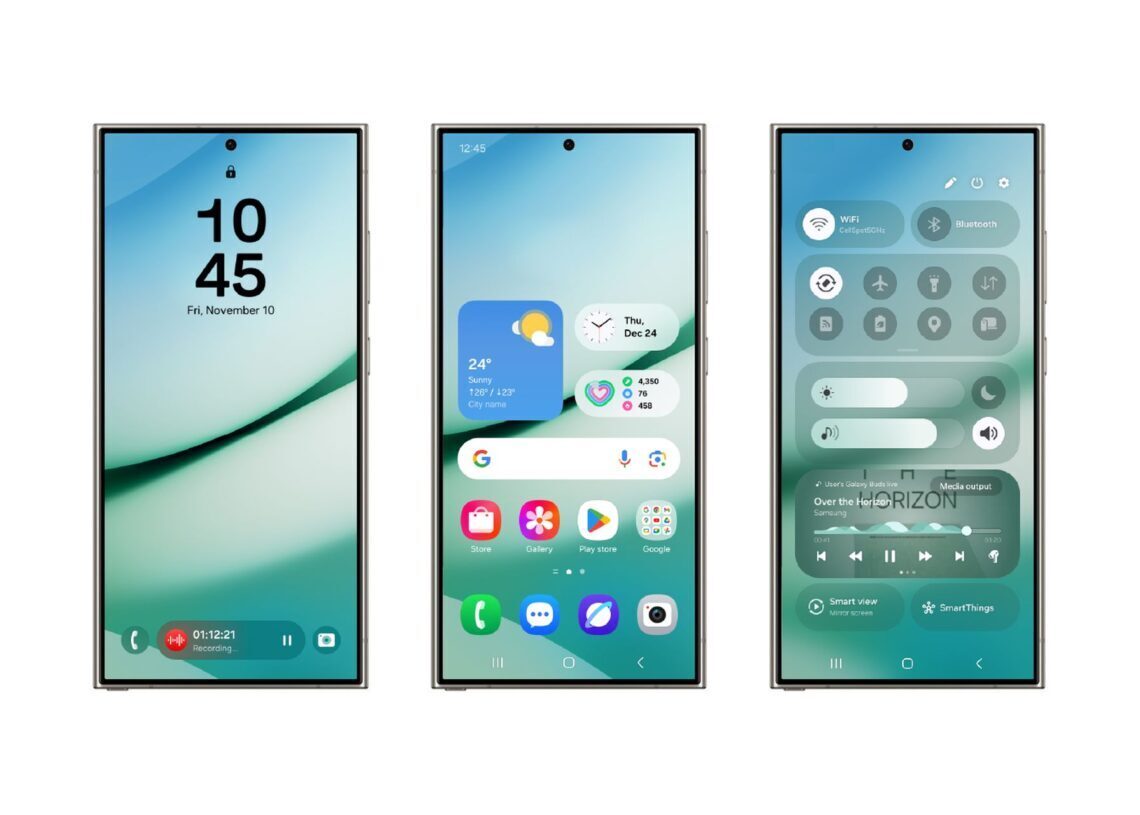

Samsung is enhancing its ecosystem integration with the upcoming One UI 7 by introducing a Camera continuity feature, similar to Apple’s Continuity Camera. This update will allow Galaxy phone users to capture photos or scan documents and seamlessly insert them into compatible apps on other devices.
Samsung’s One UI 7 introduces camera continuity feature for seamless connectivity
The Camera continuity feature aims to enable users to take pictures or scan documents on their Galaxy phones, which can then be directly utilized in Samsung Notes or Samsung Internet on another device linked to the same Samsung account. This advancement is part of Samsung’s broader effort to strengthen connectivity across its devices, reflecting an Apple-like ecosystem in the Android landscape.
While Samsung devices currently offer a continuity-like functionality that allows resuming app sessions on linked devices, the addition of Camera continuity enhances this aspect significantly. Unlike Apple’s system, which permits access across all applications, Samsung’s solution is currently limited to first-party apps. However, changes in the wording of the “Continue on other devices” option hint at a possible future expansion of compatibility.

The improvements were identified in a One UI 7 beta version by Android Authority‘s Mishaal Rahman. Despite the discovery, he noted that the feature didn’t operate due to potential prerequisite updates needed for existing Galaxy Books and other devices. For the Camera continuity feature to function, the Galaxy phone and Galaxy Book must connect to the same Wi-Fi network, be within Bluetooth range, and use the same Samsung account.
Deepening integration with additional features
In addition to the Camera continuity feature, One UI 7 plans to introduce several functionalities aimed at reinforcing device connectivity. A noteworthy feature is Camera Share, which allows users to utilize their Galaxy phone’s camera as a webcam for Galaxy Books or tablets. This capability builds on the similar functionality introduced in One UI 6.1.1 for the Galaxy S24 and extends it to a broader range of devices.
Another potential feature in One UI 7 is Storage Share, enabling users to wirelessly access files stored on their Galaxy phone from their Galaxy laptop or tablet. This feature would enhance the existing capabilities of connecting different Samsung devices and streamline the user experience.
As Samsung continues to advance its software ecosystem, users can expect improvements in device synchronization and increased versatility in using various applications. These enhancements, coupled with incremental updates, indicate a shift towards a more cohesive integration strategy among Samsung’s product offerings. The forthcoming developments underscore Samsung’s aim to elevate the user experience by fostering a seamless connection between devices, much like the environments established by its competitors.
As the One UI 7 update approaches, users will keep an eye on how effectively these features will manifest in daily use and address current limitations.
Featured image credit: Samsung