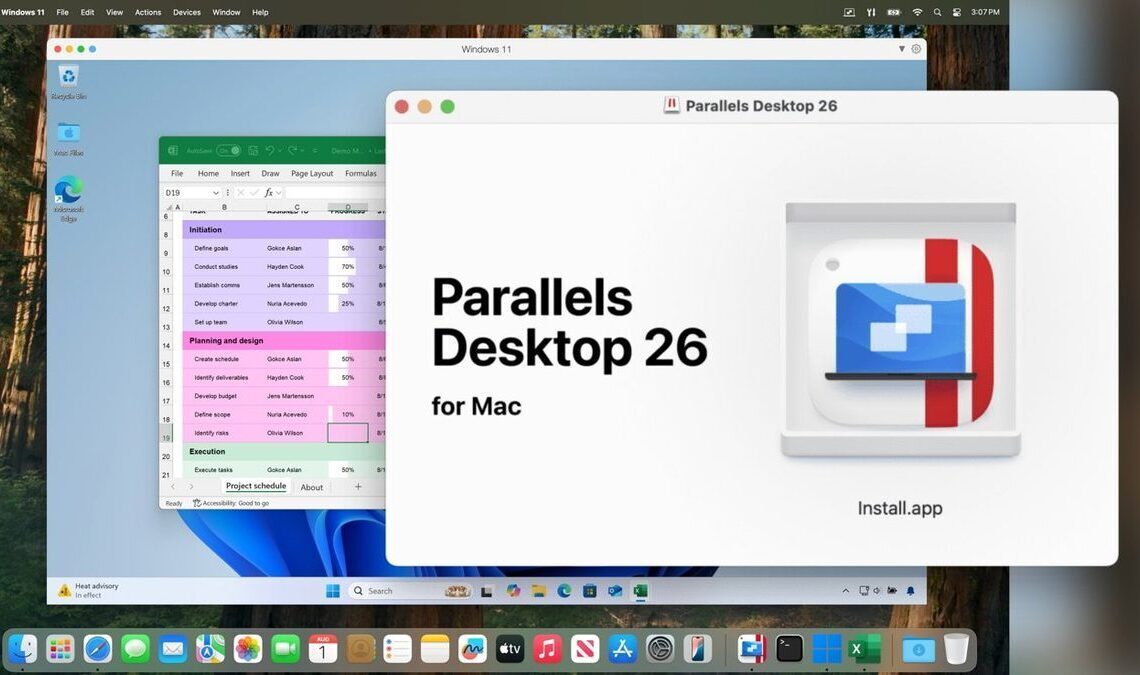

Parallels has released Parallels Desktop 26, the latest version of its software that allows users to run Windows on Mac computers. This version focuses on enhanced compatibility and new IT management tools, solidifying Parallels’ position as a key solution for businesses using Macs that require Windows applications.
Parallels Desktop 26 offers immediate support for macOS 26 Tahoe and Windows 11 25H2, ensuring users can leverage the newest operating system features without compatibility issues.
For individual users, Parallels Desktop 26 focuses on improving the virtual machine experience. A key enhancement is accurate disk space visibility within Windows. Previous versions sometimes displayed incorrect available storage, leading to freezes or slowdowns during installations. Parallels Desktop 26 resolves this by accurately reflecting the Mac’s available disk space within the Windows environment.



The software also addresses changes in macOS 26 regarding background process restrictions. Parallels has adapted to these restrictions to ensure features like Coherence Mode continue to function smoothly.
According to Prashant Ketkar, Chief Technology and Product Officer at Parallels, “With Parallels Desktop 26, we’re delivering compatibility with Apple’s latest macOS, and powerful new tools for the IT teams and developers who rely on Parallels every day. This release reflects our ongoing commitment to Apple innovation and our focus on enabling enterprises and IT admins to securely manage and scale their Mac environments.”
Parallels Desktop 26 introduces a suite of features designed for IT teams managing the software across multiple devices. A prominent addition is granular policy controls accessible through the Parallels Desktop Enterprise Management Portal. These controls enable IT administrators to enforce specific settings, such as shared folder permissions, USB access restrictions, clipboard sharing policies, and network mode configurations, across all virtual machines. This ensures that VMs adhere to the organization’s security standards.
To further enhance trust and security, Parallels has successfully renewed its SOC 2 Type II audit. This renewal provides enterprise customers with assurance that the platform meets stringent internal and external security requirements.
A new deployment guide is available to assist IT teams in installing and managing individual Windows applications on Macs. This feature allows users to access specific Windows applications without interacting with the full Windows or Parallels interface, streamlining the user experience.
IT teams can now monitor and manage Windows updates within virtual machines using their existing device management services. Parallels provides scripts on GitHub that enable administrators to check update statuses, initiate scans, and trigger installations remotely, without directly accessing the virtual machines.
While Parallels Desktop 26 may not introduce numerous new end-user features beyond compatibility with the latest macOS and Windows versions, it provides continuous improvements to the overall user experience. A significant aspect of this update is the enhanced visibility and control offered to IT teams. With SOC 2 compliance, device management service integration, and granular policy controls, Parallels is positioning itself as a central component of Apple’s presence in enterprise environments, particularly when organizations require access to Windows applications.
For end users, the enhancements related to disk space visibility and background process support contribute to a more reliable daily experience. Parallels Desktop 26 is currently available in Standard, Pro, Business, and Enterprise editions, with the Standard edition priced starting at $99 per year.