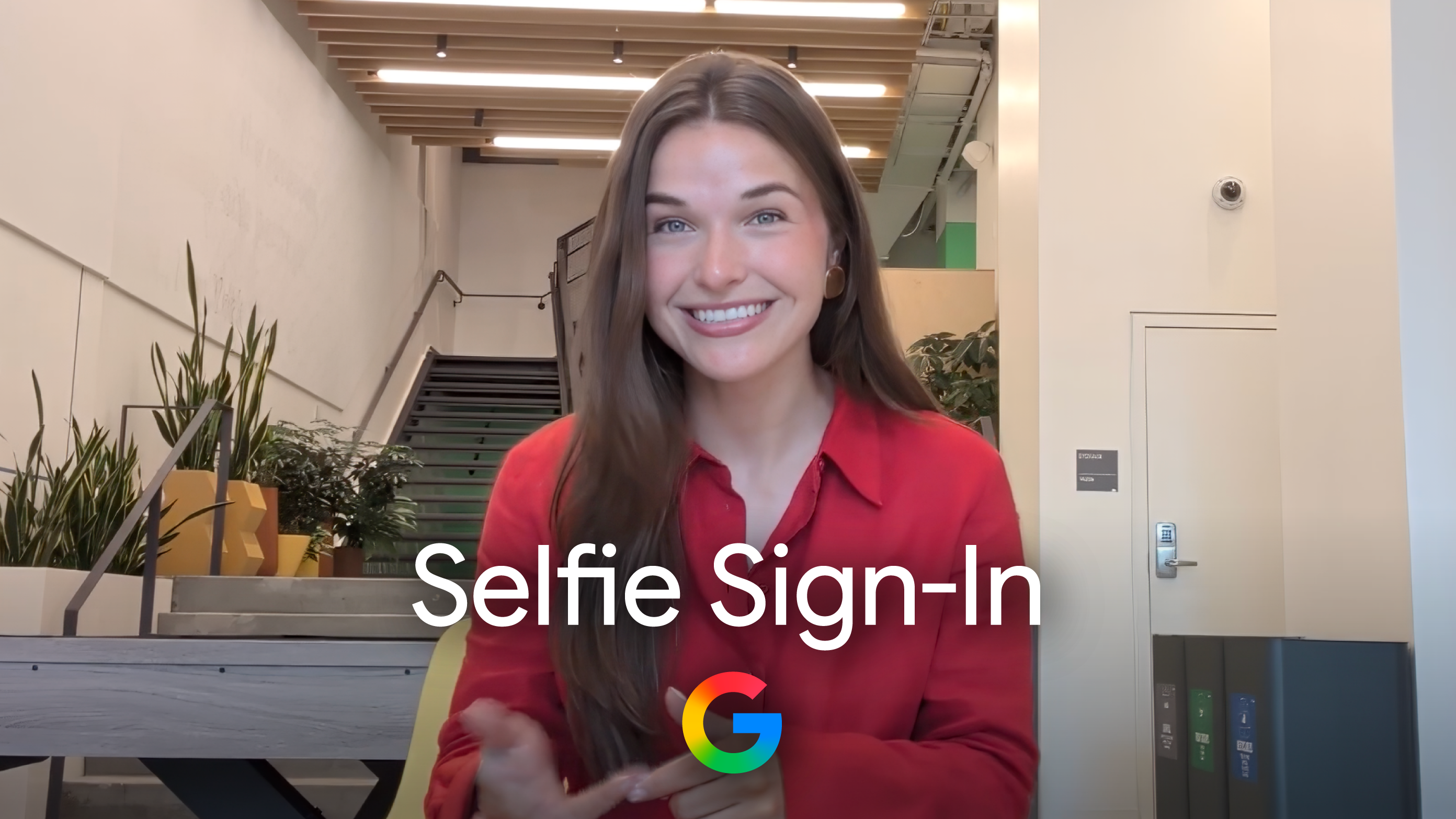

Google has introduced a selfie video feature for logging into Google accounts, enhancing identity verification options for users. This new method complements existing face unlock options via mobile devices and passkeys that rely on biometrics, providing an alternative for users locked out of their accounts or without access to their usual devices.
To set up the selfie video log-in, users must visit Google’s My Account page and select the Security & sign-in section. Under the How you sign in to Google category, they can choose Selfie video and proceed to the Add selfie for sign-in page. Users with a computer equipped with a camera can complete the setup directly; those without will receive a QR code to scan with a mobile device for finalization.
Verification requires users to remove glasses and masks and avoid backgrounds that are busy. Google advises users to turn their heads in specific directions during both setup and subsequent log-ins to prevent impersonation attempts and confirm they are in front of the camera.



The selfie video will be saved for future login comparisons, and Google will encrypt the video to enhance security. Users can delete the selfie video at any time by visiting the Video Verification page and selecting delete next to the corresponding selfie.
This new log-in option is not available for Workspace accounts, child accounts, or those participating in Google’s Advanced Protection Program. The add-on emphasizes Google’s focus on providing multiple secure ways for users to access their accounts.