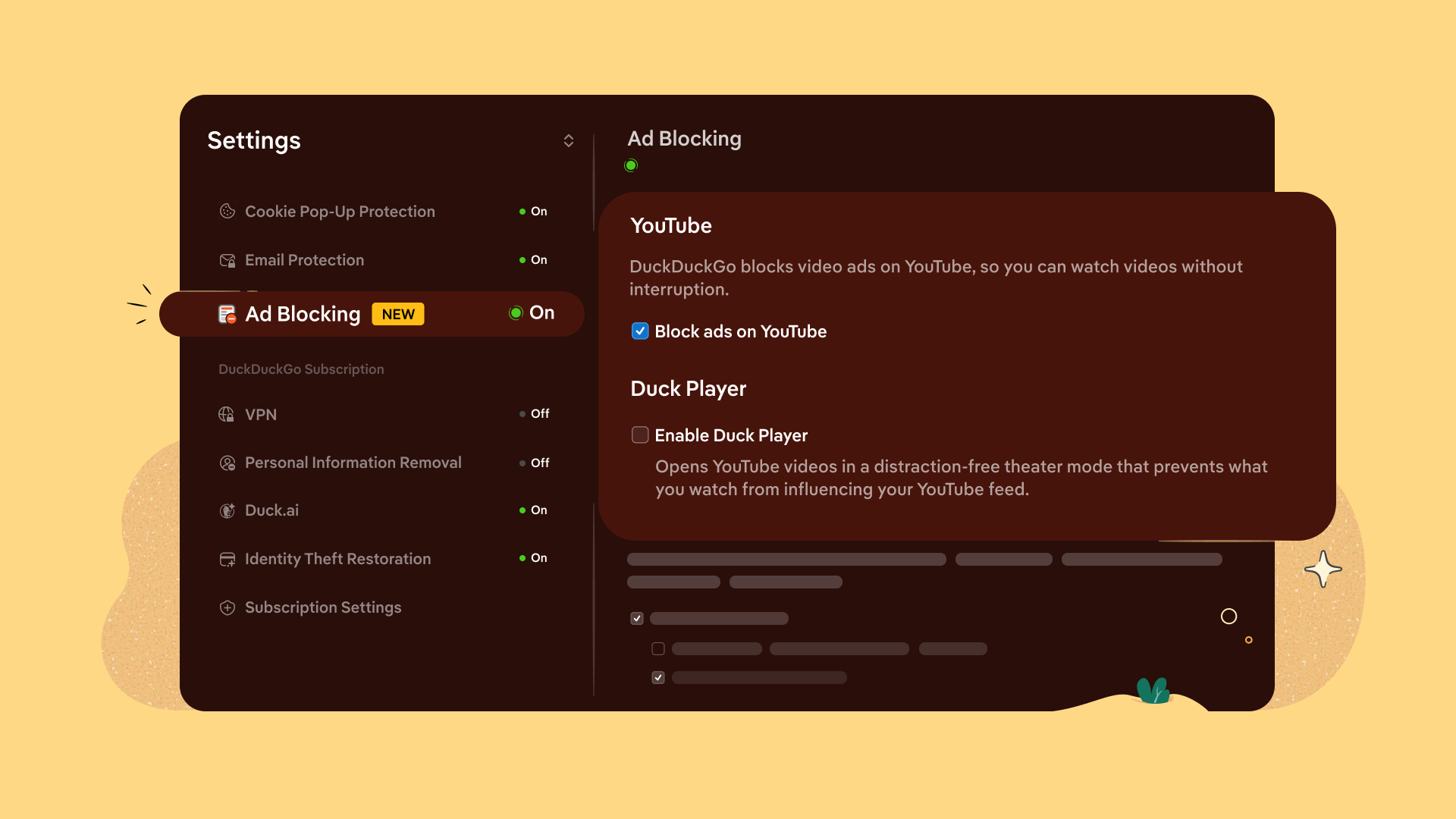

DuckDuckGo announced the launch of a new feature that allows its browser to block most video ads, particularly on YouTube. This functionality is designed to enhance the viewing experience by preventing advertisements from displaying while videos are played in the DuckDuckGo browser.
The ad detection and blocking rely on open-source community filter lists from uBlockOrigin. DuckDuckGo stated that it may implement its own rules to improve compatibility with various ads. Users should be aware that activating the ad blocker may result in longer buffering times and could lead to unexpected playback issues during videos.
The ad blocking feature will automatically be enabled for the majority of DuckDuckGo users on iPhone, Windows, and Mac. It is expected to be activated soon on Android, although users can manually enable it from the browser settings in the meantime. All platforms provide an option to toggle YouTube ad blocking on or off from their settings menu.



Importantly, users must watch videos through the DuckDuckGo browser rather than the YouTube app to utilize the ad blocker.