

Have you ever wondered if you can text yourself? The answer is yes! Whether you’re trying to create a fake text message to get out of an obligation, you want to text yourself something you don’t want to forget, or for another reason entirely, the process is simple.
How to text yourself for various purposes
Texting yourself is as easy as texting any other number. You can do this on either iPhone or Android.
Creating fake text messages
- Add your own phone number as a contact. You can technically do this without adding your number as a contact first, but the text may not show up as sent to you on your device.
- Open your text messaging app and send a text to the contact you just created. You might have to exit the text conversation and tap it again to see the new message show up.
- Delete the original text you sent, if desired. If you’re trying to make it look like someone else texted you something, you should delete the original text you sent. Otherwise, you can just leave the original text in the conversation thread.
- If you want to make it look like you’re having a text conversation with someone specific (such as a friend, parent, or sibling), save your number as a contact with that name. That way, when you create your fake text conversation it will look like it’s coming from that person.
- If you are sending multiple messages to create a lengthy conversation, you might find it helpful to write the conversation down like a script.
- By pressing and holding on a text, you can delete it (whether it’s a message from you or from someone else). If you’re faking an entire text conversation, you’ll have to delete the duplicate messages so it looks convincing. For example, if you text your fake contact “Hello” and you want your fake contact to say “Hi” back, you would first send a text that says “Hello” and then a text that says “Hi”. You should have 4 texts in the conversation: two “Hello” messages and two “Hi” messages. To make it look like a real text conversation, you’d delete the “Hello” that your fake contact sent (leaving just your message that reads “Hello”), and you’d also delete the “Hi” that you sent (leaving just your fake contact’s message that reads “Hi”).
- Just remember that if you keep the text conversation on your phone and you show the message to someone else, you won’t be able to send any additional messages in that text conversation without it becoming obvious that you faked the texts. If you have another number (such as a second number on your phone, a Google Voice number, or a burner phone) you can text yourself to create a fake text conversation that won’t have duplicates of your messages.
Sending reminders and notes
- Text yourself things you don’t want to lose. This could be a link, a to-do list, a reminder, or basically anything that you don’t want to misplace. Instead of writing the note down on a piece of paper, you can just text it to yourself so you can find it later.
- One popular productivity tip is to schedule texts to yourself as a reminder. This is a good alternative to an alarm or calendar reminder, especially for reminders that aren’t events. You might want to send yourself a text as a reminder to make a doctor’s appointment, to go to the grocery store after work, or what time you need to pick up your kids from after-school activities.
- On Android: You can schedule texts by long-pressing the send button and selecting a delivery time.
- On iPhone: You’ll need to use Apple’s Shortcuts app as a workaround, or the built-in Reminders app. You can also get third-party apps that schedule texts for you on iPhone.
Why this matters
The ability to text yourself offers surprising versatility beyond just communication with others. It transforms your messaging app into a personal productivity tool, allowing for quick note-taking, self-reminders, and even creative expression through simulated conversations.
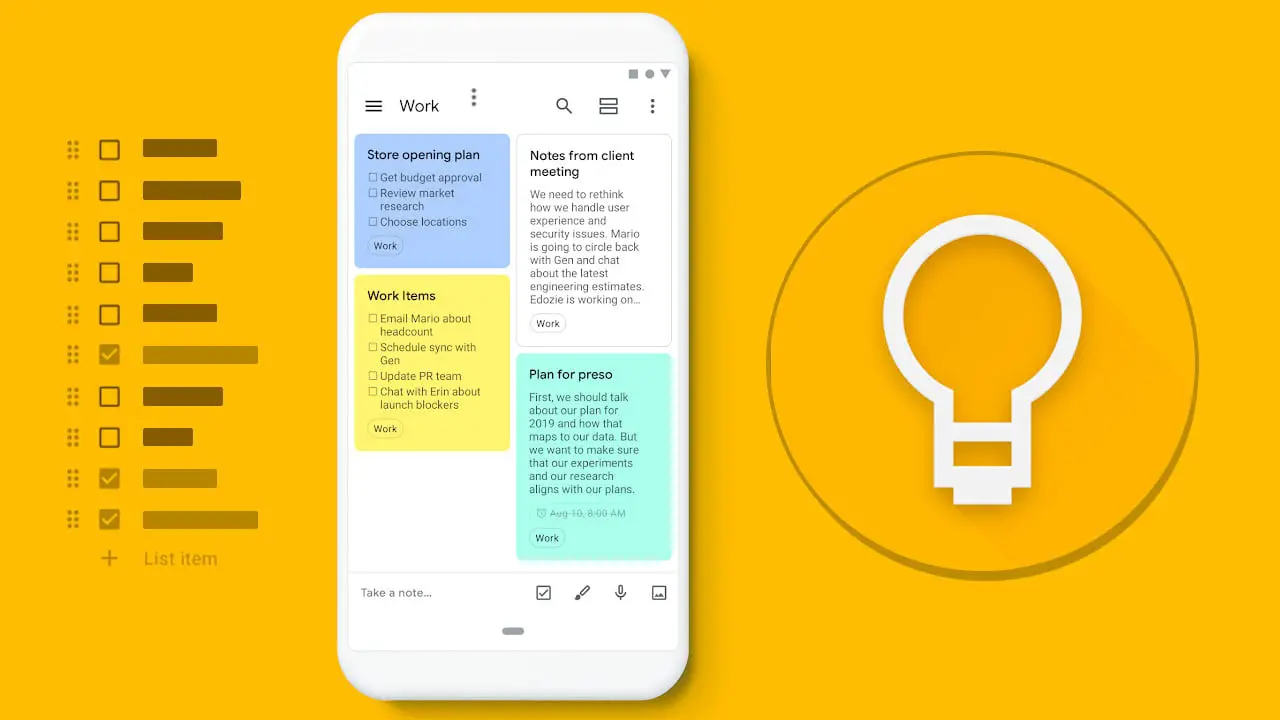
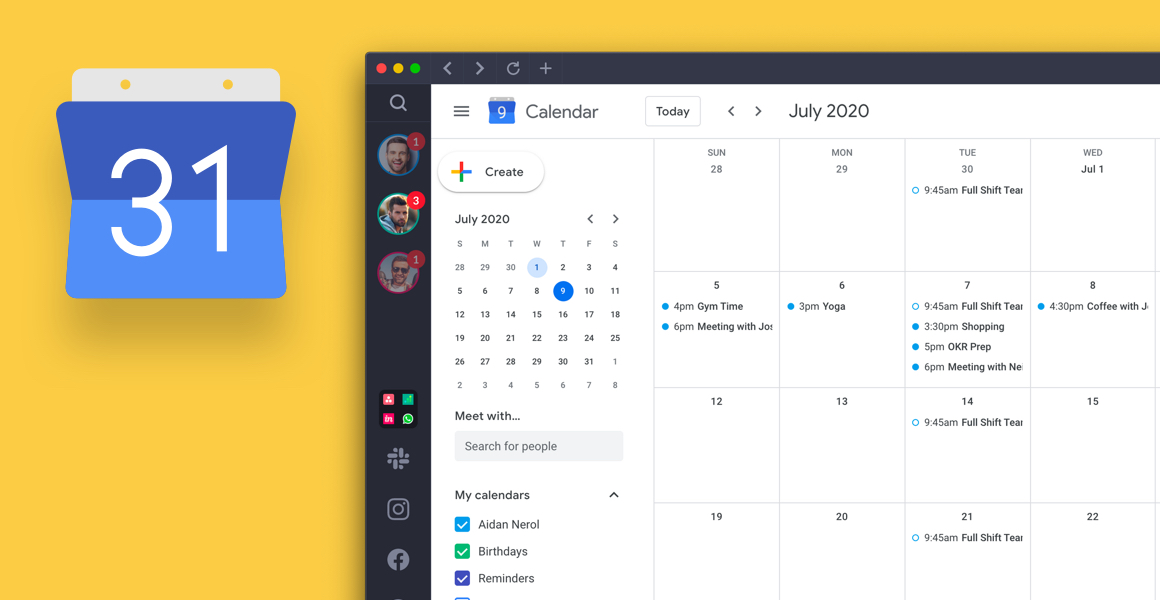

This simple trick helps streamline information management, ensuring important links, ideas, or to-do items are always accessible on your primary device without needing a separate note-taking app. It’s a convenient, often overlooked feature that can significantly boost your daily organization and provide a unique way to manage personal information.




