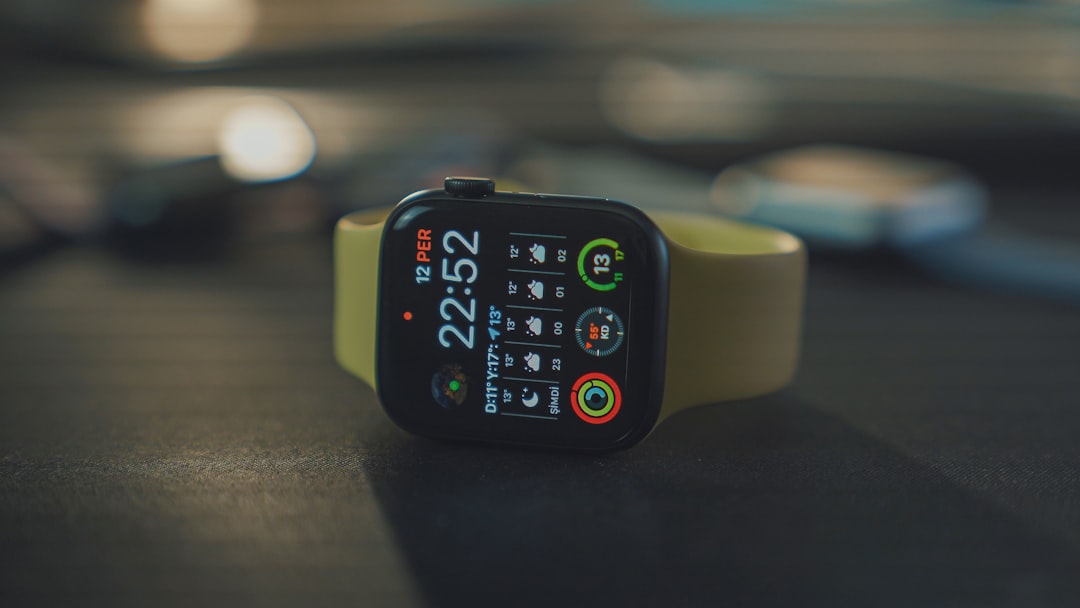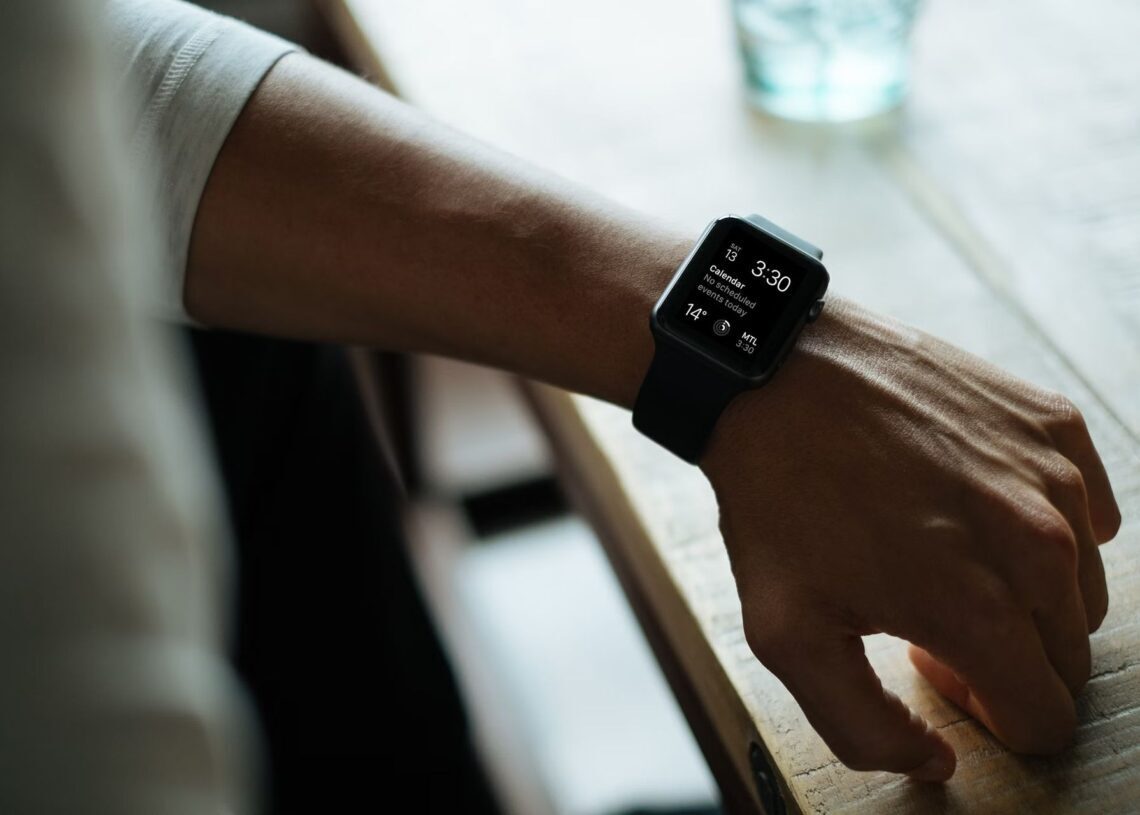

Whether you’re a new owner of the Apple Watch Series 10 or the robust Apple Watch Ultra 2, exploring its features is essential. These devices offer advanced capabilities in fitness tracking, safety, and navigation, particularly when paired with useful applications available on watchOS 11. This exploration will enhance the experience for users, especially newcomers looking to leverage their smartwatch effectively.
Top apps to enhance your Apple Watch experience
The Apple Watch supports numerous third-party applications that significantly extend its built-in functionalities. Some of the most beneficial apps to consider include:
- SmartGym: This app allows users to track personalized workouts directly from the watch without needing an iPhone. SmartGym harnesses AI for custom fitness plans, accommodating various regimens such as HIIT and home workouts. While the app is free, it also offers a subscription for added features.
- Runna: Made for runners, Runna operates independently of the iPhone, delivering personalized running workouts on the watch. Audio instructions for pacing and intervals keep users informed, while real-time updates help improve running routines.
- Citymapper: This versatile navigation tool provides step-by-step directions across over 400 cities worldwide. It offers guidance for multiple transport modes, including buses and trains. Users can save frequent destinations and receive real-time public transportation alerts.
- CARROT Weather: This weather app differentiates itself with a unique personality, offering customizable forecasts that can include humor. CARROT Weather pulls data from various providers, providing alerts for different weather conditions. It comes with an integrated complication for easy access on the Apple Watch.
- Cheatsheet: This app facilitates quick access to crucial information like Wi-Fi passwords or important codes. Users can save essential data visually and display it as a complication on their watch, streamlining information retrieval.
- Pillow: Monitoring sleep patterns, Pillow offers insights into sleep quality, heart rate, and breathing. It seamlessly syncs with Apple Health and features smart alarms that wake users at optimal times.
- Streaks: Designed as a habit tracker, Streaks helps users maintain positive behaviors—like hydration, exercise, or meditation—through reminders and progress tracking on the Apple Watch.
- Autosleep: This app automatically tracks sleep duration and quality without requiring manual input, offering detailed metrics and visual insights on both the watch and iPhone.
New features in watchOS 11
In concert with these applications, watchOS 11 introduces new features enhancing user experience. Notably, the Check In safety feature allows users to notify friends or family about their whereabouts during activities such as jogging or traveling. Embedded within the Messages app, this tool lets users select contacts and set parameters for automatic updates based on time or location. This feature enhances user safety and offers peace of mind by automatically alerting contacts if a follow-up message is not sent.


To initiate Check In, users can easily select a contact, tap the plus sign in a message, and find the Check In option by scrolling down. Entering details such as expected arrival time or specific locations not only creates a significant safety net for solo activities but further integrates the Apple Watch into users’ everyday lives.
Combining these comprehensive apps with watchOS 11’s thoughtful upgrades, like the Check In safety feature, signals that the Apple Watch is a practical tool. Its ability to reassure friends and family during solitary outings underscores the balance between innovation and practicality evident in Apple’s latest smartwatch offerings.
Featured image credit: Luke Chesser/Unsplash