If you’ve been experiencing problems with the Revolut app not working issue, you’re not alone. Lately, many Revolut users have been grappling with issues like app crashes, freezing, failure to open, balance display errors, and even trouble when using the app abroad.
So, if you’re in the same boat and your Revolut app seems to have taken a break, worry not! We’ve got some tips to help you get it back on track.
Why is Revolut App not working?
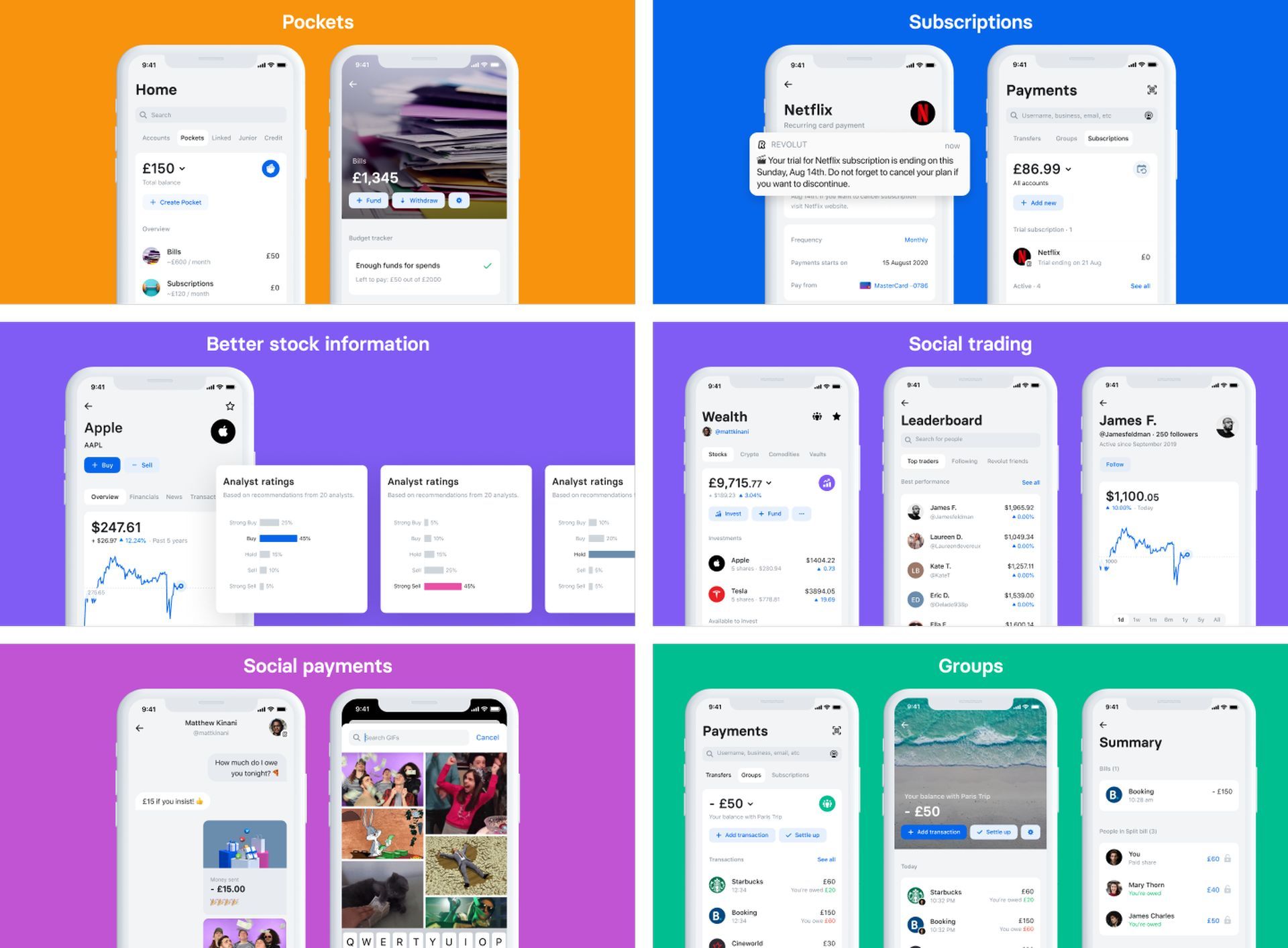
Before we jump into solutions, let’s quickly recap what the Revolut app is all about. This handy app lets you manage your budget, spend, save, exchange, and send money, all while using your card online and in stores—both at home and abroad—with no sneaky fees.


However, lately, users have been reporting a range of Revolut app issues. They’re asking questions on platforms like Reddit and Quora, about why their Revolut app isn’t cooperating on Android, iPhone, Windows 10, Samsung TV, Firestick, Roku, Panasonic TV, and more. Let’s dive into the solutions to get you back on track.
Common causes of the Revolut app issues:
- Revolut app server problems: Sometimes, the Revolut app’s server itself may be experiencing issues, causing problems for users.
- Maintenance mode: Revolut might be undergoing maintenance, which can temporarily disrupt app functionality.
- Internet connection woes: Your internet connection may be unstable or slow, leading to app troubles.

How can you fix the Revolut app not working issue?
If you find yourself in the frustrating situation of dealing with a misbehaving Revolut app, follow these steps:
1. Check Revolut app server status

When encountering issues with your Revolut app, it’s crucial to start by checking the status of Revolut’s servers. Sometimes, the app’s problems are not on your end but stem from server-related issues. To do this:
- Visit the official Revolut website or use an online service that tracks server statuses.
- Look for any announcements or alerts regarding server maintenance or outages.
- If there are server problems, you may need to wait until they are resolved by Revolut’s technical team.
2. Clear the Revolut app cache

App caches can accumulate over time and may contain corrupted data that causes issues. Clearing the cache can help resolve these problems. Here’s how:
- On Android:
- Go to your device’s “Settings.”
- Navigate to “Apps” or “Application Manager.”
- Find and select “Revolut” from the list of installed apps.
- Tap “Storage.”
- Choose “Clear Cache.”
- On iPhone:
- Open the “Settings” app.
- Scroll down and find “Revolut” in the list of apps.
- Tap on “Revolut.”
- Select “Clear App Cache.”
3. Update the Revolut app
Outdated app versions can be riddled with bugs, and updating to the latest version is often a quick fix. Here’s how to update the Revolut app:
- On Android:
- Open the “Google Play Store.”
- Tap the three horizontal lines in the upper-left corner to open the menu.
- Select “My apps & games.”
- Find “Revolut” in the list and tap “Update” if an update is available.
- On iPhone:
- Launch the “App Store.”
- Tap your profile icon in the upper-right corner.
- Scroll down to find “Revolut” and tap “Update” if it’s listed.
4. Test different internet connections
Sometimes, the issue might be related to your current internet connection. Switching to a different network can help diagnose this problem:
- If you’re using Wi-Fi, try switching to mobile data or vice versa.
- If possible, connect to a different Wi-Fi network.
- Ensure that your internet connection is stable and not experiencing interruptions.
5. Restart your device

A simple device restart can work wonders in resolving minor app issues. Here’s how to do it:
- On Android:
- Press and hold the power button until the power menu appears.
- Select “Restart” or “Reboot.”
- On iPhone:
- Press and hold the side (or top) button and one of the volume buttons until the power slider appears.
- Drag the slider to turn off your device.
- After it’s off, press and hold the side (or top) button again until the Apple logo appears.
By following these detailed steps, you can systematically troubleshoot and resolve the Revolut app not working issue. Remember that these solutions are designed to address common problems, and if the issue persists, it might be worth reaching out to Revolut’s customer support for further assistance.
Meanwhile, if you are a crypto enthusiast, make sure to check out Ronaldo’s lie detector test with Binance.
Featured image credit: Revolut