
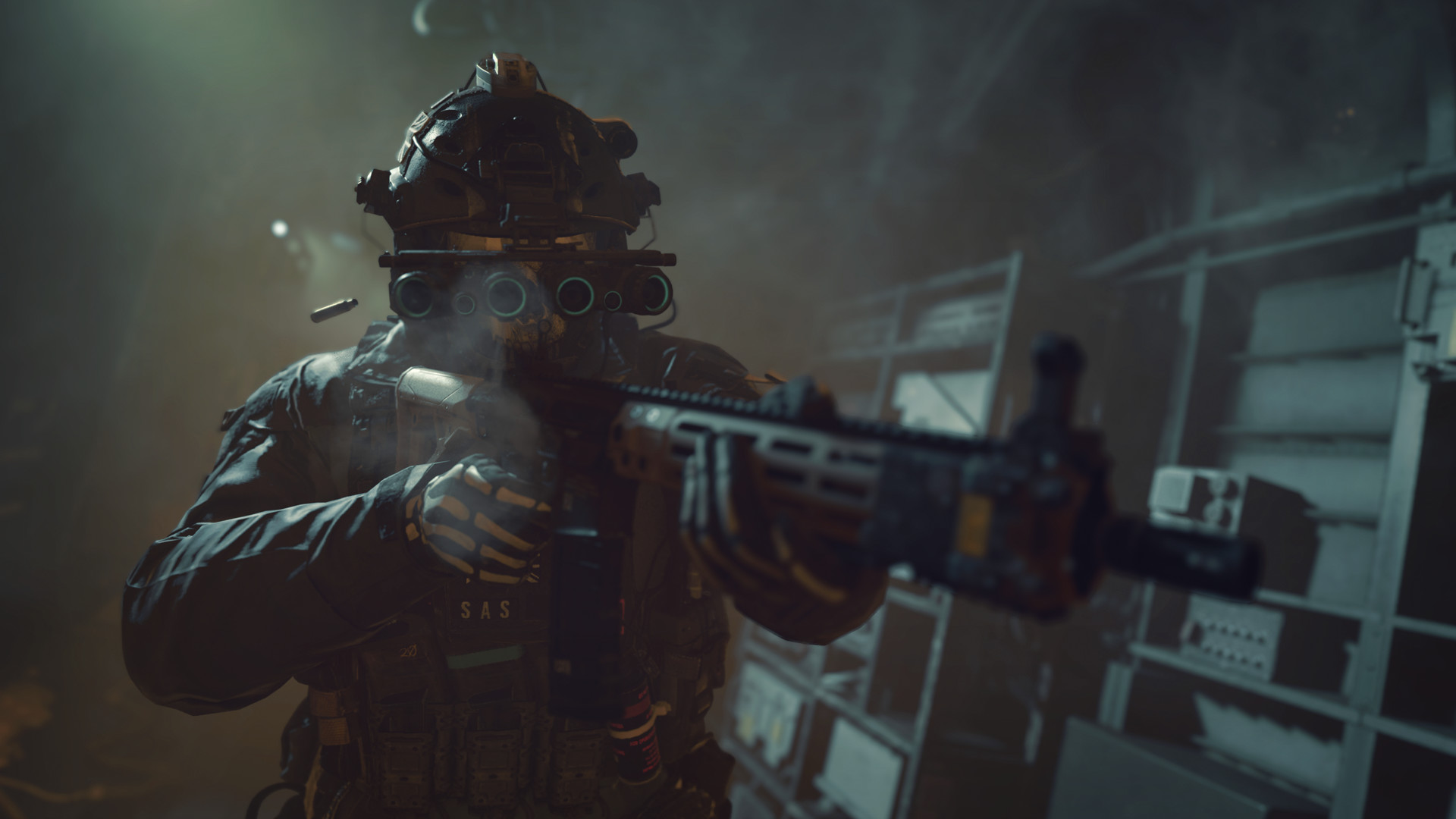

Today we explain how to best MW2 graphics settings PC. Graphics settings for COD: MW2 – You have no clue how long I have been anticipating a Modern Warfare 2 sequel, and I am happy that I am now seeing it. I used to be a major fan of Call of Duty and played all of the games up till Advanced Warfare.
After that, I took a five-year vacation from COD video games until Modern Warfare was out. I returned to the Call of Duty series with Modern Warfare, and I’m glad I did because I had the most pleasure playing a first-person shooter in years. But after that, COD suffered a severe decline, as is typical for every brand. I thought Vanguard and Cold War were “meh.” They were mine, but I never played them enough.
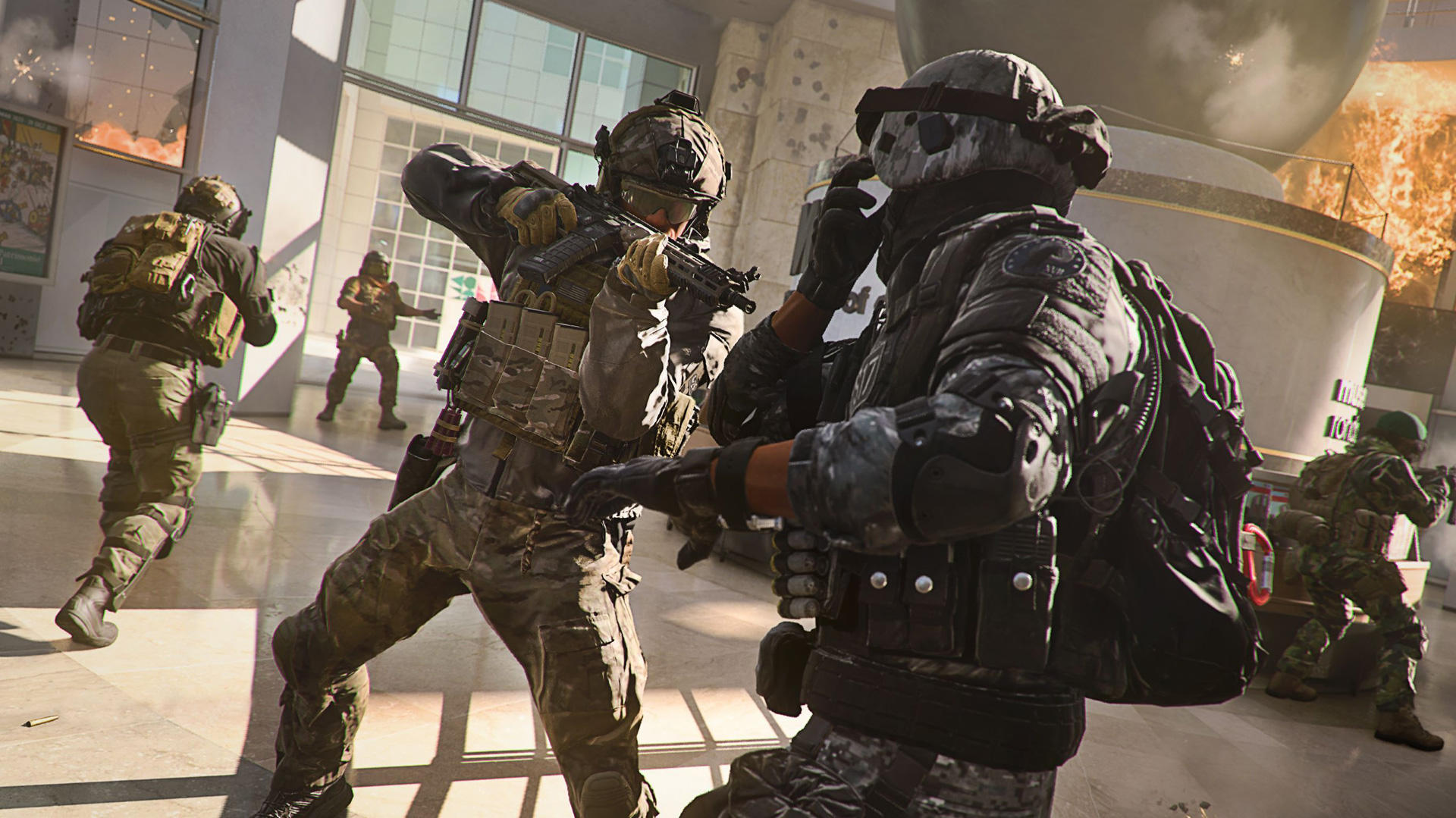
Modern Warfare 2 is now available. I can resume playing Call of Duty continuously now. In fact, I completed the campaign in just two days. My body is now prepared for the multiplayer. Additionally, this is the first time since a long time that COD is returning to Steam. So in my eyes, that is a “W” all by itself.



The game has had a fair number of adjustments since COD MW2. You can learn about new things like swimming, water physics, and AI Systems in the campaign mode. Additionally, a nice rework of the leveling and gunsmith systems has been made. Players can now further tailor their loadouts to suit their playing preferences, thanks to this.
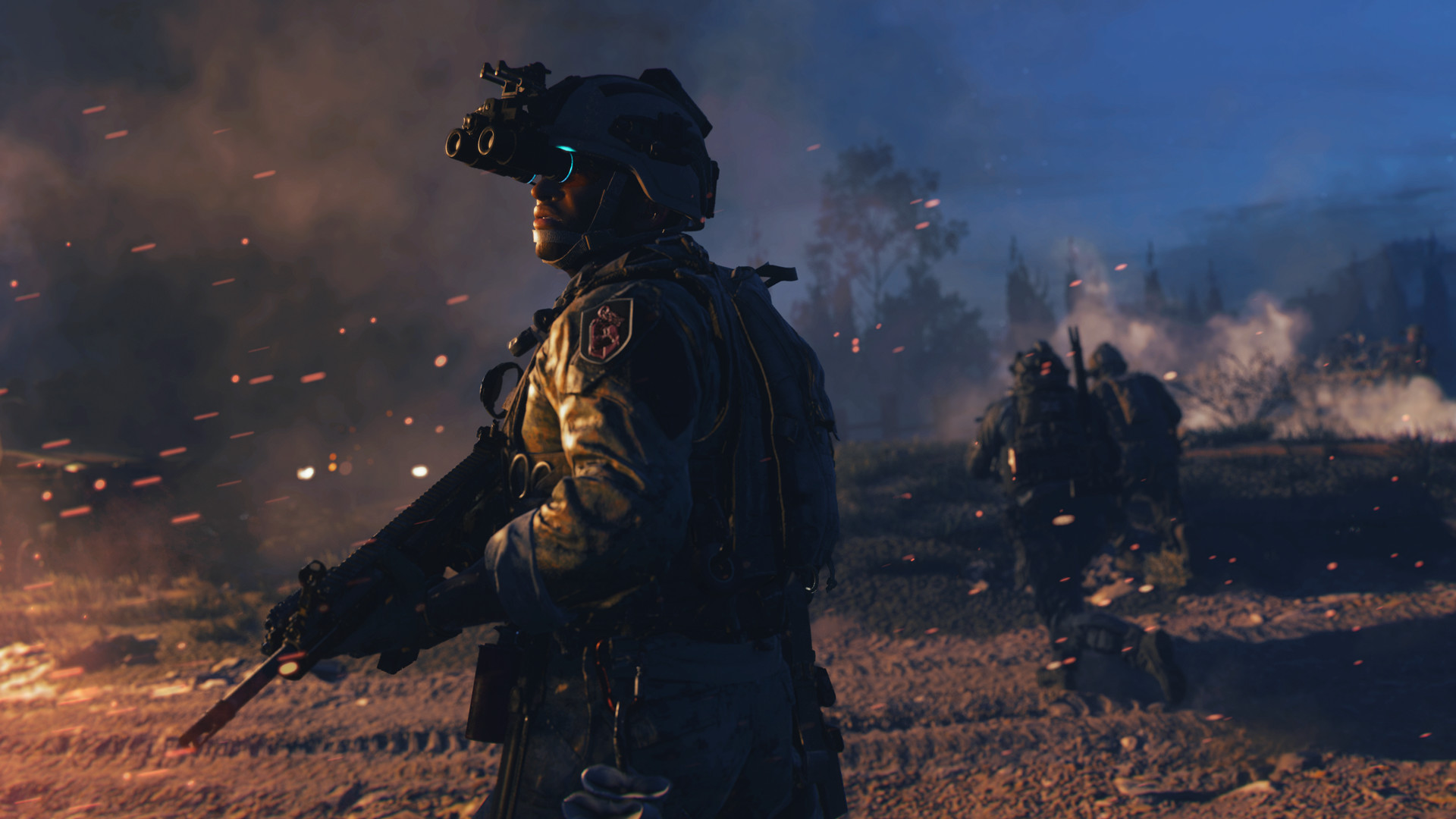
Modern Warfare 2 appears to be the best multiplayer first-person shooter game to date in terms of shooting, the moment, and weapon feel. at least in my case.
In terms of how well the game ran, I tested it on both an RTX 3060 Ti and an RTX 3070. Since I am primarily concerned in getting more than 100 FPS consistently in COD multiplayer and am unable to do so with low-end GPUs like the GTX 1650 or GTX 1050 Ti, I did not test the game on these GPUs.
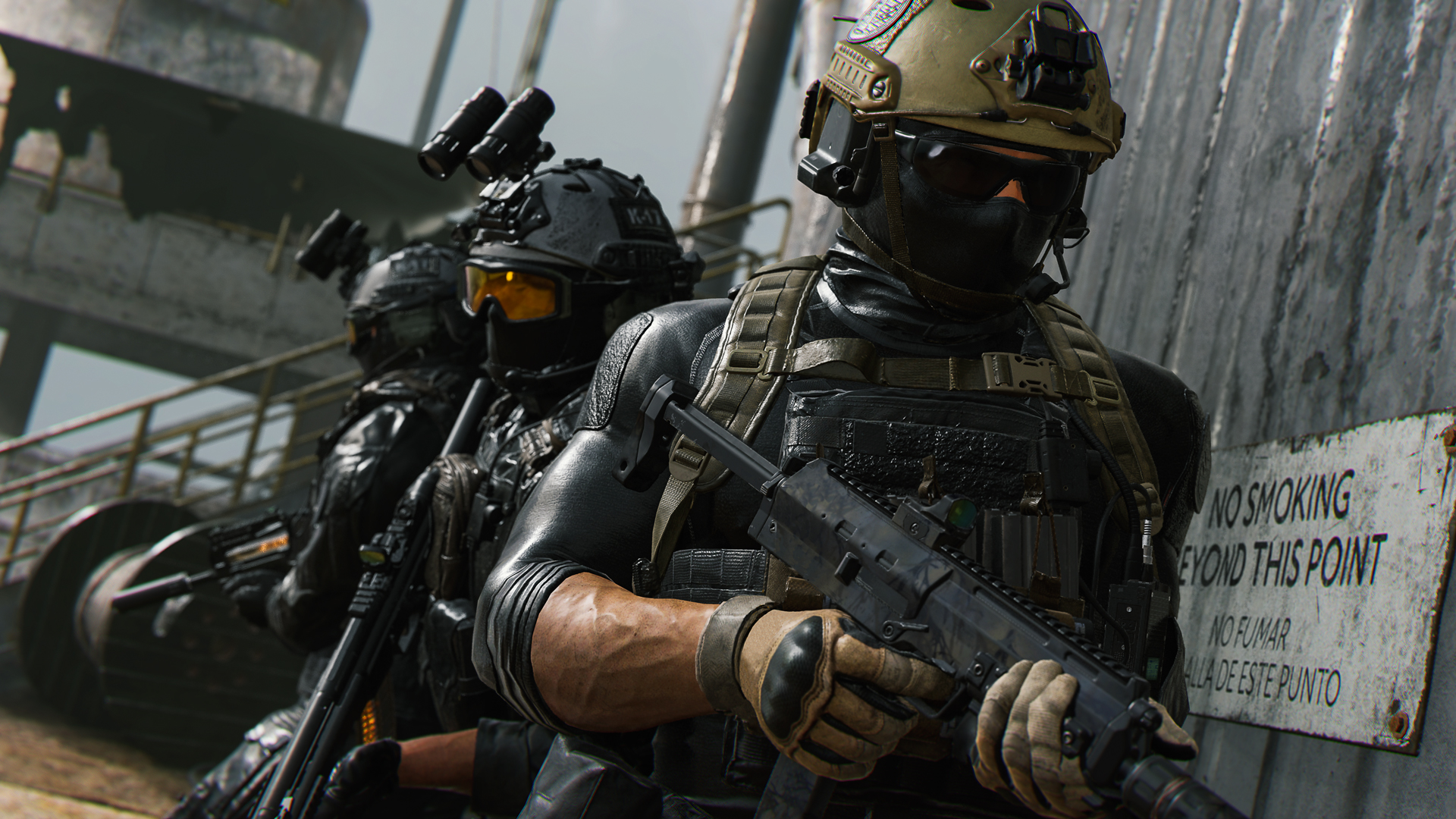
At least some COD players have switched to 144 Hz monitors, I’m quite sure. Therefore, I don’t believe that 60 FPS is sufficient at this time.
In this essay, I’ll outline the precise Modern Warfare 2 graphics settings I’m using and explain why they’re the best options for mid-range GPUs.
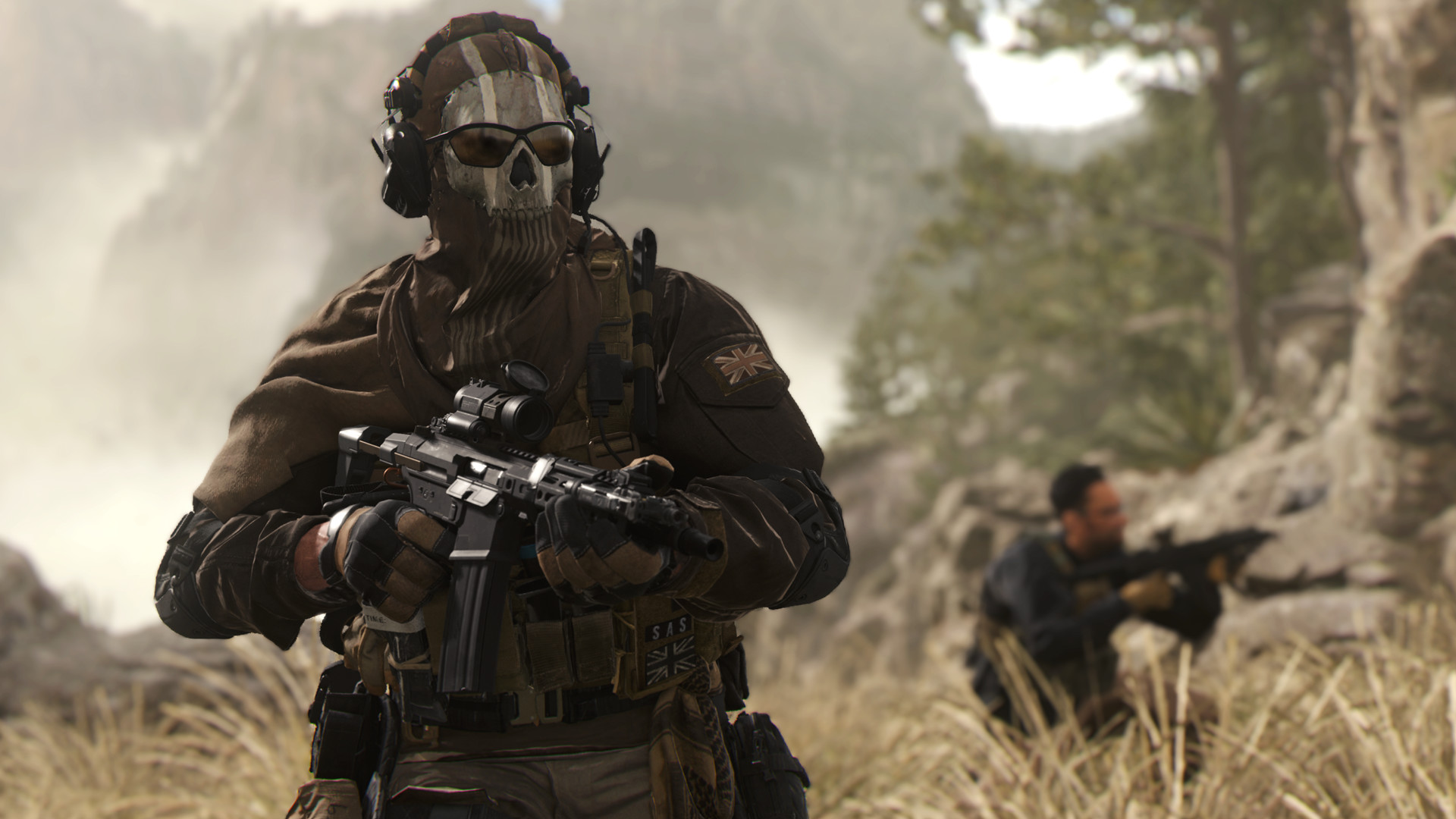
How to best MW2 graphics settings PC?
Check out the best MW2 graphics settings for PC.
Display
- Display Mode: Fullscreen Exclusive
- Display Monitor: Select your High Refresh Rate monitor
- Display Adapter: Your Dedicated GPU
- Screen Refresh Rate: Select the highest Refresh Rate available
- Display Resolution: Whatever the resolution of your monitor is (Mine is 2560×1440)
- Dynamic Resolution: Off
- Aspect Ratio: Automatic
- V-Sync (Gameplay): Off
- V-Sync (Menus): Off
- Custom Frame Rate Limit: Custom
- Gameplay Custom Frame Rate Limit: 60 for 60Hz, 143 for 144Hz, 239 for 240Hz
- Menu Custom Frame Rate Limit: 60
- Out of Focus Custom Frame Rate Limit: 30
- Focused Mode: On (If you are using a widescreen display)
- High Dynamic Range (HDR): Off
Quality
- Quality Presets: Custom
- Render Resolution: 100
- Upscaling / Sharpening: NVIDIA DLSS / AMD FSR 1.0
- NVIDIA DLSS Preset: Quality / AMD FSR 1.0 Preset: Ultra Quality
NVIDIA DLSS Sharpness: 60 - Anti-Aliasing: Greyed out if using DLSS / Filmic SMAA T2X if using FSR
- Anti-Aliasing Quality: Greyed out if using DLSS / Ultra Quality if using FSR
- Video Memory Scale: 85
- Texture Resolution: Normal
- Texture Filter Anisotropic: High
- Nearby Level of Detail: Low
- Distant Level of Detail: Low
- Clutter Draw Distance: Short
- Particle Quality: Low
- Particle Quality Level: High
- Bullet Impact & Sprays: Off
- Shader Quality: High
- Tessellation: All
- Terrain Memory: Min
- On-Demand Texture Streaming: On
- Allocated Texture Cache Size: 32
- Enable Download Limits: Off
- Streaming Quality: Normal
- Volumetric Quality: Low
- Deferred Physics Quality: High
- Water Caustics: On
- Shadow Map Resolution: Normal
- Screen Space Shadows: Off
- Spot Shadow Quality: High
- Cache Spot Shadows: On
- Spot Cache: Medium
- Particle Lighting: High
- Ambient Occlusion: Off
- Screen Space Reflections: Off
- Static Reflection Quality: High
- Weather Grid Volumes: Ultra
- Nvidia Reflex Low Latency: On + Boost
- Depth of Field: Off
- World Motion Blur: Off
- Weapon Motion Blur: On
- Film Grain: 0.05
View
- Field of View (FOV): 105
- ADS Field of View: Affected
- Weapon Field of View: Default
- Vehicle Field of View: Default
- 1st Person Camera Movement: Default
- 3rd Person Camera Movement: Default




