
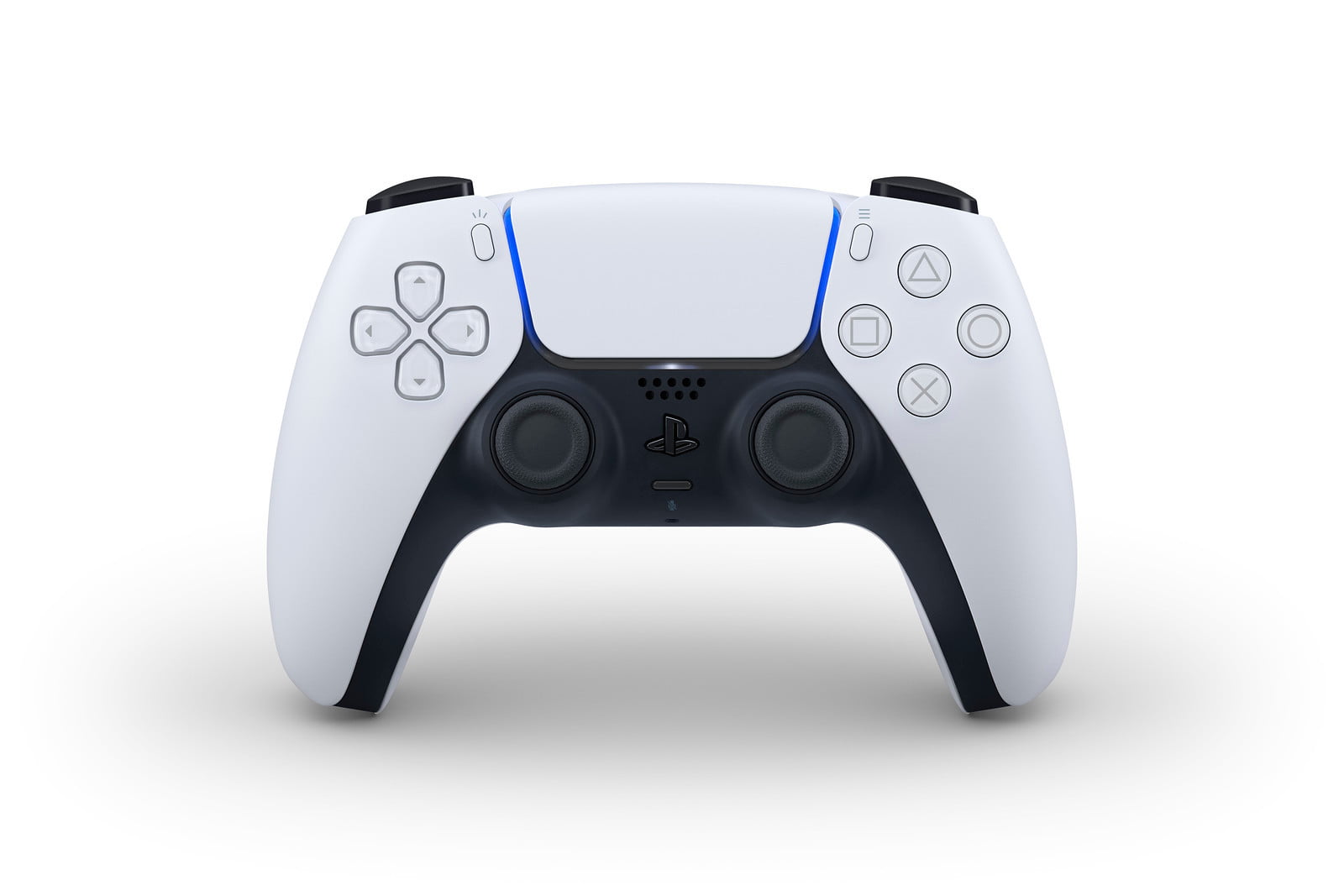

It is possible to connect a PS5 DualSense to an Android smartphone, if you don’t know how to do it, keep reading.
PS5 comes with a completely renewed controller: the DualSense. Just like its predecessors, the PlayStation 5 controller can be used as a generic controller on other devices. All you need is a Bluetooth connection. Since your Android phone has it, you can start using them together right now.
- Explained: Why PS5 performs better than Xbox Series X
- PS5 will receive an update to implement VRR
- How to activate Always-On Display Mode on Android phone?
How to connect a PS5 DualSense to an Android smartphone?
Sony does not prevent the PlayStation 5 controller from being used as a generic game controller: one minute is enough to have it synchronized with the phone or tablet. It’s a simple process, the controller works with all compatible Android games, and you can also use your PlayStation 5 remotely by using the PS Remote Play app.


Just follow these steps:
- Turn on Bluetooth on your Android and look for new devices to connect to.
- Press the capture button on the controller (on the left of the touch panel) and the PS button (in the middle). Hold them down.
- After a few seconds, the DualSense will flash blue: the Bluetooth pairing mode is activated.
- The PS5 controller will appear as ‘Wireless controller’ in the Bluetooth device search.
- Click on it and accept the pairing.
- If you want to reconnect the controller to your PS5, simply plug the DualSense into the console using a USB-C cable.
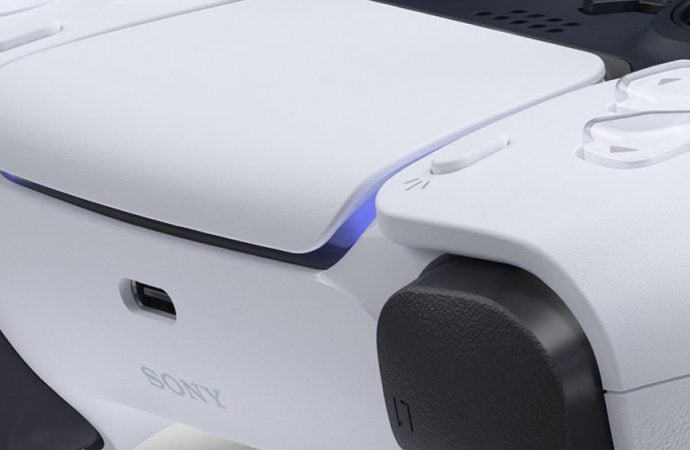
Once paired, the PlayStation 5 DualSense will behave like a standard controller. You can use it in all games that have controller support. You can also use the DualSense with Google Stadia, Microsoft Game Pass, or Nvidia GeForce Now.




