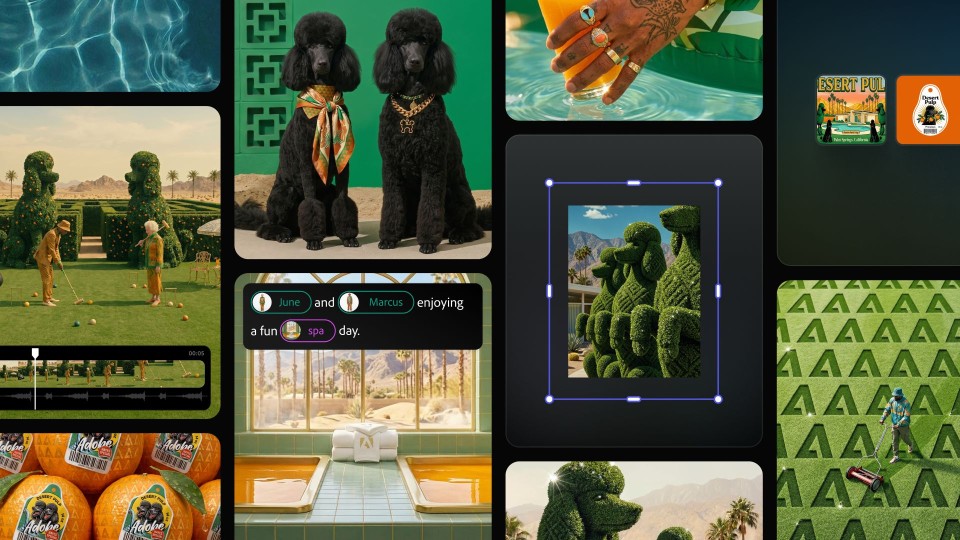

Adobe has updated its Firefly AI assistant, integrating it into Premiere, Illustrator, InDesign, and Frame.io. The new capabilities include the creation of brand kits, product videos, and storyboards, along with a feature that allows users to save creations as reusable elements within the Firefly app.
In Premiere, the AI can sort assets into bins, batch-rename clips, identify interview questions, and add markers. The assistant in Illustrator can reorganize layers within documents and check for missing fonts. Firefly is already available for Express, Photoshop, and Acrobat, and is supported by ChatGPT, Claude, and Copilot. Adobe announced plans to soon add support for Google Gemini and Slack.
Recent enhancements are aimed at making Firefly more similar to Canva, particularly in its use of AI tools for generating images, videos, and storyboards. A new feature, called Elements, will enable users to save AI-generated characters, objects, and locations for future use.



Firefly will also introduce a Projects feature that stores assets in one location and facilitates context sharing among team members, currently available in private beta. Users can now describe their brand and upload existing materials to generate a comprehensive brand kit, complete with logos, brand identity, and color palettes. Firefly can also create product videos from uploaded photos and assist in storyboard creation.
Adobe continues to enhance AI functionalities across its applications while developing an AI assistant that aims to streamline tool usage, automating processes that once required multiple steps.