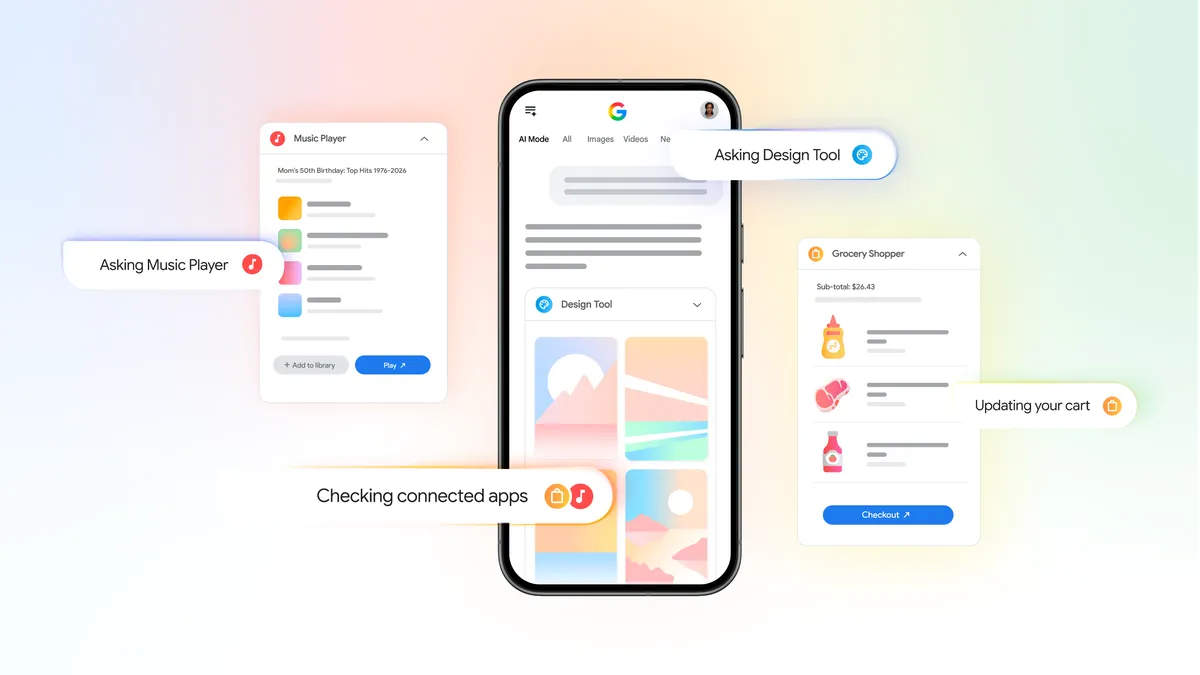
Google announced the rollout of a new feature called AI Mode for its conversational search experience on Chrome desktop. This feature opens web pages side-by-side with AI Mode when users click links, enhancing web exploration by facilitating comparison and follow-up questions while maintaining the context of searches.
AI Mode is designed to provide users with a more interactive browsing experience. For instance, a user looking to purchase a new coffee maker can describe their requirements in AI Mode and receive various product options. Once a choice is made, they can ask specific questions about the product while viewing the retailer’s website alongside AI Mode, such as “how easy is this to clean?”
Early testers reported positive feedback about the feature, stating that they appreciated not having to switch tabs frequently. Google stated, “Our early testers loved that they didn’t have to constantly switch tabs to get help with a comprehensive article or a long video.” This side-by-side feature reportedly helps users stay focused while exploring useful web pages.



In addition to AI Mode, Google introduced a new feature that allows users to search across already opened tabs on both desktop and mobile. Users can tap a new “plus” menu in the search box on the “New Tab” page or within AI Mode to include recent tabs in their searches. This feature enables the inclusion of multiple tabs, images, or files to provide context for AI Mode searches.
For example, users researching local hiking trails can utilize this feature by incorporating their open tabs to ask for similar trails in different locations. Another usage scenario includes students studying for a statistics exam who can add context from open tabs, class notes, and lecture slides into their queries.
The new updates to AI Mode are currently available in the U.S. Google plans to expand this feature to additional regions in the future.