

Restarting your Windows PC can significantly enhance its performance by clearing the memory and closing all apps. This guide explains how to restart your Windows PC using various methods, including keyboard shortcuts, the Start menu, and the Command Prompt.
Before you start: Save any unsaved work in open apps, as they will be closed during the restart.
How to restart your Windows PC
Follow these steps to restart your Windows PC using different methods.

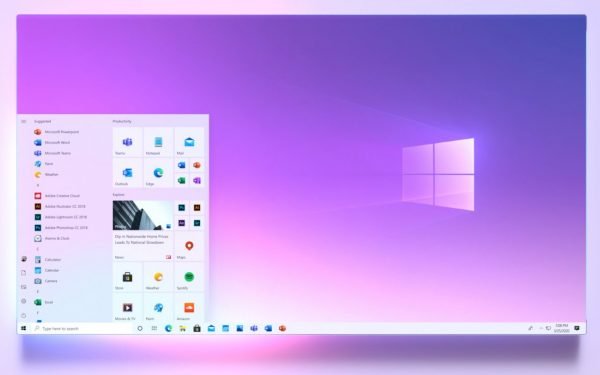

Restarting with the keyboard
- First, navigate to the desktop by pressing Win+D.
- Then, press Alt+F4 to open the Windows shutdown menu.
- In the dropdown menu, select Restart.
- Press OK or hit Enter to confirm the restart.
Using the Ctrl+Alt+Del screen
- Press Ctrl+Alt+Del together to access the blue screen of options.
- Click the power icon in the bottom-right corner of the screen.
- Select Restart from the context menu that appears.
Restarting through the Start menu
- Click the Start button or press the Win key.
- Hover over or select Shut down or sign out.
- Click Restart or press the R key.
Using the Command Prompt
- Open the Command Prompt by pressing Win+X and selecting Command Prompt or Terminal.
- Type shutdown /r to schedule a restart in about a minute, or use shutdown /r /t 0 for an immediate restart.
- Hit the Enter key to submit the command.
- If you need to abort the shutdown, use the command shutdown /a.
Performing a hard reboot
- If your PC is frozen, press and hold the power button for ten seconds to force it to shut down.
- After it turns off, press the power button again to restart.
Pro tip: If you experience persistent issues, consider restarting in Safe Mode for troubleshooting. Access this option through the Settings menu under Recovery options.
Restarting your Windows PC is a vital maintenance task that can help improve system performance. Knowing multiple methods to restart your device will allow you to handle various situations, whether you’re on the desktop or facing technical difficulties. Make sure to save your work regularly to avoid data loss, especially before initiating a restart.