
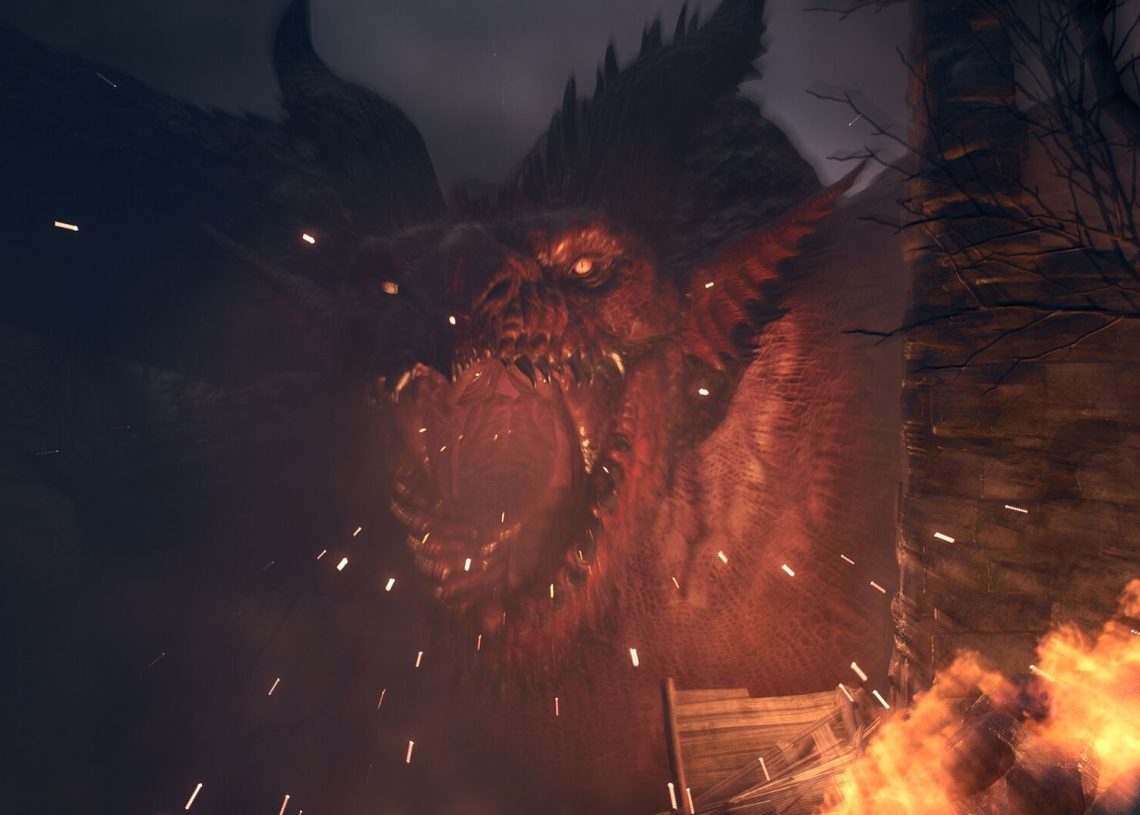

Dragon’s Dogma 2 compiling shaders guide is here! Many players eagerly awaiting Dragon’s Dogma 2 are stuck on the shader compilation screen and can’t progress.
Some Dragon’s Dogma 2 players get stuck on the shader compilation screen when they first start the game or enter a new area. When players encounter this, they are unable to make any progress. So how can you fix the problem?
Dragon’s Dogma 2 compiling shaders issue: How to fix
If you are experiencing this problem like other players, I will share with you a few methods you can use to try to solve the problem.

- Restart the game
- Update the video card driver
- Restart your computer
- Uninstall and reinstall the game
Let’s take a closer look at these steps.
Restart the game
Speaking for myself, when I experience stuttering and freezing in any game, I never wait for the problem to resolve itself. Instead, I close the game and restart it. If you are waiting between 5 and 10 minutes for the problem to resolve, I recommend restarting the game.
Update the video card driver
Have you restarted the game, but the problem persists? In this case, ensure you have installed the latest AMD or Nvidia Dragon’s Dogma 2 drivers. Nvidia players can update their graphics card drivers via GeForce Experience. Updated drivers can speed up and smooth down the process of compiling shaders.
Restart your computer
If you have tried the two most important steps and the problem still persists, you should restart your computer. Restarting your computer will also remove any conflicting background applications. You can then play the game without any problems.
Uninstall and reinstall the game
If none of the above steps worked, you should delete and reinstall the game. This will probably solve your problem.
On the other hand, here are other troubleshooting methods you can try:
- Try running the game as an administrator
- Verify the integrity of the game files
- Update Windows
- Reinstall DirectX
If you still have issues after trying all of these, you can contact Capcom or Steam support.
I hope the troubleshooting methods I’ve shared above resolve your issue… Here’s wishing you an uninterrupted gaming experience!
Featured image credit: Dragon’s Dogma 2 / Steam




