YouTube is testing out two major features that could shake things up, which made users wonder how to use YouTube AI features—Playables and AI-driven Comment Summaries. It’s important to note that these features are still in the experimental phase, and YouTube hasn’t officially launched them. Currently, only YouTube Premium users get a sneak peek to try them out on their devices.

Now, let’s dive into what these innovations bring to the table and how to use YouTube AI features to improve your YouTube experience.
How to use YouTube AI features_08
Learning how to use YouTube AI features is going to significantly improve your streaming experience (Image credit)

How to use YouTube AI features to improve your streaming experience?

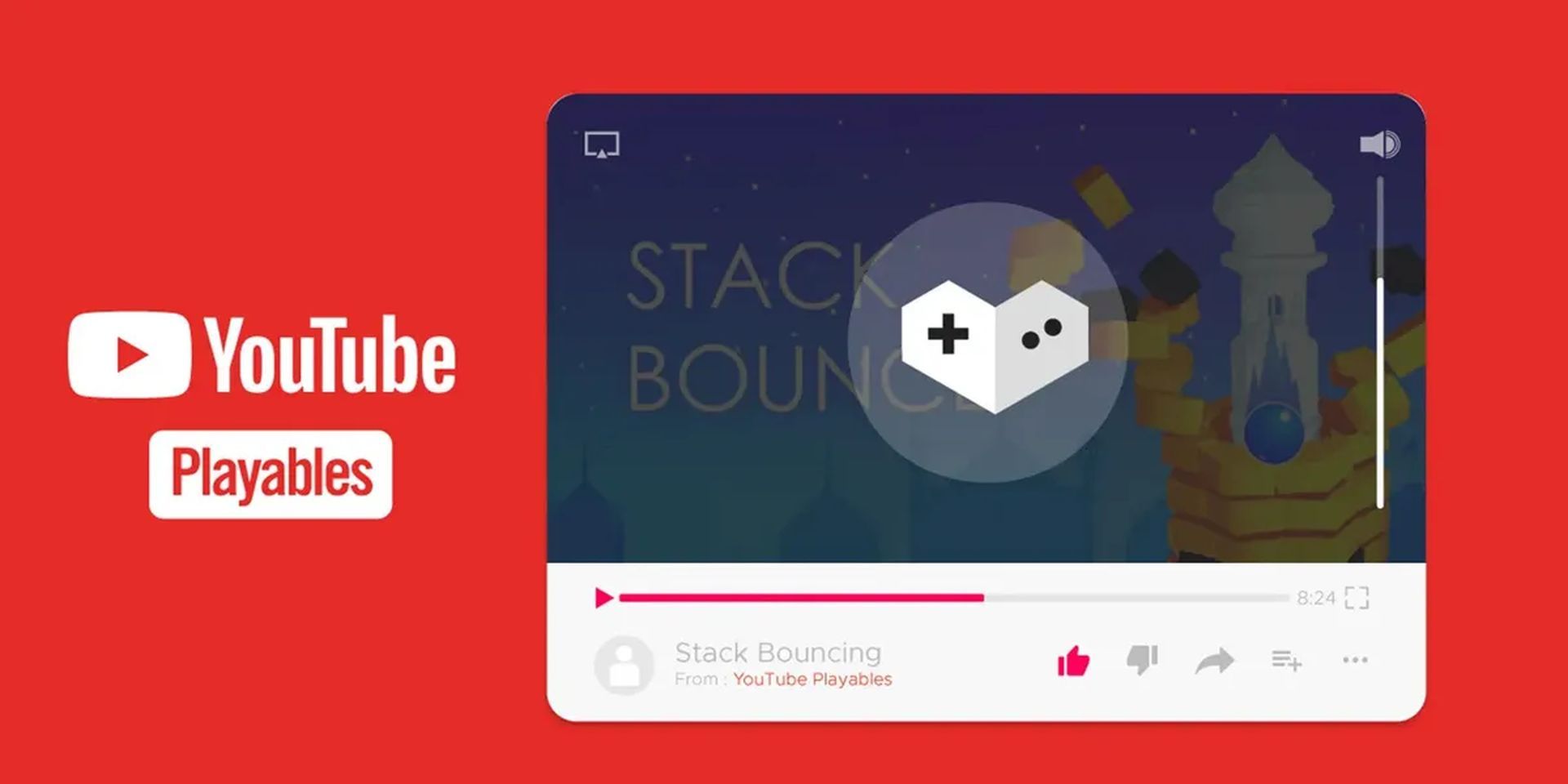
YouTube is stepping into a new era of transformation with two groundbreaking features that are poised to reshape the platform’s landscape. First up, we have “Playables,” a feature that invites users into an immersive world where gaming seamlessly blends with video watching. It’s an exclusive perk for YouTube Premium subscribers, giving them a unique and interactive experience.

On the other front, there’s the “Comment Topics Summarized by AI” feature, leveraging the power of artificial intelligence to distill the essence of comment sections. This innovation aims to provide users with a more streamlined and insightful interaction with the comments. In this article, we’ll delve into the nitty-gritty of these game-changing features, exploring how they not only enhance the YouTube experience but also pave the way for a more engaging future in online entertainment. Curious about how to make the most of these features?

Playables and Comment Summaries have transformed YouTube from a mere video hub into a dynamic space for active participation. Whether you’re a gaming enthusiast or someone looking to navigate through comments more efficiently, these features underscore YouTube’s dedication to enriching your overall experience.

Now, before we dive into the nitty-gritty of these fresh YouTube AI features, let’s first explore how you can enable these experimental features on your device:

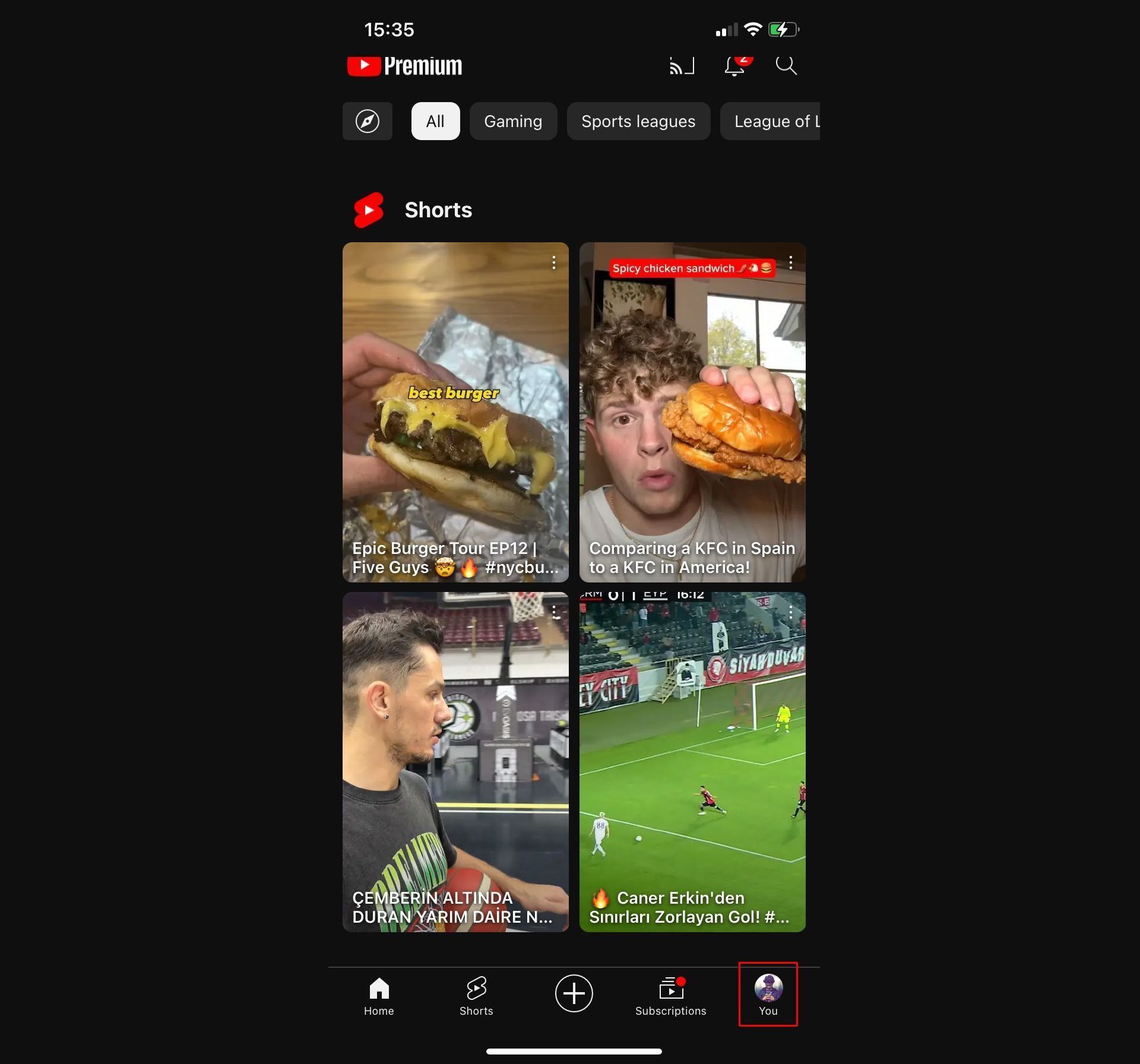
  • Open the YouTube app and tap on “You” at the bottom corner.
How to use YouTube AI features
How to use YouTube AI features: Accessing experimental features (Image credit)
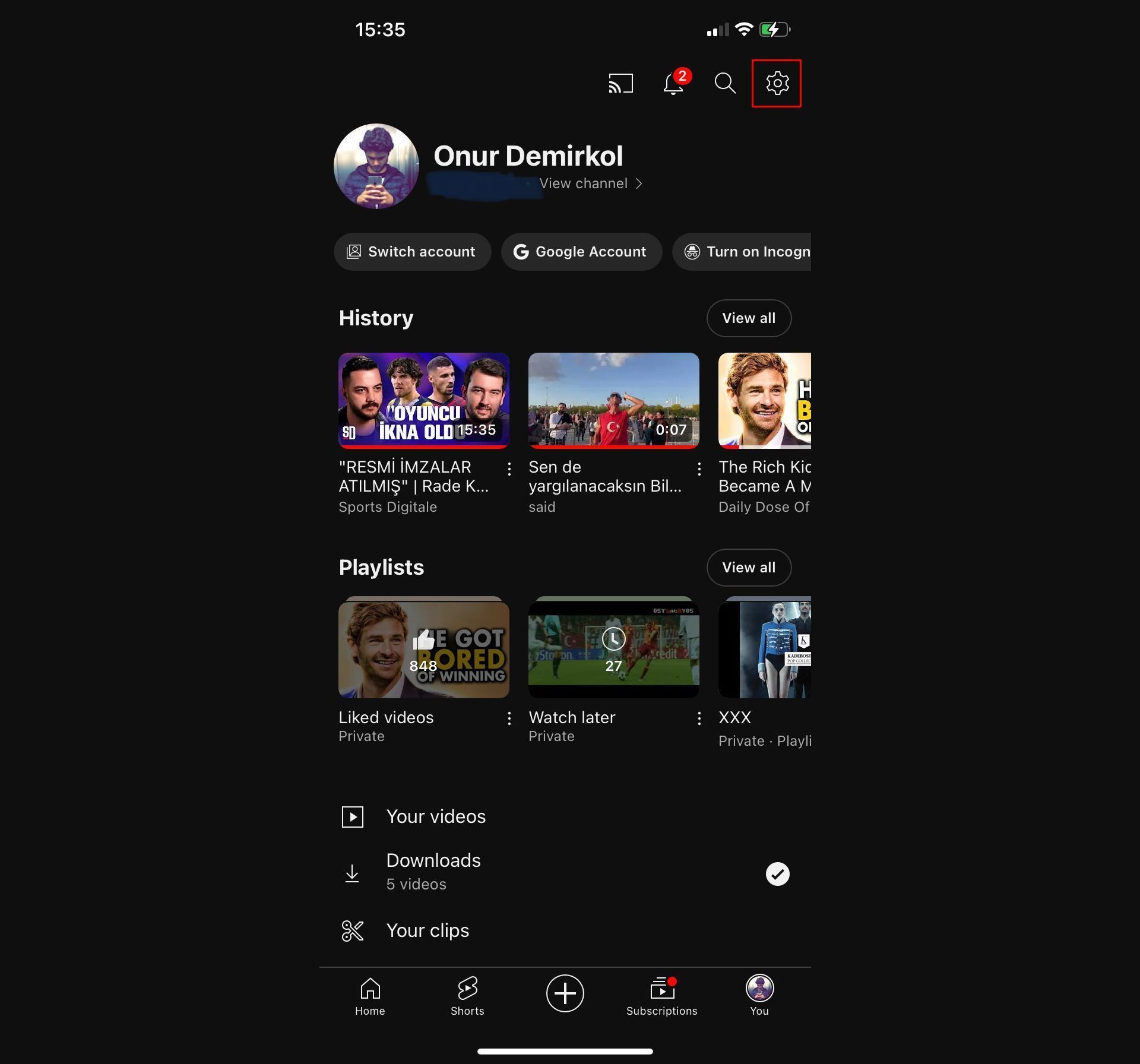
  • Click on Settings at the top right.
How to use YouTube AI features
How to use YouTube AI features: Accessing experimental features (Image credit)
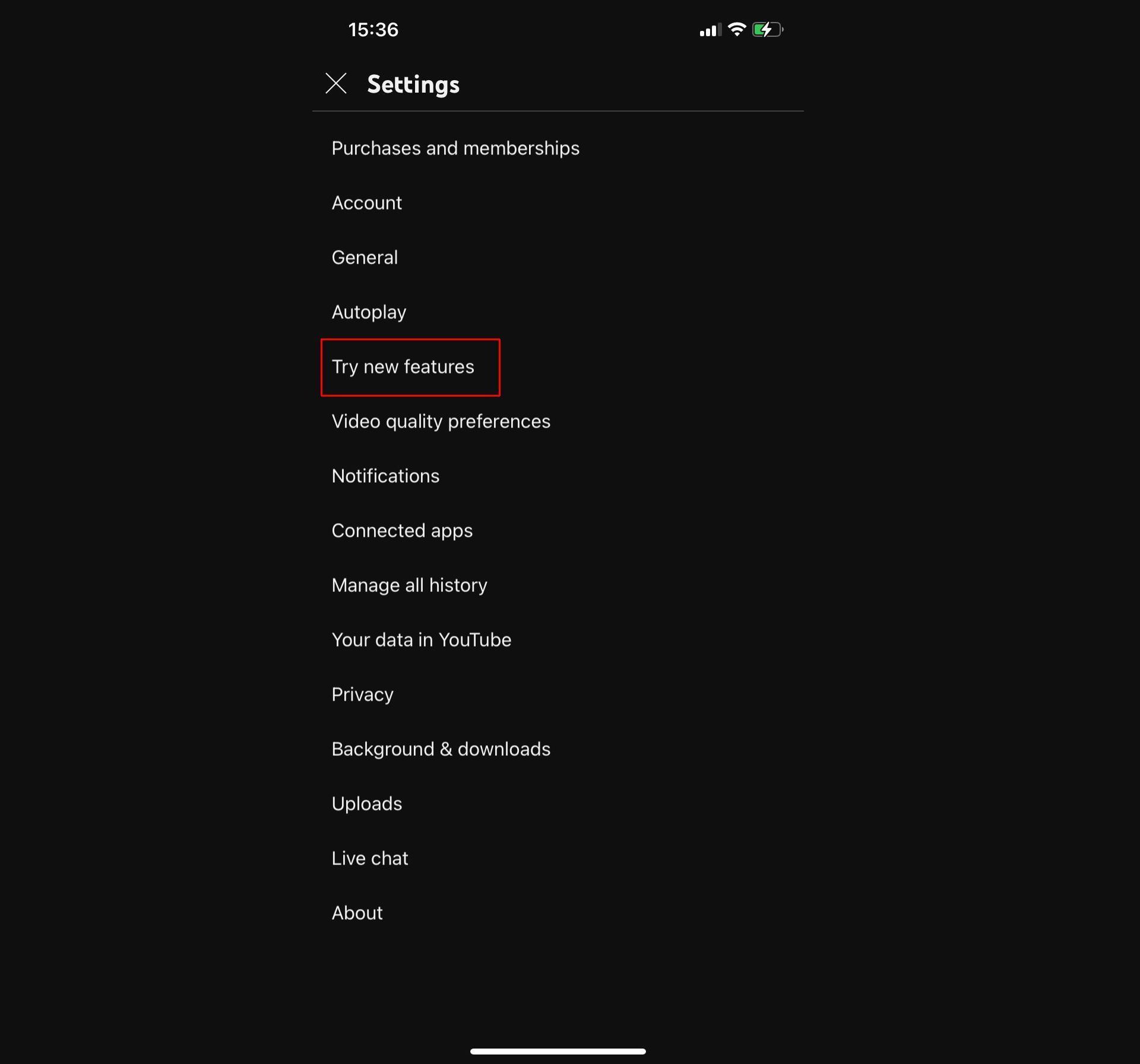
  • Now, tap on “Try new features.”
How to use YouTube AI features
How to use YouTube AI features: Accessing experimental features (Image credit)
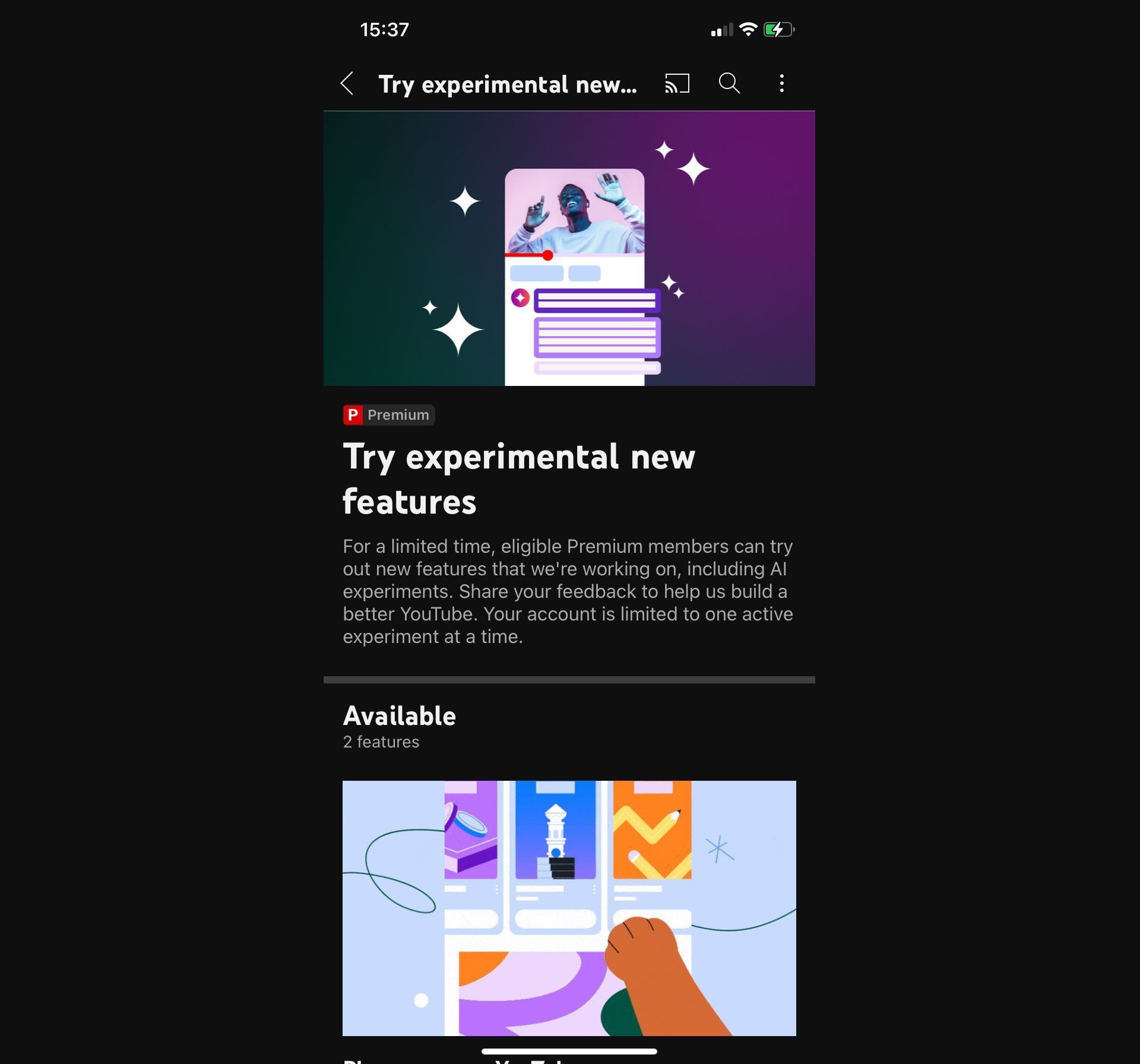
  • Activate an available feature. Keep in mind that currently, you can only activate one of them.
How to use YouTube AI features
How to use YouTube AI features: Accessing experimental features (Image credit)

Alright, buckle up as we take a closer look at the exciting YouTube AI features! From immersive gaming experiences with Playables to streamlined interactions through AI-driven Comment Summaries, YouTube is leveling up. Let’s dive into the details and explore how these features are set to redefine your online entertainment experience.

YouTube Playables

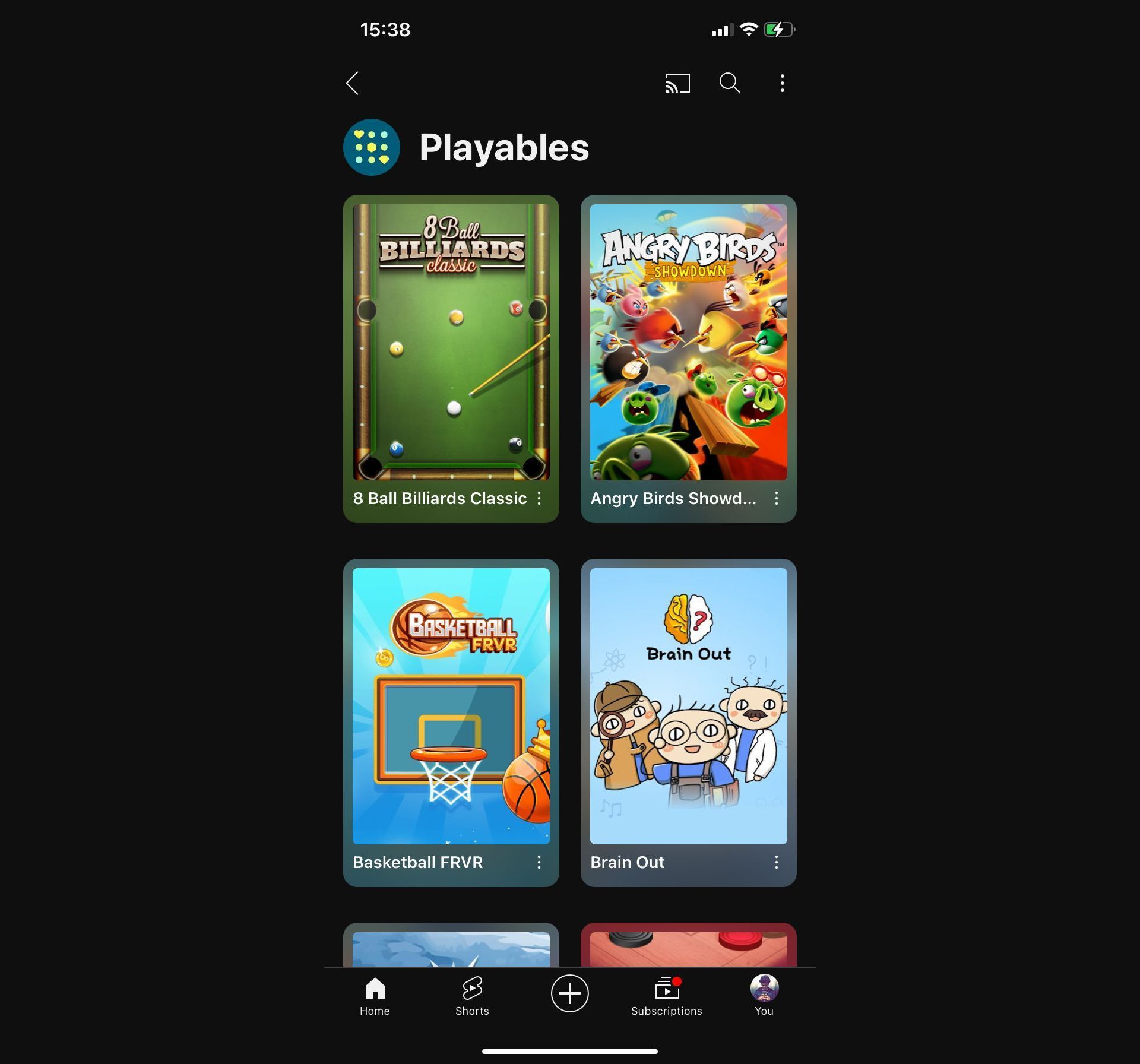
YouTube is breaking new ground by seamlessly blending video watching with gaming through its latest offering for Premium subscribers—“Playables.” No need for game downloads or switching between different apps; Playables allows you to immerse yourself in gaming directly on the YouTube platform. This experimental feature is a game-changer for both gamers and content creators, introducing easily shareable games as part of the YouTube experience. Popular titles like “Angry Birds: Showdown” are already leading the charge.

How to use YouTube AI features
YouTube Playables is going to open up a whole new window on the platform (Image credit)

To step into the gaming arena, all you need is a YouTube Premium subscription to unlock these YouTube AI features. Accessing Playables is straightforward—no tech wizardry required. As YouTube continues to refine this feature, anticipate more interactive games to spice up your video-watching routine. It’s a whole new dimension of entertainment right at your fingertips.

Using Playables on YouTube is a breeze. Just follow these simple steps:

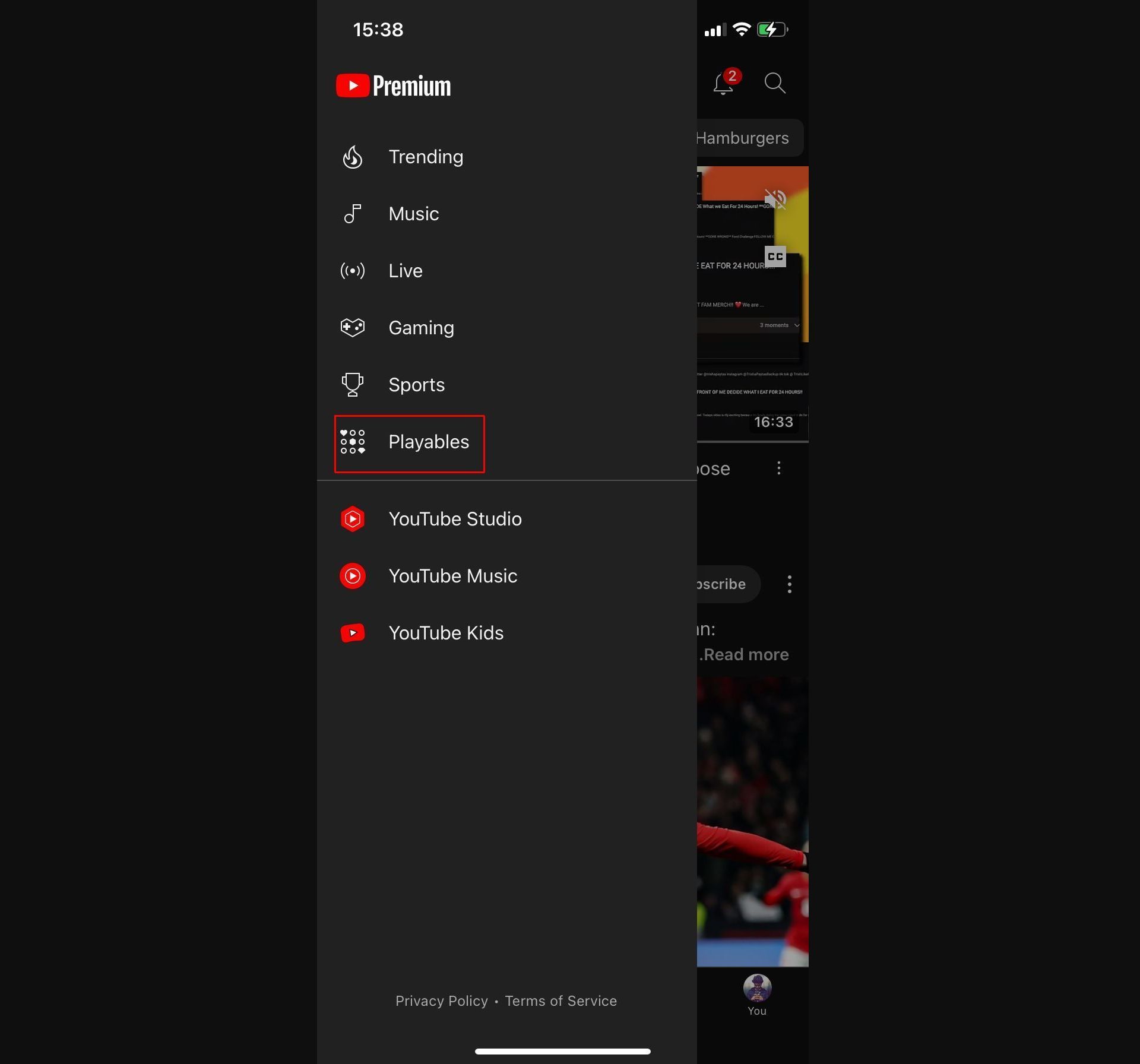
  • Go to the homepage and tap on the little controller icon at the top left.
  • Click on “Playables.”
How to use YouTube AI features
How to use YouTube AI features: YouTube Playables (Image credit)
  • Choose the game you want to play from the available options and dive into the gaming experience!
How to use YouTube AI features
How to use YouTube AI features: YouTube Playables (Image credit)

Comment topics summarizer

Ever found yourself drowning in the vast sea of YouTube comments? Enter the “Comment Topics Summarized by AI” feature, your guide through the online chatter. While it’s currently in limited release, this feature gives us a glimpse into YouTube’s dedication to fostering smarter interactions.
How to use YouTube AI features
Comment topics summarizer can improve the amount of interaction between creators and their audiences (Image credit)

To give it a whirl, you’ll need a YouTube Premium subscription. Keep in mind that YouTube lets you experiment with one feature at a time, so make sure to turn off other experiments. The AI-driven Comment Summaries are up for grabs until December 5th, 2023, and are exclusively accessible on the Android and iOS apps. YouTube’s mission? Transforming comment sections into concise, informative hubs with the assistance of intelligent algorithms. It’s all about making your interaction with comments more streamlined and insightful.

Using the Comment Topics Summarizer feature is quite straightforward. Follow these steps:

  • Click on the video you want to explore the comments for.
  • Navigate to the comments section.
  • Sort the comments by selecting the “Topics” option.

How to use YouTube AI features
How to use YouTube AI features: Comment topics summarizer (Image credit)

In a short summary, YouTube’s new features, Playables for gaming and Comment Topics Summarized by AI redefine the platform’s user experience. Exclusive to YouTube Premium subscribers, these experiments clearly showcase YouTube’s commitment to innovation. Whether gaming seamlessly within videos or navigating comments with AI summaries, YouTube is transforming into a space for active participation. These features offer a glimpse into the future of interactive content, making YouTube more than just a video platform but a dynamic and engaging digital space.

Meanwhile, if you’re curious about how these new AI features came to be, make sure to check out the article we wrote back when the YouTube AI chatbot was in its initial testing phase to get a better grasp of its development.