

If you are trying to see what’s new with the Fortnite v26.10 update in-game, only to realize the Fortnite servers not responding issue, you are far from being alone, and the problem is probably not that serious. Fortnite servers have been down for maintenance, but if your Fortnite servers not responding persists more than it’s supposed to, you can check out right below.
We’ll provide comprehensive steps tailored to PC, PlayStation, Xbox, and Nintendo Switch players to swiftly get you back into the game. Additionally, we’ll delve into the intricacies of the upcoming Fortnite v26.10 update.
We're beginning to disable matchmaking in preparation for the v26.10 update, with server downtime beginning soon.
We’ll let you know when downtime has ended! pic.twitter.com/E8dfNA3E3t
— Fortnite Status (@FortniteStatus) September 12, 2023


How to fix the Fortnite servers not responding issue?
The “Fortnite Servers Not Responding” error is a roadblock to logging in and disables matchmaking. To overcome this hurdle, consider the following detailed steps:
Thorough server status check
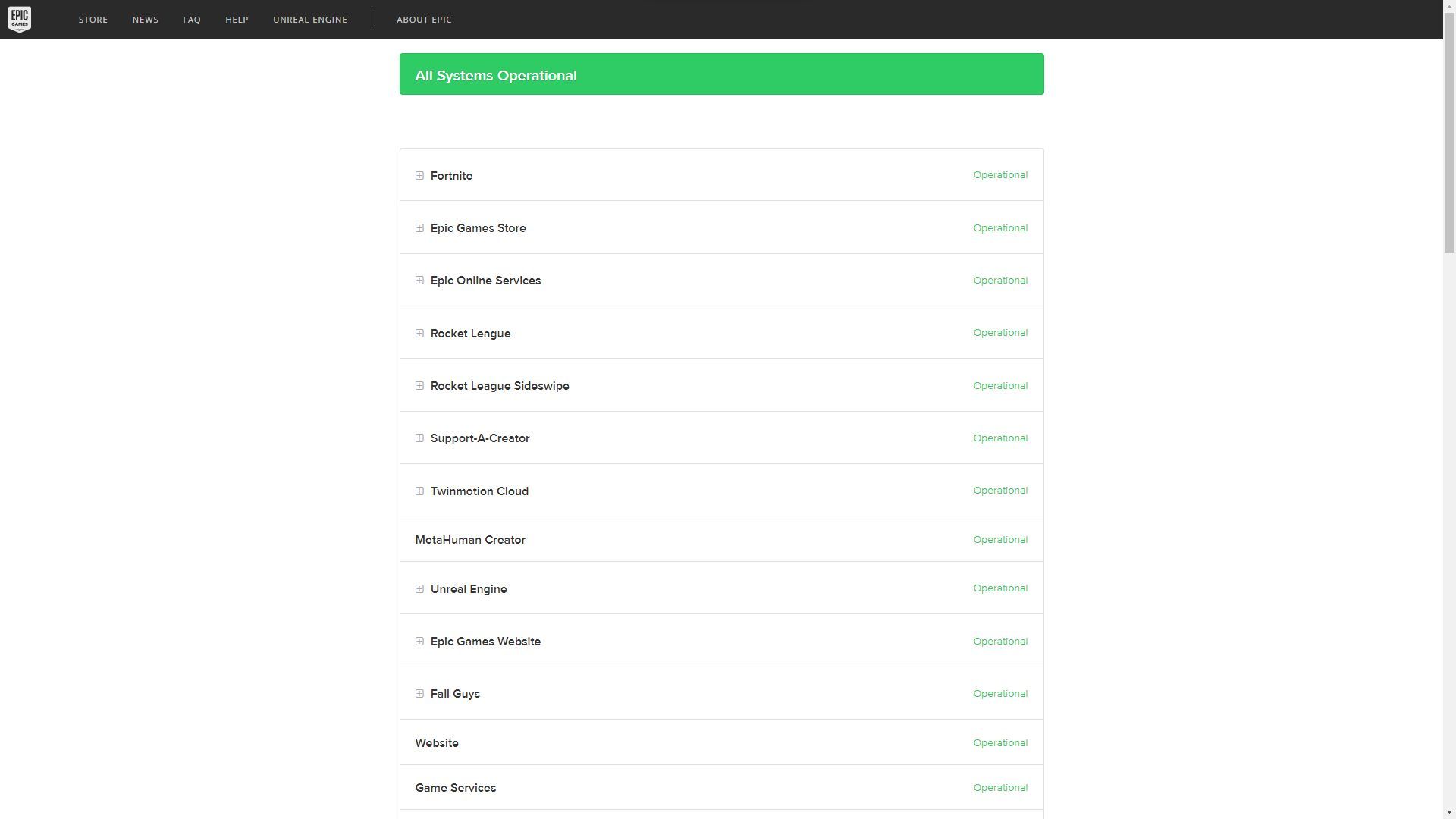
Begin by meticulously examining Fortnite’s server status. If it’s a scheduled maintenance period, there will be a specific downtime duration. After this interval, log in again to verify if the servers are back in action. You can check out the current state of the server status on Epic Games’ dedicated website.
Real-time updates via @FortniteStatus on Twitter
For instantaneous updates on connection issues, head over to the @FortniteStatus Twitter account. This is the hub where developers promptly address concerns regarding parties, matchmaking, and more. Expect them to provide timely updates when services return to their optimal state.
Platform status verification
Occasionally, the root of the issue may not be with the game itself, but rather the platform’s servers. Ascertain whether services like PSN,Xbox Live,Epic’s servers, and Nintendo Network are undergoing downtime. Should this be the case, patience becomes your best ally.
Exhaustive restarting: Router and PC/Console
In certain instances, the issue may originate from the player’s end. Embark on a comprehensive restart by resetting both your router and your PC/console. This thorough process aims to eliminate any lurking bugs. With a clean slate, you stand an improved chance of regaining access to the game. If, however, this endeavor proves futile, consider reaching out to Fortnite Support for personalized assistance.
Fortnite v26.10 patch notes
The highly-anticipated Fortnite v26.10 update for Chapter 4 Season 4 has graced screens today, September 12, 2023. Check out all the information below about the wealth of new additions and refinements:
Toggle zoom DMR
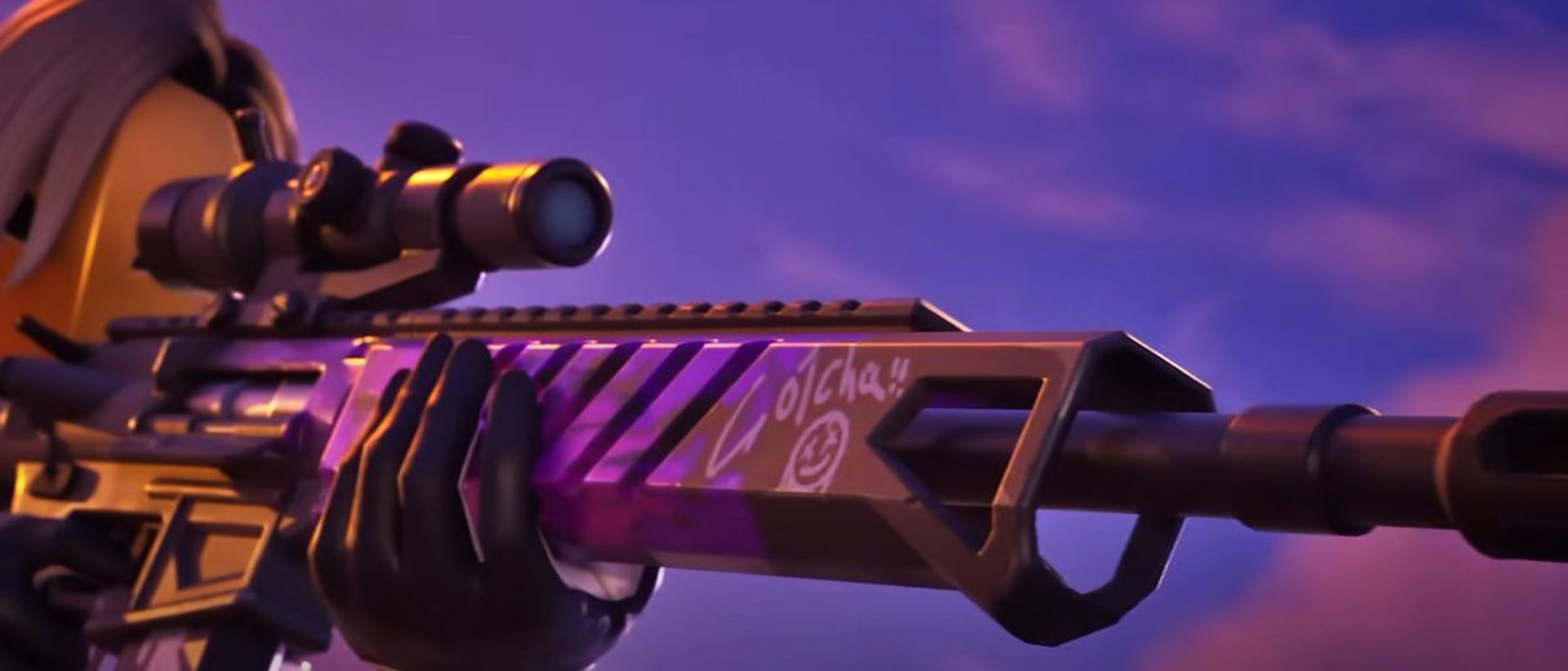
While specifics remain shrouded in mystery, the Toggle Zoom DMR promises to revolutionize long-range combat. This weapon introduces an adjustable zoom mechanic, potentially rendering it equally lethal at mid-range engagements.
Pizza Party
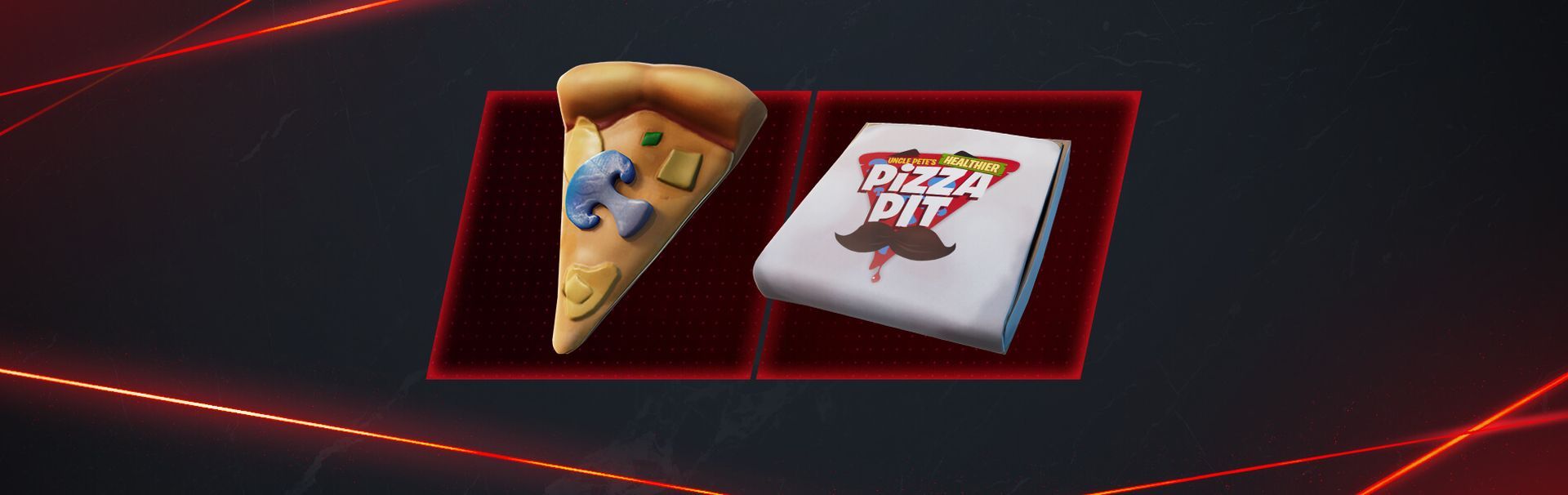
The Pizza Party healing item is poised for a triumphant return, purportedly in celebration of Fortnite’s sixth anniversary. This versatile tool excels at healing entire squads or swiftly restoring health to its peak.
Super Styles
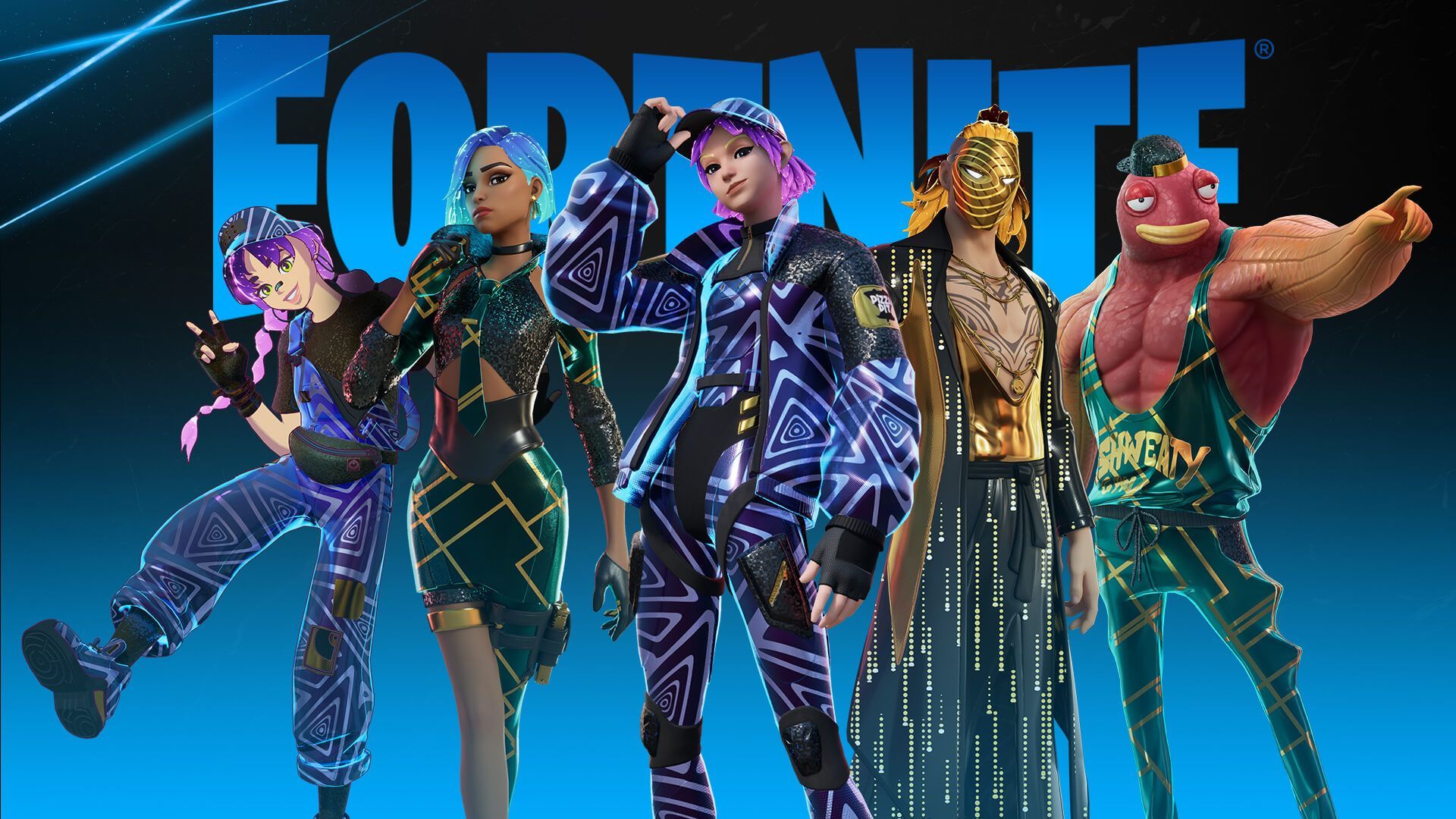
Expect the unveiling of decrypted Super Styles during the downtime. These bespoke styles for existing Outfits in the Battle Pass are eagerly anticipated by the community. The hope is for an array of captivating options to choose from.
New reality augments

Approximately three to four new Reality Augments are poised to be introduced, though the exact selection remains veiled in secrecy. This aligns seamlessly with Epic Games’ established pattern for Chapter 4 updates.
Piper Pace snapshot quests
Following the conclusion of Nolan Chance’s Snapshot Quests, Piper Pace steps into the spotlight. These quests promise to propel the narrative forward, offering insights into the audacious heist gang’s audacious plan to abscond with Kado Thorne’s coveted time machine.
Targeted bug fixes
Despite the overall stability of Chapter 4 Season 4, a few lingering issues have irked players. Epic Games addresses these concerns with a dedicated bug fix rollout accompanying the Fortnite v26.10 update. Here is the list of fixes:
here’s the list:
Locker issues:
- Beautiful Bow Emoticon missing
Battle Royale issues:
- Auto-run when pressing alt+tab
- The Vault display case can be impossible to interact with
- Gold bars spent may not count towards progression
- Survivor Medal bonus goals related issues
- Heist music may play until the end of a match
Mobile and Cloud Gaming issues:
- Gyro control on android devices have X and Y axis reversed
- Water may not appear for some players
- Weak spots may not appear
Navigating Fortnite server issues demands patience and a comprehensive approach. By adhering to these detailed steps and staying tuned to @FortniteStatus, you’re poised for a swift return to the fray. Moreover, the imminent Fortnite v26.10 update promises a wealth of enhancements, ensuring an even more captivating gaming experience.
Meanwhile, if you ever need help with the game, make sure to check out our articles on it, such as the one on how to get the Dragon Breath Sniper.
Featured image credit: Epic




