
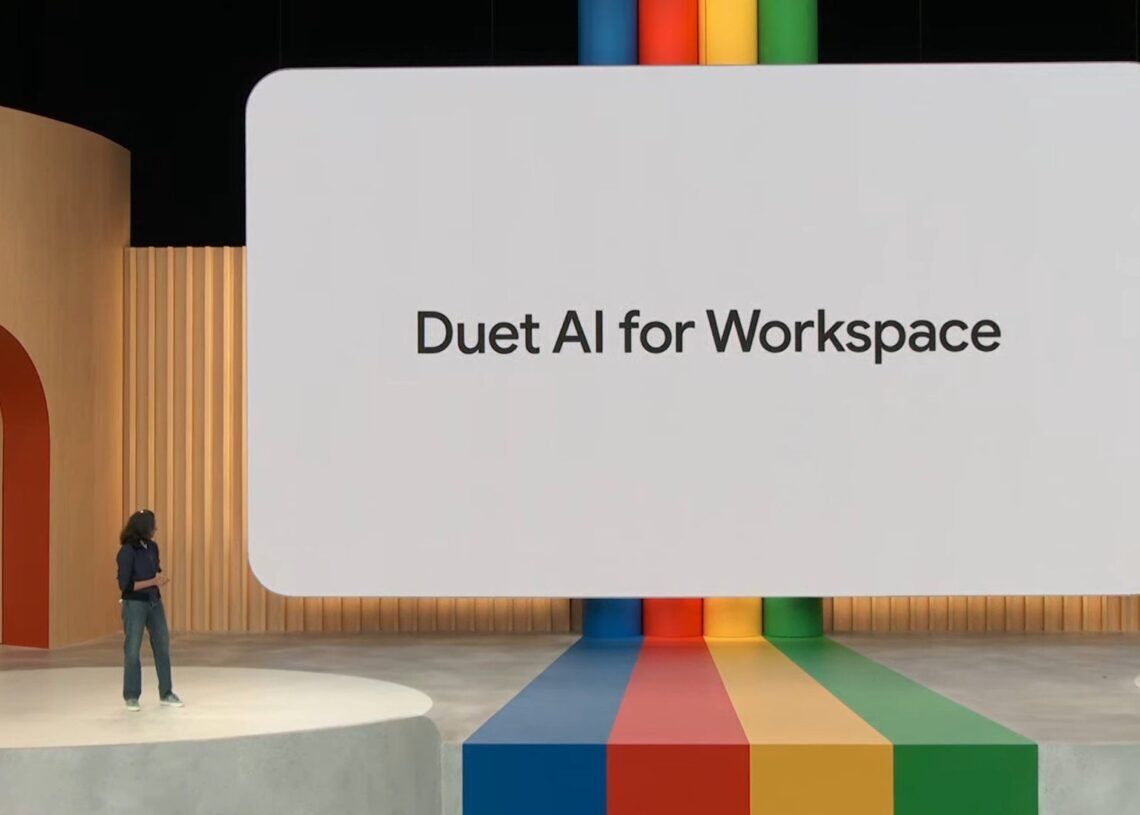

In a significant leap towards the forefront of generative AI, Google unveiled its groundbreaking technology,Duet AI, at the Cloud Next 2023 event. This innovation promises to revolutionize your experience with Workspace, offering a versatile array of features designed to streamline tasks and enhance productivity.
In this article, we’ll guide you through the process of effectively harnessing the power of Duet AI in your daily workflow.
Understanding Google Duet AI
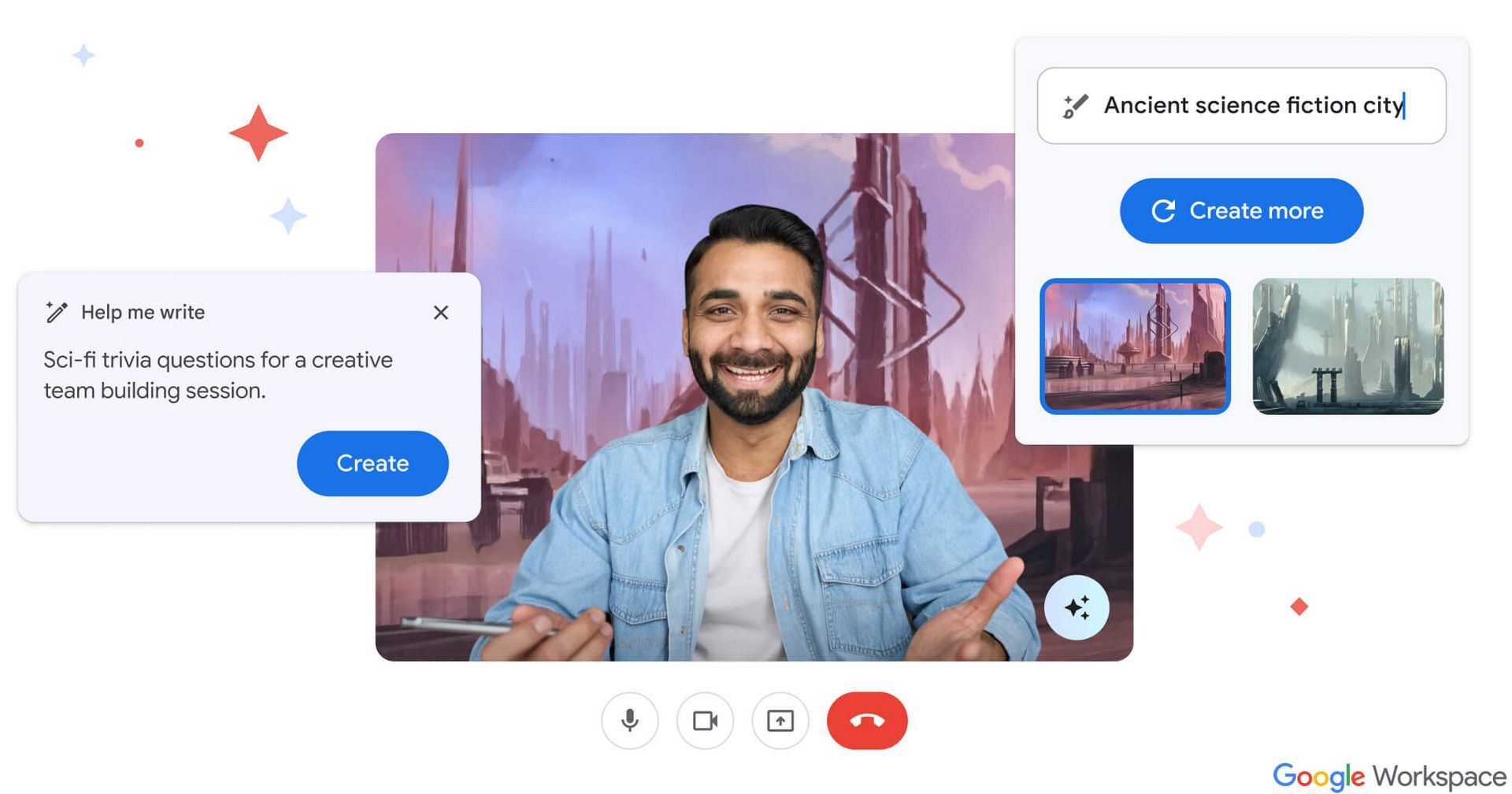
Google’s latest addition to its suite of Workspace apps, Duet AI, is poised to become your all-in-one digital companion. This remarkable AI assistant is capable of a wide range of tasks, from drafting emails to creating presentations, translating languages, and providing insightful responses to your questions. It’s a Swiss army knife for Workspace, designed to make your digital interactions more seamless and efficient.


Seamless integration: The key advantage
One of the standout features is its seamless integration with Workspace apps. Say goodbye to the hassle of manual copying, pasting, and exporting between different programs. This integration ensures a smoother and more efficient workflow, allowing you to make the most of Duet AI’s capabilities.
Email efficiency
Imagine being a financial analyst facing a tight deadline for a presentation. Instead of scrambling through various documents, Duet AI can step in with a simple request like “create a summary of Q3 performance.” Witness how it effortlessly generates a comprehensive presentation, drawing from relevant content in your Drive and Gmail. This is a game-changer for professionals seeking to optimize their time and output.
Enhancements in Meet
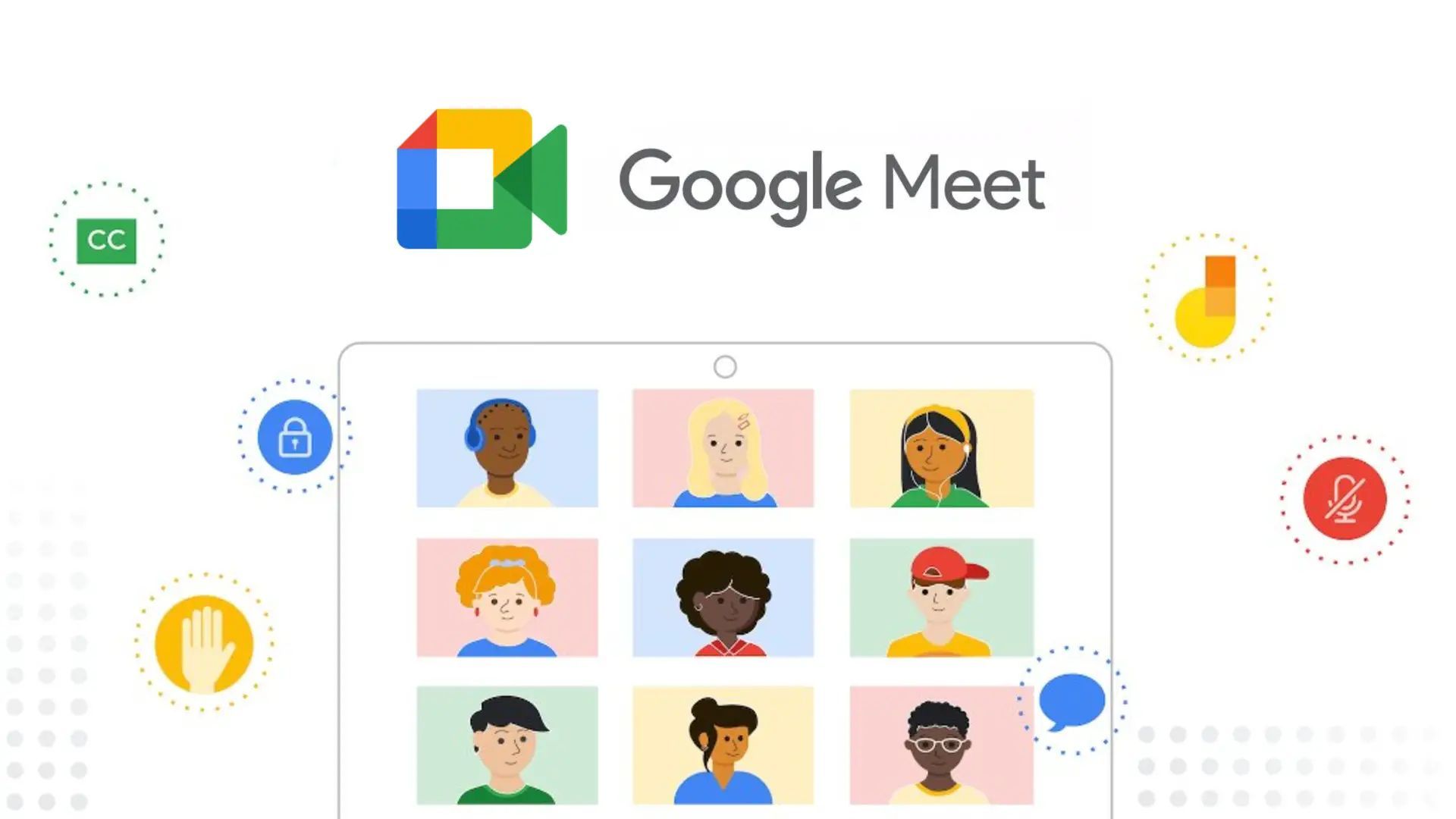
Google has fortified Meet with an array of new features, ensuring seamless communication regardless of location or technical setup. These include the introduction of studio-quality video and audio, dynamic tiles with face detection, and automatically translated captions available in 18 languages. Additionally, Duet AI can take notes and provide a summary of meetings, enabling you to stay fully engaged and informed.
Collaboration elevated in Chat
Chat is a versatile collaboration tool integrated with Workspace. Its refreshed user interface, enhanced shortcuts, and improved search functionality facilitate smoother conversations and document sharing. The ability to communicate directly with Duet AI further streamlines tasks like summarizing documents and answering queries. This integration empowers teams to collaborate effectively, even when dispersed geographically.
Safety measures: Protecting your data
Addressing concerns about data security, Google places a premium on user privacy and security. Interactions with Duet AI remain strictly private, with no data shared or used for training models without explicit consent. The company has also introduced additional security features to safeguard against cyber threats, ensuring that your valuable information remains protected.
In-depth look at its capabilities
Duet AI’s versatility extends beyond the individual apps within Workspace. It’s a powerful tool for a wide range of tasks. For instance, it can assist with translating languages, offering a boon for international collaboration. Additionally, its ability to answer questions comprehensively and generate responses from available data is a testament to its intelligence.
Furthermore, it can be utilized to enhance your efficiency in organizing and managing files withinDrive. With its ability to recognize context and generate relevant suggestions, you can expect a more streamlined approach to file organization.
How to use Duet AI in Workspace
Duet AI’s integration into Workspace opens up a world of possibilities for enhancing your productivity. To make the most of this powerful tool, follow these step-by-step instructions:
1. Accessing Duet AI:
- Start by visiting the official webpage. Ensure that you’re logged in to your Google account for seamless integration.
2. Initiating the trial:
- Once on the webpage, locate and click on the “Try Duet AI” button. This initiates your trial period, allowing you to explore its features without any initial cost.
3. Inputting information:
- On the right side of your screen, you’ll find input boxes. These are where you can provide context or specific requests.
4. Submitting your request:
- After filling in the necessary information, click on the “Submit” button. This sends your request to Google, and they will respond promptly.
5. Exploring its capabilities:
- Familiarize yourself with Duet AI’s capabilities across various Workspace apps. From drafting emails to generating presentations and providing insightful answers, it is designed to enhance your efficiency.
6. Optimizing Gmail:
- In Gmail, Duet AI becomes a valuable assistant for managing emails. For instance, imagine receiving a complex request from your boss. Instead of sifting through multiple documents, you can simply ask it to create a summary, and watch as it compiles the information you need.
7. Leveraging it in Meet:
- Make the most of Meet’s enhanced features with the new tool. Experience studio-quality video and audio, dynamic tile displays, and automatically translated captions. It also steps in to take notes and summarize meetings, ensuring you stay fully engaged.
8. Efficient collaboration in Chat:
- Chat, integrated with Workspace, becomes a more powerful collaboration tool with Duet AI. Enjoy an intuitive interface, quicker messaging, and improved search capabilities. Communicate directly with it for tasks like summarizing documents and answering questions.
Remember, the true potential of this new AI tool is best realized through consistent use and exploration. Experiment with different requests and discover how it can significantly streamline your workflow across Workspace. As you become more accustomed to its capabilities, you’ll find yourself relying on it for an array of tasks, from drafting emails to generating insightful responses and managing your documents effectively.
Duet AI is set to redefine your experience within Workspace. With its multifaceted capabilities and seamless integration, it’s poised to become an invaluable tool in your digital arsenal. Embrace this new era of productivity and efficiency, knowing that your data remains secure and your tasks streamlined, and elevate your productivity and redefine the way you work.
Featured image credit: Google




