

Final Fantasy XIV (FFXIV) has captured the hearts of gamers worldwide. However, not being able to locate the FFXIV screenshot folder after capturing their in-game triumphs has rightfully upset many players. As thanks to the game’s immersive gameplay and stunning graphics, players often seize the opportunity to record their proudest moments through screenshots, the inability to do so takes away the joy of saving the moment or showing it off.
No worries though. Below, we will explain the folder path that leads to the FFXIV screenshot folder on both PC and PlayStation platforms.
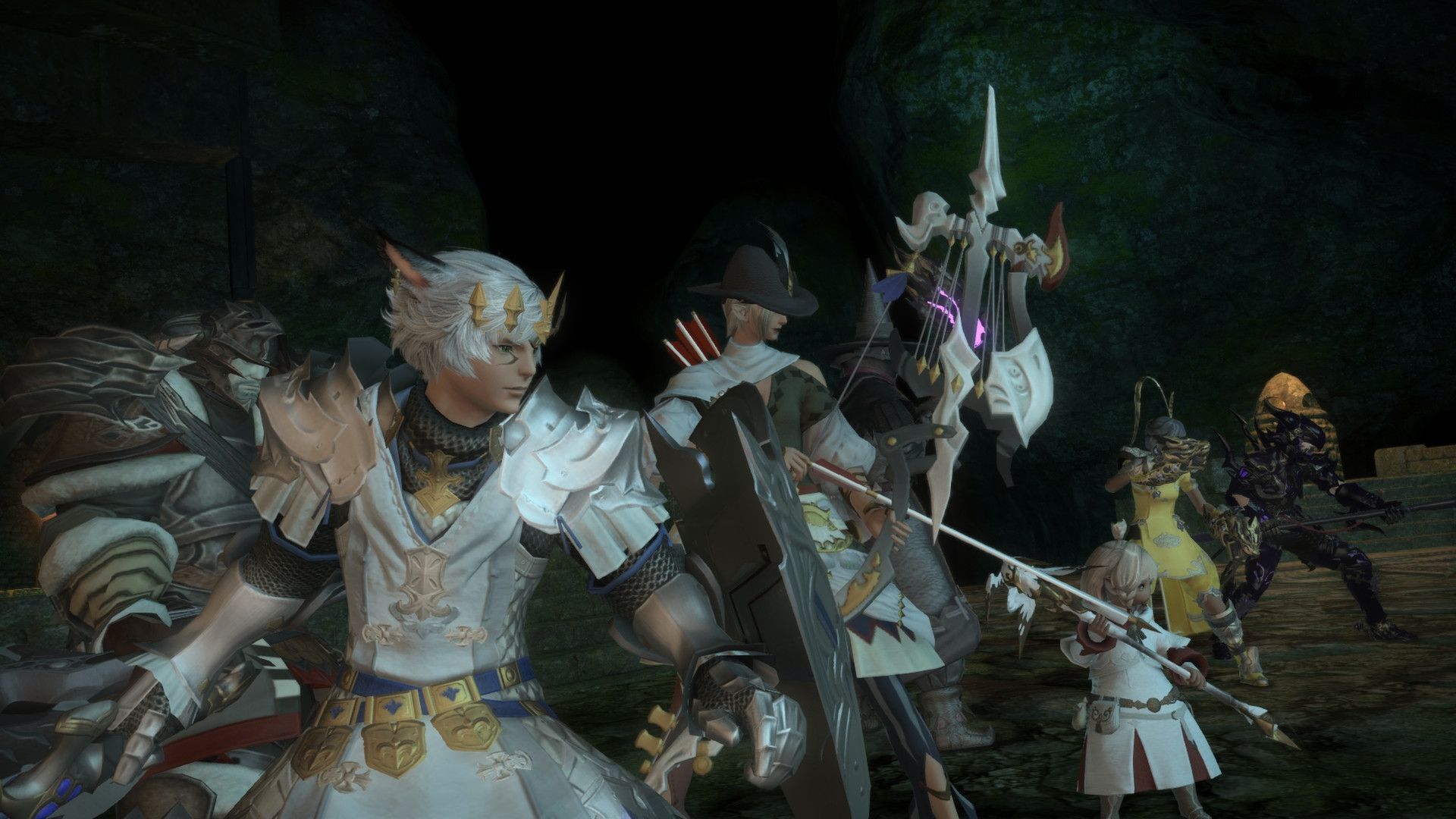
The location of the FFXIV screenshot folder on PC
For those traversing the realm ofEorzea on a Windows PC, the default key for taking screenshots is bound to the PrtSc (Print Screen) key. However, should you desire to alter this key binding, you may do so in the Keybinds settings accessible by pressing ESC. Now, let us find the way to the exact location of FFXIV screenshot folder:



- Begin your journey by pressing the Windows+E keys in unison, unveiling the sacred paths of File Explorer.
- Venture forth into the domain of Documents, nestled on the left side under This PC.
- Continue your pilgrimage to My Games>FFXIV>Screenshots. Within this hallowed chamber, you shall find the treasure trove of screenshots you have taken on your noble quests.
The location of the screenshot folder may also be verified by selecting the Other Settings tab in the System Configuration menu. There, the intrepid adventurer can utilize the Change Folder button to modify the default screenshot storage location to their preference.
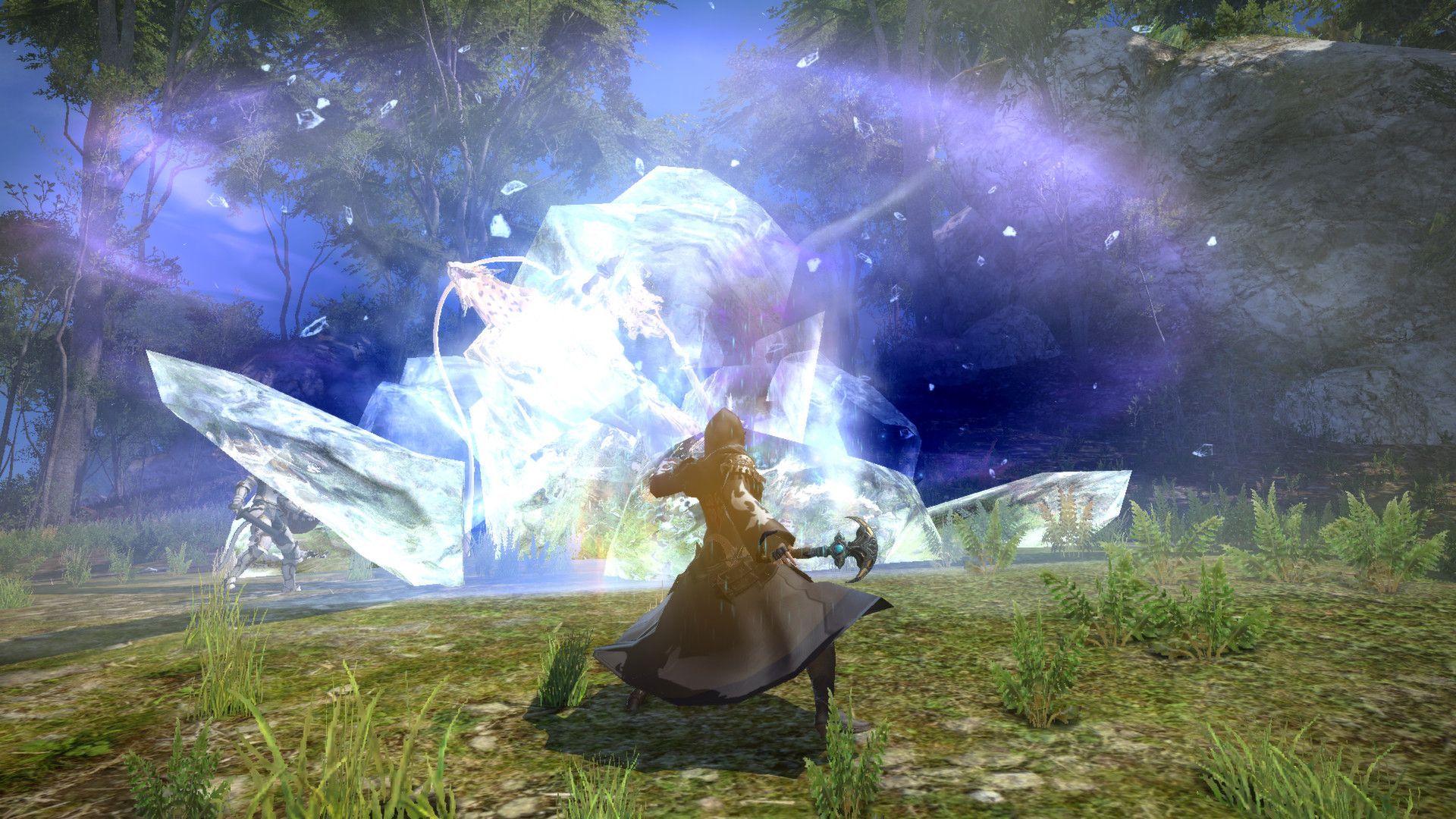
The location of the FFXIV screenshot folder on PlayStation
No worries for PlayStation users either. The route to the FFXIV screenshot folder on your console is also clear. On the PlayStation platform, screenshots can be captured using the share button on your controller. These cherished moments are safely stored within the PS Capture Gallery found within the Library app.
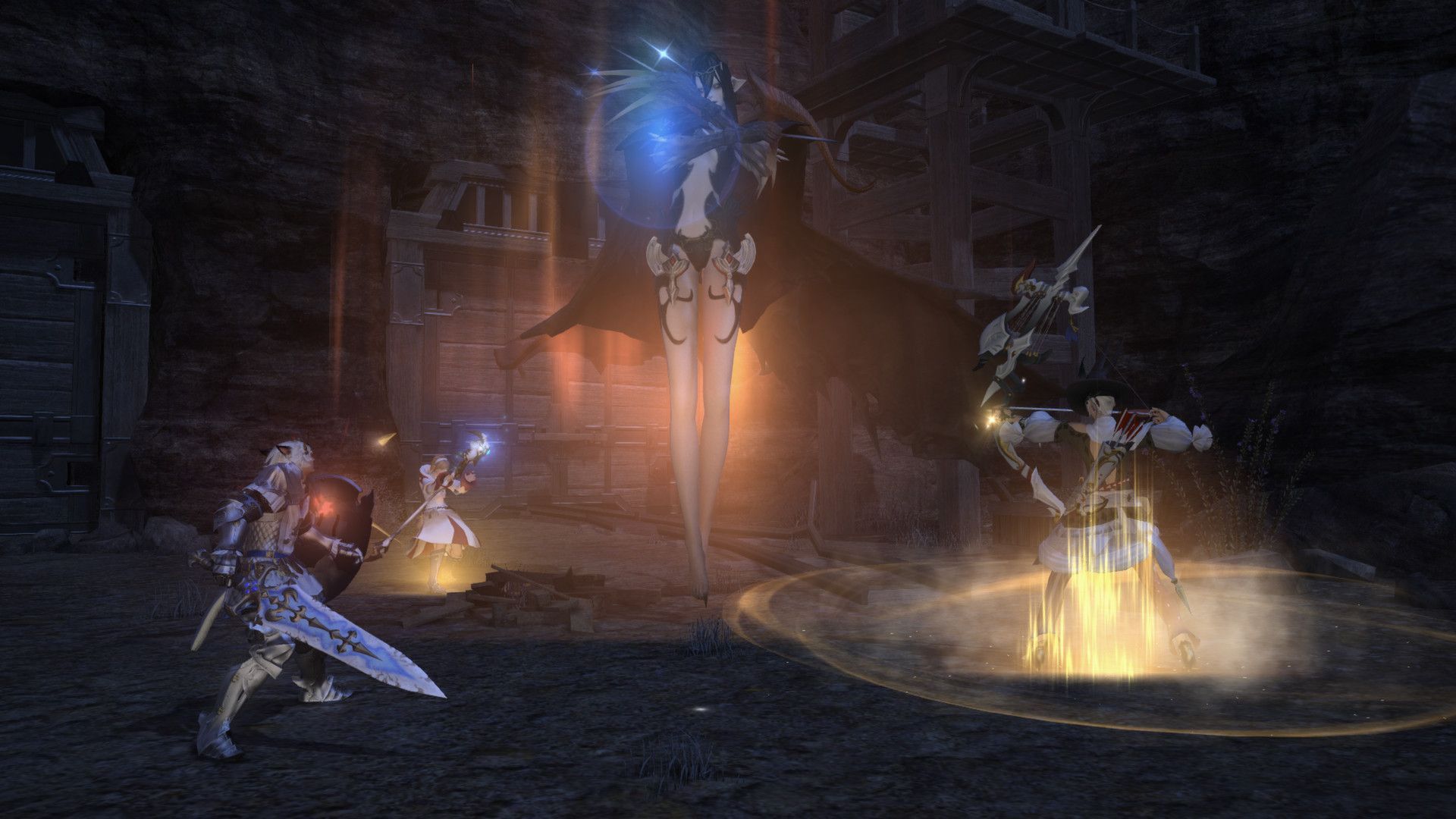
How to fix the Screenshot Failed error
In the world of FFXIV, where epic battles take place and captivating stories unfold, even the bravest heroes can encounter the “Screenshot Failed” error. If this frustrating issue happens to you, don’t worry, there are solutions available to overcome it. Temporarily disabling third-party antivirus software might prove beneficial in rectifying this issue. Should the problem persist, ensure your games are updated and any required patches are installed, for a well-maintained realm is a realm of stability and triumph.
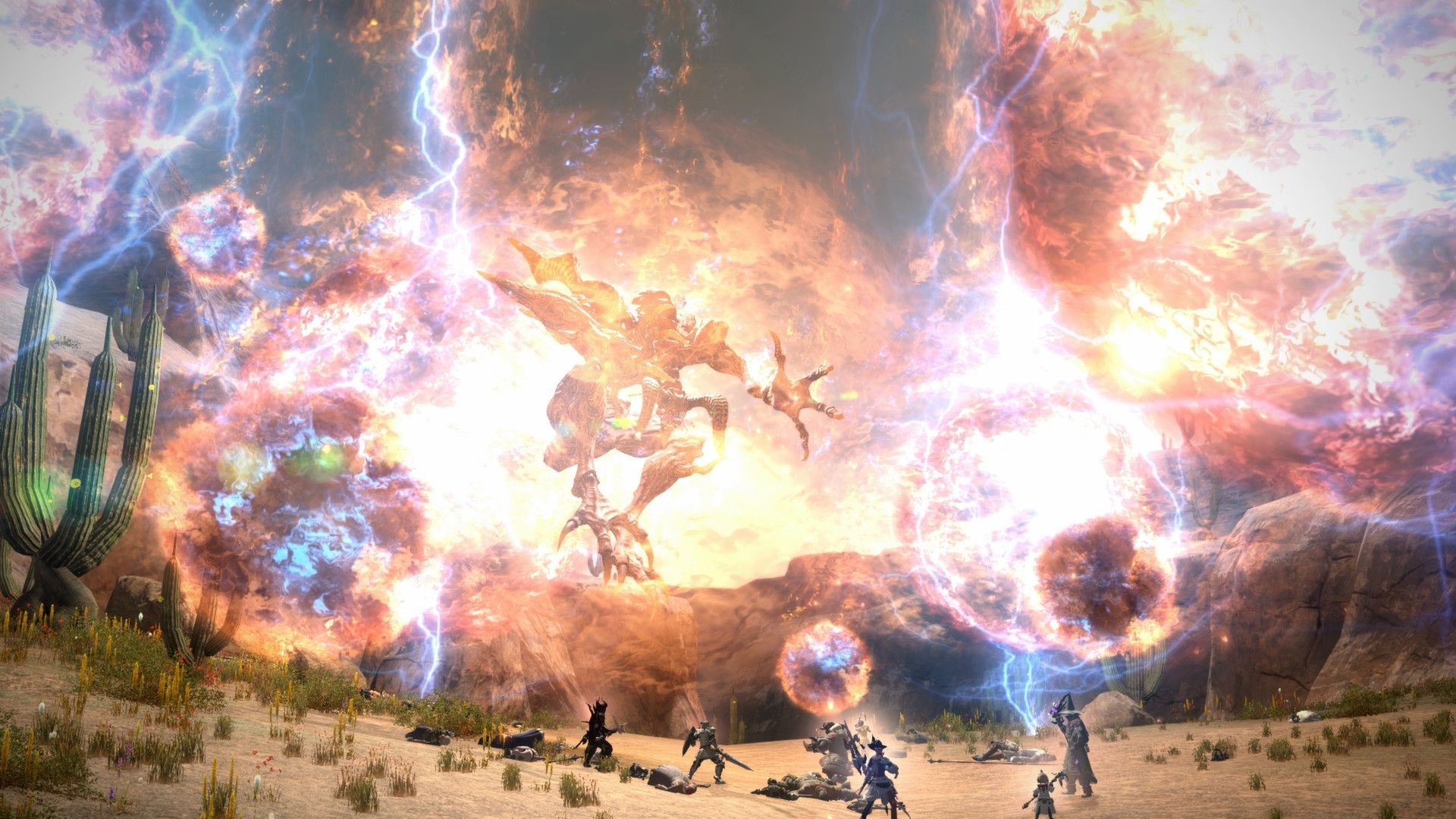
Armed with the knowledge of the FFXIV screenshot folder’s abode on Windows PC and PlayStation, you can confidently capture your finest moments on your digital escapades. And should misfortune strike, remember that the digital universe holds tools to recover lost treasures and safeguard cherished memories. With your screenshot mysteries unraveled, may your adventures in Eorzea continue to be filled with joy and wonder.
If you are a dedicated fan of the franchise, make sure to check out how the Final Fantasy 14 Fan Festival united fans with the famous grapes.
Featured Image Credit: PlayStation




