

This post is intended for you if you are one of those who are having problems with the Fifa 23 Ultimate Team not working. To find answers to all your questions, stick with us.
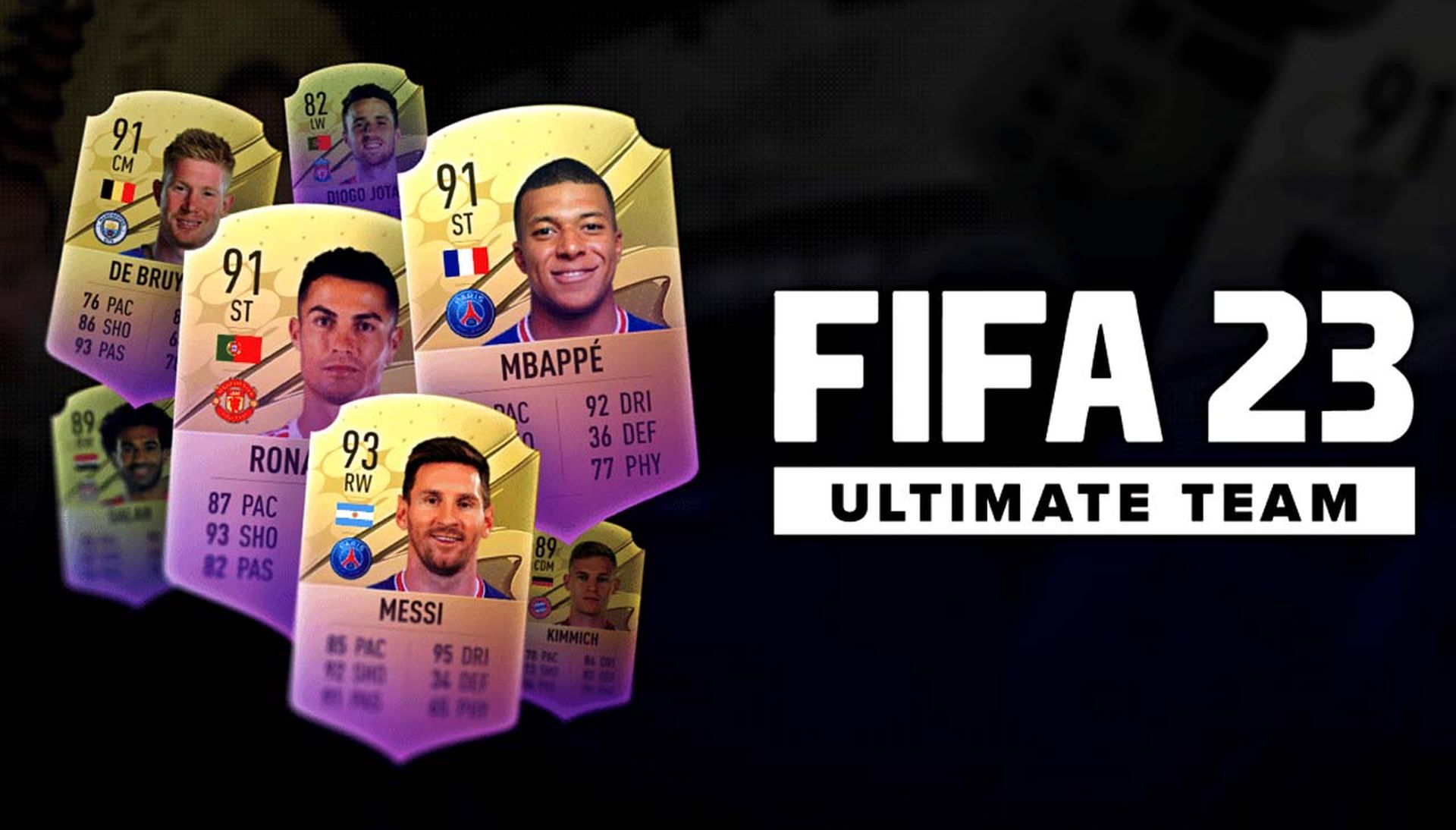
FIFA 23 Ultimate Team, the highly anticipated installment of the popular football video game franchise, once again offers players an exhilarating experience in the realm of virtual football management. Developed by EA Sports, this latest edition introduces a plethora of exciting features and improvements, immersing gamers in the thrilling world of building and managing their dream team.
With an extensive selection of players from various leagues and eras, enhanced gameplay mechanics, and engaging online competitions, FIFA 23 Ultimate Team promises to deliver an unparalleled and addictive gaming experience for both football enthusiasts and avid gamers alike. With this article, you can learn how to fix Fifa 23 Ultimate Team not working issue. Let’s dive into it!

How to fix FIFA 23 Ultimate Team not working error?
Start with these fast fixes and checks to fix FIFA 23 Ultimate team not working error:
- If you haven’t done so recently, restart your computer and any networkdevices (modem and/or router).
- If you’re using a VPN or proxies, disable them on your computer.
- Make sure your computer satisfies FIFA 23’s minimum system requirements.
- Check to see if other games and applications are functioning correctly with your internet connection.
If you still experience FIFA 23 Ultimate Team not working issue, try these other fixes:
- Reactivate network settings
- Reinstall the network driver
- Utilize Google DNS.
Let’s have a closer look at them!
Reactivate network settings
Your PC has a dozen preset and saved network settings. We encourage you to reset these network settings and see whether you can connect to FIFA 23 Ultimate Team without experiencing any issues, even if all other applications and games connect to the internet smoothly.
Type Command Prompt into the Windows search box, then choose this tool.
Enter after each of the following commands that you type in separate lines:
- ipconfig /flushdns
- ipconfig /registerdns
- ipconfig /release
- ipconfig /renew
- netsh winsock reset
Finally, restart your PC.
Reinstall the network driver
To connect to the internet via your home network, every network adapter, whether integrated or external, needs a driver. To enhance performance and incorporate additional security measures, these drivers have been updated. Update your network driver to fix FIFA 23 Ultimate Team not working error.
- Open this tool by typing DeviceManager into the Windows search box and clicking the results.
- To expand the Network Adapters area, double-click on it.
- Updatethe driver by selecting it from the context menu of your internet adapter.
In the UpdateDriverWizard, choose the option to automatically search for drivers. - Once the drivers are located, install them.
- Close the Wizard and DeviceManager if no drivers are discovered, then use another driver updater program.
- Reboot your computer.
Use DriverFix if you find this to be a pain and you frequently forget to check for driver updates. By doing this, you can be sure that a huge database is used to routinely update and monitor your drivers.
Utilize Google DNS
When you connect to the internet, Windows allocates DNS server addresses automatically. However, this might lead to network-related issues, therefore it is recommended to utilize dependable Google DNS.
- Open the Run dialog by using the Windows Key + R shortcut, type control, and click OK.
- Under Network and Internet, choose View network status and tasks.
- Select Change adapter settings byclicking.
- Select Properties by right-clicking your internet network.
- The wifi connection is shown by the green signal symbol.
- A wired network is identified by the cable icon.
- Internet Protocol Version 4 (TCP/IPv4) should be double-clicked.
- Enable The preferred DNS server address is 8.8.8.8,
- while the alternate DNS server address is 8.8.4.4.
- Click OK to restart your computer.
Numerous gamers claim that they are still unable to play FIFA 23 Ultimate Team even after implementing all the patches and remedies. If you have done everything up to this point and the Fifa 23 Ultimate Team not working issue still exists, try the following:
Speak with your ISP
Sometimes the issue is not with you or the EA servers, but with the network that connects you. Find the support team’s phone number, give them a call, and explain the matter. You may find it on the back of your monthly internet bill or in the email (if you receive your bill digitally).
Unsubscribe from Fantasy FUT players
Some gamers claim that the problem was resolved by eliminating Fantasy FUT players from their roster. Use this as a workaround until EA fixes the flaw so you can play with FUT players in your team. If it solves the problem, you may use this as a temporary solution.
Make sure FIFA 23 has network access
Disable Windows Defender and your antivirus program, then see if you can connect to the FIFA 23 game. If so, reactivate the protection and add FIFA 23 to the whitelist in Windows Defender and your antivirus program.
These were the best fixes for FIFA 23 Ultimate Team not working error. If you’re still having problems, get in touch with EA support. In the comment area, please let us know if you require any more help.
Check out how to do a power tackle in FIFA 23: Hard slide and strong standing tackle.




