

If you are facing the WoW BLZ51903006 error, we are here to help you. Only some players are impacted by this strange connectivity problem. And even if the majority can enjoy the game, some of them are missing out. However, there are a few things you can do to fix it, which is a blessing. Learn about the WoW BLZ51903006 issue in this guide, along with instructions on how to resolve it.
WoW BLZ51903006 error: How to fix it?
According to Blizzard, the WoW BLZ51903006 is a common error you see when having connection problems. But many of the solutions that work also have nothing to do with your connection. Here are some tips to assist you fix this issue and resume World of Warcraft play. We appreciate user Emkasslo on the Blizzard Forums for posting these fixes before we check them. Follow these steps to fix the WoW BLZ51903006 error:
- Run the game from Wow directory
- Delete Blizzard cache
- Delete Battle.net folder
Run the game from Wow directory
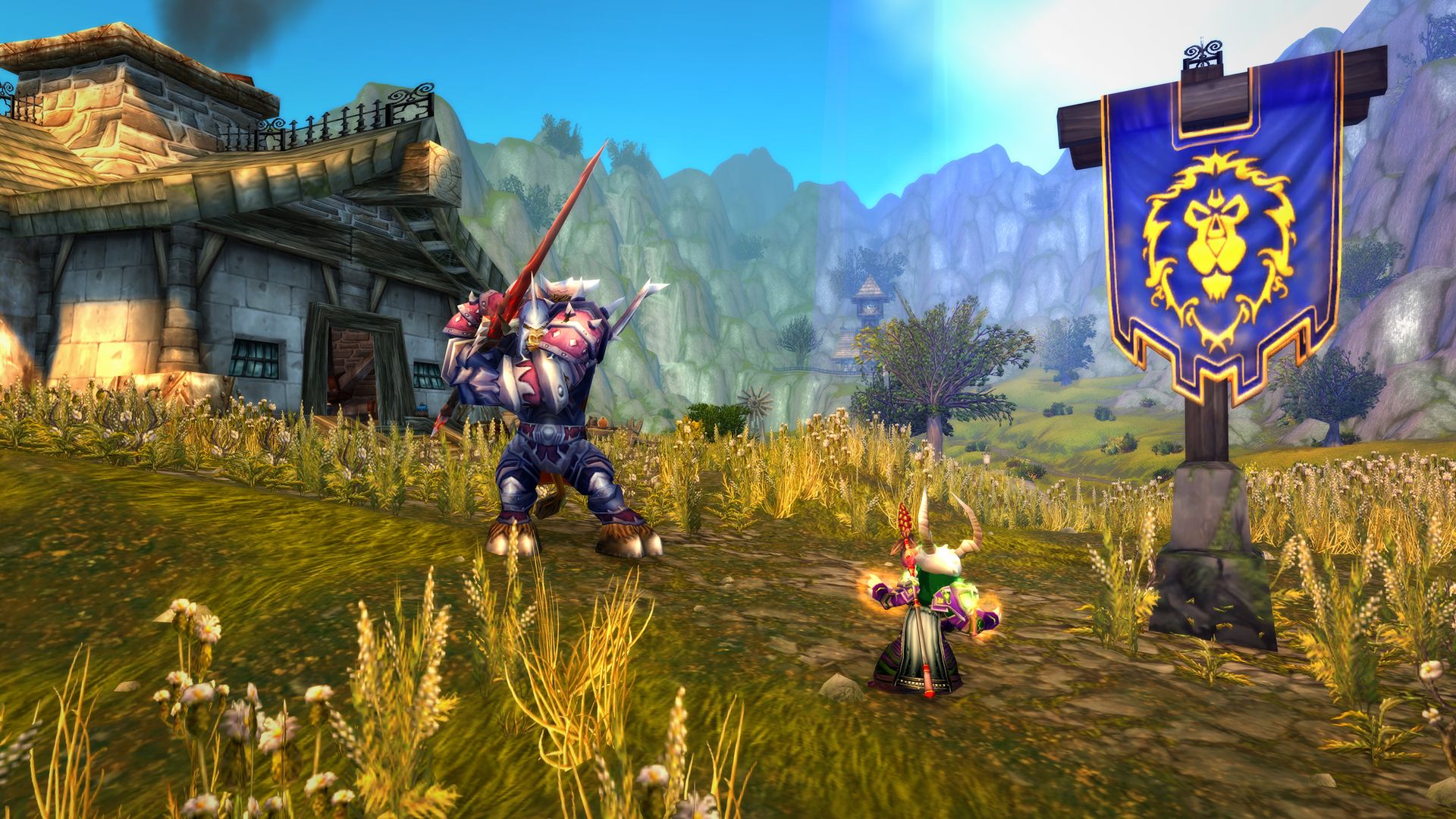
This WoW BLZ51903006 error message may occasionally appear when using the launcher to run games on Battle.net. Open the game directory instead, then use the WoW-64.exe or WoW.exe files to start the game.

Delete Blizzard cache
- Start by shutting down Battle.net Launcher and World of Warcraft.
- When the Run dialogue box appears, input %ProgramData% and press Enter.If a Blizzard
- Entertainment folder appears, select it and press the Delete key. Additionally, you can completely delete it by pressing Shift + Delete.
- However, in case you need to restore it, try removing it to the recycle bin.
- Launch Battle.net again, then try to access World of Warcraft.
Delete Battle.net folder
- Close Battle.net and World of Warcraft once more. You may also terminate them straight from the Task Manager.
- Press Windows + R again, type %ProgramData%, and press enter.
- Find the Battle.net folder and remove it now.
- Play WoW after restarting the launcher, and you shouldn’t have the BLZ51903006 problem.
I can’t fix the WoW BLZ51903006 error: Try these bonus solutions
If the above fixes don’t work then you can also try resolving it using these tricks:
- Reboot your modem
- Try closing background apps
- Check pending driver updates
- Reinstall the game
Reboot your modem
This approach ought to be quite beneficial because the WoW BLZ51903006 error is generally related to a connection problem. If you play World of Warcraft wirelessly, just restart your router. Alternatively, you can try unplugging and replugging the Ethernet cable if you’re using a wired connection to play.
Try closing background apps
Your internet can be being slowed down by background-running applications. To see whether you still have the WoW BLZ51903006 error, try closing them and then launching the game.
Check pending driver updates
Whether it be your graphics or network drivers. If there are any updates available for them, you should check. Play World of Warcraft after updating them, if necessary.
Reinstall the game
You may also benefit from this straightforward fix. Remove the game first, then Battle.net, from your computer. Reinstall both of them after deleting and purging all of its files. Try playing WoW after the game has installed, and you shouldn’t face the WoW BLZ51903006 error.
Conclusion
We hope you were able to fix the WoW BLZ51903006 error. Have you started playing WotLK Classic? Well, if you did you might like our article explaining the WotLK starting zones, Howling Fjord or Borean Tundra.




