Skip to content
TechBriefly
  • Tech
  • AI
  • Crypto
  • Business
  • Gaming
  • How to
  • About
    • About TechBriefly
    • Terms and Conditions
    • Privacy Policy
    • Contact Us
    • Languages ›
      • 中文 (Chinese)
      • Dansk
      • Deutsch
      • Español
      • English
      • Français
      • Nederlands
      • Italiano
      • 日本语 (Japanese)
      • 한국인 (Korean)
      • Norsk
      • Polski
      • Português
      • Pусский (Russian)
      • Suomalainen
      • Svenska
  • Tech
  • AI
  • Crypto
  • Business
  • Gaming
  • How to
  • About
    • About TechBriefly
    • Terms and Conditions
    • Privacy Policy
    • Contact Us
    • Languages
      • 中文 (Chinese)
      • Dansk
      • Deutsch
      • Español
      • English
      • Français
      • Nederlands
      • Italiano
      • 日本语 (Japanese)
      • 한국인 (Korean)
      • Norsk
      • Polski
      • Português
      • Pусский (Russian)
      • Suomalainen
      • Svenska
  • Home/How to/Overwatch 2 PS5 login error: How to fix it?

    Overwatch 2 PS5 login error: How to fix it?

    OW2 OWL tokens not showing up: How to fix it?
    Aykut Göker Aykut Göker · October 5, 2022, 12:20 ·4 min read

    Today we explain how to fix Overwatch 2 PS5 login error. It goes without saying that having a game available at all times is best for it. The game should never be inaccessible, according to both gamers and the creators.

    Here are some suggestions to get you started if you are playing on a PlayStation 5 and have difficulties logging in to Overwatch 2 with a failed to login problem.
    Overwatch 2 PS5 login error: How to fix it?
    Overwatch 2 PS5 login error: How to fix it?

    Check out Overwatch 2 account merge not working: How to fix it?
    You Might Also Like
    How to FaceTime with Android and PC users in iOS 15?
    How to FaceTime with Android and PC users in iOS 15?
    21 September 2021
    What is an NFT and why is it revolutionizing the world of collectors
    What is an NFT and why is it revolutionizing the world of collectors?
    17 March 2021
    How to adjust RAM usage in Microsoft Edge?
    How to adjust RAM usage in Microsoft Edge?
    30 April 2024

    Overwatch 2 PS5 login error: How to fix it?

    First, chances are that a server issue is to blame if you are experiencing trouble logging into Overwatch 2 on your PS5. Overwatch 2 ran into numerous issues right after launch, including disconnections and missing equipment for players.

    Installing the alternate version and attempting this instead is one of the methods individuals have discovered to get past the login error in addition to waiting for the problem to be fixed. The PS4 and PlayStation 5 versions are available for installation on the PS5.
    Overwatch 2 PS5 login error: How to fix it?
    Overwatch 2 PS5 login error: How to fix it?

    You are utilizing the PS4 version of Overwatch if you upgraded Overwatch 1 before Overwatch 2 was released. You probably have the PS5 version if you downloaded the game from the store. By launching the game and checking the currently visible logo, you may determine which it is at the moment. By searching for Overwatch 2 Beta in the PlayStation app on your phone, you can access the PS4 version.

    Although having to download the game twice is not ideal, fortunately, problems of this nature are typically resolved rather quickly. You can switch between both game versions, sign in with your PlayStation Network account, and possibly gain access to the servers. I’m hoping Blizzard can work out the bugs that plagued Overwatch 2 in its early stages.

    On October 4, Overwatch 2 will be accessible on PC in addition to PS4, PS5, Xbox One, Xbox Series X|S, and Nintendo Switch.

    Check out Overwatch 2 watchpoint pack not working: PS5, PS4, Xbox, and PC fix
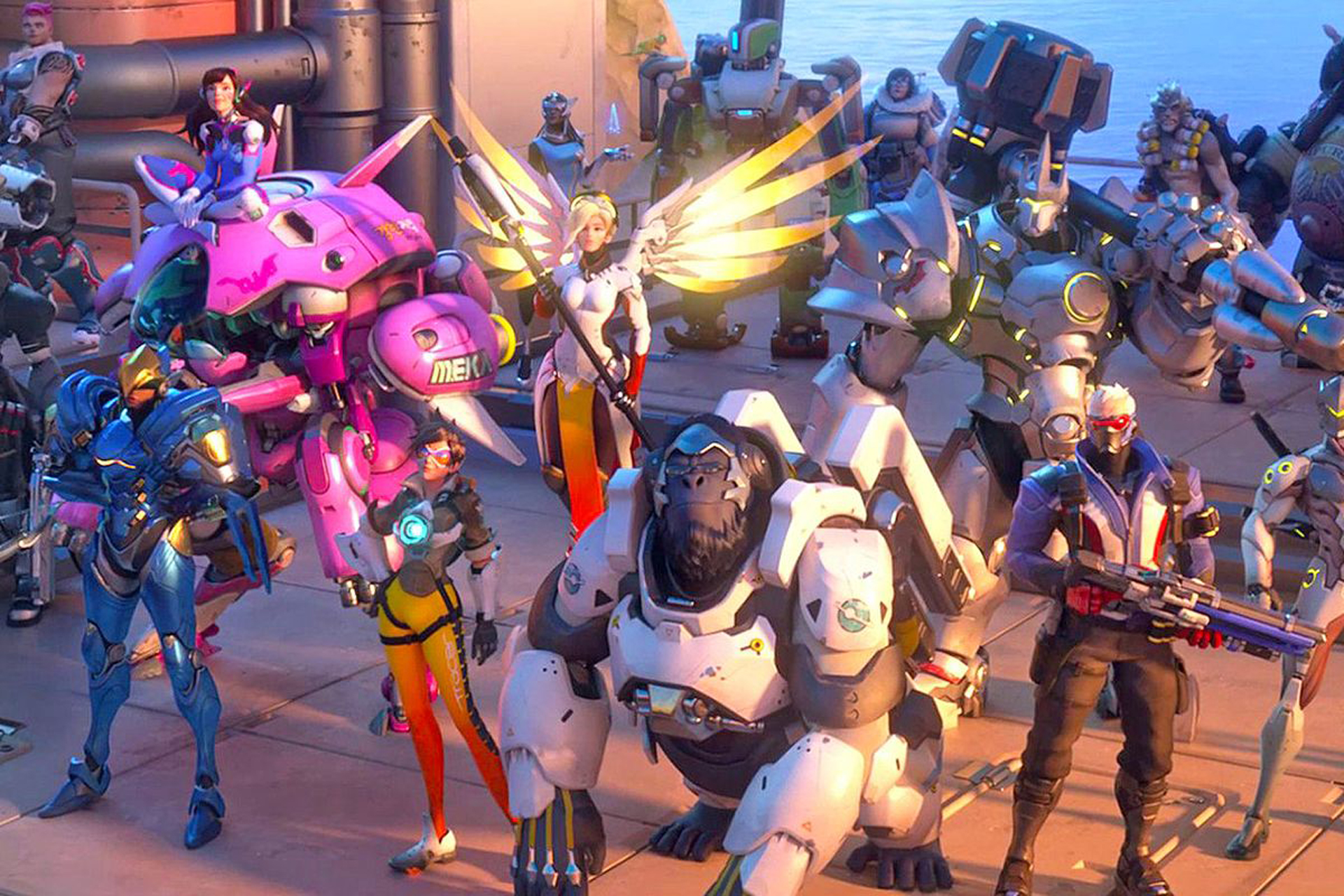
    Overwatch 2 PS5 login error: How to fix it?
    Overwatch 2 PS5 login error: How to fix it?

    Check out Overwatch 2 0 players ahead of you error: How to fix it?

    FAQ

    After you resolve the Overwatch 2 PS5 login error, you might have a few questions. Let’s try to answer each one of them!

    Why does Overwatch 2 keep saying login error?

    Why do Overwatch 2’s login problems and lengthy wait periods occur? The server for the game is typically where these issues happen. The servers are overcrowded as a result of the numerous gamers trying to access Overwatch 2 at once, and thus block additional access.

    Why can’t I log into Overwatch?

    To ensure that your router has not become overloaded with data, reset all of your network devices. To resolve any network problems, flush your DNS and release and renew your IP address. Check your network configuration to identify any problems with your firewall, router, or port settings.

    Check out Overwatch 2 stuck in queue: How to fix it?

    Why does it say a player is in a different version of Overwatch 2?

    This can happen for several reasons, one of which is that you or your friend is not utilizing the most recent patch for Overwatch 2. Update the game to ensure that both players are on the most recent version. Another reason it can be a problem is that many gamers assert that the client versions are the same.

    Check out Overwatch 2 player is in a different version error: How to fix it?

    Is Overwatch 2 on a different engine?

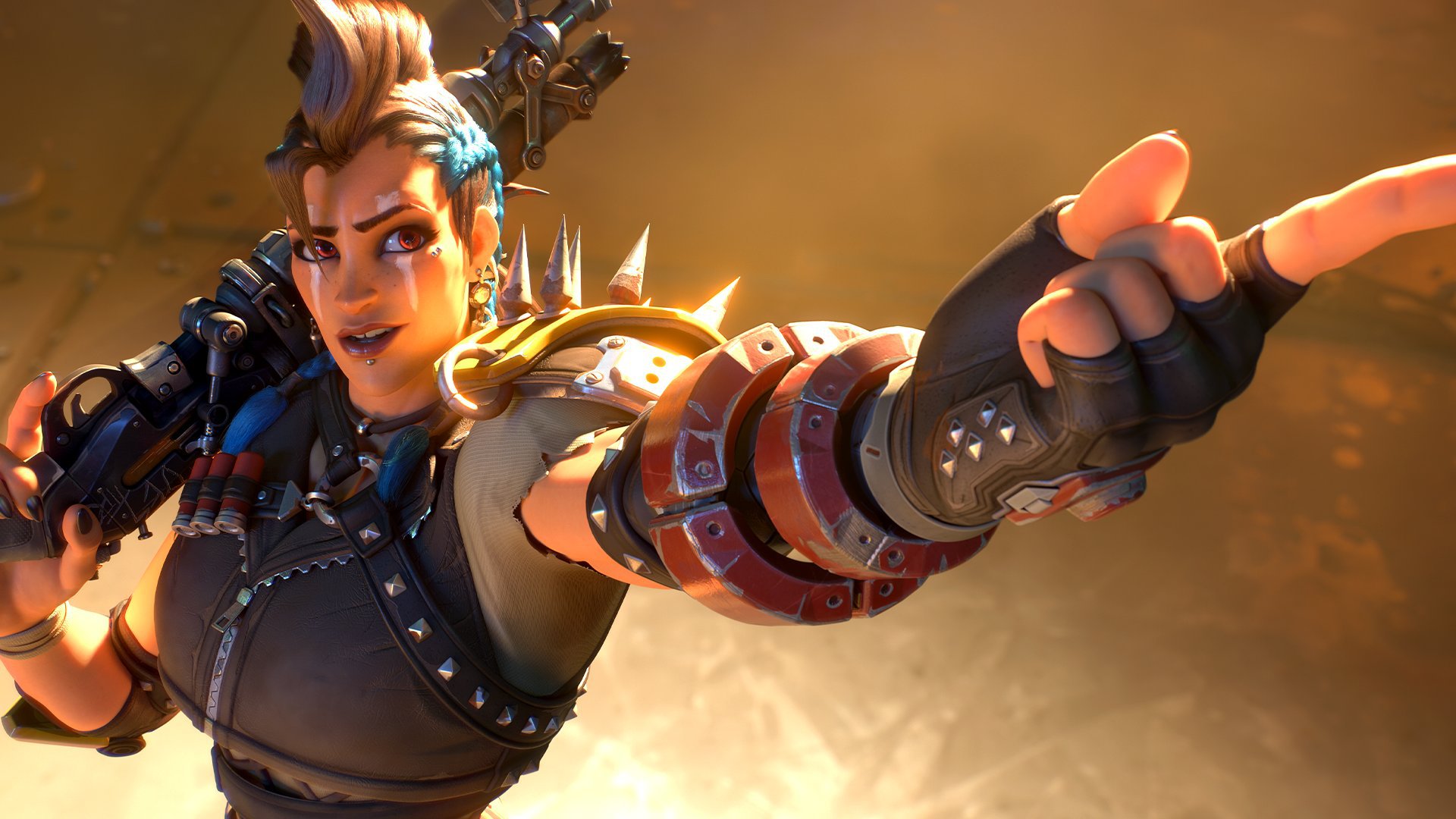
    At least three new characters will be added to the cast, including Canadian Overwatch agent Sojourn and the Junker Queen, the ruler of Junkertown. The Overwatch 2 engine is an upgraded version of the engine used in the original game, allowing for larger map sizes to fit the new story-based PvE components better.

    How long is the Overwatch 2 queue?

    If you start with 40,000 players, it normally takes between 30 and 45 minutes, depending on where you are in the line.


    error login overwatch 2 PS5
    Share:
    Aykut Göker
    Written by
    Aykut Göker
    View all posts →

    Latest Posts

    1. 1
      Valve opens Steam Machine reservations starting at $1,049 23 June 2026
    2. 2
      Instagram brings Reels and Stories to Samsung TVs 23 June 2026
    3. 3
      Galaxy S27 could use Samsung’s faster UFS 5.0 storage 23 June 2026
    4. 4
      SpaceX deal gives Reflection access to Nvidia GB300 chips 23 June 2026
    5. 5
      Getty signs multi-year image deal with OpenAI 23 June 2026

    Popular Posts

    1. 1
      Meta launches new AI chatbot and photo editing tools for Facebook 77 views
    2. 2
      TSMC posts record May revenue as AI chip demand fuels 30% surge 51 views
    3. 3
      Google ends Nest speaker line as new $100 Home model debuts 26 views
    4. 4
      Adobe expands Firefly AI assistant to Premiere, Illustrator and InDesign 20 views
    5. 5
      OpenAI launches $150 million global partner program for AI services 32 views

    Stay Updated

    Related Stories

    How to block websites on a Mac
    How to

    How to block websites on a Mac

    Learn easy ways to block or unblock websites on your Mac using Screen Time, Terminal, third-party apps, or...

    June 22, 2026, 07:39
    How to manage group chat settings and customize conversation photos on iOS
    How to

    How to manage group chat settings and customize conversation photos on iOS

    Learn how to enable group messaging on iPhone using iMessage, MMS, or RCS so you can easily chat...

    May 29, 2026, 08:25
    How to enable “Double-Tap to Wake” on Android
    How to

    How to enable “Double-Tap to Wake” on Android

    Learn how to enable the double-tap gesture to wake up your Samsung, LG, or Huawei phone or tablet...

    May 28, 2026, 07:10
    How to enable and use raise to listen on your iPhone
    How to

    How to enable and use raise to listen on your iPhone

    Learn how to enable the Raise to Listen feature on your iPhone to play and reply to audio...

    May 28, 2026, 07:05
    TechBriefly
    © 2026 TechBriefly. All rights reserved. Pulseluxeup Investeringsplatform