
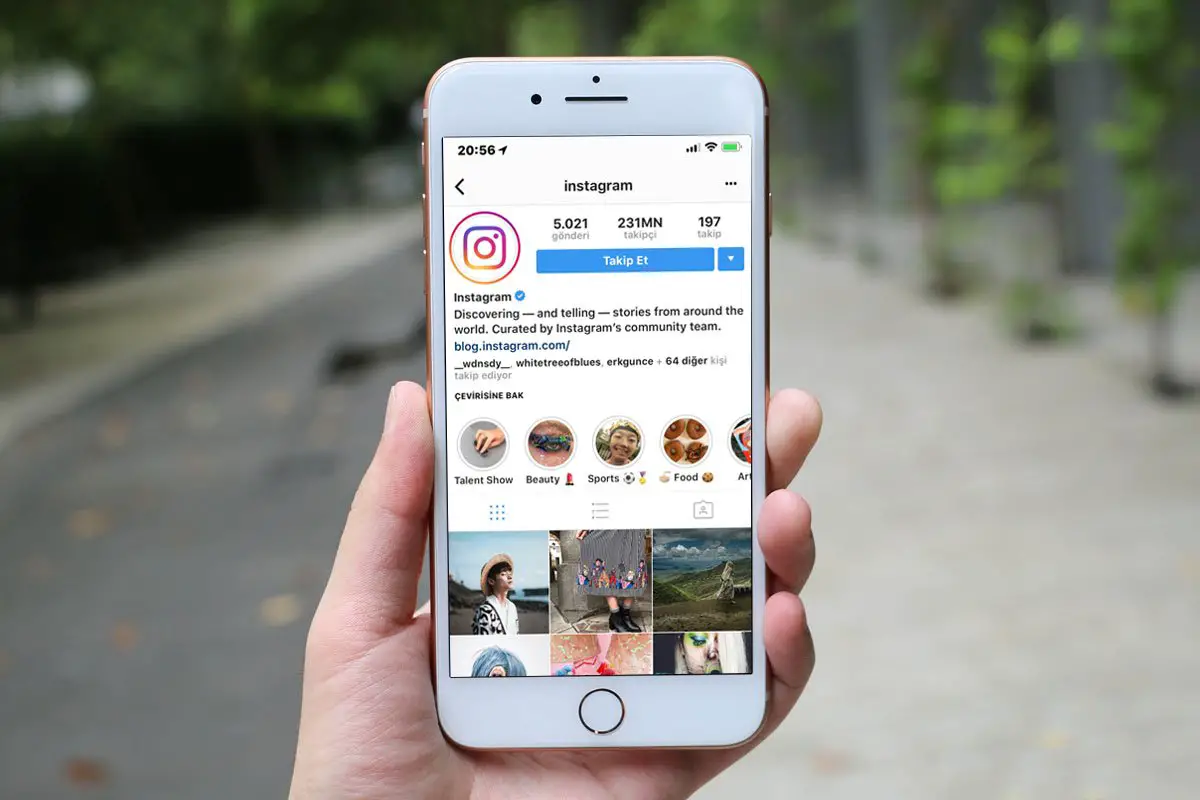

How to unblock an Instagram account? Instagram is a very popular social network all over the world. Sometimes you block someone for some reason and you want to unblock them again to be able to connect. In this post, we will show you how.
First of all let’s answer some basic questions…
Why can’t I unblock someone on Instagram / Where is the unblock list?
There are actually pretty easy ways to unblock someone on Instagram using your iPhone or Android phone. Just go to your Instagram profile and tap one menu, go to Settings menu. You can then go to Privacy and Blocked Accounts menu. And you will see a list of people there, now you can unblock them. You will find more details about this below.

How do you unblock someone on Instagram?
There are two ways to unblock people or accounts on Instagram and they are extremely easy. But once you unblock an account, you will notice that the account in question is no longer in your following list, so you will have to follow it again to see the posts and stories of that account.
- How to see Instagram stories anonymously?
- How to see hidden Instagram likes?
- How to block users from seeing your Instagram stories?
With username
This method is perhaps the easiest, the only thing is is that you need to know the name of the user you want to unlock. Follow the steps:
- Open the Instagram app on your smartphone.
- In the bottom bar there is a magnifying glass icon, tap it.
- Then a search bar will appear at the top, write the exact username of the person you want to unblock.
- Several people will be shown, if you wrote the correct name it will appear as the first option.
- Finally, you can enter the user’s profile page and you will only have to click on “unlock” and that’s it.
- If the account is public you will be able to see all the posts, if it is private you must send them the invitation.
From app settings
This method may not be as practical as the previous one, the advantage is that you will have access to all the accounts that you have blocked and you will be able to choose which one to unlock, without. Follow the steps to learn how to unblock an Instagram account:
- Enter the Instagram application, from your mobile.
- Tap on the profile photo, located in the lower right.
- Click on the menu with three horizontal lines, located in the top right corner.
- It will show various options, tap the settings icon, located at the end of the menu.
- Enter “Privacy > Blocked accounts”
- In this section, you will have access to the blacklist of blocked members. To finish, choose one and tap the “unlock” button. In other cases, it will take you to the person’s profile, press the blue button that says “Unblock” and that’s it.
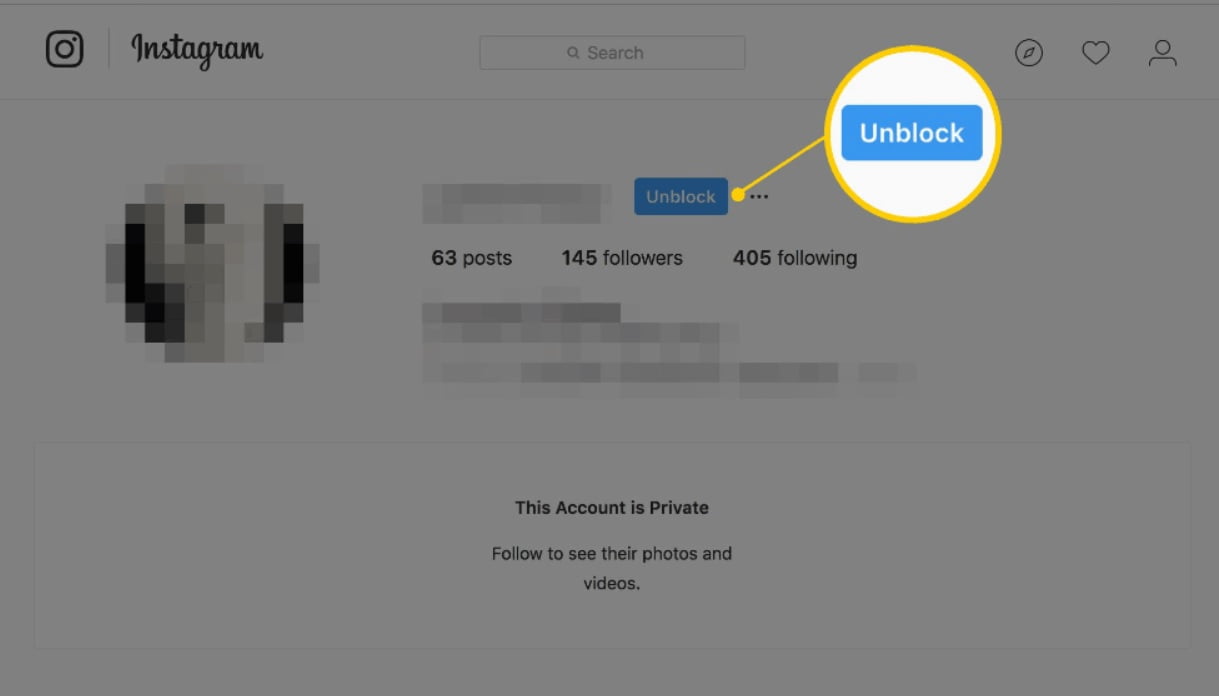
Unblock an Instagram account from PC
Fortunately, the web version of Instagram is getting more and more updates, you can also block and unblock Instagram users through the web version, however, to unblock you must follow these steps:
- Access the official Instagram page from your favorite browser.
- Log into your Instagram account.
- At the top of the main screen, click search, and enter the exact username of the person you want to unblock.
- Select the person from the search options, this process will take you to the profile. Click the “unblock” button, confirm the change and you’re done.
What happens when you restrict someone on Instagram?
When you block or restrict someone on your Instagram account, these people won’t be able to see if you are online. Or if they’ve sent you messages, they won’t know if you read them. If they comment on your posts, you or any other person won’t see them, but only they will see the comments that they’ve made. But you will know there is a comment and if you’d like to see, you will see a See Comment text and you can tap on that to see.
How do I unblock someone on Instagram if I can’t find their profile?
- Go to the Search and enter the profile name.
- Tap on username when you see them in the results and open their profile.
- Now you will see a Unblock button instead of a Follow button, you can tap on it to unblock the person.
How do you unblock someone on Instagram if you both blocked each other?
- Go to Settings and scroll down till you see Blocked Users.
- Now select the account you want to unblock and tap on the button with blue thunder icon.
- Select unblock and now the other person will be able to unblock you.
What happens when you unblock someone on Instagram?
People are asking this question just as they are asking what happens when you block someone on Instagram. In both cases, the other person won’t receive a notification about what you’ve done. Also if you unblock someone, you will not be following each other and need to re-follow if you decided to do so. This might strengthen the suspicion if there is any about you unblocking that person. Also, when you block someone, you won’t be able to see their stories and if they are looking if you’ve been seeing them and didn’t see you, and then you unblock them and start seeing their stories and they notice, this also might strengthen their suspicions, if there’s any.




