
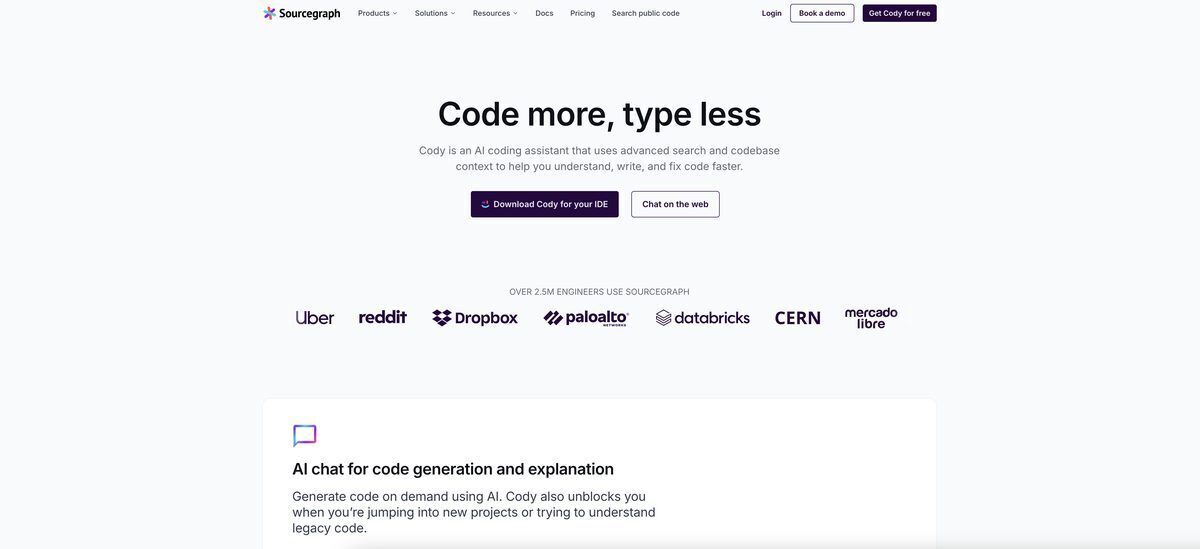
Sourcegraph Cody is a sophisticated AI coding assistant aimed at expediting software development by utilizing Sourcegraph’s extensive code graph alongside Large Language Models (LLMs). Distinct from typical chatbots, Cody possesses an in-depth understanding of your entire codebase, including its context and coding standards, enabling it to effectively address intricate inquiries, generate code, and refactor existing files with remarkable precision. It is accessible as an extension for editors like VS Code and JetBrains, as well as through a web interface, facilitating various tasks such as creating unit tests and documentation, and resolving bugs through natural language instructions. The platform prioritizes enterprise-level security and scalability, safeguarding data privacy while boosting developer efficiency across expansive and intricate code repositories.
Sourcegraph Cody
CategoryCode Generation & Assistance, Debugging & Code Review, Software & IT, Software Development, Testing & Quality Assurance
Modality Text, Code
Last UpdatedMarch 3, 2026
PricingFreemium, Paid options from $19, Billing frequency: One-time/Monthly
Visit ToolOverview
Pros & Cons
✓ Pros
- Delivers context-aware responses grounded in your full codebase
- Automatically creates unit tests and documentation
- Enables interactive refactoring through natural-language instructions
- Works smoothly with VS Code and JetBrains IDEs
- Offers enterprise-level security, including zero data retention options
- Clarifies complex code architecture and dependency relationships
- Handles context retrieval across multiple repositories
✗ Cons
- Optimal performance hinges on granting the tool extensive codebase access.
- The JetBrains plugin might not offer the same level of polish or features as its VS Code equivalent.
- The effectiveness of its suggestions and analyses is intrinsically tied to the quality of the project's existing code.
- Some automated tasks are restricted to a predetermined set of operational blueprints, limiting customization.
- Utilizing its advanced enterprise functionalities requires establishing specific server connections.
- Information regarding the pricing models for its enterprise solutions can be difficult to ascertain.
- Its reliance on cloud processing means an uninterrupted internet connection is essential for operation.
Frequently Asked Questions
An AI-powered coding assistant that leverages Sourcegraph's code graph technology and large language models to support developers in writing, debugging, and comprehending code seamlessly within their daily development environment.
Cody analyzes your entire codebase and employs Sourcegraph's code graph to gain a deep understanding of your project's structure, interdependencies, and technical context.
Absolutely. Cody is capable of generating unit tests for code sections you select, with full awareness of how those sections interact with the rest of your codebase.
No. Sourcegraph prioritizes enterprise-grade security and privacy, ensuring that user code is never retained or utilized in the training process for their foundational models.
The tool integrates with VS Code and JetBrains IDEs (including IntelliJ and PyCharm) as extensions, and can also be accessed through a web interface.
Fixup enables developers to select code and issue natural language directives—such as "refactor this function"—which Cody then applies directly in the editor.
Yes. When integrated with a Sourcegraph enterprise deployment, Cody can pull contextual information from various repositories across your organization.
Yes. Select any code section and request explanations of its functionality, its role in your system architecture, or potential issues—Cody will provide detailed analysis.
Cody offers a free option for individual developers, with a complimentary tier or trial period available, while advanced enterprise capabilities follow a separate pricing model.
Cody examines your codebase to learn and replicate your project's coding conventions, naming patterns, and architectural approaches.