
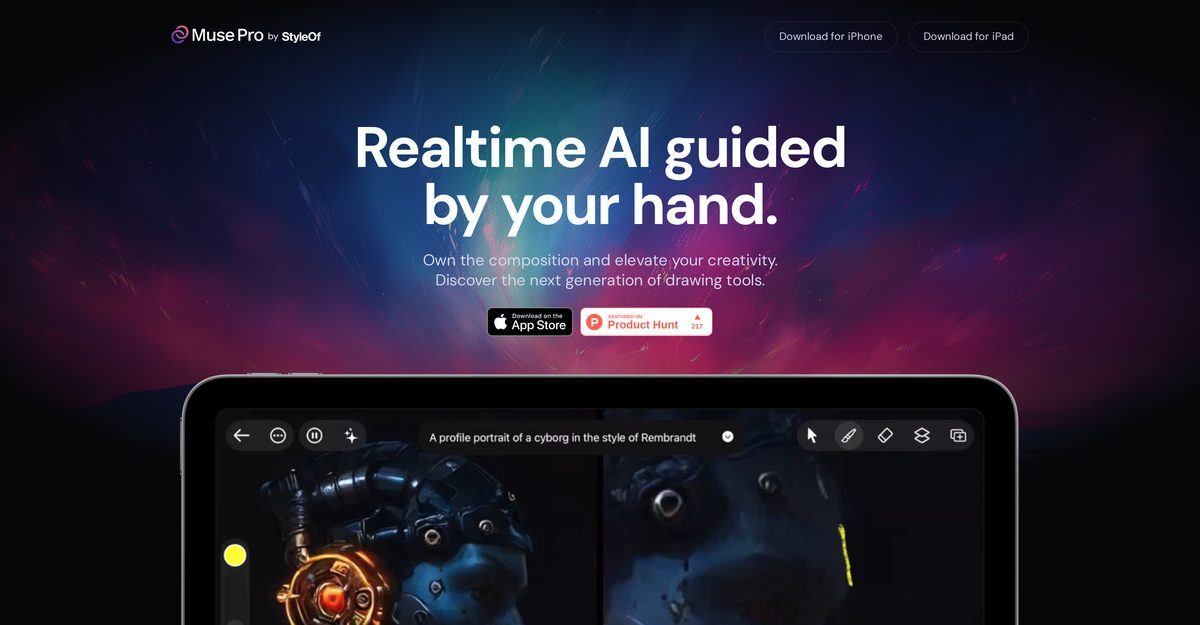
Muse Pro is an immersive real-time AI-assisted tool designed to enhance the artistry of drawing. It leverages advanced technology, including GPT-4 Vision, to significantly improve the quality of artwork produced. This tool is targeted at digital artists and offers features such as text-to-image prompts and a randomize function to inspire creativity. Additionally, users can upscale their work for print-ready outputs and utilize refined image layers for experimental design.
Muse Pro
Modality Image
Last UpdatedJuly 2, 2026
PricingFreemium model available. Paid options start from $29.99/month.
Overview
Pros & Cons
✓ Pros
- Real-time drawing assistance
- Text-to-image prompts for quick idea visualization
- Randomize feature to inspire creativity
- Detail enhancement with a single tap
- Pause option for solo input
- Upscaling for print-ready outputs
- Refined image layers for experimentation
- Diverse brush library catering to various artistic styles
- Compatible with iPhone and iPad
- Supports Apple Pencil pressure sensitivity
✗ Cons
- Not available on Android
- Only compatible with iPhone and iPad
- Missing undo and redo capabilities
- No integration with professional art software
- Limited brush library
- Lacking offline functionality
- Possible quality degradation in upscaling
- No handwriting recognition
- Incompatibility with other stylus devices
Frequently Asked Questions
Muse Pro is available on iPhone and iPad.
No, Muse Pro does not support offline functionality.
No, Muse Pro is not available on Android.
Muse Pro includes text-to-image prompts and a randomize feature.
Yes, users can upscale their work for print-ready outputs.
No, Muse Pro is incompatible with other stylus devices.
No, Muse Pro does not integrate with professional art software.
The starting price for Muse Pro is $29.99 per month.
Yes, there is a detail enhancement feature available with a single tap.
Muse Pro features a diverse brush library catering to various artistic styles.