
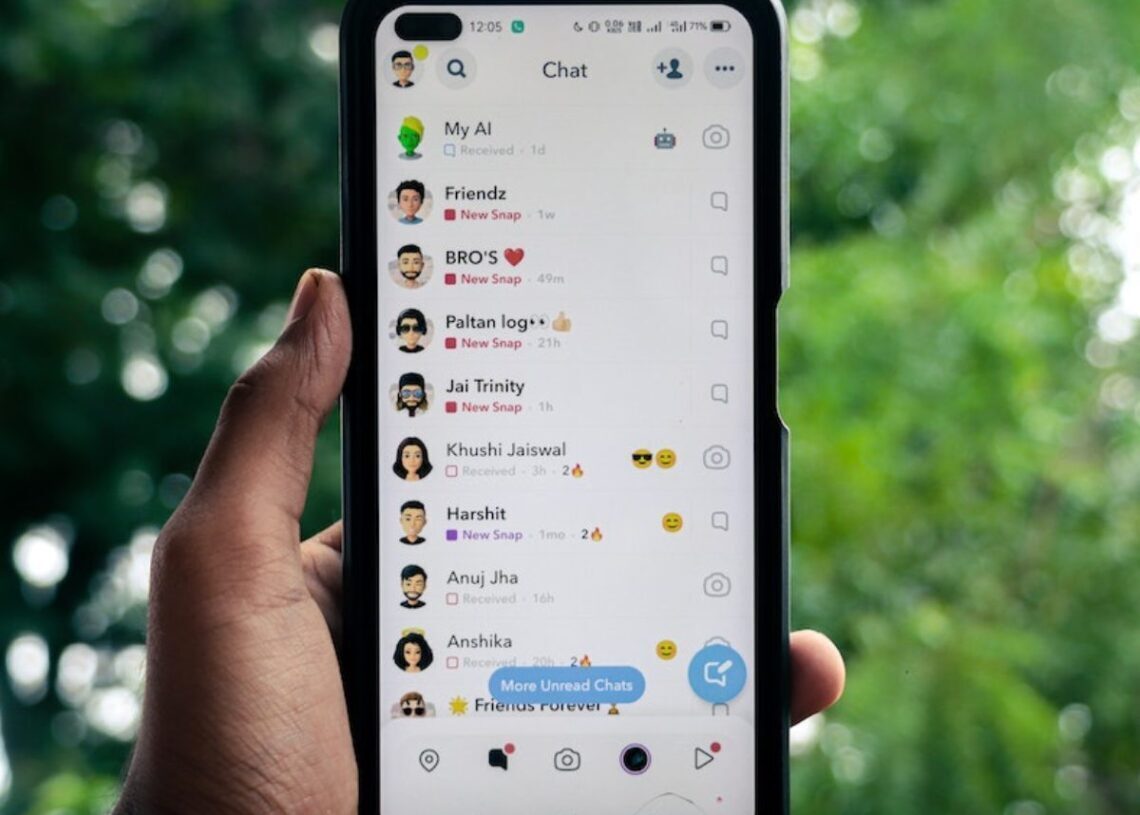

Have you ever wanted to read a message on Snapchat without the sender knowing you’ve opened it? You can with a half swipe, also known as a half slide. This trick allows you to read messages discreetly on both iPhone and Android versions of Snapchat. This guide will show you how to perform a half swipe correctly.
What exactly is half swiping on Snapchat?
A half swipe, as the name suggests, is a partial swipe across your screen. This technique allows you to read Snapchat messages without triggering the read receipt notification to the sender.
Normally, Snapchat alerts the sender as soon as you open and read their message. However, with a half swipe, you can preview the message content without officially opening it. Therefore, Snapchat does not register as “read” and the sender remains unaware that you’ve seen their message.



It’s important to note that this half swipe trick is only effective for reading text messages. It does not work for viewing Snaps (photos or videos).
How to half slide on Snapchat
Performing a half swipe, or half slide, on Snapchat is straightforward, but precision is key to avoid accidentally marking the message as read.
- Launch Snapchat and go to chat: open the Snapchat app on your iPhone or Android phone. In the bottom navigation bar, tap the “Chat” tab (usually the leftmost icon).
- Find the chat: on the “Chat” screen, locate the conversation containing the message you wish to read. Do not tap to open the conversation.
- Half swipe to the right: next to your chosen chat, tap and hold on the sender’s Bitmoji or profile icon. While holding, gently swipe to the right, but do not swipe all the way across the screen.
- Read the revealed message: as you swipe right, the message content will be revealed partially. Keep your finger held on the screen and carefully read the message preview.
- Slide back to original position: once you have read the message, carefully slide your finger back to the left, returning the chat to its original position without fully swiping it open or releasing your finger during the process.
Important notes
- Avoid full swipe: ensure you do not swipe too far to the right, which would fully open the chat and mark the message as read.
- Do not take screenshots: taking a screenshot while half swiping will notify the sender, defeating the purpose of the trick.
- Check for “New Chat” label: after performing the half swipe, check the “Chat” screen. Beneath your friend’s name, the “New Chat” label should still be visible. This indicates that the message is still marked as unread, and the sender has not been notified.
If performed correctly, the half swipe allows you to discreetly read Snapchat messages without the sender’s knowledge. However, as this is not an official Snapchat feature, its functionality may be affected by future app updates.




