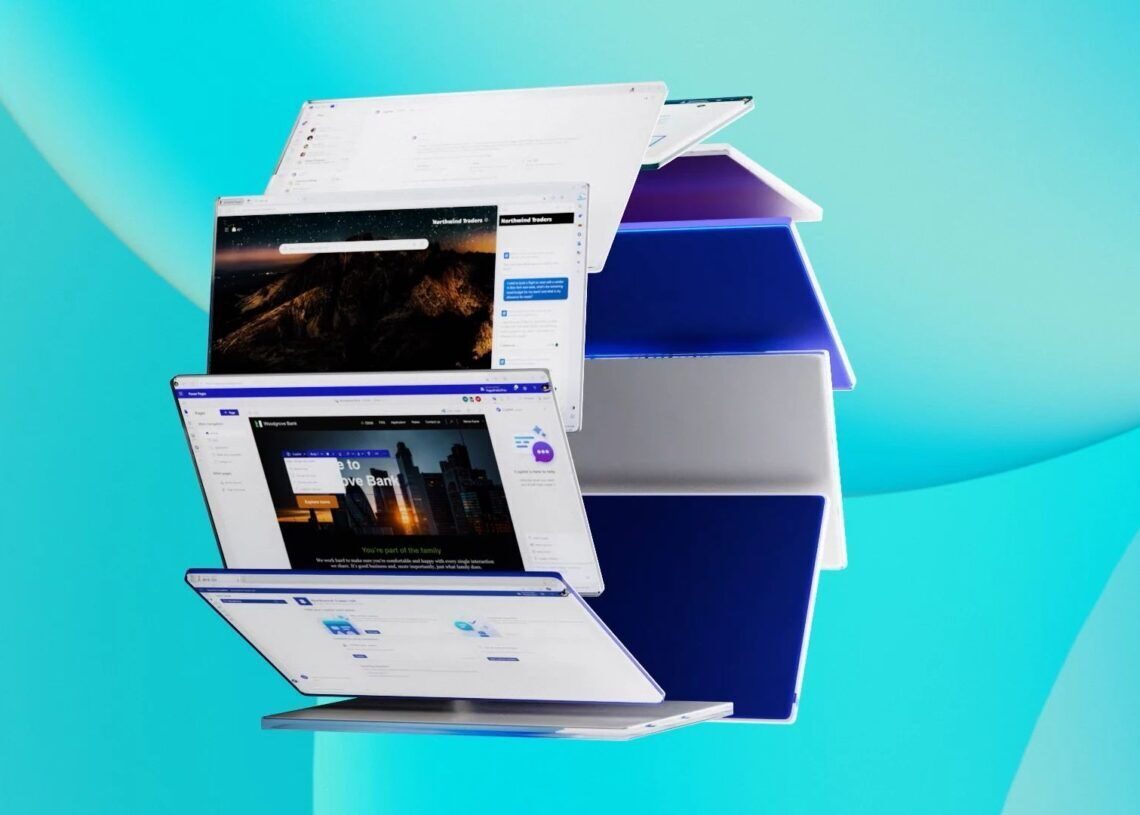

In a rather groundbreaking move at Ignite 2023, Microsoft unveils the game-changing Microsoft Copilot Studio, a revolutionary low-code tool designed to redefine the Copilot experience within Microsoft 365.
This studio empowers users to not only customize Copilot for Microsoft 365 but also construct standalone copilots, providing a unique and tailored AI assistance experience.
Microsoft Copilot Studio is here to empower user customization
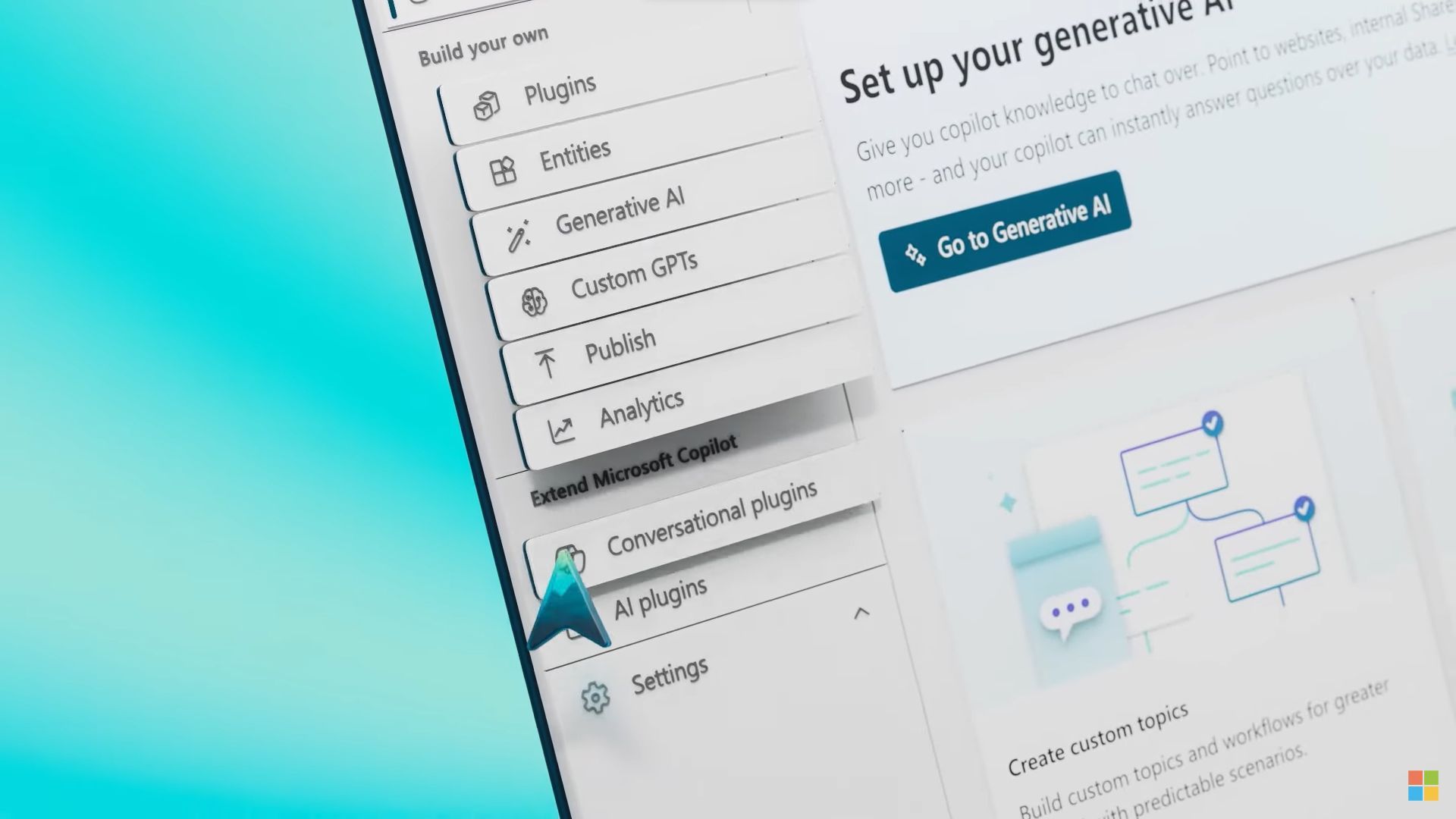
Microsoft Copilot Studio introduces a set of robust conversational capabilities, ranging from custom GPTs and generative AI plugins to manual topic customization. Users now have the ability to infuse Copilot with enterprise-specific scenarios, enabling them to build, test, and publish copilots tailored to their unique needs. The studio ensures granular control over customizations, offering features like access management, data control, user controls, and analytics.



Seamless lifecycle management
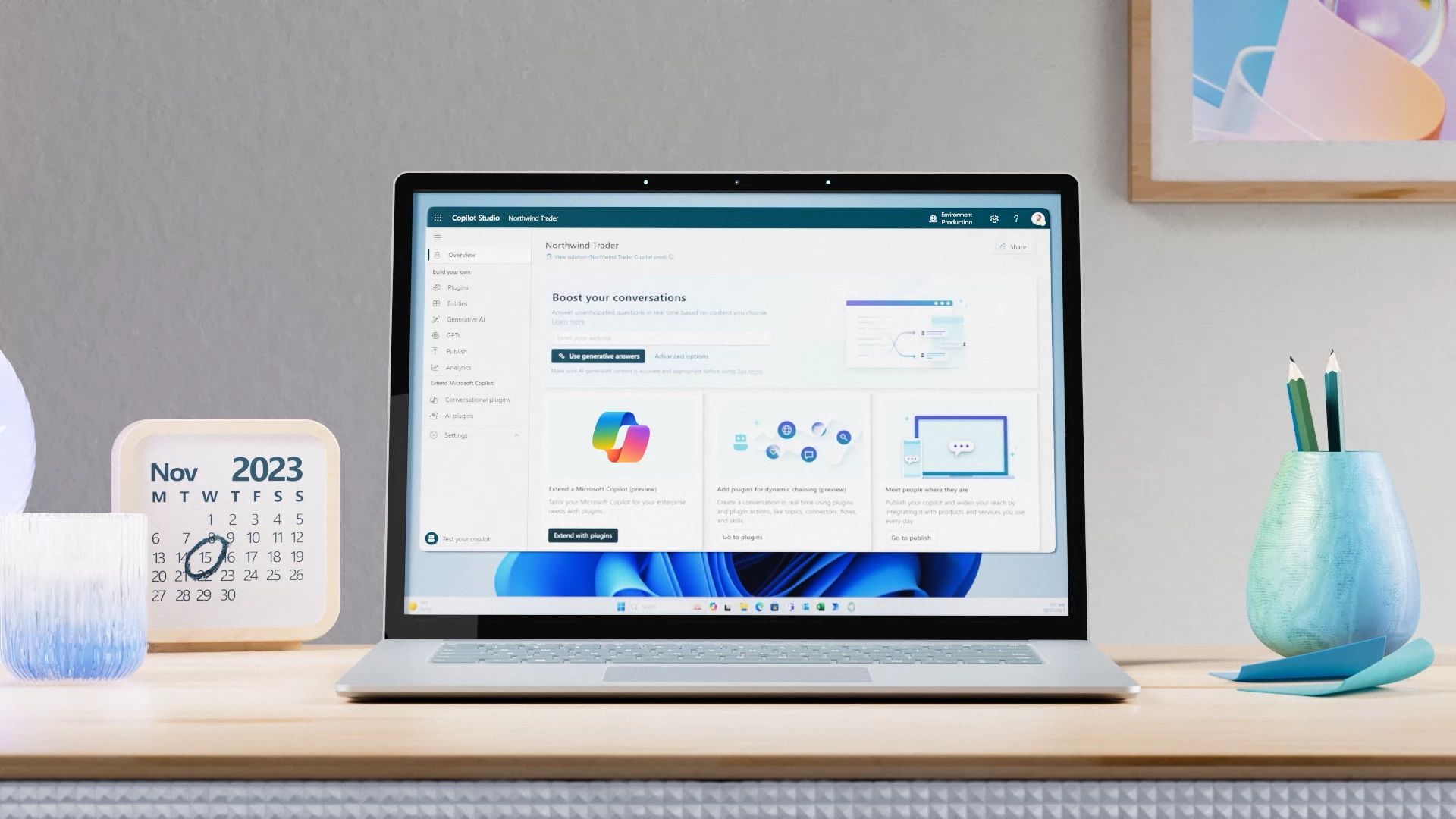
Microsoft Copilot Studio revolutionizes the customization process by providing an end-to-end lifecycle management experience. Within a single, user-friendly interface, users can seamlessly navigate through the entire customization journey—building, deploying, analyzing, and managing—all from the same web-based platform. This approach allows Microsoft Copilot Studio to streamline the customization process, making it accessible to a broader audience.
Integration with data sources
Microsoft Copilot Studio breaks barriers by allowing users to connect Copilot to diverse data sources. This includes integration with pre-built or custom plugins and GPTs, extending Copilot’s capabilities to interface with systems like SAP, Workday, ServiceNow, and even proprietary business solutions. This newfound integration enables Microsoft Copilot Studio to tap into a wealth of information, transforming it into a versatile tool that adapts to various organizational needs.
Other updates and improvements on Copilot
Since its general availability on November 1, 2023, Copilot for Microsoft 365 has seen rapid adoption by enterprises, including industry giants like Visa, BP, Honda, Pfizer, and Chevron. Noteworthy partners such as Accenture, EY, KPMG, Kyndryl, and PwC have also jumped on board, recognizing the potential of Copilot in reshaping the way we work.
According to the New Work Trend Index data, Copilot has already proven its worth. A whopping 77% of users express reluctance to part with Copilot, citing its contribution to increased productivity (70%) and improved work quality (68%). Experiment results indicate a 29% overall increase in task completion speed, and users catching up on missed meetings nearly four times faster. It’s evident—the era of copilots has arrived.
Copilot product line-up evolution
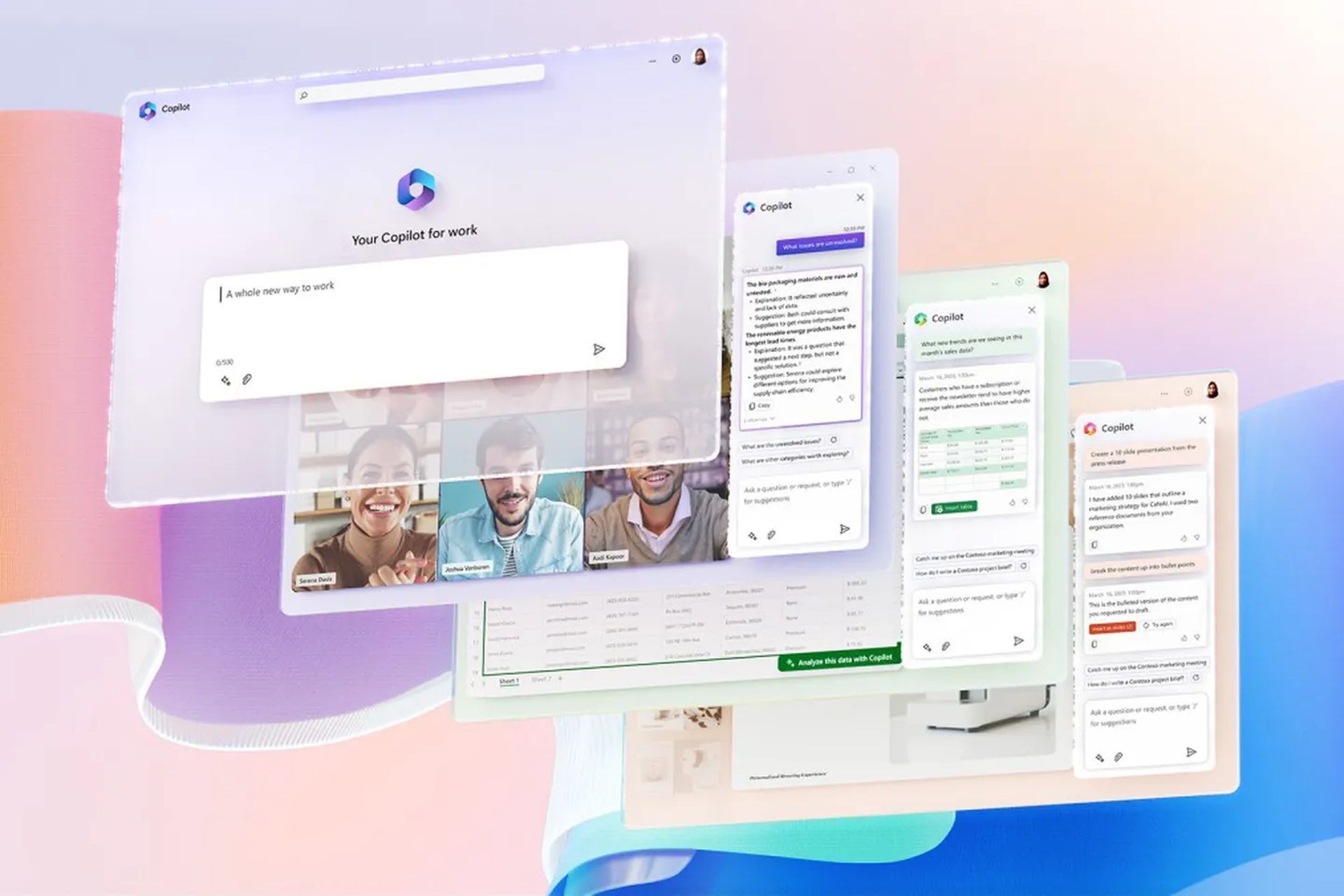
To simplify the user experience, Bing Chat and Bing Chat Enterprise are now unified under the umbrella of Copilot. This consolidated platform retains foundational capabilities like answering queries, content creation, and data analysis. When signed in with an Entra ID, Copilot ensures commercial data protection, assuring users that their chat data remains confidential.
In addition to Copilot for Microsoft 365, specialized versions for Sales and Service have been introduced. These editions maintain the same foundational capabilities while integrating seamlessly into the Microsoft 365 ecosystem.
Copilot for Microsoft 365 enhancements
https://www.youtube.com/watch?v=O7gg1UW9m9k
Microsoft is introducing three thematic updates to Copilot, enhancing personalization, mathematical analysis capabilities, and collaboration participation:
- More personalization: Users can provide details about their role and preferences, enabling Copilot to deliver tailored responses in Word, PowerPoint, and other Microsoft 365 apps.
- Sophisticated mathematical analysis: Integration with Python in Excel allows users to perform advanced mathematical analysis using natural language, unlocking powerful capabilities for data-driven tasks.
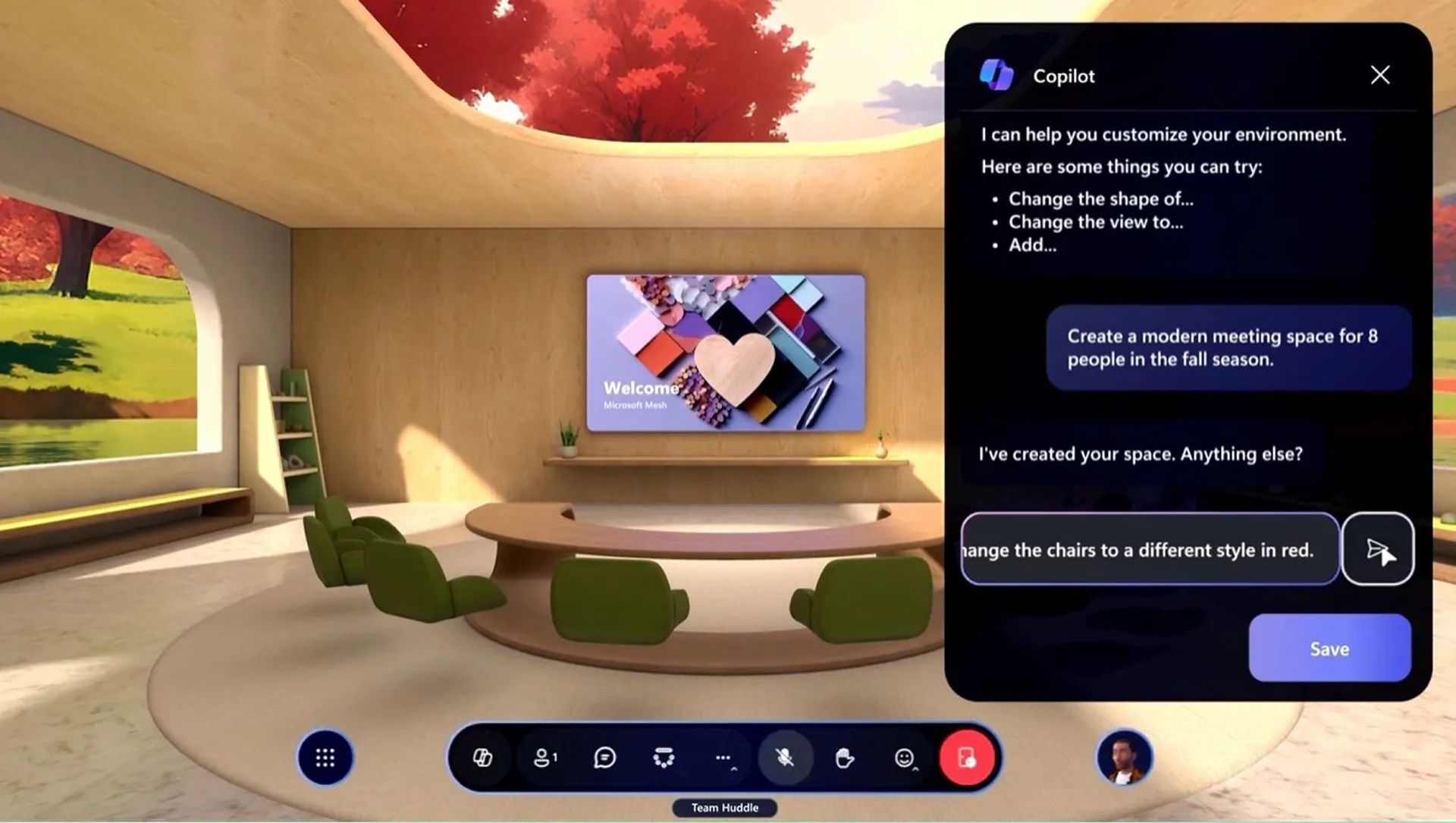
- Full participation in collaboration: Copilot is becoming a full participant in collaboration, aiding in Microsoft Teams meetings, brainstorming sessions on a digital whiteboard, and building shared workspaces in Microsoft Loop.
Copilot integration Across the Microsoft ecosystem
Microsoft is expanding Copilot’s presence across its ecosystem:
- Copilot in Microsoft Teams: Enhanced meeting experiences, collaborative notes, and intelligent recaps.
- Copilot in Microsoft Outlook: Streamlined preparation for meetings and simplified navigation of email threads.
- Copilot in Microsoft Loop: Seamless integration with intelligent page creation and workspace status tracking.
- Copilot in Microsoft Word and PowerPoint: Future features include catchup and comments in Word and a brand asset and image library in PowerPoint.
Other Copilot updates
In addition to everything else, there are several more improvements to Copilot, which you can check out right below.
- Topics in Copilot: Facilitates knowledge distribution by summarizing complex topics across connected documents.
- Windows App: A unified app connecting users to Windows in the cloud from various devices.
- Integration with Windows Desktop: Expected in early 2024, bringing Copilot for Microsoft 365 prompts to the Windows desktop.
- Windows 365 GPU support: Previewing new GPU support for graphic design, rendering, and data visualization.
- AI capabilities in Windows 365 for Cloud PC: Coming soon, providing resizing recommendations for Cloud PC investment.
- Windows Autopatch: A unified update management solution extending to frontline worker devices.
Microsoft Copilot Studio and Copilot itself are undeniably evolving to be a cornerstone in the future of work, offering a diverse array of features tailored for personal and professional productivity. As Microsoft continues to invest in this technology, the impact on collaboration, customization, and overall work efficiency is poised to grow exponentially. Stay tuned for more updates on this transformative tool that is set to redefine how we navigate the digital landscape.
Meanwhile, if you wish to check out more about Microsoft’s Ignite event, make sure to check out our article on everything you need to know about the Microsoft Ignite 2023 announcements.
Featured image credit: Microsoft