
iOS 16.3.1 features bug fixes but it also created a new bug for the Google Photos app.
iOS updates are software updates released by Apple for its mobile operating system, iOS, which is used on iPhones, iPads, and iPod Touch devices. These updates usually include bug fixes, performance improvements, security patches, and new features that enhance the user experience.
Apple releases these updates periodically, and users can download and install them on their devices to keep their operating systems up to date. Keeping up with iOS updates is essential to ensure that your device is functioning properly, has the latest security patches, and has access to new features and capabilities.


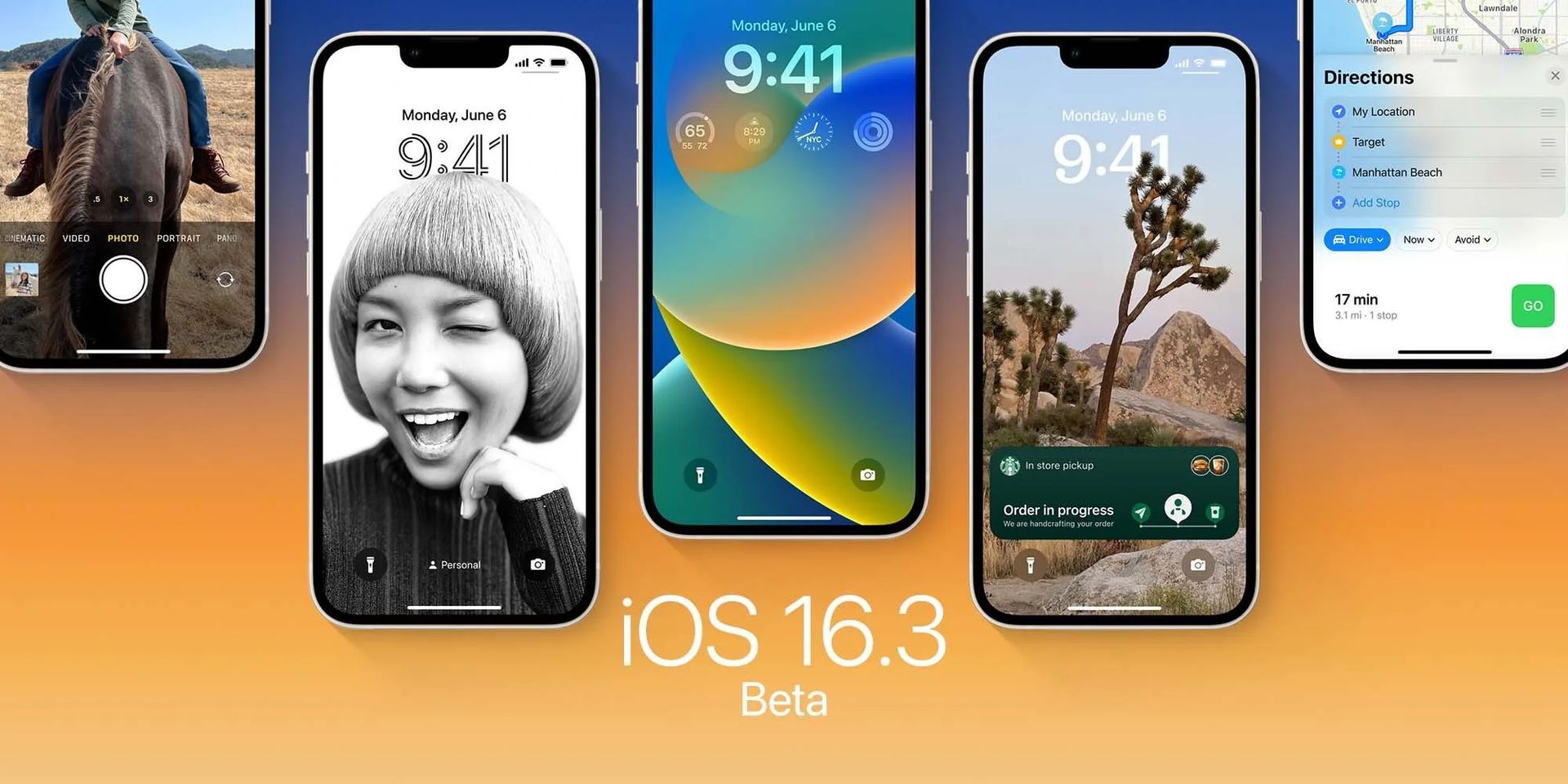
Apple has recently rolled out the latest version of its operating system, iOS 16.3.1, just a few weeks after the release of iOS 16.3. While the earlier version had introduced new features such as support for second-generation HomePod and security keys for Apple ID, the newer update primarily focuses on addressing some of the issues that iPhone users may have faced recently.
iOS 16.3.1 features
iOS 16.3.1 includes several bug fixes and security updates that tackle problems with iCloud, Siri, Find My, and crash detection. For example, some users had reported an issue with backing up to iCloud after the iOS 16.3 update, and the latest version could provide a fix for this problem.
Additionally, the update includes optimizations for crash detection on iPhone 14 and 14 Pro models, which have reportedly raised alerts in certain situations where users may have been riding roller coasters with their phones.
Here is a summary of the iOS 16.3.1 features:
- Fixes issues with iCloud, Siri, Find My, and crash detection
- Addresses an issue that prevented some users from backing up to iCloud after the release of iOS 16.3
- Optimizes Crash Detection on iPhone 14 and iPhone 14 Pro models
- Improves the performance and stability of the device
- Addresses various security vulnerabilities
- Enhances the overall user experience
Do not update to iOS 16.3.1 if you are a Google Photos user yet
Even though iOS 16.3.1 features a lot of bug fixes and overall performance enhancement for Apple devices, one issue that seems to have arisen with the release of iOS 16.3.1 is that it may not be compatible with the Google Photos app for iPhone. Several users on social media have reported that the app crashes immediately upon opening after updating to the latest version. This bug has been confirmed by multiple sources, and while it’s only been a few hours since the release of iOS 16.3.1, it is expected that Google will need to provide a fix for this issue.
If you would like to learn what’s in the 16.3 update, check out our article titled iOS 16.3 public beta is out: What are the new features?
iOS 16.3.1 supported devices
You can use iOS 16 and iPadOS 16 with these devices:
| iOS 16.3.1 supported iPhones | iOS 16.3.1 supported iPads |
| iPhone 14 | iPad Pro 12.9-inch (6th generation) |
| iPhone 14 Plus | iPad Pro 11-inch (4th generation) |
| iPhone 14 Pro | iPad Pro 12.9-inch (5th generation) |
| iPhone 14 Pro Max | iPad Pro 11-inch (3rd generation) |
| iPhone 13 | iPad Pro 12.9-inch (4th generation)iPad Pro 11-inch (2nd generation) |
| iPhone 13 mini | iPad Pro 12.9-inch (3rd generation)iPad Pro 11-inch (1st generation) |
| iPhone 13 Pro | iPad Pro 12.9-inch (2nd generation) |
| iPhone 13 Pro Max | iPad Pro 12.9-inch (1st generation) |
| iPhone 12 | iPad Pro 10.5-inch |
| iPhone 12 mini | iPad Pro 9.7-inch |
| iPhone 12 Pro | iPad (10th generation) |
| iPhone 12 Pro Max | iPad (9th generation) |
| iPhone 11 | iPad (8th generation) |
| iPhone 11 Pro | iPad (7th generation) |
| iPhone 11 Pro Max | iPad (6th generation) |
| iPhone XS | iPad (5th generation) |
| iPhone XS Max | iPad mini (6th generation) |
| iPhone XR | iPad mini (5th generation) |
| iPhone X | iPad Air (5th generation) |
| iPhone 8 | iPad Air (4th generation) |
| iPhone 8 Plus | iPad Air (3rd generation) |
| iPhone SE (3rd generation) | |
| iPhone SE (2nd generation) |
How to install iOS 16.3.1 public beta?
Now that we have spoken about iOS 16.3.1 features and supported devices let us explain you have to get the iOS 16.3.1 update.
We are currently exploring iOS 16.3.1 to discover any further changes or additions. If we find any, we will update this article. Meanwhile, Apple’s official Release Notes provide information on the known bugs fixed in this release. To update your iPhone to iOS 16.3.1, you need to have the iOS 16 Developer Beta profile installed.
Use this link to sign-up for Apple Beta Software Program.
You can follow these steps to update your Apple device to iOS 16.3.1:
- First, open “Settings” and go to the “General” section
- Next, tap the “SoftwareUpdate” button and wait a minute or two for the page to reload
- You should then see the change. Tap “Downloadand SetUp” carefully read the Terms of Service, and agree to them
- Ensure that your iPhone is connected to a power source until the download and installation are complete
After this process, your device will get the iOS 16.3.1 features.
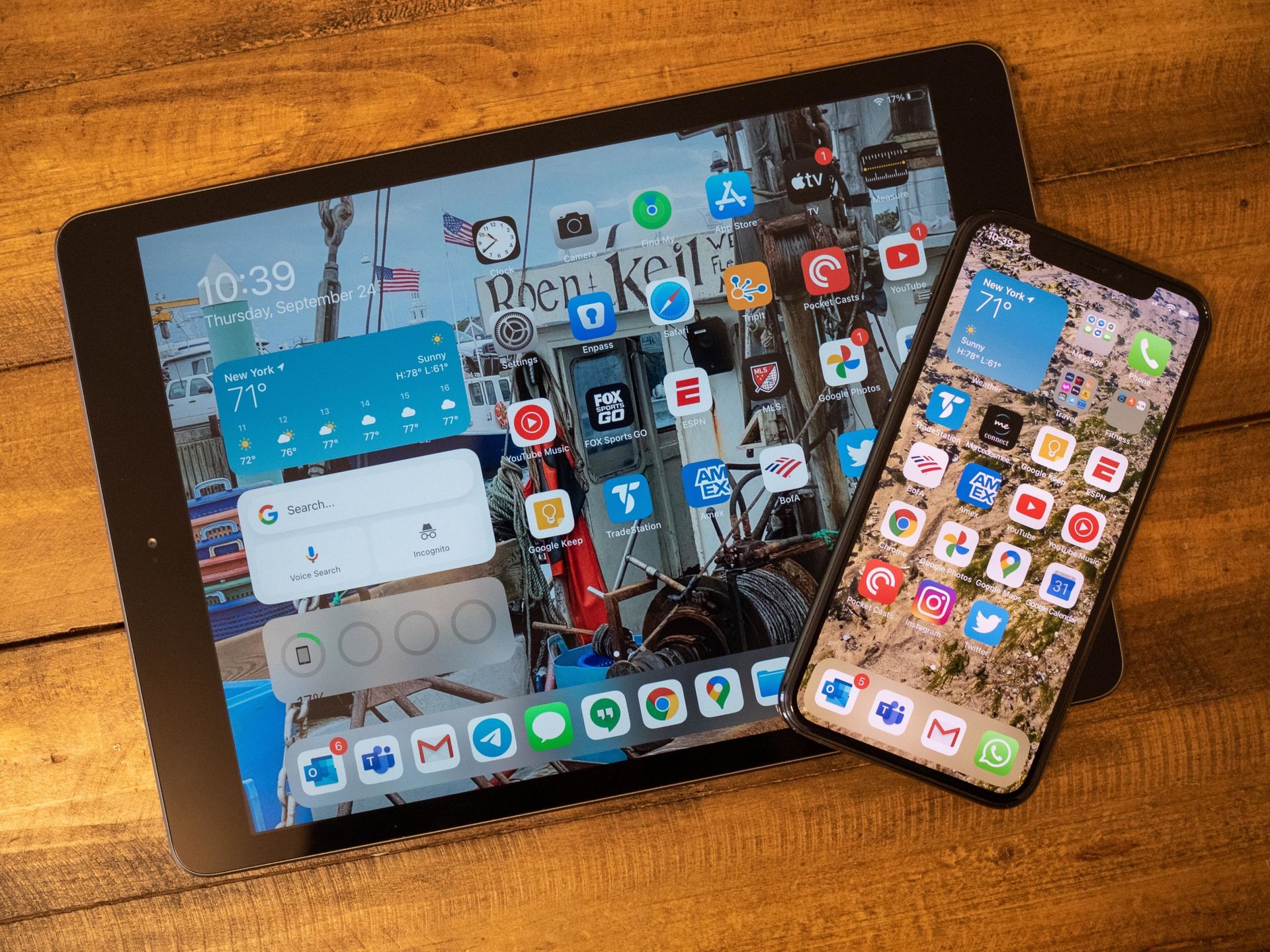
We have come to the end of our article titled iOS 16.3.1 features, supported devices, and more. In summary, iOS 16.3.1 is an update primarily focused on fixing some of the issues that iPhone users may have encountered recently. While it includes several security updates and bug fixes, it may also cause compatibility issues with the Google Photos app. As with any software update, it is advisable to proceed with caution and stay informed about any potential issues or bugs that may arise.