

This quick tutorial shows you how to quickly fix the “add-apt-repository command not found” error in Debian, Ubuntu, and other Debian-based Linux distributions.
One of the many ways to install software on Ubuntu or Debian is to use a PPA (Personal Package Archive).
If you want to add a new PPA repository, you should use the add-apt-repository command as follows:




On Debian, elementary OS, and sometimes on Ubuntu, you will see the error that the add-apt-repository command is missing.
sudo: add-apt-repository: command not found
Let’s see how to fix this annoying error.
How to fix “add-apt-repository command not found” error?
The error is simple. The add-apt-repository package is not installed on your system.
But if you try to use Sudo apt-get install add-apt-repository, it won’t work.
It is because the add-apt-repository command is part of the software-properties-common package and you need to install this package to install add-apt-repository.
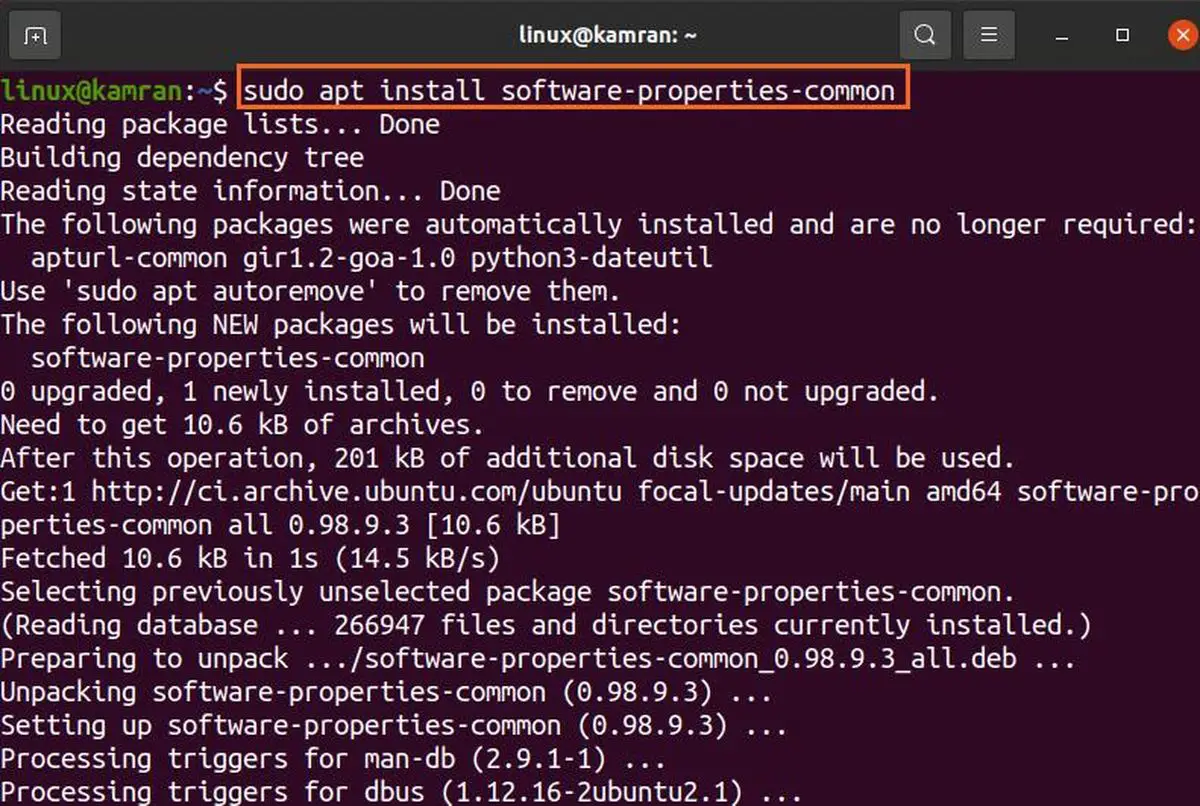
So open a terminal and use this command:

The output of the command will look something like this:
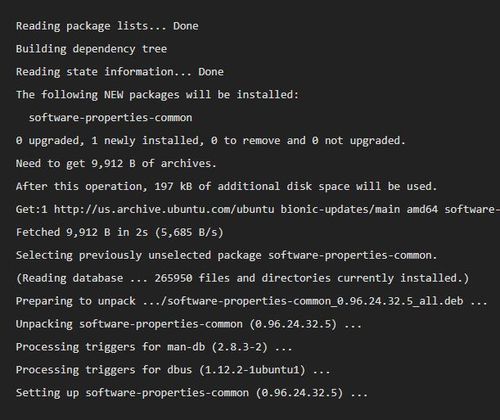
Once you have installed software-properties-common, you must upgrade the system with this command:

You can now conveniently use the add-apt-repository or apt-add-repository commands to add PPAs.
Note: If you see an error saying that the software-properties-common command is not found, you should run Sudo apt-get update and then try installing it again.
We hope this quick tip helped you fix the “add-apt-repository: command not found” error in Ubuntu and other Debian-based Linux distributions.
If you still have problems with PPAs, let me know in the comments section. Additional suggestions, questions, or a brief word of thanks are always welcome.




