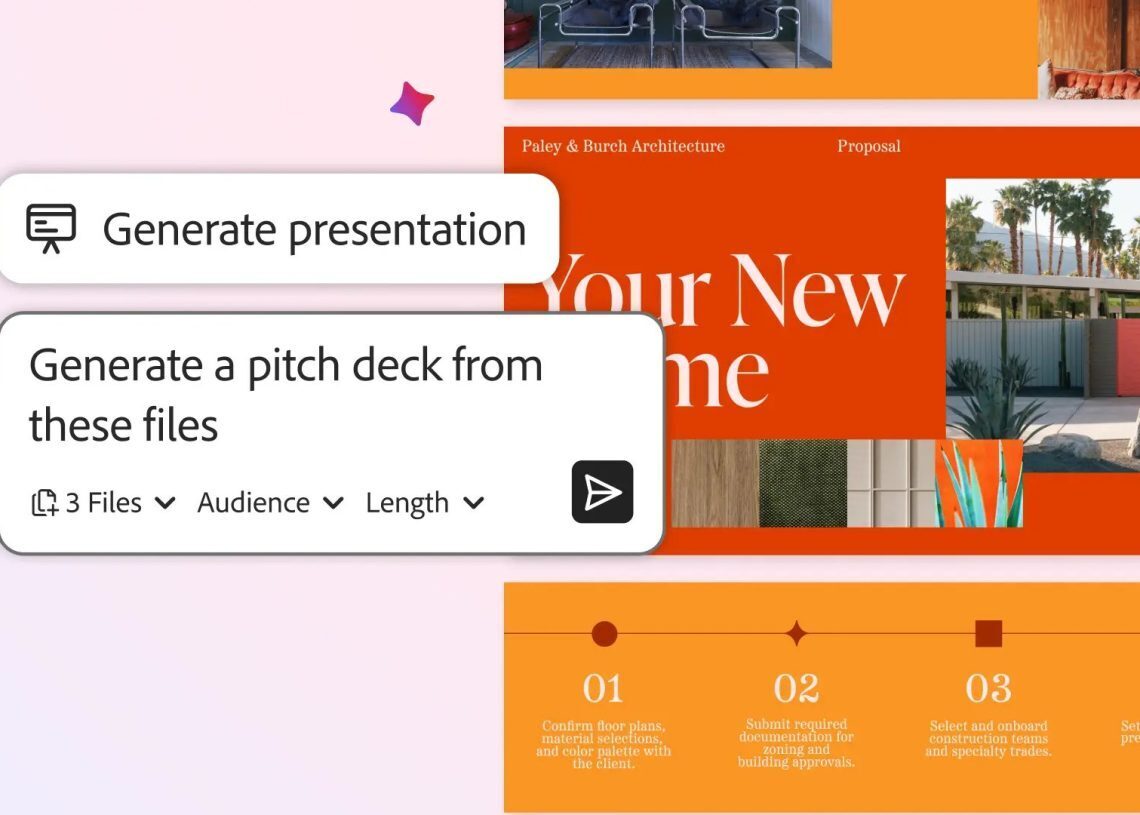

Adobe adds new AI tools to Acrobat, enabling file editing with prompts, presentation generation, and podcast summaries from documents and shared Spaces.
Users can leverage information within Adobe Spaces, a collaborative file and note collection, to generate presentations via text prompts. For example, financial details, product plans, and competitor analyses within a Space can be used to construct a client pitch deck highlighting product solutions over rivals.
Acrobat’s AI assistant creates an editable presentation outline. Users can then customize this with themes, stock photos, or personal images from Adobe Express, applying brand themes or editing individual slides.



Adobe is also enabling the creation of personalized podcasts to summarize files or entire Spaces within Acrobat. This feature allows for the auditory consumption of document content.
Acrobat now allows file editing through prompts, supporting 12 actions. These include removing pages, text, comments, and images, finding and replacing words and phrases, and adding e-signatures and passwords.
Shared files within Spaces now include AI-generated summaries with citations linking to specific content locations. Contributors can comment on files, and add or remove content.
Users can select a default AI assistant or choose specialized roles such as “analyst,” “entertainer,” or “instructor.” Custom assistants can also be created via prompts.