
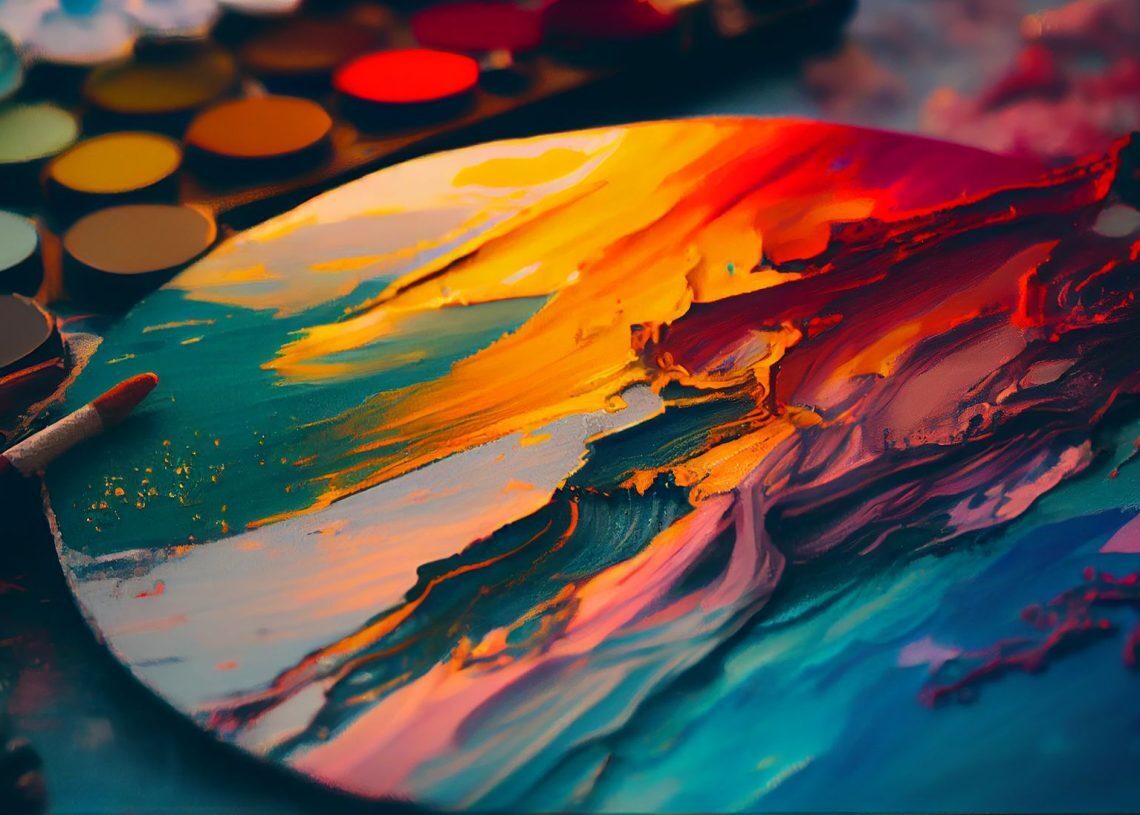

Midjourney model personalization is now live, enabling a more tailored image generation experience by adapting the AI to your preferences.
How does Midjourney model personalization work?
Midjourney model personalization lets you fine-tune the algorithm to match your tastes, minimizing biases from its training data.
Key features
- Understanding prompts: Prompts often have implicit details. Midjourney’s algorithms fill these gaps based on built-in preferences, which can introduce biases.
- Learning your preferences: This feature learns from your preferences, ensuring the AI generates images that better align with your tastes.
- Training the model: The AI learns from your pair rankings and liked images on the explore page. You need 200 pair rankings or likes for the feature to activate.
- Using the feature: After sufficient ratings, add “–p” to your prompt to enable personalization, generating a unique code that can be shared.
- Unique personalization codes: Each personalization code is unique and tailored to your individual style.
Midjourney and other AI image generators thrive on well-crafted prompts. While it’s challenging to capture an entire image with words alone, Midjourney helps fill in the gaps, making prompt writing crucial.
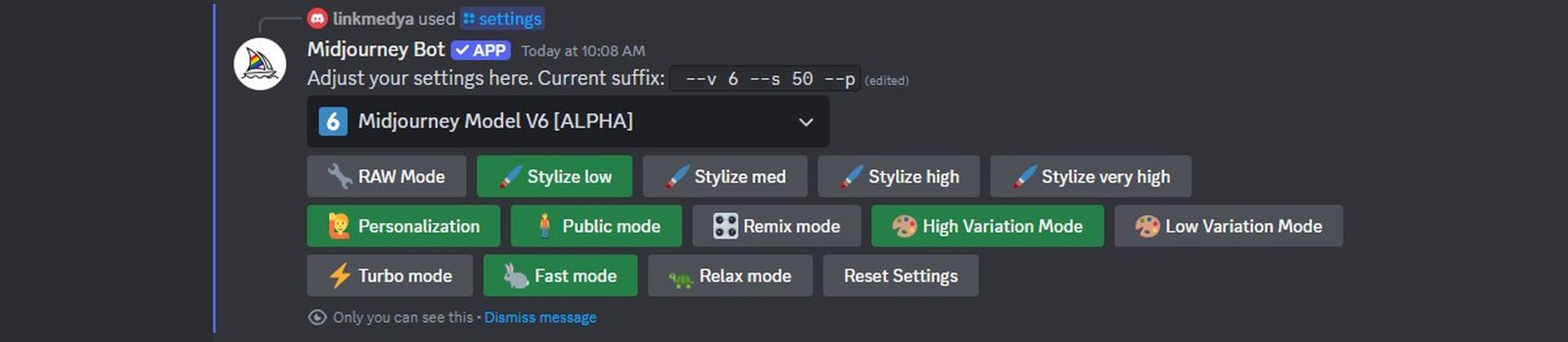
Here are some guides to enhance your skills as well-crafted prompts and knowing how to use its advanced features are crucial for your Midjourney arts:
- What is Midjourney Niji V6, and how to use it
- Best Midjourney Settings
- Best Midjourney prompts
- Midjourney Cheat Sheet
- How to make photorealistic Midjourney images
- How to use Midjourney Raw Mode
- How to upload an image to Midjourney
- How to get Midjourney Transparent Background
- How to get seed number of an image in Midjourney
Step-by-Step: How to use Midjourney Model Personalization
- Start on the Midjourney ranking page: Begin by selecting pairs of images to help the AI understand your tastes.
- Complete 200 rankings: The more you rank, the better the results.
- Jump into Discord: Type your prompt and add “–p” for personalized outputs.
- Set personalization as default: Type “/settings” in Discord and select “Personalization”.
- Share your code: Midjourney provides a unique code to share your preferences with others.
Example comparisons:
Forest meeting the sea (–ar 16:9)
- Without personalization: Soft transitions and a serene atmosphere.
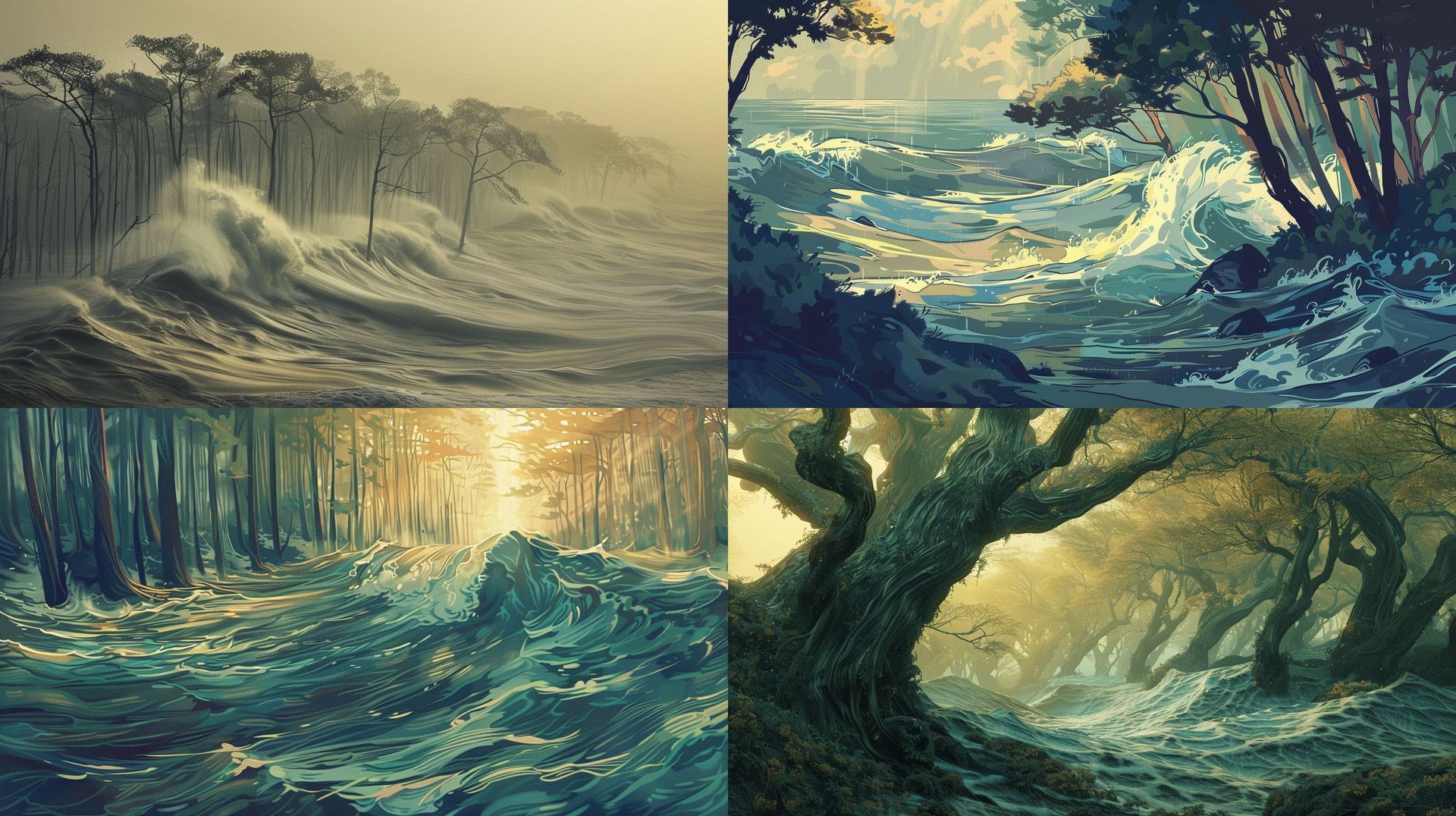
- With personalization: Vibrant colors and dynamic composition.
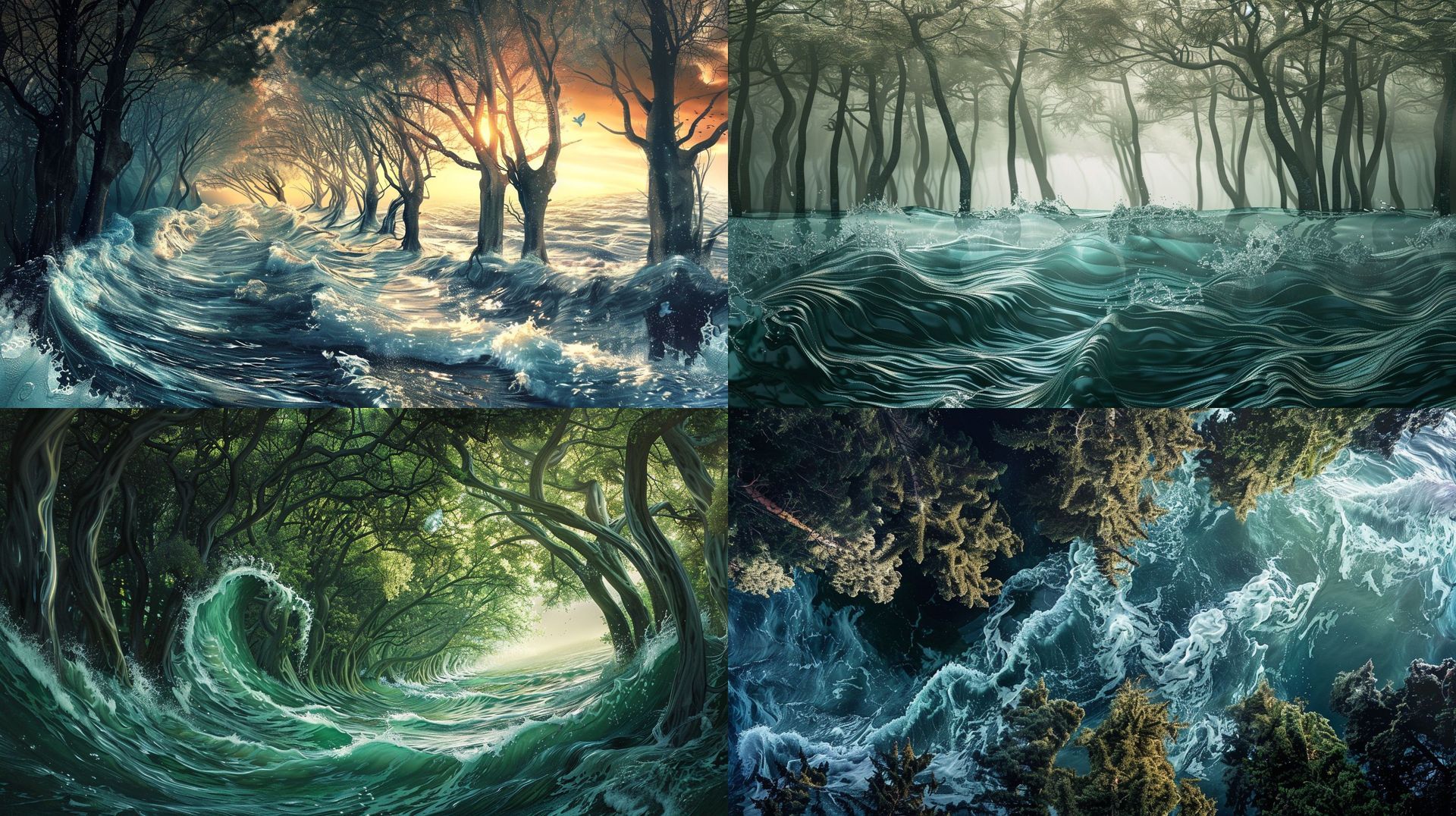
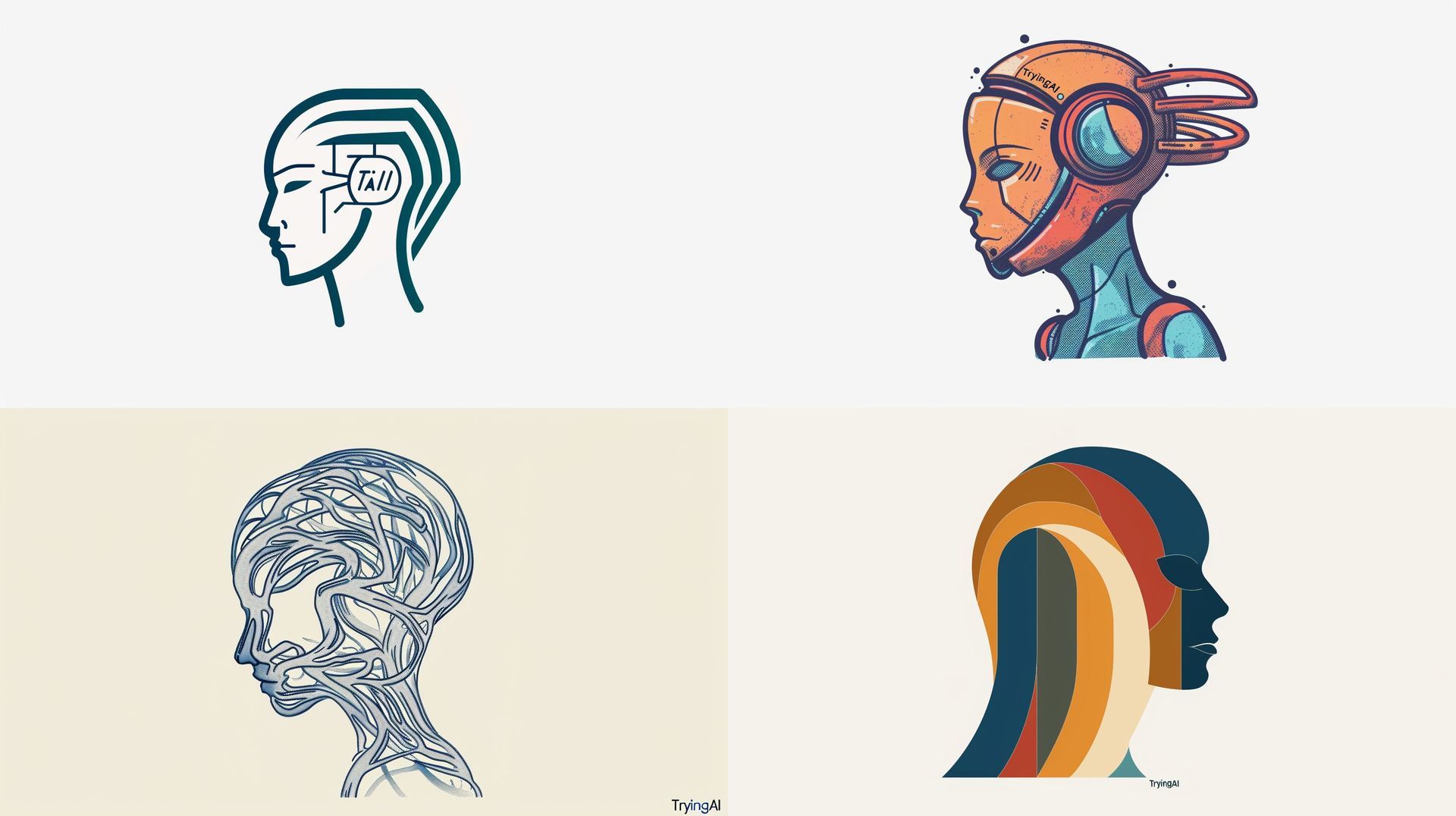
AI firm logo on white background (–ar 16:9)
- Without personalization: Simple, clean, minimalist design.
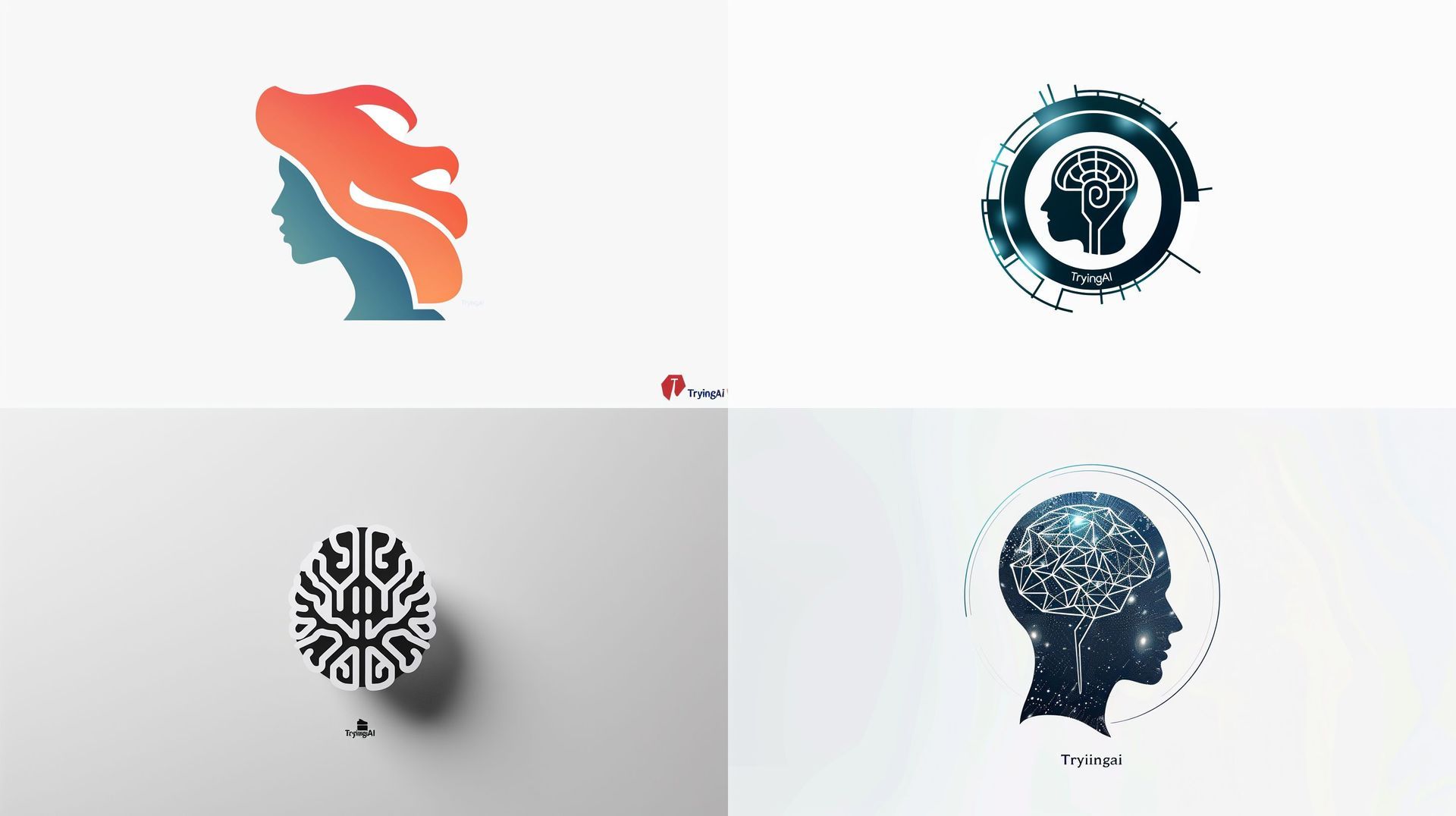
- With personalization: Intricate, modern aesthetic.
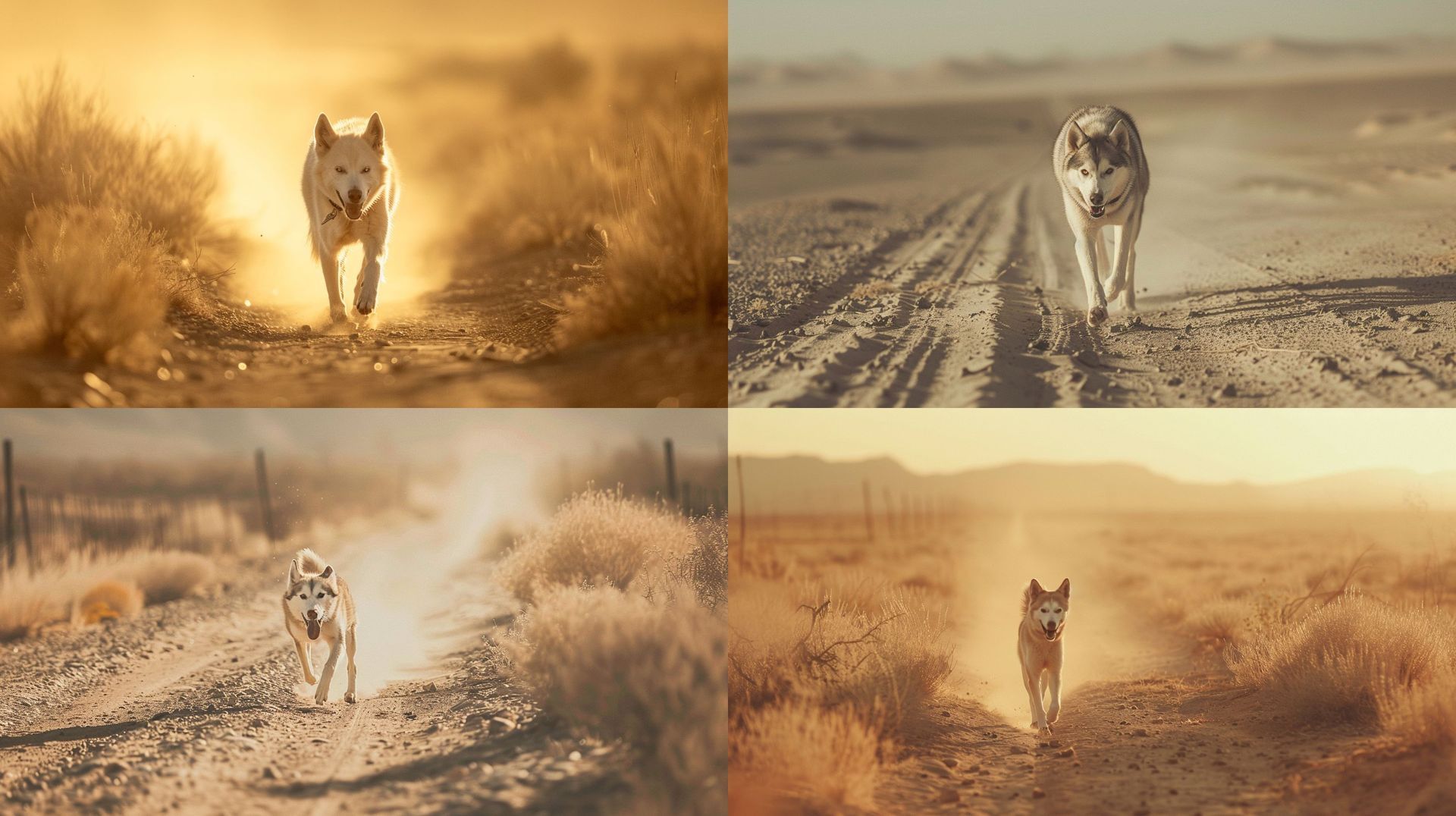
Husky running in desert path (–ar 16:9 –v 6.0)
- Without personalization: Realistic lighting and details.
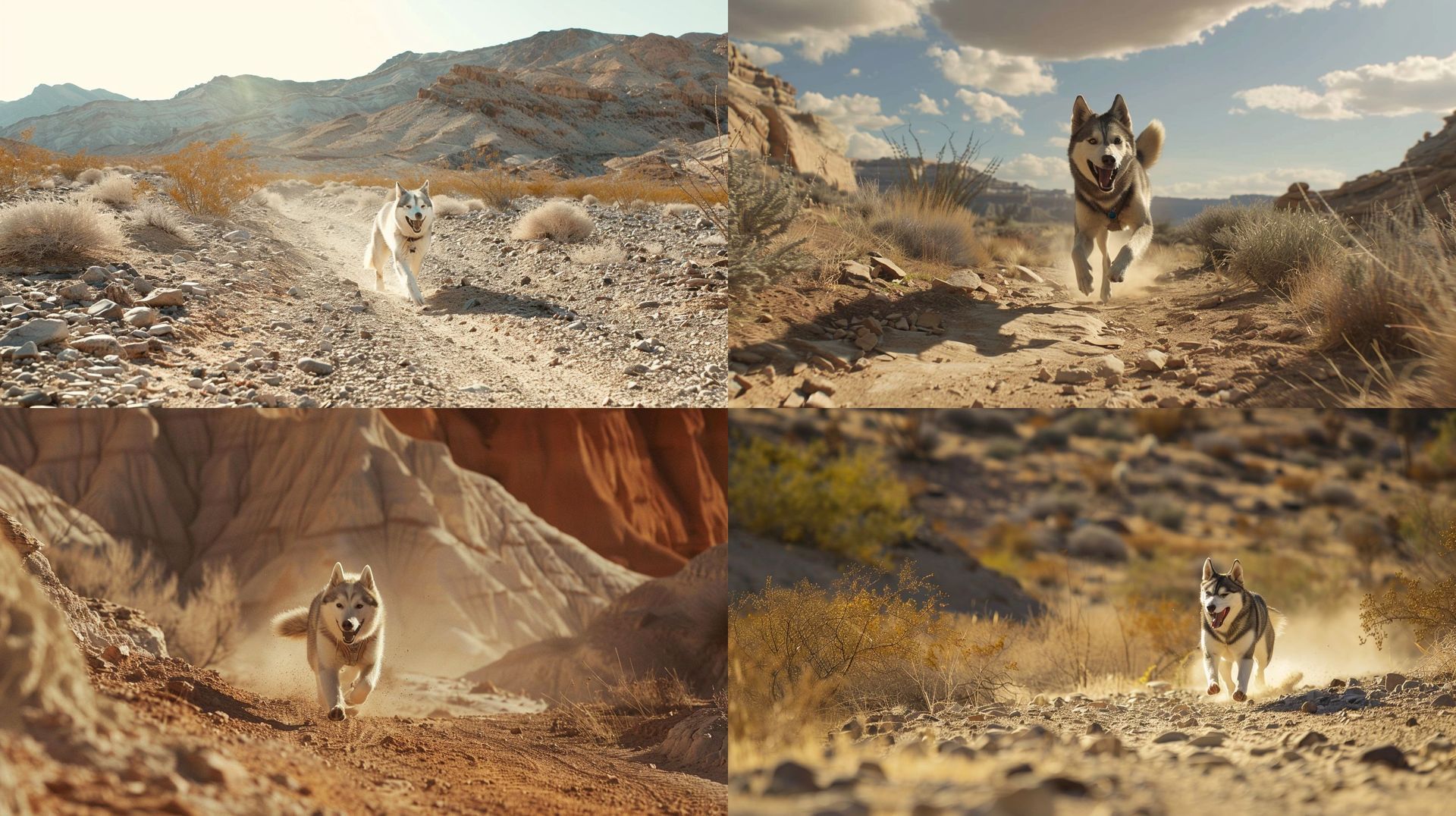
- With personalization: Saturated colors and dramatic lighting.
Combining personalization with stylize
Add “–p” to your prompt, then adjust the “–stylize” (“–s”) parameter to control the level of personalization. Set “–s” between 0 and 1000 (default is 100) to fine-tune your results.
By selecting images, you’re not just customizing your experience—you’re teaching the AI. Your input helps create a smarter, more intuitive AI for everyone, making you an active participant in the machine learning process.
With this guide, you too can unlock the full potential of Midjourney model personalization and experience AI-generated images that truly reflect your unique style!
Featured image credit: vecstock/Freepik




