
Gemini mobile app is finally available! Gemini, Google’s popular artificial intelligence chatbot, is taking Europe by storm with its mobile app.
The app, which is available in more than 150 countries and has multilingual support, aims to increase users’ productivity and creativity.
Gemini mobile app will be the solution to Europe’s language diversity
With Europe’s linguistic diversity in mind, Gemini offers support in many languages, including English, French, German, Italian, Spanish and Flemish. In short, users will be able to harness the power of AI in their native language.


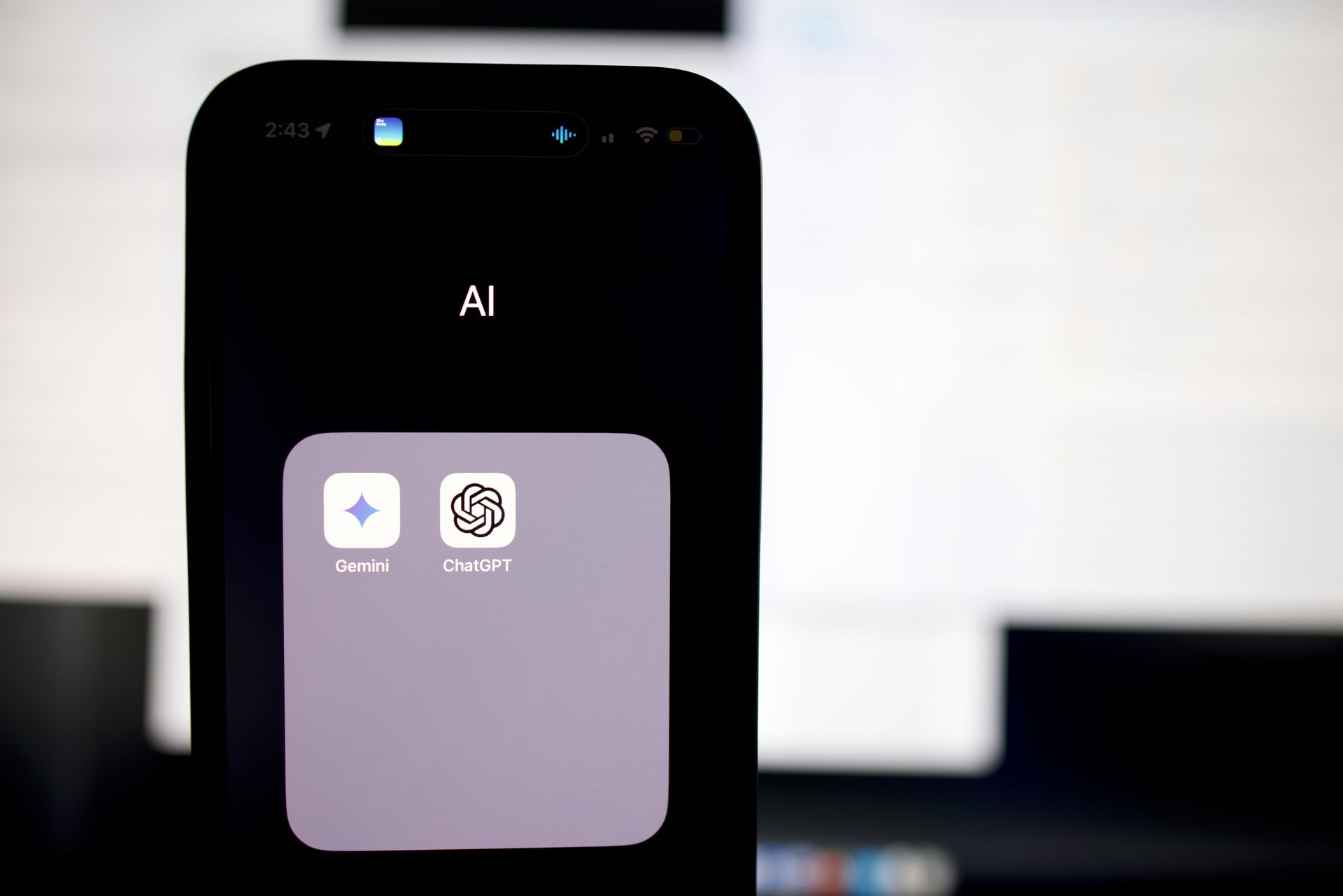
So is Gemini’s mobile app a first? Of course not. ChatGPT launched its mobile app long ago and is already used by millions of people.
Which platforms are the Gemini mobile app available on?
Google has made the app available on Android and iOS devices to make it accessible to many users. Users can easily access Gemini’s advanced features on their smartphones.
By the way, we’ve already shared with you that Google’s iOS app has a switch to switch to Gemini, and we’ve even mentioned that this functionality is coming to Android devices. It’s great that Gemini now has its own app without needing a Google app!
As I mentioned above, Google has already brought Gemini to mobile platforms—but not as an app. With the launch of the new Gemini mobile app, the competition between it and ChatGPT will get even fiercer.
What is expected in the future?
Google has announced that the Gemini mobile app will continue to expand its language and country support. This means the app will reach even more users. In the future, Gemini is expected to gain an important place among AI-powered mobile apps.
Free and premium options
Gemini’s basic features are available completely free of charge. However, Gemini Advanced, which offers more advanced features, requires a monthly subscription.
Using Gemini in the Google app
Alternatively, if you can’t find Gemini on the iOS App Store or the Android Google Play Store, you can use the Google app. Here’s what you need to do for this:
On iOS:
- Open the Google app on your iPhone.
- Make sure you are signed in to your Google Account.
- If Gemini is available to you, a Gemini tab will appear at the top of the Google app so you can switch between Search and Gemini.
- Switch to the Gemini tab and follow the on-screen instructions to get started.
- Select an option to chat with Gemini:
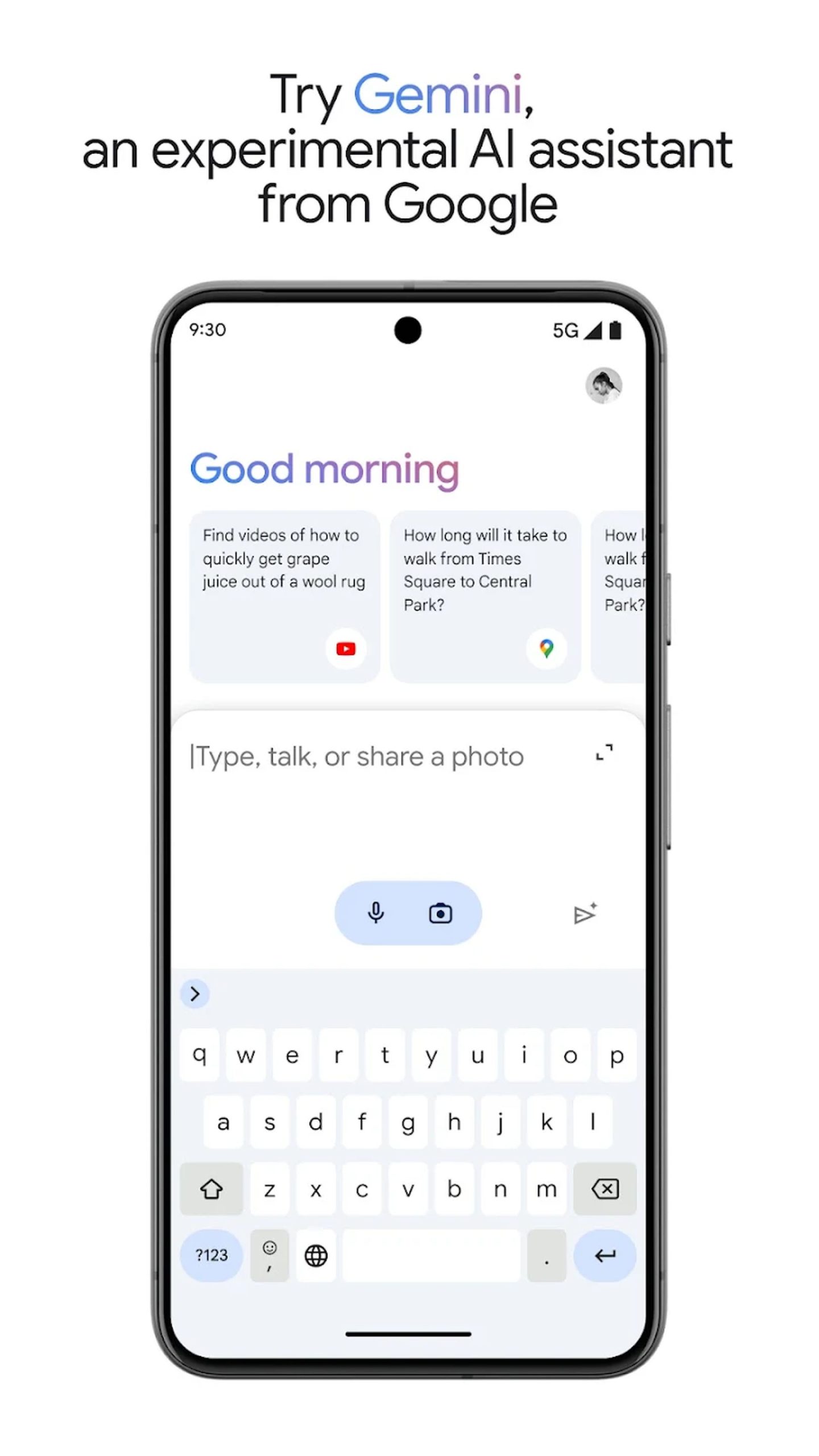
- Keyboard To type your prompt, tap the Keyboard icon and then enter your prompt.
- To speak your prompt, tap the Microphone icon and then speak your prompt.
- To attach a photo to your prompt, tap the Picture selector icon.
- Tap the Send icon.
On Android, you can install the Gemini app directly on your phone. Visit this link to install it.
Device compatibility
Gemini works seamlessly on most Android devices running Android 10 and above with 2GB RAM or more. iOS users can access Gemini through the Google app.
Gemini once again demonstrates Google’s ambition in artificial intelligence. The company continues to use AI to make users’ daily lives easier. Time will tell how Gemini will change users’ lives.
Featured image credit: Google