
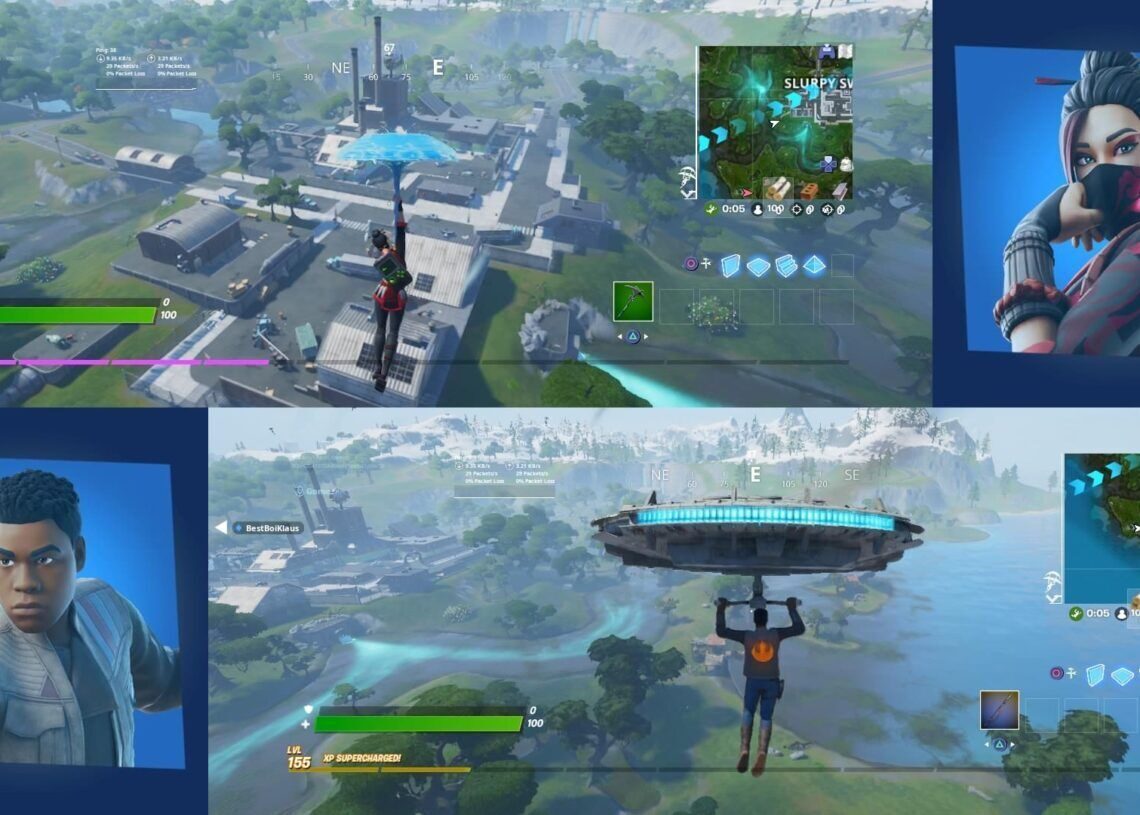

Fortnite enthusiasts have long wondered how to play 2 player on Fortnite and until the emergence of the Fortnite split screen not working issue, they relished the opportunity to team up in Duos and Squads for local co-op gaming on PlayStation and Xbox consoles using the split-screen mode.
In this detailed guide, we’ll take you through the process of using split-screen mode, address the current Fortnite split-screen mode downtime, and seamlessly incorporate crucial insights for an optimal gaming experience.
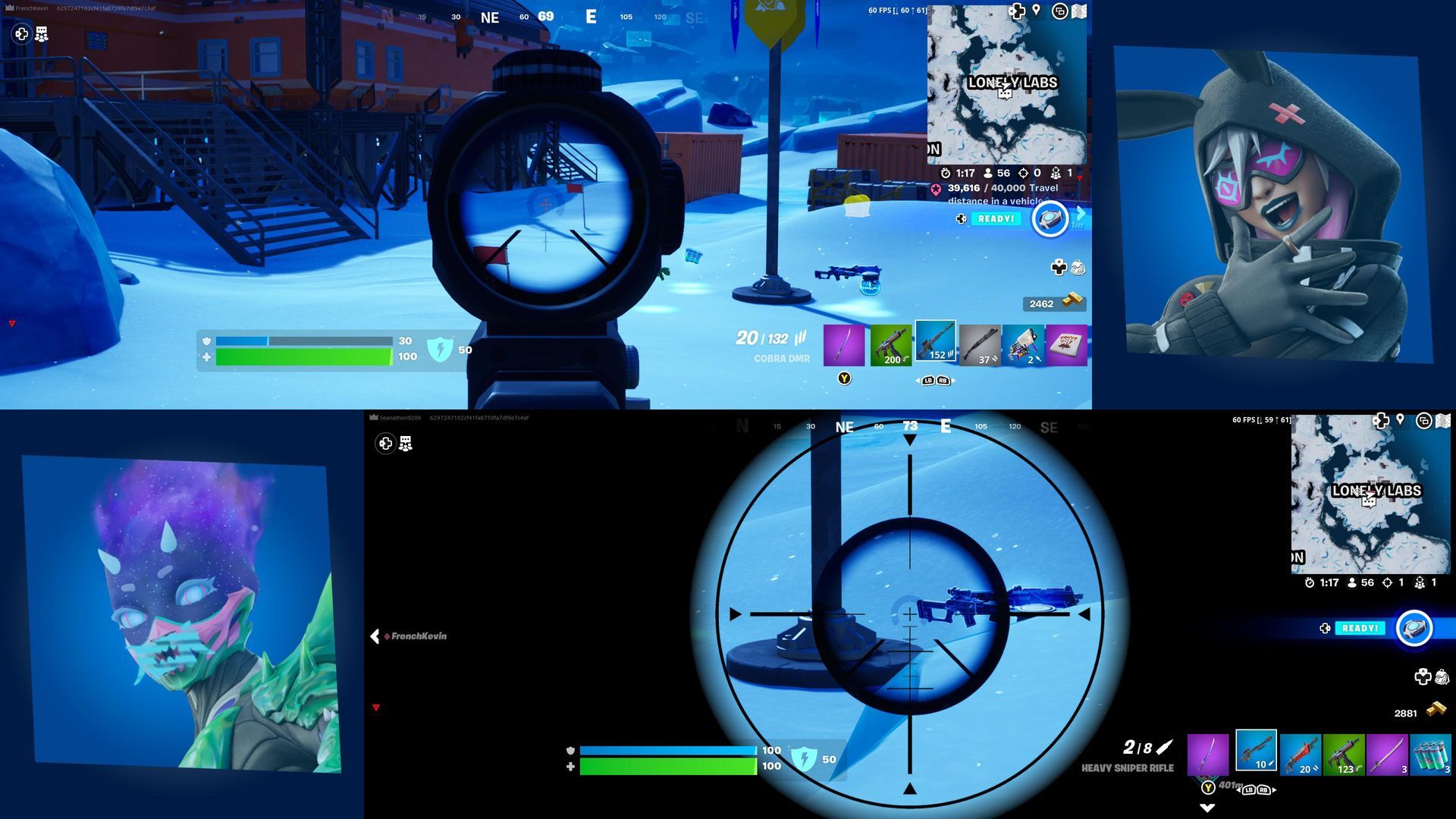
How to play 2 player on Fortnite and why is the Fortnite split screen not working?
Playing Fortnite in split-screen mode is a breeze when it works as intended. Follow these steps to set up a split-screen session:


- Access the main menu: Start Fortnite and navigate to the Main Menu on your console.
- Connect controllers: Ensure that both controllers are connected to the console and powered on.
- Player invitations: The first player needs to invite the second player to select their account.
- Sign in: Once signed into their account, the second player will appear in the lobby, and split-screen mode will activate when you start a game.
- Check internet connection: If split-screen mode isn’t working, verify your internet connection. A stable connection is necessary for split-screen functionality.
Why is the Fortnite split screen not working currently?
As of the recent update v27.10 on November 16, Epic Games temporarily disabled the split-screen mode due to an unspecified “issue.” The removal also affected the ‘Ready Up’ and ‘Keep Playing Together’ buttons. Unfortunately, there’s no immediate fix for players experiencing split-screen mode not working.
Epic Games is actively working on a solution, and players can monitor the Fortnite Status X account for updates on when the mode will be restored. The downtime is part of a series of issues, including a delay in the shop countdown timer. Despite these setbacks, the update brings positive changes, such as a new biome and classic weapons.

While split-screen enthusiasts may face a temporary setback, these issues are typically addressed swiftly, and the mode is expected to return soon. Keep an eye on the Fortnite Status X account for the latest updates, and in the meantime, make sure to check out our articles on the game that can assist you with similar issues and offer you a hand when you’re not certain about particular gameplay aspects of the game, such as our articles on how the new Fortnite age restriction on cosmetics sparked a huge backlash and how to fix it if the friends list is not working for you in Fortnite.
Featured image credit: Reddit




