

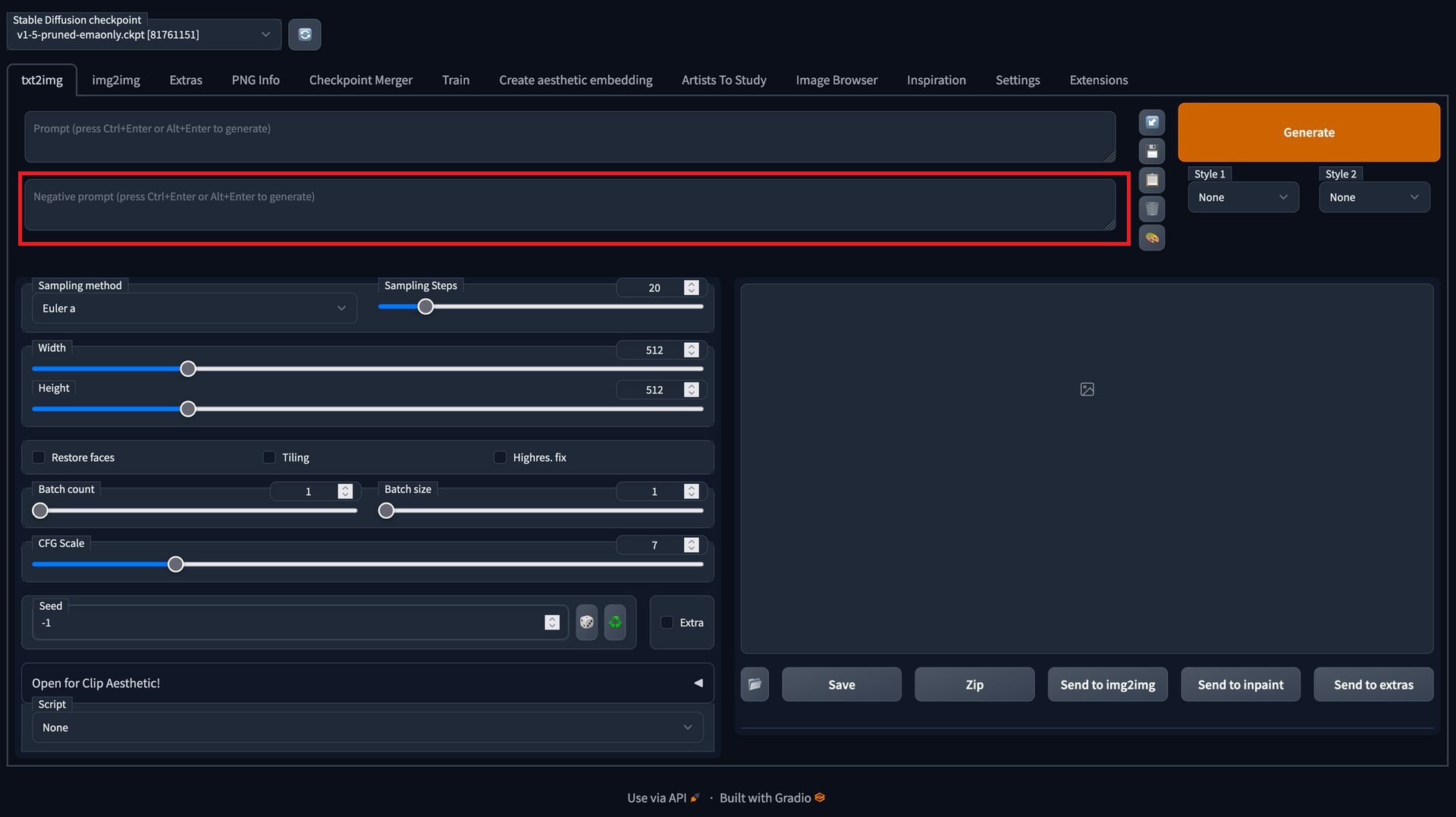
The Stable Diffusion negative prompts list is a hot topic for users who wish to make full use of the software. As you most probably know, Stable Diffusion allows you to create images using only text instructions, but you must use negative prompts if you want them to seem great. Negative prompts, for those of you who don’t know, are items you wish the picture generator to leave out of your image creations. They can be used to remove particular locations, styles, or features while creating the photographs you want.
We’ve prepared a Stable Diffusion negative prompts list that you may add to create various image genres if you’re unsure of what kind of negative prompts to use or when to use them. Below, you can find which negative prompts to use in which cases.
Also, if you are experiencing the same error that many others do recently, you may want to check out how to fix the Stable Diffusion Cuda Out of Memory issue.

Stable Diffusion negative prompts list
You can use these generic instructions, which apply to all types of images you want to make with Stable Diffusion or any other image generator, to produce photographs of higher quality.
- ugly
- tiling
- disfigured
- deformed
- low quality
- pixelated
- blurry
- grains
- grainy
- text
- watermark
- signature
- out of frame
- disproportioned
- bad proportions
- gross proportions
- bad anatomy
- body out of frame
- duplicate
- cropped
- cut off
- draft
- extra hands
- extra arms
- extra legs
- extra fingers
- extra limbs
- long neck
- mutation
- mutilated
- mutated hands
- poorly drawn face
- poorly drawn feet
- poorly drawn hands
- missing hands
- missing arms
- missing legs
- missing fingers
- fused fingers
- unnatural pose
- out of frame
- low resolution
- morbid
- blank background
- boring background
- render
- unreal engine
However, there are some particular instances that you might need to use a bit more specific negative prompts. Below, you can find which negative prompts to use in which conditions.
Negative prompts to use for particular instances
You could wish to include negative prompts that are more appropriate for the kind of art you’re about to produce when you’re making photographs with a specific style or environment. If you know how to add them to the generator you chose, you can use these keywords to generate images using other AI image programs as well.
Negative prompts for landscapes
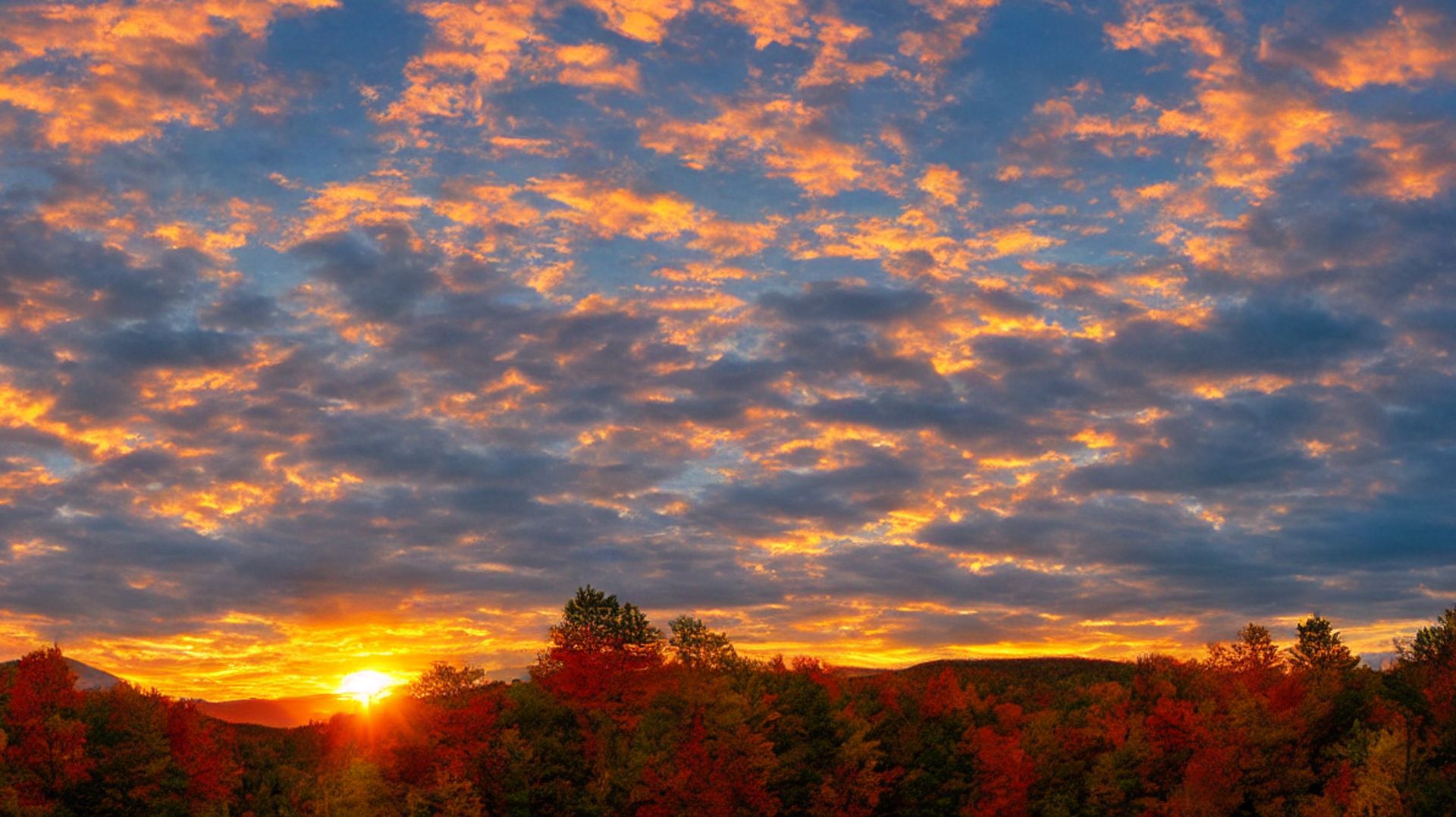
When making photographs of a landscape, a work of natural beauty, or a picturesque scene for Stable Diffusion, you can use the following terms as negative prompts.
- plain background
- boring
- plain
- standard
- homogenous
- uncreative
- unattractive
- opaque
- grayscale (optional)
- monochrome (optional)
- distorted details
- details are low
- grains
- grainy
- foggy (optional)
- dark (optional)
- blurry
- portrait
- oversaturated
- low contrast
- underexposed
- overexposed
- lowres
- low quality
- close-up
- macro
- surreal
- multiple views
- multiple angles
Negative prompts for cityscapes and street views
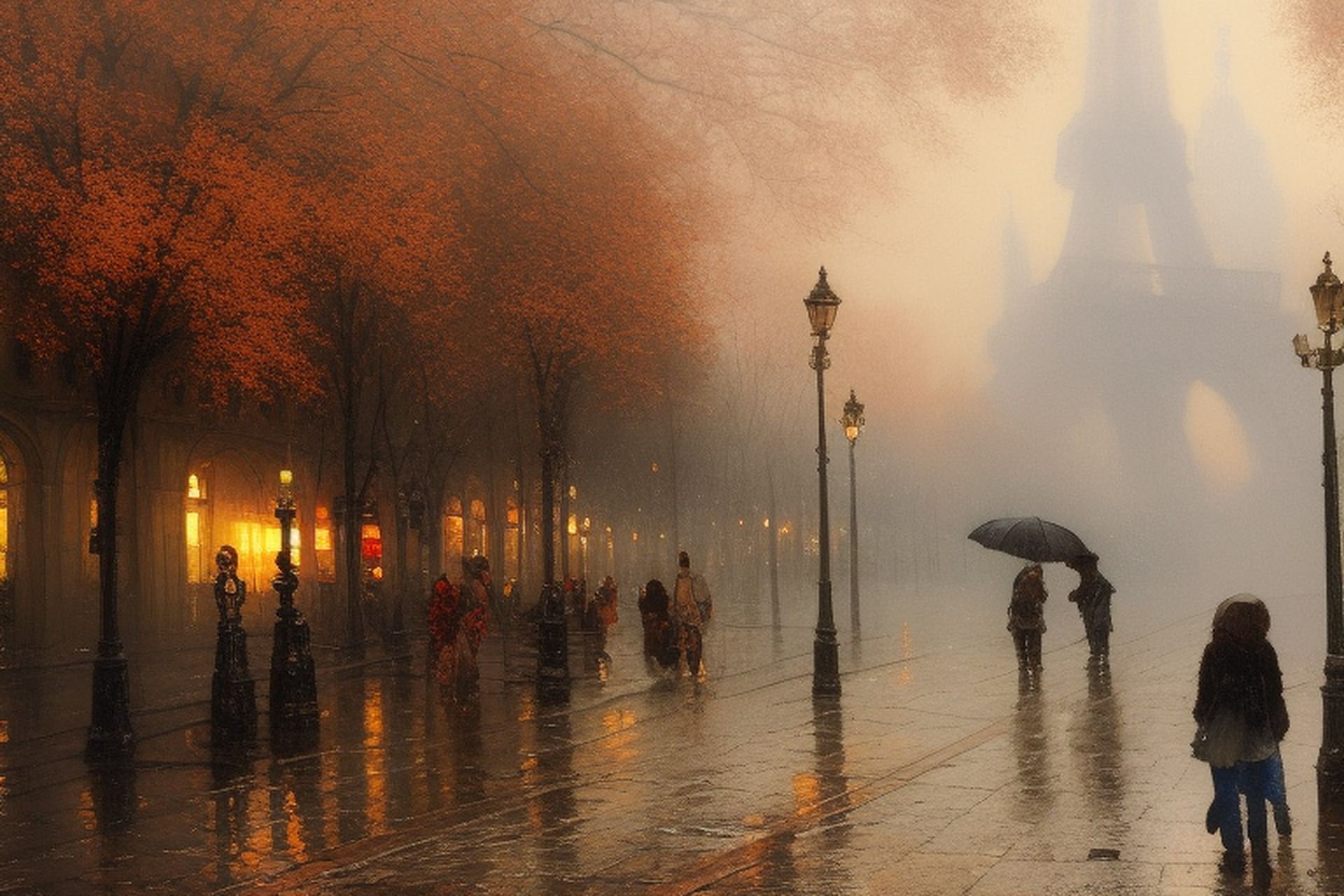
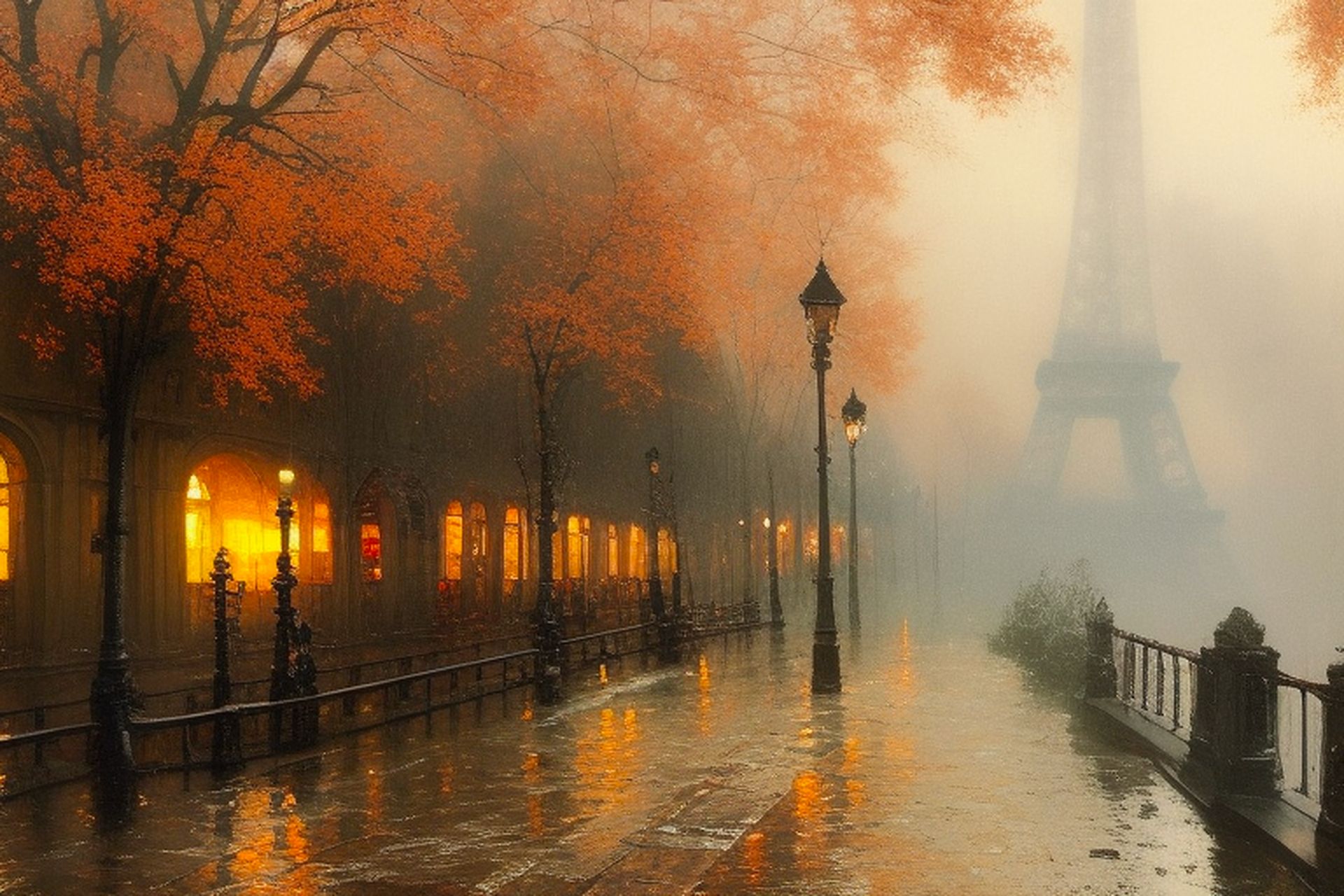
The following terms might be used as negative prompts to create images of cities, streets, buildings, and monuments.
- oversaturated
- low contrast
- underexposed
- overexposed
- lowres
- low quality
- people (optional)
- pets (optional)
- cars (optional)
- animals (optional)
- solid background
- plain background
- asymmetrical buildings
- jpeg artifacts
- close-up
- macro
- surreal
- multiple views
- multiple angles
- creepy
- scary
- blurry
- grainy
- unreal sky
- weird colors
- deformed structures
Negative prompts for portrait shots
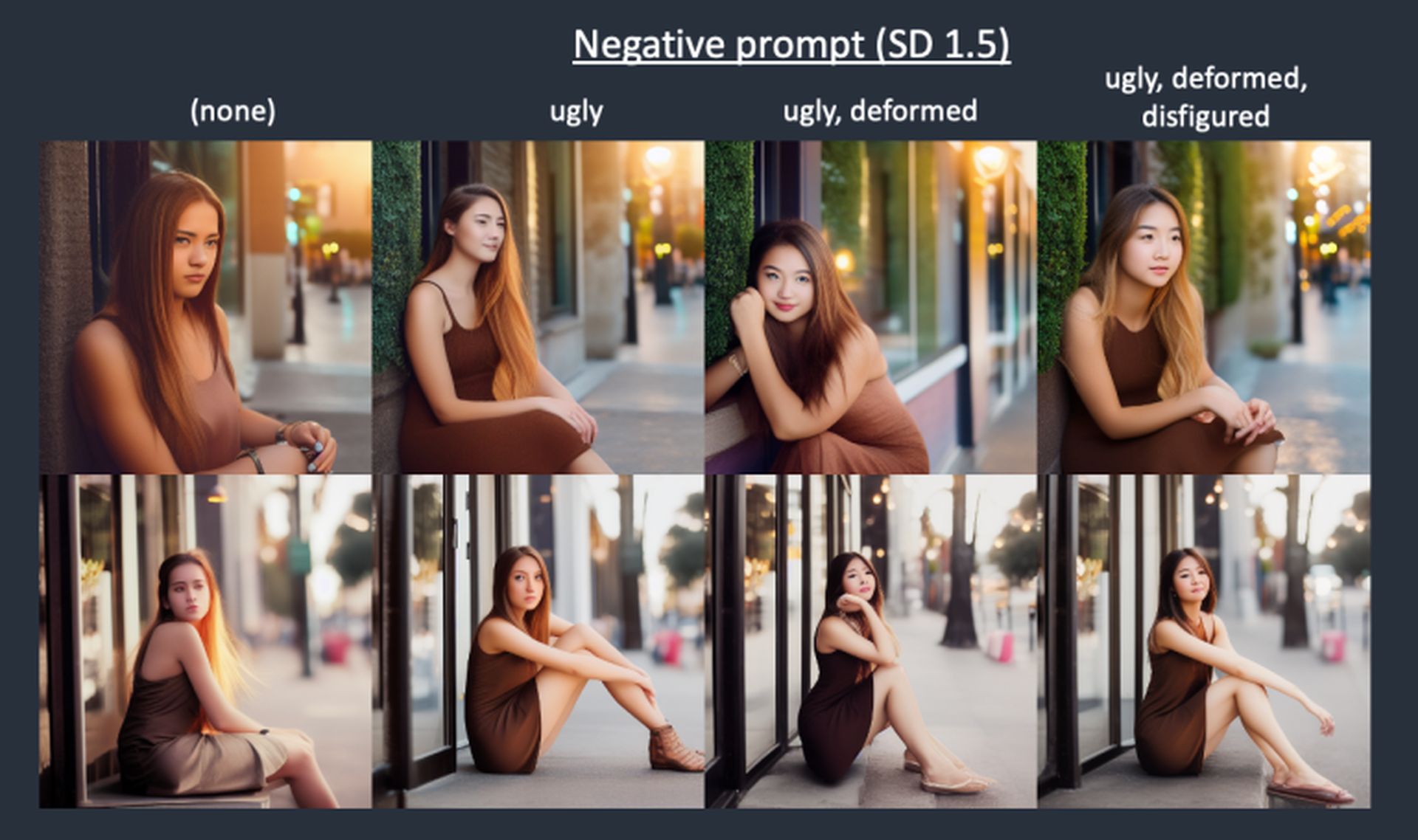
On Stable Diffusion, you can make photos of people and animals that look realistic as long as you add these words as negative prompts.
- disfigured
- disproportionate
- bad anatomy
- bad proportions
- ugly
- out of frame
- mangled
- asymmetric
- cross-eyed
- depressed
- immature
- stuffed animal
- out of focus
- high depth of field
- cloned face
- cloned head
- age spot
- skin blemishes
- collapsed eyeshadow
- asymmetric ears
- imperfect eyes
- floating hair (optional)
- unnatural
- conjoined
- missing limb
- missing arm
- missing leg
- poorly drawn face
- poorly drawn feet
- poorly drawn hands
- floating limb
- disconnected limb
- extra limb
- malformed limbs
- malformed hands
- poorly rendered face
- poor facial details
- poorly rendered hands
- double face
- unbalanced body
- unnatural body
- lacking body
- childish (optional)
- long body
- cripple
- old
- fat
- cartoon
- 3D
- weird colors
- unnatural skin tone
- unnatural skin
- stiff face
- fused hand
- skewed eyes
- mustache (optional)
- beard (optional)
- surreal
- cropped head
- group of people
Negative prompts for photorealistic images
In order to produce photorealistic photographs using Stable Diffusion, you must get rid of any styles and components that might not be appropriate for producing realism. Thus, you can utilize these terms as negative cues to ensure that the resulting photographs look as natural as possible.
- unnatural
- unrealistic
- cartoon
- illustration
- painting
- drawing
- unreal engine
- black and white (optional)
- monochrome (optional)
- oversaturated
- low saturation
- surreal
- underexposed
- overexposed
- jpeg artifacts
- conjoined
- aberrations
- multiple levels
- harsh lighting
- anime
- sketches
- twisted
- video game
- photoshop
- creative
- UI
- abstract
- collapsed
- rotten
- extra windows
Negative prompts for paintings, drawings, and illustrations
Here are some negative prompts you can use to create paintings, illustrations, digital art, pop art, or doodles.
- bad art
- photorealistic
- realism
- realistic
- stock image
- stock photo
- bad fan art
- lazy art
- text
- stacked background
- noise
- poor detailing
- human (optional)
- inaccurate trees
- inaccurate sky
- 3d
- render
- CGI
- unsmooth
- unprofessional
- bad artist
- less creative
- lowres
- grainy
The Stable Diffusion negative prompts list is a valuable resource for users who want to create high-quality images using this software. By utilizing them effectively, you can remove unwanted locations, styles, or features, allowing you to generate images that meet your specific requirements.




