
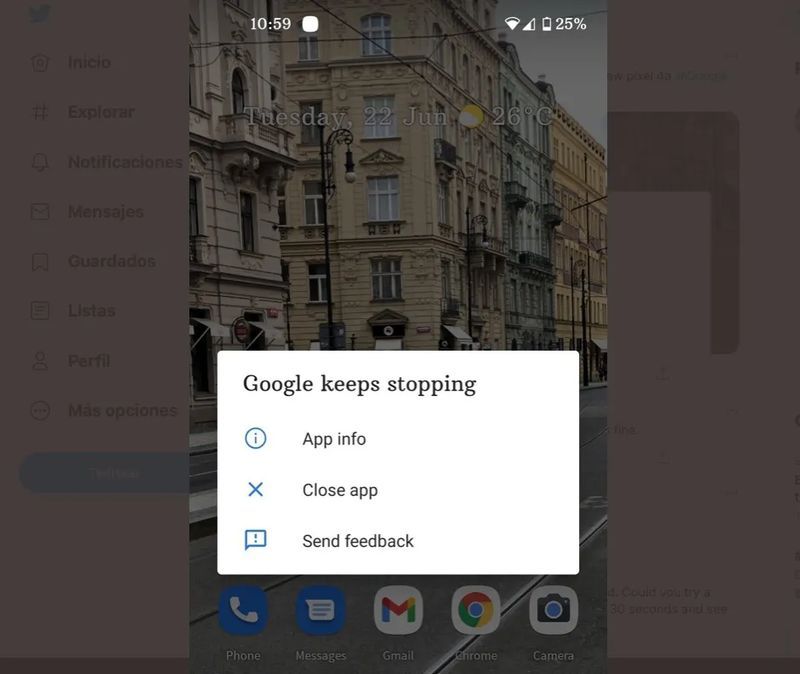
It has been on Twitter where thousands of users have given the voice of Alamar so if you also just woke up seeing the message “Google continues to fail” on the mobile, relax, it is not something that is only happening to you but it is a global failure.
The error has been occurring since early this morning and shows a message on the screen that says that Google is failing and the only option you are given is to Close the app or Send comments. This same error message gives us a glimpse of what’s going on.
And is that, as they have detected numerous users, the failure has been caused by an update of the Google app, the same that is necrdgra to bring to a good place our searches and offer the results of Discover, which is why it keeps appearing this message “Google continues to fail” on the cell phone.


Knowing that it is an app that fails, the solution is quite simple.
Free your phone of Google crash
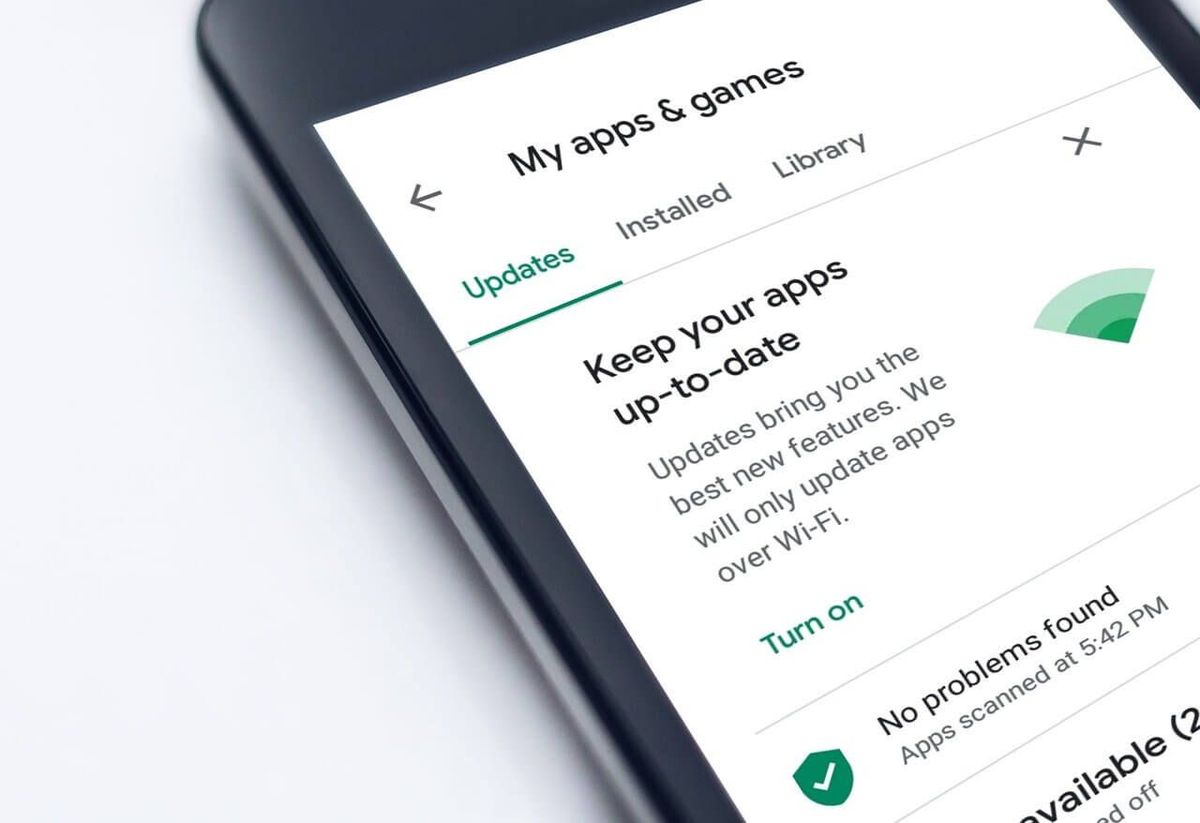
The Google app crashing problem seems to come from an update released by the company a few hours ago. The bug appears in versions 12.23.16.23.arm64 and 12.22.8.23 of the Google app, although even the 12.24.7.29.arm64 beta version of the app is not safe. According to the Play Store listing of the Google app, its versions may vary between different devices, so you may experience these crashes on a completely different version of Android.
Google itself has said that it is aware of the bug and recommends affected users to restart the phone but many are complaining that this possible solution to the bug that “Google keeps crashing”, worth the redundancy, does not work.
What has been proven to fix the bug is to directly uninstall the Google app from the phone. You can also try uninstalling the latest update of the Google application although there are users who claim that this still does not help.
To uninstall the latest Google update you must open the Settings app on your smartphone, access the applications menu, and locate the Google app. Once inside, click on the three dots in the upper right corner and select the “Uninstall updates” option.
If this does not work and the error continues to appear on the screen, directly delete the company’s app from the app drawer, holding your finger on the Google icon for a few moments, and select “uninstall”. Until the company releases an update to fix the error, you should use an alternative search engine such as Opera, or DuckDuckGo.