

TechBriefly
  • Tech
  • Business
  • Crypto
  • Science
  • Geek
  • How to
  • About
    • About TechBriefly
    • Terms and Conditions
    • Privacy Policy
    • Contact Us
    • Languages
      • 中文 (Chinese)
      • Dansk
      • Deutsch
      • Español
      • English
      • Français
      • Nederlands
      • Italiano
      • 日本语 (Japanese)
      • 한국인 (Korean)
      • Norsk
      • Polski
      • Português
      • Pусский (Russian)
      • Suomalainen
      • Svenska
No Result
View All Result
TechBriefly
Home Tech Software
Google Play Music will be deactivated on February 24th for Android Auto

Google Play Music will be deactivated on February 24th for Android Auto

Kerem GülenbyKerem Gülen
8 February 2021
in Software, Tech
Reading Time: 1 min read
Share on FacebookShare on Twitter

Google warns that all Android Auto users who have Google Play Music should transfer their data to YouTube Music, because the company will no longer support that app.

Google stopped supporting Play Music at the beginning of December last year, but luckily you can export before it’s too late, and if you have Android Auto you should hurry.

Android Auto users should transfer their music data

Google is starting to warn all users much more regularly to save their last data stored in the cloud of Google Play Music before they are deleted forever. It has been one of the most used music applications in our Android Auto. If you have special playlists and stuff you should transfer them to YouTube Music.

Specifically, Google is giving us a deadline: February 24th. If you still have data such as playlists, uploaded songs, specific purchases, or tracks stored in the Google Play Music library, you should export them before the deadline.

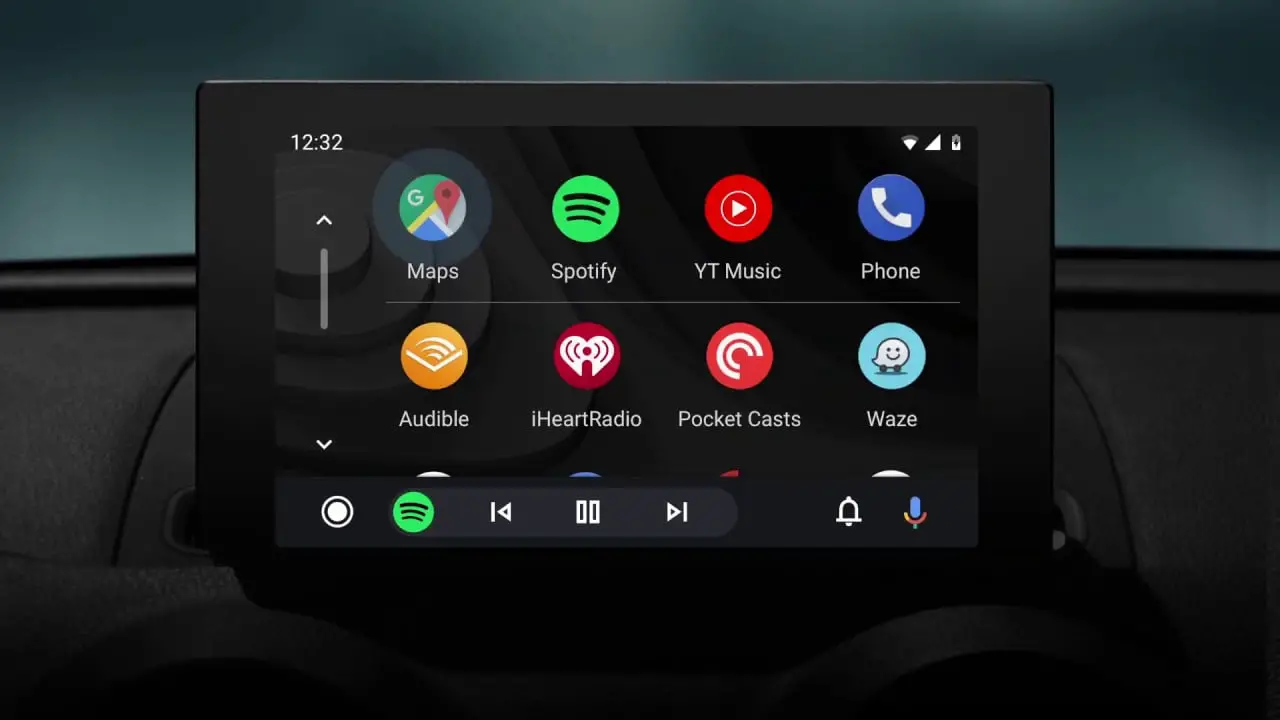
Attention Android Auto users: Google Play Music will be deactivated on February 24th
The deadline: February 24th

With this move, the company wants to eliminate Play Music and focus entirely on YouTube Music.

Google’s sending an email to Google Play Music users: “On February 24, 2021, we will delete all of your Google Play Music data. This includes your music library with any uploads, purchases and anything you’ve added from Google Play Music. After this date, there will be no way to recover it.”

Unfortunately, YouTube Music does not offer the same experience of listening to music behind the wheel as Google Play Music did back in the day, so it will take some time to get used to it.

Tags: dataGoogleGoogle PlaymusicplaysupporttransferYouTube Music
ShareTweet
Kerem Gülen

Kerem Gülen

Kerem from Turkey has an insatiable curiosity for the latest advancements in tech gadgets and a knack for innovative thinking.With 3 years of experience in editorship and a childhood dream of becoming a journalist, Kerem has always been curious about the latest tech gadgets and is constantly seeking new ways to create.As a Master's student in Strategic Communications, Kerem is eager to learn more about the ever-evolving world of technology. His primary focuses are artificial intelligence and digital inclusion, and he delves into the most current and accurate information on these topics.

Related Posts

New WhatsApp update brings 2026 stickers and video call effects

New WhatsApp update brings 2026 stickers and video call effects

30 December 2025
Leaker reveals Xiaomi plans for high end eSIM device in 2026

Leaker reveals Xiaomi plans for high end eSIM device in 2026

30 December 2025
HP prepares OMEN OLED monitor reveal for CES 2026

HP prepares OMEN OLED monitor reveal for CES 2026

30 December 2025
High RAM costs from AI boom could delay next Xbox and PlayStation

High RAM costs from AI boom could delay next Xbox and PlayStation

30 December 2025
Please login to join discussion

LATEST

New WhatsApp update brings 2026 stickers and video call effects

Leaker reveals Xiaomi plans for high end eSIM device in 2026

HP prepares OMEN OLED monitor reveal for CES 2026

High RAM costs from AI boom could delay next Xbox and PlayStation

LG to unveil its Gallery TV at CES 2026

Bitcoin drops 3% to $87,300 as altcoins decline

How to install mods and custom content in The Sims 2

Running Python files and fixing path errors on Windows

How to boot your PC into Command Prompt for troubleshooting

How to delete a virus using Command Prompt

TechBriefly

© 2021 TechBriefly is a Linkmedya brand.

  • Tech
  • Business
  • Science
  • Geek
  • How to
  • About
  • Privacy
  • Terms
  • Contact
  • | Network Sites |
  • Digital Report
  • LeaderGamer

Follow Us

No Result
View All Result
  • Tech
  • Business
  • Crypto
  • Science
  • Geek
  • How to
  • About
    • About TechBriefly
    • Terms and Conditions
    • Privacy Policy
    • Contact Us
    • Languages
      • 中文 (Chinese)
      • Dansk
      • Deutsch
      • Español
      • English
      • Français
      • Nederlands
      • Italiano
      • 日本语 (Japanese)
      • 한국인 (Korean)
      • Norsk
      • Polski
      • Português
      • Pусский (Russian)
      • Suomalainen
      • Svenska
