
TechBriefly
  • Tech
  • Business
  • Crypto
  • Science
  • Geek
  • How to
  • About
    • About TechBriefly
    • Terms and Conditions
    • Privacy Policy
    • Contact Us
    • Languages
      • 中文 (Chinese)
      • Dansk
      • Deutsch
      • Español
      • English
      • Français
      • Nederlands
      • Italiano
      • 日本语 (Japanese)
      • 한국인 (Korean)
      • Norsk
      • Polski
      • Português
      • Pусский (Russian)
      • Suomalainen
      • Svenska
No Result
View All Result
TechBriefly
Home How to
How to switch characters Gotham Knights?

How to switch characters Gotham Knights?

If you are wondering how to switch characters Gotham Knights, we've got you covered.

Önder ErdinebyÖnder Erdine
21 October 2022
in How to
Reading Time: 2 mins read
Share on FacebookShare on Twitter

In this article, we are going to be covering how to switch characters Gotham Knights, so you can enjoy the new game to the fullest with all 4 characters.

Put on your eye makeup and put on your hood, for the Gotham Knights have come. WB Games Montréal created the open-world Batman story for Arkham Origins. The plot this time takes place outside of the Arkham realm, as Gotham Knights introduce a new canon in which much has changed. How will our heroes stop Gotham from its most dangerous foe yet?

In this article, we are going to be covering how to switch characters Gotham Knights, so you can enjoy the new game to the fullest with all 4 characters.
How to switch characters Gotham Knights?

Fans of Batman will undoubtedly flock to Gotham Knights when it is released on October 21, 2022. But when they do, they’ll need to be quick to pick up on a few things. To begin, you may earn additional suits to boost your hero’s total power. This is essential for keeping up with the action in Gotham Knights. Second, you may link up with buddies at any time during the campaign to explore the city and take on crooks. Finally, with four separate characters to pick from, you may always swap characters to engage in different styles of battle, employ different gadgets, and alter the game’s cutscenes.
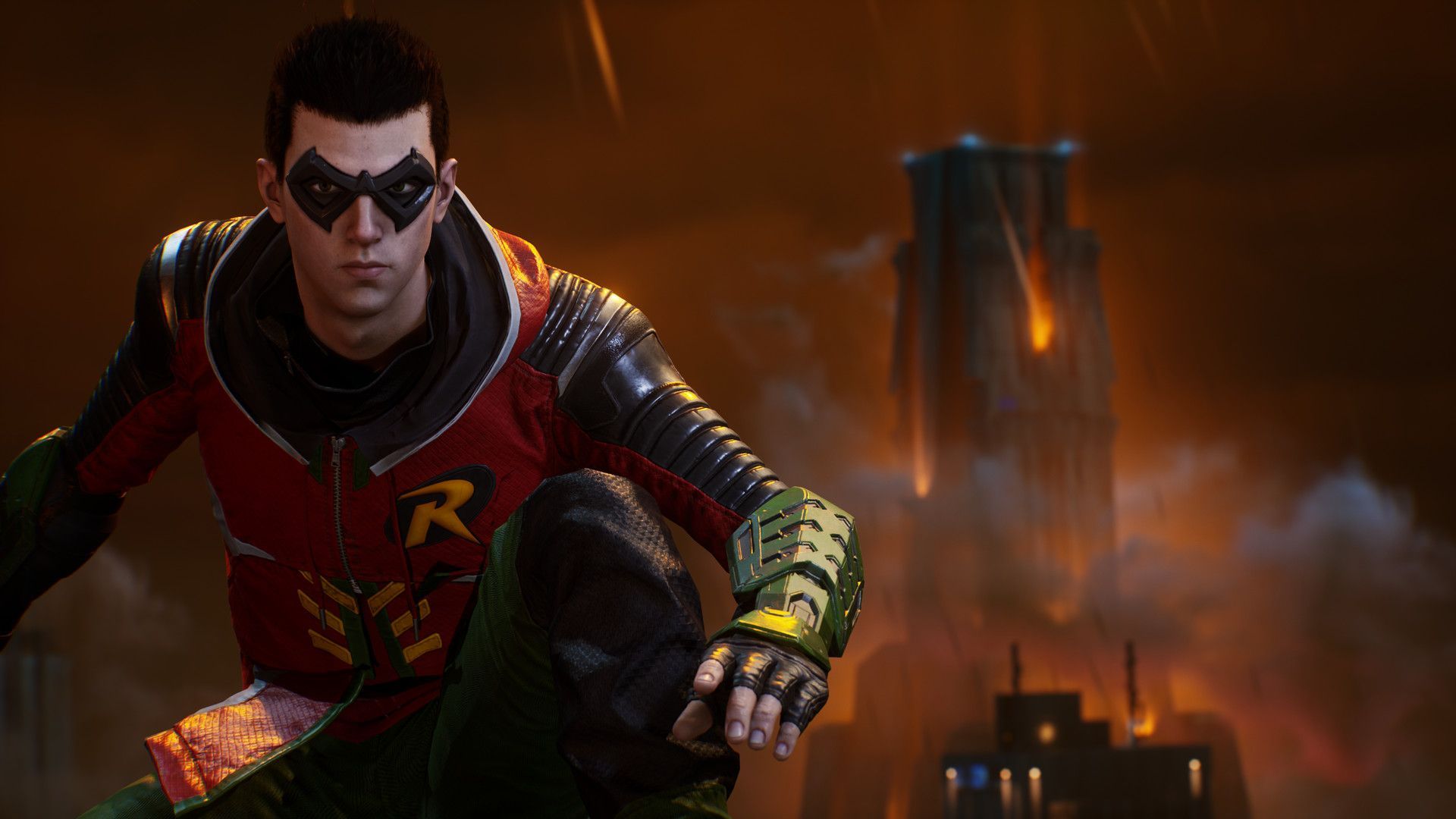
In this article, we are going to be covering how to switch characters Gotham Knights, so you can enjoy the new game to the fullest with all 4 characters.
How to switch characters Gotham Knights?

Players in Gotham Knights can pick from four distinct characters. Red Hood, Robin, Bat Girl, and Nightwing all have different personalities. They all play differently, with various ways to move about the city, outfits, gadgets, and combat styles. While all of this is obvious at the start of the game, what isn’t is that you may swap between the characters at any moment.

In this article, we are going to be covering how to switch characters Gotham Knights, so you can enjoy the new game to the fullest with all 4 characters.
How to switch characters Gotham Knights?

How to switch characters Gotham Knights?

To transition between characters in Gotham Knights, players should go to the Belfry. This place serves as the major hub for the game’s protagonists, allowing them to create new items, improve their powers, and even learn more about one another. Once inside the Belfry, approach the suits hung on the mannequins to the right of the exit (or to the left if you’re looking at it).
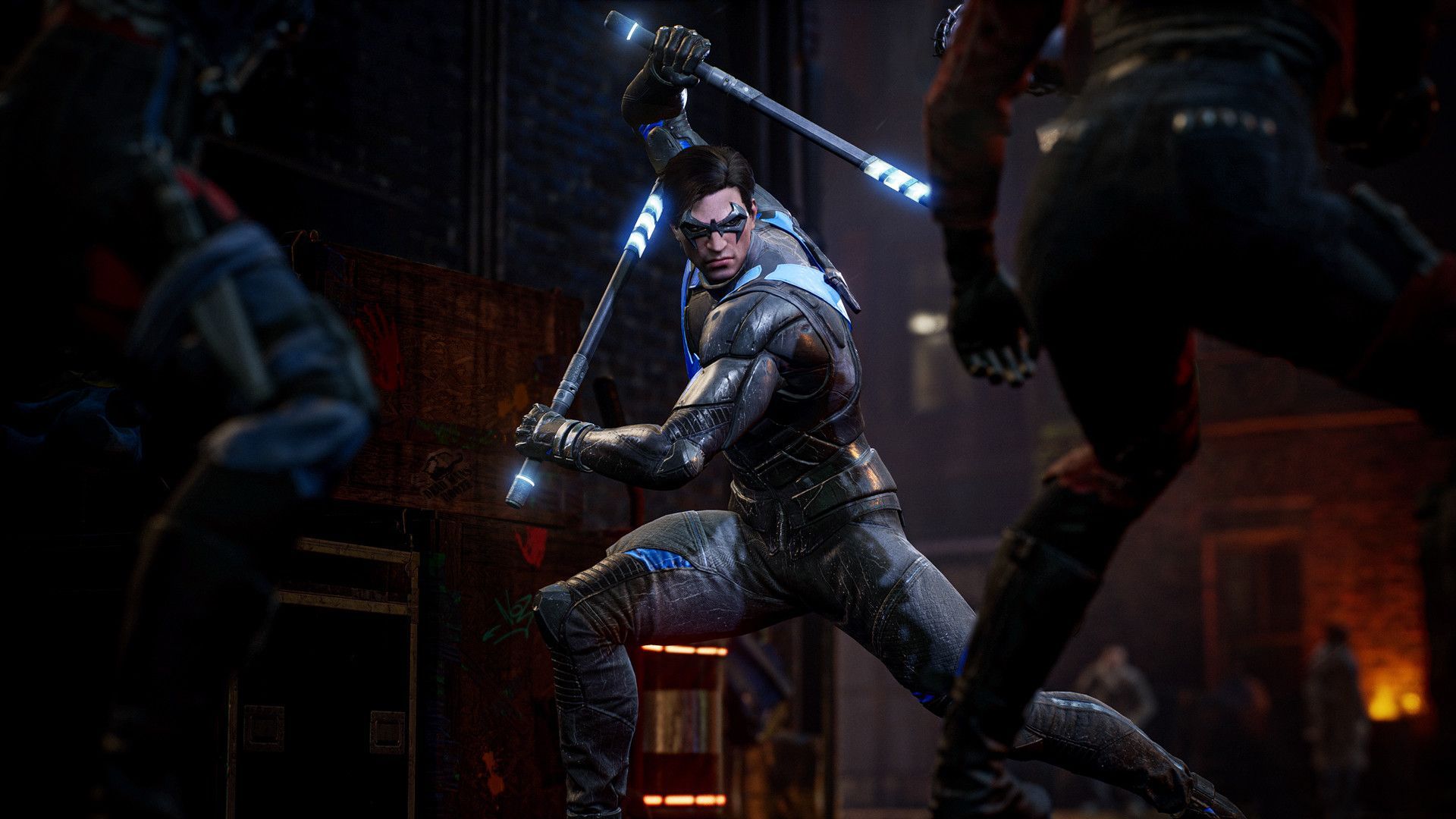
In this article, we are going to be covering how to switch characters Gotham Knights, so you can enjoy the new game to the fullest with all 4 characters.
How to switch characters Gotham Knights?

Simply approach the costume of the character you want to switch to and hit the prompted button to fast switch to them. This makes switching between Red Hood, Bat Girl, Nightwing, and Robin a breeze, and when you do, you’ll have access to additional cutscenes and conversations between the characters to further flesh out their relationships. And, because Gotham Knights support co-op gaming at the time of its official release, you and a friend may switch amongst the other available characters to find a good match.

In this article, we are going to be covering how to switch characters Gotham Knights, so you can enjoy the new game to the fullest with all 4 characters.
How to switch characters Gotham Knights?

We hope that you enjoyed this article on how to switch characters Gotham Knights. If you did, we are sure that you will also enjoy reading some of our other articles, such as Gotham Knights story spoilers: Ending explained, or Gotham Knights not working: How to fix it.

Tags: Gotham Knightsguidehow to
ShareTweet
Önder Erdine

Önder Erdine

Related Posts

How to connect a PS4 controller to Steam via USB or Bluetooth

How to connect a PS4 controller to Steam via USB or Bluetooth

24 December 2025
How to connect your phone to Wi-Fi and fix connection issues

How to connect your phone to Wi-Fi and fix connection issues

24 December 2025
The comprehensive guide to resolving Steam account sign-in errors

The comprehensive guide to resolving Steam account sign-in errors

23 December 2025
Simple ways to pair and set up smartwatches with Android devices

Simple ways to pair and set up smartwatches with Android devices

23 December 2025

LATEST

How to connect a PS4 controller to Steam via USB or Bluetooth

How to connect your phone to Wi-Fi and fix connection issues

Apple begins iPhone 18 series production testing in January

EA investigates AI claims in Battlefield 6 cosmetics

Amazon Alexa+ will book your hotels and salons starting in 2026

OpenAI launches Skills in Codex

The comprehensive guide to resolving Steam account sign-in errors

Simple ways to pair and set up smartwatches with Android devices

How to zoom out quickly with shortcuts and gestures on your Mac

Viewing browsing history across Safari, Chrome and Firefox on Mac

TechBriefly

© 2021 TechBriefly is a Linkmedya brand.

  • Tech
  • Business
  • Science
  • Geek
  • How to
  • About
  • Privacy
  • Terms
  • Contact
  • | Network Sites |
  • Digital Report
  • LeaderGamer

Follow Us

No Result
View All Result
  • Tech
  • Business
  • Crypto
  • Science
  • Geek
  • How to
  • About
    • About TechBriefly
    • Terms and Conditions
    • Privacy Policy
    • Contact Us
    • Languages
      • 中文 (Chinese)
      • Dansk
      • Deutsch
      • Español
      • English
      • Français
      • Nederlands
      • Italiano
      • 日本语 (Japanese)
      • 한국인 (Korean)
      • Norsk
      • Polski
      • Português
      • Pусский (Russian)
      • Suomalainen
      • Svenska