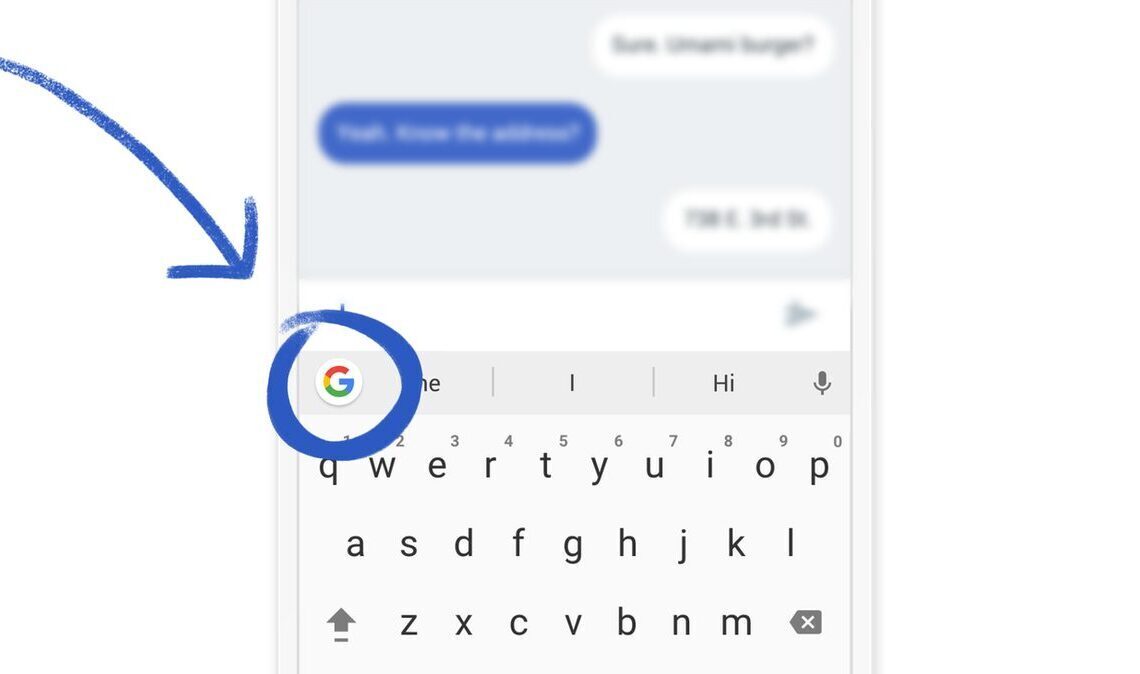

Gboard, Google’s popular virtual keyboard, is rolling out a new “Autofill” shortcut designed to streamline the process of entering login credentials and payment information. This feature aims to provide a faster and more reliable method for users to populate forms within applications, addressing previous inconveniences such as manual copying from password managers.
The new “Autofill” shortcut, which Google previously referenced in Play Services release notes, is appearing for some users on Gboard’s latest stable version, 15.7.4.787916401. However, many users report that the option is currently only visible in the beta version of the application, 15.7.5.787916401.
To activate the shortcut, users must enable a toggle within the “On-screen keyboard settings.” Once enabled and available, Gboard will prompt users with an option to “Use Autofill with Google.” Tapping the “Autofill” shortcut reveals two distinct choices: “Passwords” and “Payment methods.”



Selecting “Passwords” will display saved credentials specifically for the application currently in use. Opting for “Payment methods” presents stored credit and debit cards, though users will be required to enter the security code for any chosen card before it can be utilized. This integrated autofill functionality is expected to significantly enhance user convenience and efficiency when dealing with sensitive information on mobile devices.