
Microsoft has expanded its Copilot AI technology with the release of new features tailored for gamers and creatives, aiming to integrate AI assistance into both recreational and professional digital activities.
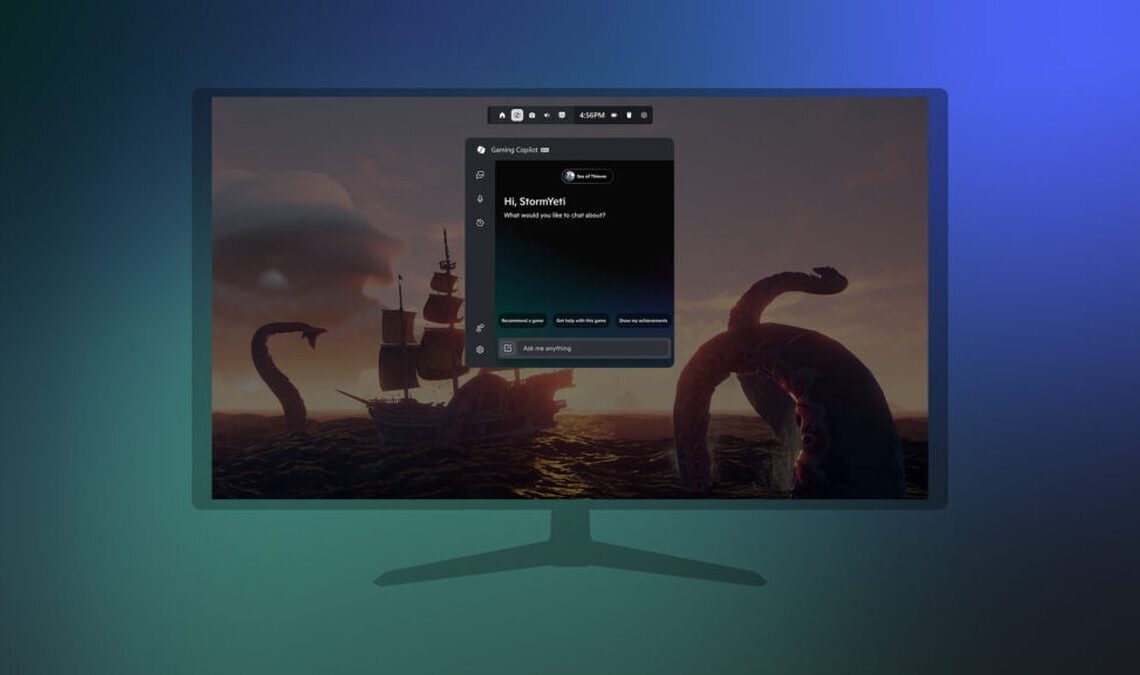
For gamers, the “Gaming Copilot” is now available in Beta for Xbox Insiders on Windows PC, with a more limited rollout to handheld devices. This AI assistant, which was initially introduced to the Xbox mobile app earlier this year, is now being integrated into the Game Bar. It is designed to understand what users are playing and what is happening on their screen, offering tips and tricks. A new Voice Mode allows users to verbally ask for assistance, particularly if they are stuck at a specific level in a game.
To access the Gaming Copilot, users must be Xbox Insiders enrolled in the PC Gaming Preview, be at least 18 years old, and reside in specific regions including the U.S., Australia, New Zealand, Japan, and Singapore. Eligible users can activate it by pressing Windows + G to open the Game Bar, selecting the Gaming Copilot icon, and logging into their Xbox account.
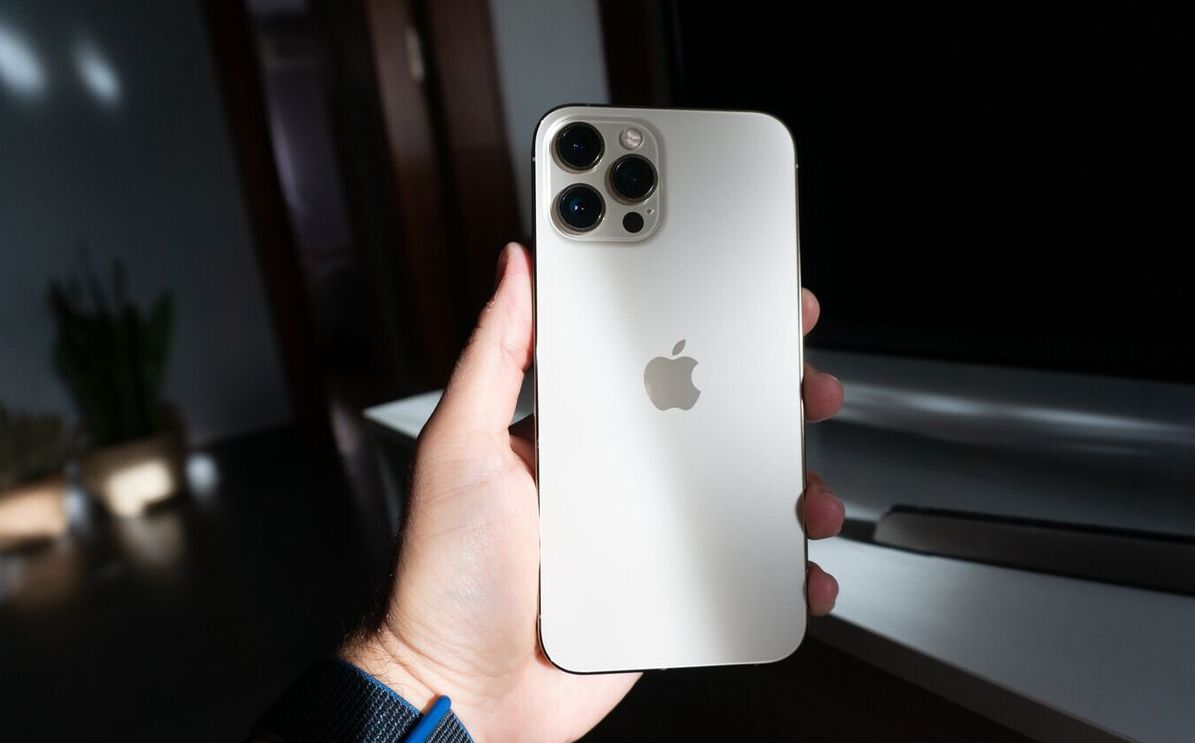
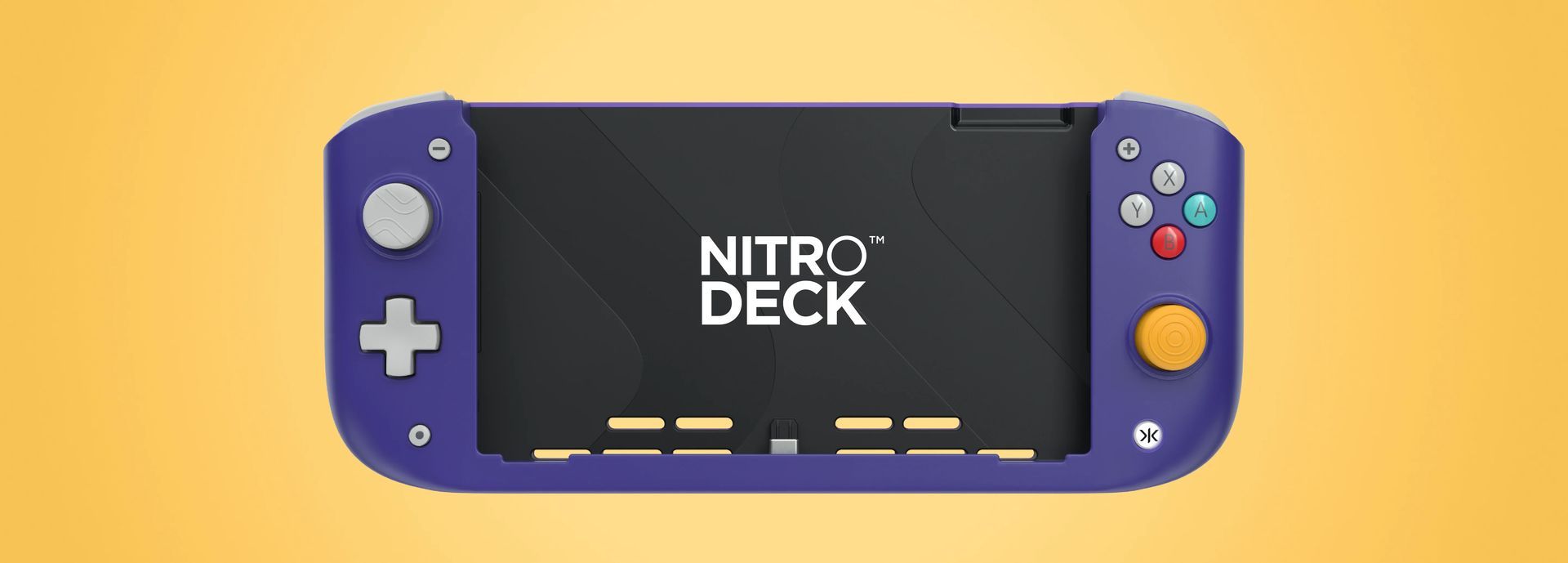

On the creative front, Microsoft has launched “Copilot 3D” within Copilot Labs. This feature allows users to convert a 2D image into a 3D model, significantly reducing the time typically required for custom 3D file creation. Copilot 3D is free and accessible globally to anyone with a Microsoft Account. Its utility extends beyond novelty, as it supports the creation of models for 3D printing, game design, art projects, and other applications. The tool utilizes the widely compatible GLB format and stores user creations for 28 days, enabling later access and use.
These new features underscore Microsoft’s strategy to make its AI tools versatile for both work and leisure. However, it remains unclear whether these functionalities will necessitate devices equipped with Neural Processing Units (NPUs) or if they will primarily rely on internet connectivity, thereby being accessible on a broader range of PCs.