
Bluesky has updated its app to version 1.100, introducing a revamped search page and emoji reactions in direct messages, enhancing the user experience with new features.
The search page has been renamed “Explore,” where users can now find trending topics, suggested accounts to follow, and starter packs. The new Explore page still allows users to search from the top, but now the first thing they see under the search bar is a list of top trends. These trends are accompanied by tags that indicate their popularity, labeled as “hot” or “new,” giving users an idea of what’s currently gaining traction on the platform.
The Explore page also includes a shortcut at the top that allows users to edit their interests. These interests inform the content users see on the Explore page. Although the shortcut can be hidden, users can adjust their interests at any time by navigating to Settings > Content and media. This feature enables users to personalize their experience and view content that is more relevant to them.



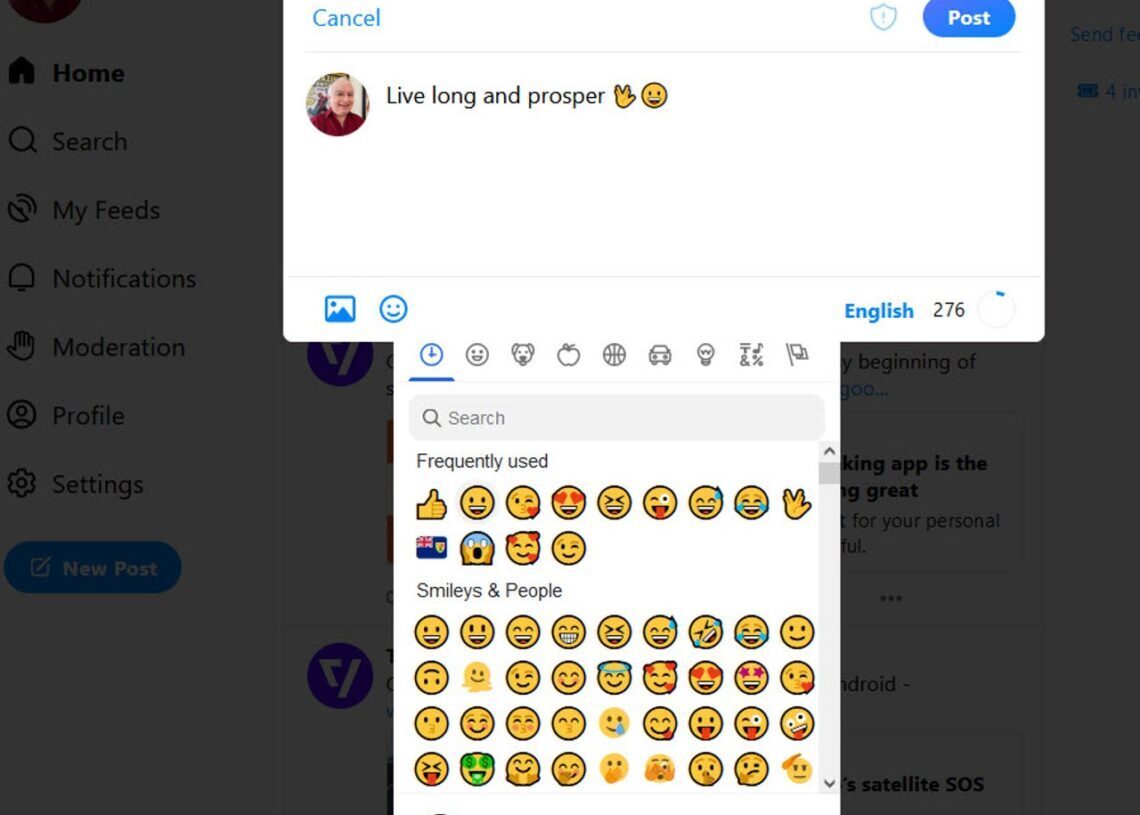
In addition to the revamped Explore page, Bluesky has introduced emoji reactions in direct messages. Users can now react to messages with emojis by holding down on the message and selecting an emoji. This feature is similar to those found in other chat apps, such as iMessage, making it familiar and easy to use for many users.
The introduction of emoji reactions has also led to a change in how message options are accessed. Previously, holding down on a message would bring up a menu at the bottom of the screen with options to translate, copy, or delete the message. Now, when a user presses and holds on a message, these options appear under the message, providing a more intuitive and streamlined way to manage messages.