Today we explain how to fix the MW2 Stats Not Loading error. Call of Duty: Modern Warfare 2, which was just released, is getting a ton of attention now that its highly anticipated multiplayer mode is available to players. Discussion of the game reached a fever pitch as a result of the enormous influx of new players that came along with its release.
The popular first-person shooter game series COD: Modern Warfare 2 was created by the team Infinity Ward and published by Activision in 2022. On October 28, 2022, the most widely used software, including PlayStation 4, PlayStation 5, Microsoft Windows 11, Xbox 1, and Xbox Series X/S, published the 19th installment of the COD video game series.
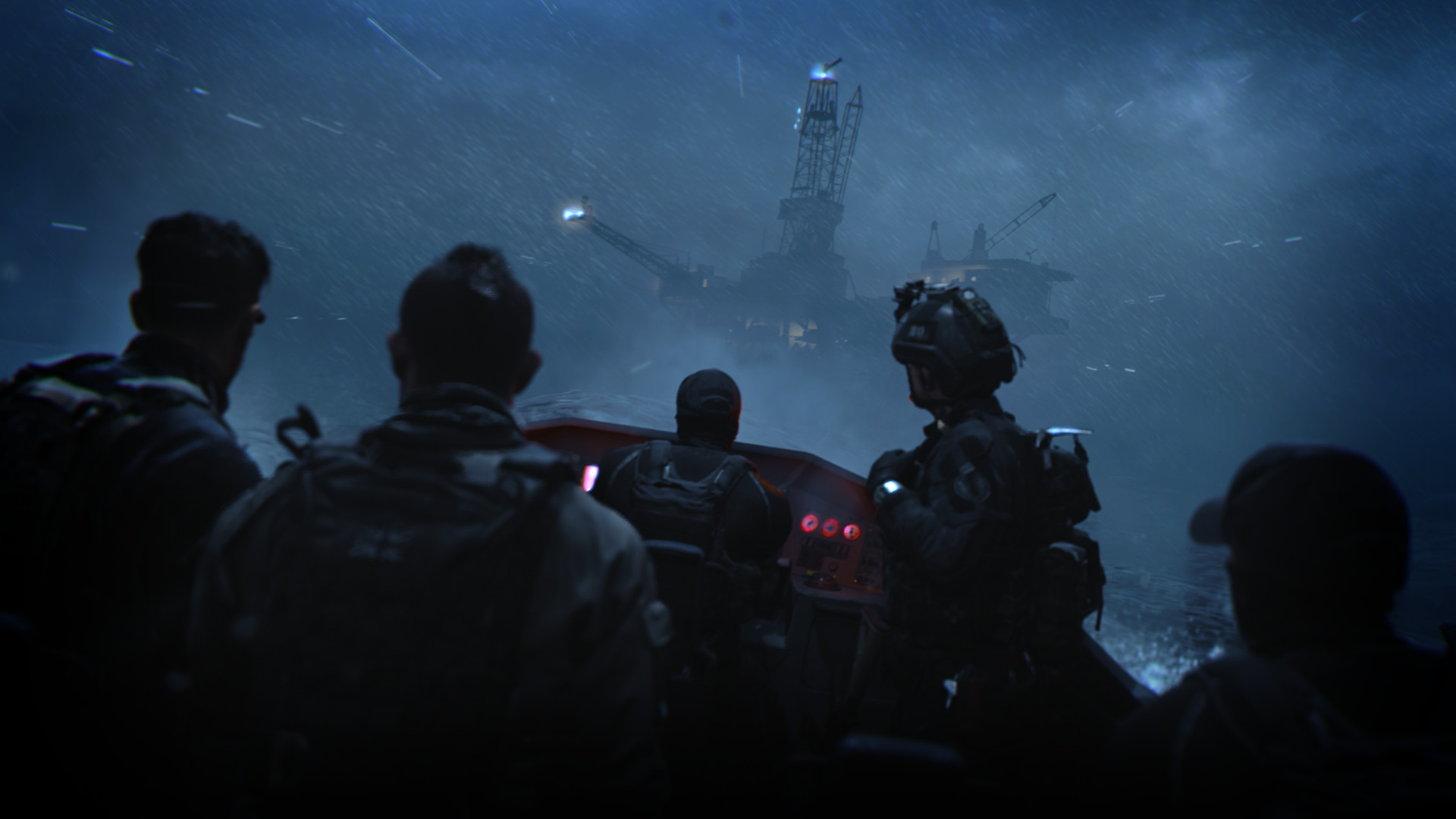
Why Is MW2 Stats Not Loading?
Modern Warfare 2’s full multiplayer has only recently become available, but there is one crucial aspect of the gameplay that fans are understandably worried about. There are no global leaderboards or player-viewable statistics in Modern Warfare 2’s multiplayer.
Players can view important information like their K/D ratio, score per minute, and time played in the “barracks” area of the Call of Duty online user interface, which has traditionally been a crucial component of the genre. Additionally, the barracks let players compare important stats with others on their friend lists, greatly enhancing the sense of community and rivalry in the game.
How to fix the MW2 Stats Not Loading error?
Start Battle.net over, then launch the game in administrator mode. Most crashes in the game should be fixed by running it as an administrator.
- Launch the Battle.net app again.
- MW2 > Settings > Game Settings should be selected.
- Replicate “Install Location”
- Select “Install Location” and paste it into File Explorer.
- Check out the “_beta” folder.
- Click “COD” in the shortcut menu and choose “Run as administrator.”
Check out Modern Warfare 2 deals to look out for on Black Friday
FAQ
Why is MW2 not loading?
Users should first check to see if all updates have been installed in order to fix Modern Warfare 2 not working or launching on PC, PS5, PS4, or Xbox. You will be unable to access the game’s online features if you start the game while patches are still downloading. Before starting your computer, make sure all updates have been downloaded and installed.
Are MW2 servers up still?
While players are reporting server issues with Warzone 2, Modern Warfare 2 is unaffected by them, according to the server status on the official Activision website.
How do I fix my MW2 crash?
Select the “Scan and Repair” button from the drop-down menu by pressing the settings icon. There you have it, a brief overview of how to check and fix Call of Duty: Modern Warfare 2 files on Steam and Battle.net. You can also try playing the game after connecting to a VPN if the error keeps occurring.
Why is MW2 Showcase not working?
Restarting the game will resolve the Showcase not working error in Modern Warfare 2. But keep in mind that this is a temporary fix for the issue. Furthermore, one of the players revealed in a Reddit thread that he was able to resolve this problem by opening a fresh Activision account.
Is MW2 2022 free?
Activision intends to launch a free multiplayer weekend for Modern Warfare 2 on December 15, 2022, according to Insider Gaming’s sources. Until December 19, 2022, this weekend is free. Additionally, they claim that the Modern Warfare 2 Mid-Season Update is released the day before.
Is MW2 2022 a reboot?
It serves as the nineteenth installment in the overall Call of Duty series and is a follow-up to the 2019 reboot. It was made available on October 28, 2022, for Xbox One, Xbox Series X/S, Windows, PlayStation 4 and PlayStation 5. The game takes place in a realistic, contemporary environment, just like its predecessor.