

TechBriefly
  • Tech
  • Business
  • Crypto
  • Science
  • Geek
  • How to
  • About
    • About TechBriefly
    • Terms and Conditions
    • Privacy Policy
    • Contact Us
    • Languages
      • 中文 (Chinese)
      • Dansk
      • Deutsch
      • Español
      • English
      • Français
      • Nederlands
      • Italiano
      • 日本语 (Japanese)
      • 한국인 (Korean)
      • Norsk
      • Polski
      • Português
      • Pусский (Russian)
      • Suomalainen
      • Svenska
No Result
View All Result
TechBriefly
Home How to
How to enable and use Apple ProRAW on iPhone?

How to enable and use Apple ProRAW on iPhone?

Kerem GülenbyKerem Gülen
25 December 2020
in How to
Reading Time: 2 mins read
Share on FacebookShare on Twitter

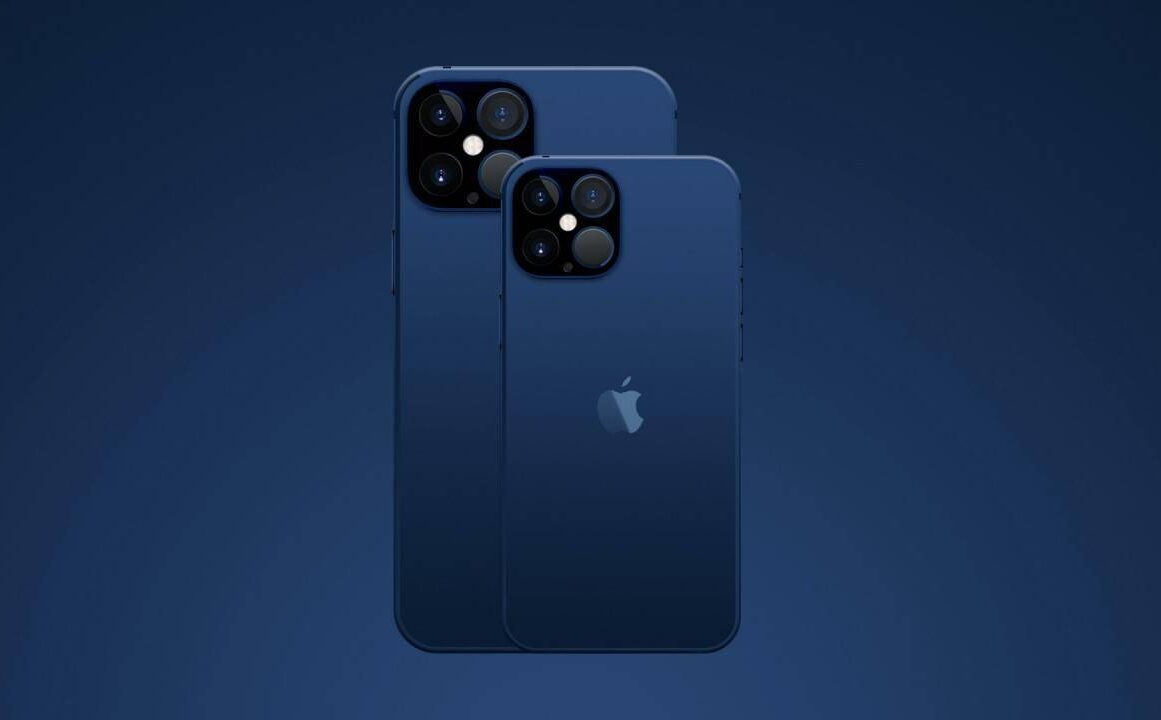
If you don’t know how to enable and use Apple ProRAW format on iPhone, we are going to help you out in this guide. The arrival of iOS 14.3 brought some new features one of the most interesting ones is the Apple ProRAW format. An improvement to the photography experience that allows us to opt for a format that combines the information of the standard RAW format with the computer image processing by the iPhone.

  • How to set iPhone to deactivate do not disturb mode by location?
  • How to export all the contacts from iCloud?
  • How to create a character in Cyberpunk 2077 with best attributes, skills, and builds?

This format allows the user to get more possibilities when controlling and managing aspects such as exposure, color, or white balance of the images we make with our mobile cameras However, it is only available in the iPhone 12 Pro and the iPhone 12 Pro Max.

How to enable and use Apple ProRAW on iPhone?

The Apple ProRAW format does not improve the photos but it offers more control over all parameters, facilitating the subsequent editing once the photo is taken. Of course, Apple ProRAW is disabled by default but it is really easy to activate.

To activate the Apple ProRAW format on the iPhone we must move to the “Settings” of the phone and look for the section “Camera”. Within this section, we will see different parameters and one of them is “Formats.”
How to enable and use Apple ProRAW on iPhone?

Once we are inside, at the bottom of the “Formats” section, we will see the “Apple ProRAW” tab, which is the one we must activate in order to use this format.

In addition, when we activate ProRAW format, we will see the icon “RAW” in the camera app so we can activate and deactivate that feature more easily.

However, it should be noted that each image in this format increases considerably in size, reaching up to 25MB per image.

Tags: Applecameraguidehow toiOS 14iPhoneiPhone 12step by steptutorial
ShareTweet
Kerem Gülen

Kerem Gülen

Kerem from Turkey has an insatiable curiosity for the latest advancements in tech gadgets and a knack for innovative thinking. With 3 years of experience in editorship and a childhood dream of becoming a journalist, Kerem has always been curious about the latest tech gadgets and is constantly seeking new ways to create. As a Master's student in Strategic Communications, Kerem is eager to learn more about the ever-evolving world of technology. His primary focuses are artificial intelligence and digital inclusion, and he delves into the most current and accurate information on these topics.

Related Posts

How to install mods and custom content in The Sims 2

How to install mods and custom content in The Sims 2

26 December 2025
Running Python files and fixing path errors on Windows

Running Python files and fixing path errors on Windows

26 December 2025
How to boot your PC into Command Prompt for troubleshooting

How to boot your PC into Command Prompt for troubleshooting

26 December 2025
How to delete a virus using Command Prompt

How to delete a virus using Command Prompt

26 December 2025
Please login to join discussion

LATEST

How to install mods and custom content in The Sims 2

Running Python files and fixing path errors on Windows

How to boot your PC into Command Prompt for troubleshooting

How to delete a virus using Command Prompt

How to connect a PS4 controller to Steam via USB or Bluetooth

How to connect your phone to Wi-Fi and fix connection issues

Apple begins iPhone 18 series production testing in January

EA investigates AI claims in Battlefield 6 cosmetics

Amazon Alexa+ will book your hotels and salons starting in 2026

OpenAI launches Skills in Codex

TechBriefly

© 2021 TechBriefly is a Linkmedya brand.

  • Tech
  • Business
  • Science
  • Geek
  • How to
  • About
  • Privacy
  • Terms
  • Contact
  • | Network Sites |
  • Digital Report
  • LeaderGamer

Follow Us

No Result
View All Result
  • Tech
  • Business
  • Crypto
  • Science
  • Geek
  • How to
  • About
    • About TechBriefly
    • Terms and Conditions
    • Privacy Policy
    • Contact Us
    • Languages
      • 中文 (Chinese)
      • Dansk
      • Deutsch
      • Español
      • English
      • Français
      • Nederlands
      • Italiano
      • 日本语 (Japanese)
      • 한국인 (Korean)
      • Norsk
      • Polski
      • Português
      • Pусский (Russian)
      • Suomalainen
      • Svenska