
WordPress.com, a website hosting platform from Automattic, has integrated a built-in WordPress AI assistant, as announced Tuesday. This feature is designed to operate within a website, understanding its content and layout.
The AI assistant allows site owners to modify their sites using natural language commands. Users can adjust the site’s layout, style, or other patterns. Commands do not require precise phrasing; general language can be used, such as “make this section feel more modern or spacious,” “change my site’s colors to be brighter and bolder,” or “give me more font options that feel clean and professional.”
The AI can be directed to add or adjust layouts, with commands like “add a contact page” or “add a testimonials section below this section.” These adjustments are compatible with block themes. The assistant will not appear in the editor when using classic themes.


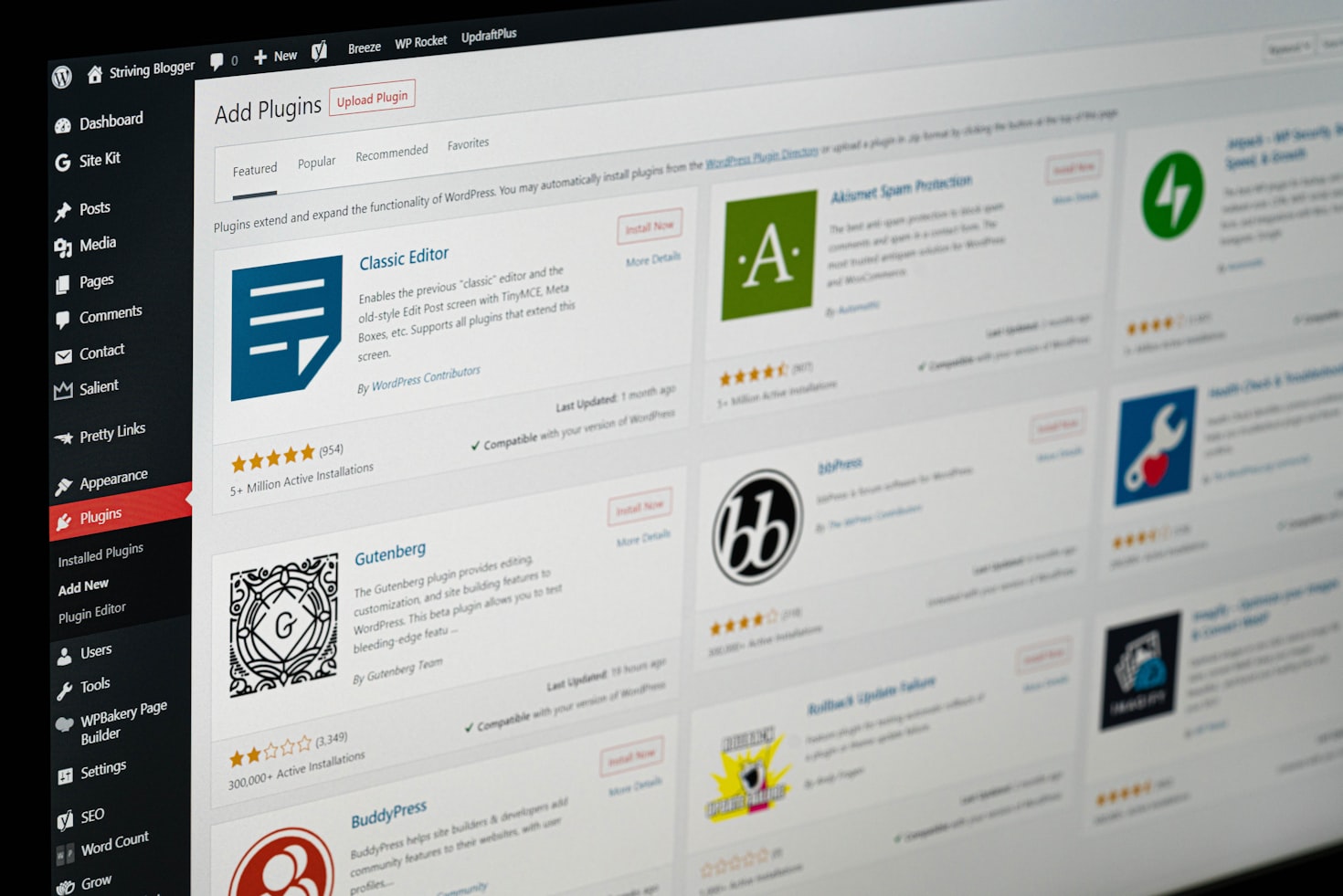
Content updates are also supported by the AI assistant. Users can request rewrites, such as making a bio sound more confident, or translating sections into other languages.
The AI assistant functions as an editor, offering headline suggestions, fact checks, and grammar and editing suggestions. This capability is accessible through the block notes editor, introduced in WordPress 6.9, which facilitates team collaboration. Users can integrate the AI into this workflow by typing “@ai” followed by their requests. The AI will provide answers, including relevant links and information from external sources.
For visual assistance, the assistant utilizes Google Gemini’s Nano Banana AI models to create or edit images. A new “Generate Image” button in the Media Library enables users to specify image requirements, such as aspect ratios, or dictate image styles.
The WordPress AI Assistant is an opt-in feature. To enable it, users must log in, navigate to their Sites list, click their site name, and then select Settings. Under Settings, they will scroll to “AI tools” and toggle “Enable AI assistant” on.
Customers purchasing a website with the AI website builder will have the assistant automatically enabled.