
TechBriefly
  • Tech
  • Business
  • Crypto
  • Science
  • Geek
  • How to
  • About
    • About TechBriefly
    • Terms and Conditions
    • Privacy Policy
    • Contact Us
    • Languages
      • 中文 (Chinese)
      • Dansk
      • Deutsch
      • Español
      • English
      • Français
      • Nederlands
      • Italiano
      • 日本语 (Japanese)
      • 한국인 (Korean)
      • Norsk
      • Polski
      • Português
      • Pусский (Russian)
      • Suomalainen
      • Svenska
No Result
View All Result
TechBriefly
Home How to
How to complete the Cunning Test in Destiny 2’s Imbaru Engine?

How to complete the Cunning Test in Destiny 2’s Imbaru Engine?

Özgürcan ÖzerginbyÖzgürcan Özergin
20 September 2023
in How to
Reading Time: 3 mins read
Share on FacebookShare on Twitter

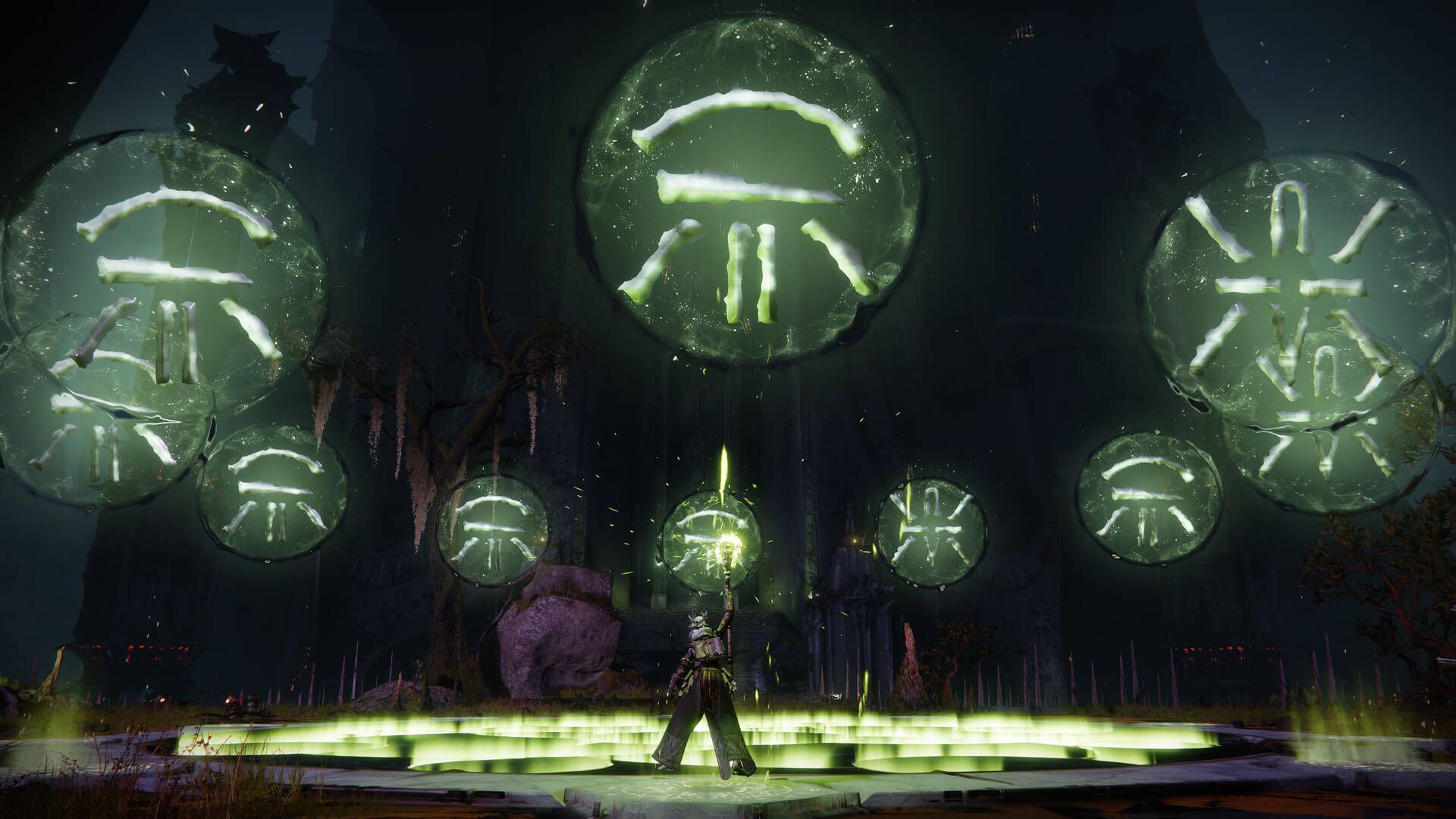
Destiny 2 Season of the Witch has brought a wave of excitement for Guardians. Like the Cunning Test Destiny 2 Imbaru Engine, weekly challenges await to test your skills alongside the main storyline. It tasks you with navigating through a series of cryptic puzzles set by none other than Savathun, the Hive God of Cunning.

In this guide, we’ll walk you through the steps to conquer the Cunning Test and emerge victorious.
Cunning Test Destiny 2 Imbaru Engine
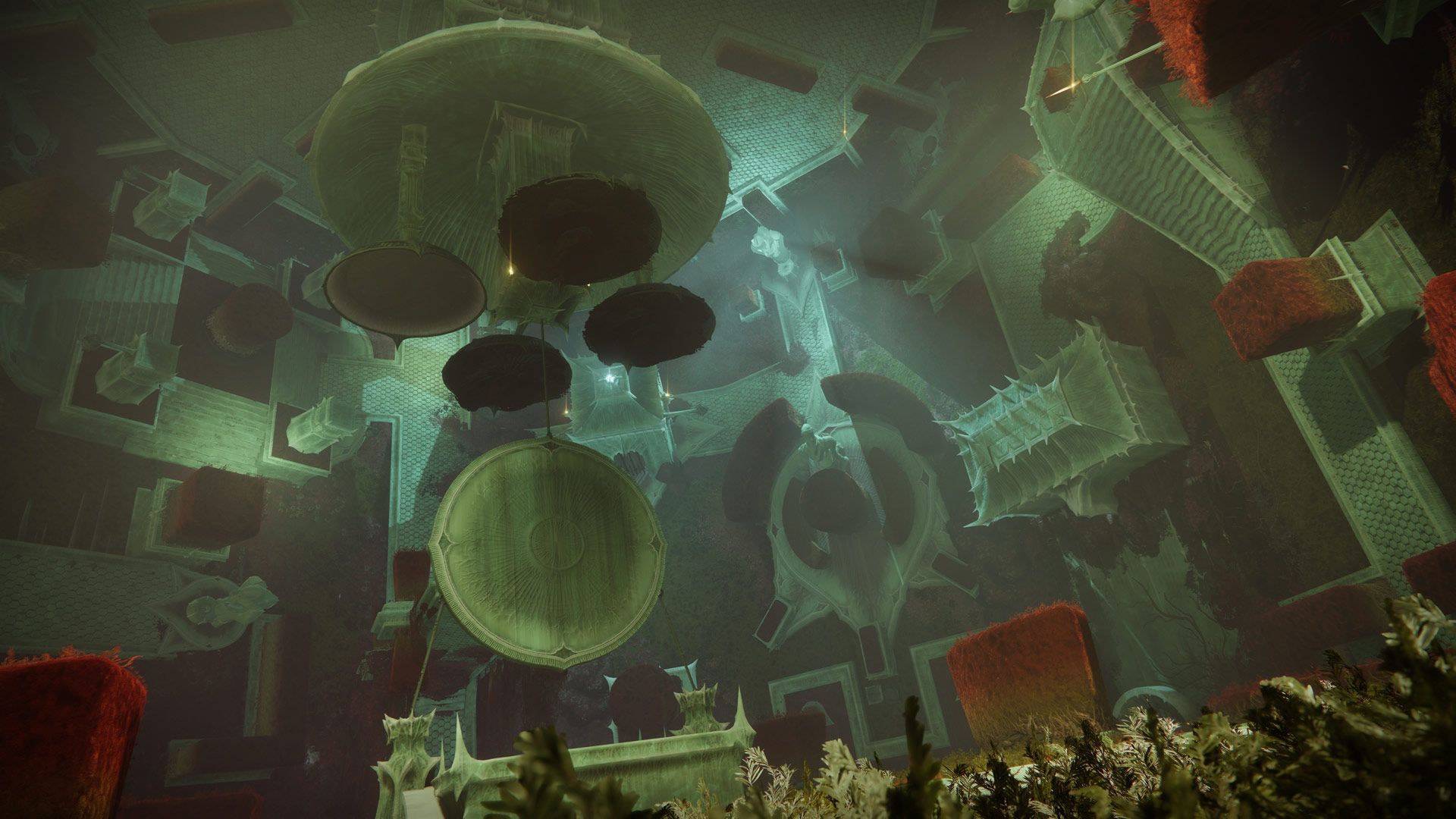
Cunning Test Destiny 2 Imbaru Engine: It’s advised to equip mods like Treasure Hunter or the Strand Mod (Image credit)

Preparing for Cunning Test Destiny 2 Imbaru Engine

Before venturing into the Imbaru Engine, it’s wise to equip mods that increase your chances of survival. Mods like Treasure Hunter or the Strand Mod, which reveal the precise location of chests, can prove invaluable in this endeavor.

Navigating the Imbaru Engine

Head into the Imbaru Engine situated above the Oubliette. As you step in, a choice will present itself – two chests adorned with five symbols each. The key to progress lies in picking the right one.

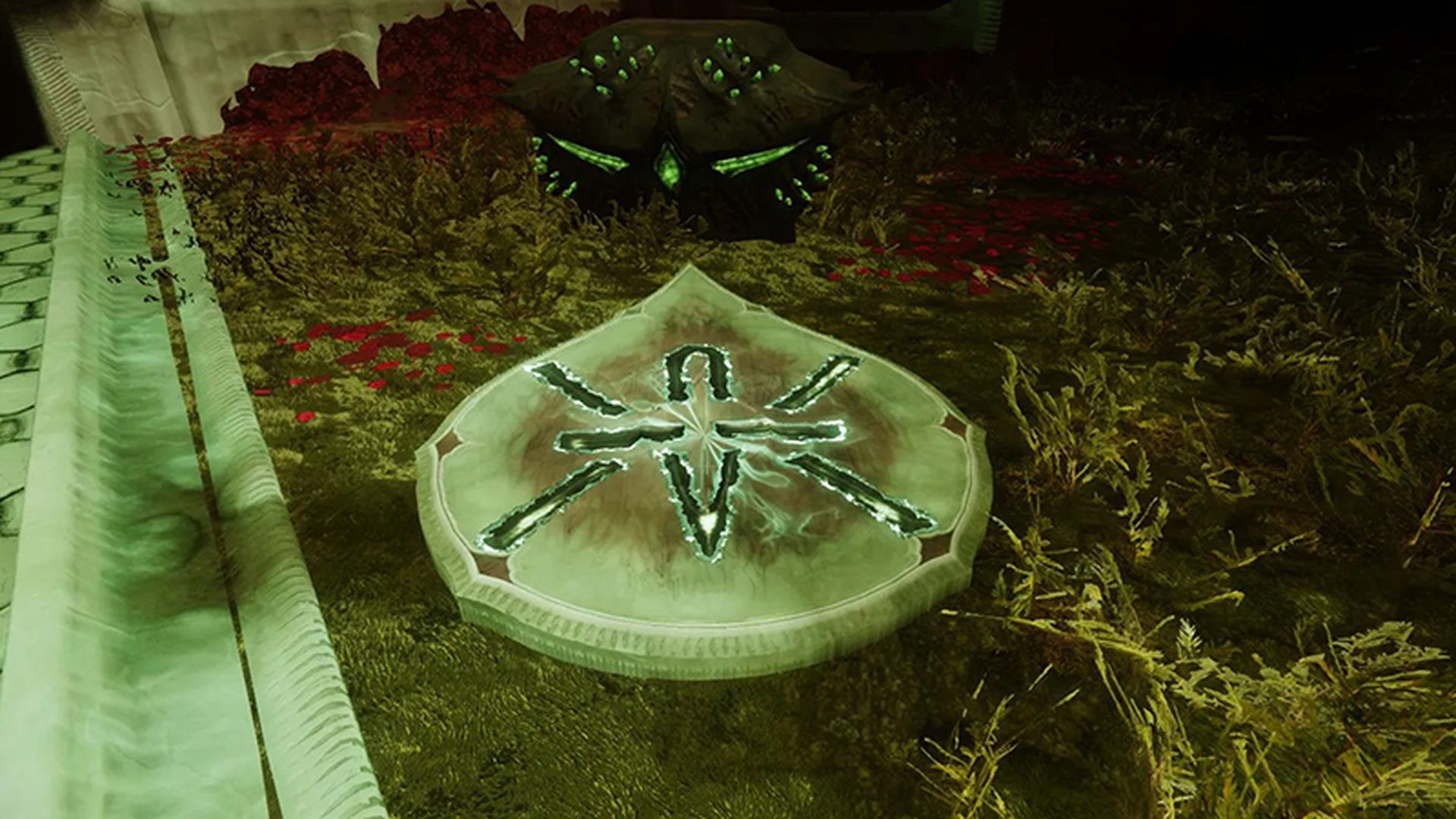
Look out for the chest bearing an X-shaped barbed wire symbol, a dagger piercing through it. Engage with this chest to advance to the next stage. In this phase, you’ll face three chests, but only two hold the key. Follow the HUD marker to find your way.
Cunning Test Destiny 2 Imbaru Engine
Cunning Test Destiny 2 Imbaru Engine: Watch out for the chest with a knife slicing through it and an X-shaped barbed wire emblem (Image credit)

How to solve the puzzles?

As you progress, you’ll encounter a section with three chests. Two of them will feature similar runes. Choose these chests wisely. Your HUD will guide you to the correct path.

In the subsequent phase, discerning the right chests becomes more challenging, as incorrect options outnumber the correct ones. Keep an eye out for these specific locations:

  1. Across from you: Look beyond the chest to find the hidden symbol.
  2. Right from you: Spot the pair of chests affixed to the wall on your right-hand side.
  3. Directly below: Descend to the floor level and inspect the ceiling for an inverted chest.
  4. On the ground to the left.
  5. Slightly above you to the left.
  6. Slightly above and to the right: Stand before the chest, facing the Imbaru engine. The rune will be on the right side of the hedge.
  7. Above the Imbaru Engine: Grapple onto the Imbaru engine and locate the marking on the ceiling.

Completion and rewards

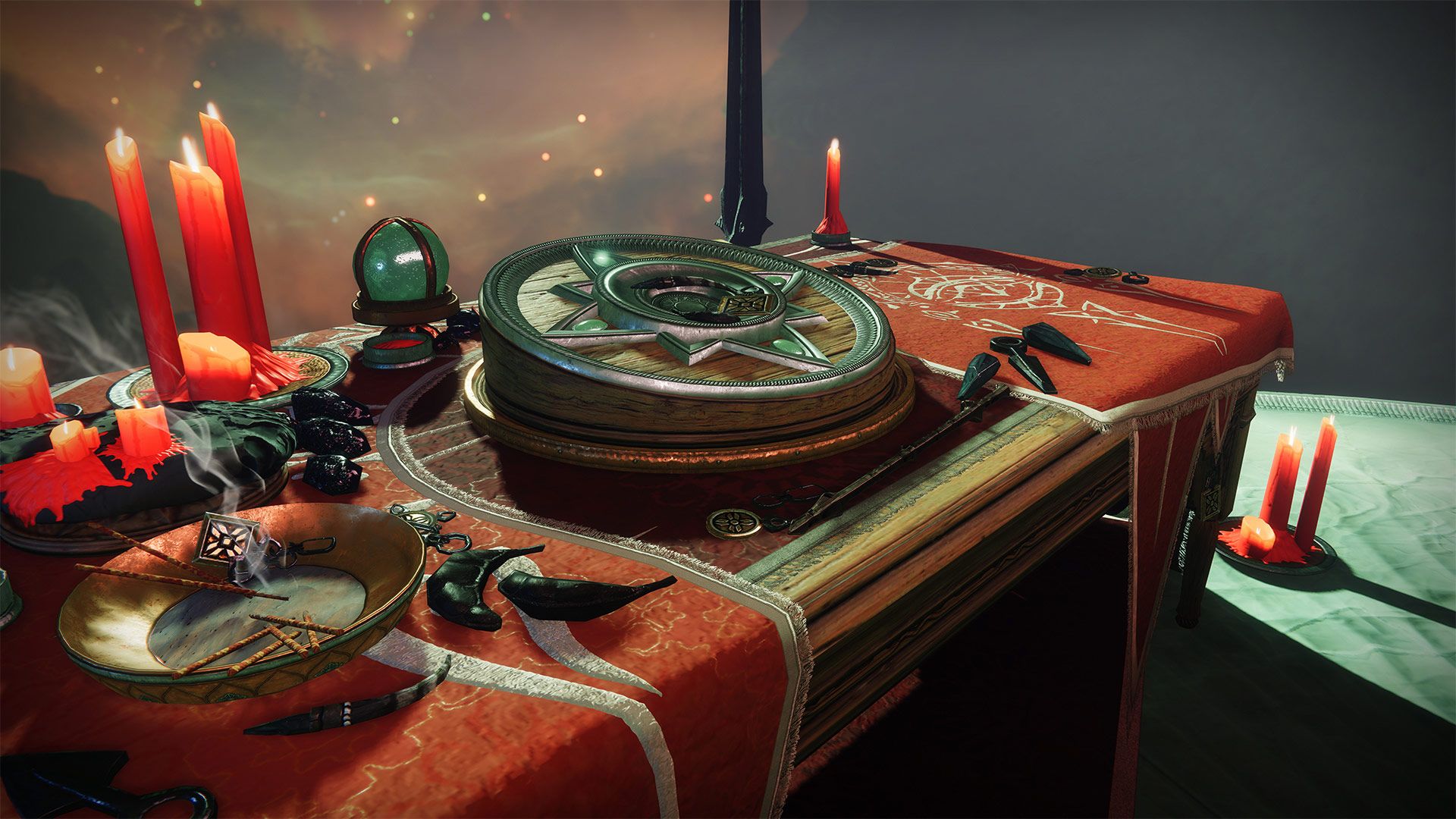
After successfully identifying all three correct chests, you’ll have triumphed over the Cunning Test. Your reward for this feat will be two Witch Engrams and a Witch’s Key, marking the completion of this challenging mission.
Cunning Test Destiny 2 Imbaru Engine
Cunning Test Destiny 2 Imbaru Engine: Once you complete the challenge, you’ll be rewarded with two Witch Engrams and a Witch’s Key (Image credit)

Mastering the Cunning Test Destiny 2 Imbaru Engine is a testament to your strategic prowess. With the right knowledge and preparation, you can navigate through Savathun’s cryptic trials and emerge victorious. Equip yourself with the recommended mods, choose your chests wisely, and decode the runes to secure your well-deserved rewards. May your journey through the Imbaru Engine be thrilling and triumphant!

Meanwhile, if you ever need any assistance at any other point in the game, make sure to check out our other articles to see if we could be of more help, like how to get Essence of Oversoul in Destiny 2 and how to and should you use the crafting glitch in Destiny 2.

Featured image credit: Bungie

Tags: destiny 2how to
ShareTweet
Özgürcan Özergin

Özgürcan Özergin

Related Posts

How to enable cross platform play in Minecraft Bedrock Edition

How to enable cross platform play in Minecraft Bedrock Edition

14 January 2026
How to allow your Android to install apps from unknown sources

How to allow your Android to install apps from unknown sources

14 January 2026
How to connect a PS3 controller to a rooted Android device

How to connect a PS3 controller to a rooted Android device

14 January 2026
How to charge a JUUL using a phone charger hack

How to charge a JUUL using a phone charger hack

14 January 2026

LATEST

Lego launches first-ever Pokémon sets with pre-orders up to $650

Capcom confirms 12-minute Resident Evil Showcase for tomorrow

China keeps market door half-shut for Nvidia despite US export approvals

Instagram co-founder Mike Krieger moves to Anthropic Labs

Netflix prepares all-cash offer for the Warner Bros. deal

Google rolls out automatic room check-in to Workspace users

Tesla launched 2026 Model Y with a seven-seat version

Battlefield 6 Season 2 delayed to February as EA addresses player backlash

Meta halts Quest successor plans as 1,000 Reality Labs jobs are cut

Roblox’s new AI age check is confusing adults for children

TechBriefly

© 2021 TechBriefly is a Linkmedya brand.

  • Tech
  • Business
  • Science
  • Geek
  • How to
  • About
  • Privacy
  • Terms
  • Contact
  • | Network Sites |
  • Digital Report
  • LeaderGamer

Follow Us

No Result
View All Result
  • Tech
  • Business
  • Crypto
  • Science
  • Geek
  • How to
  • About
    • About TechBriefly
    • Terms and Conditions
    • Privacy Policy
    • Contact Us
    • Languages
      • 中文 (Chinese)
      • Dansk
      • Deutsch
      • Español
      • English
      • Français
      • Nederlands
      • Italiano
      • 日本语 (Japanese)
      • 한국인 (Korean)
      • Norsk
      • Polski
      • Português
      • Pусский (Russian)
      • Suomalainen
      • Svenska