


Sam Altman’s revolutionary cryptocurrency project, Worldcoin, has taken the globe by storm making many enthusiasts wonder how to withdraw Worldcoin while offering a unique approach to distribution and identity verification.
In this article, we will explore how to withdraw Worldcoin, convert it to M-Pesa, and purchase it on supported platforms like Binance and OKX. Additionally, we’ll delve into the intriguing concept of the World ID and how it plays a crucial role in this innovative digital currency.
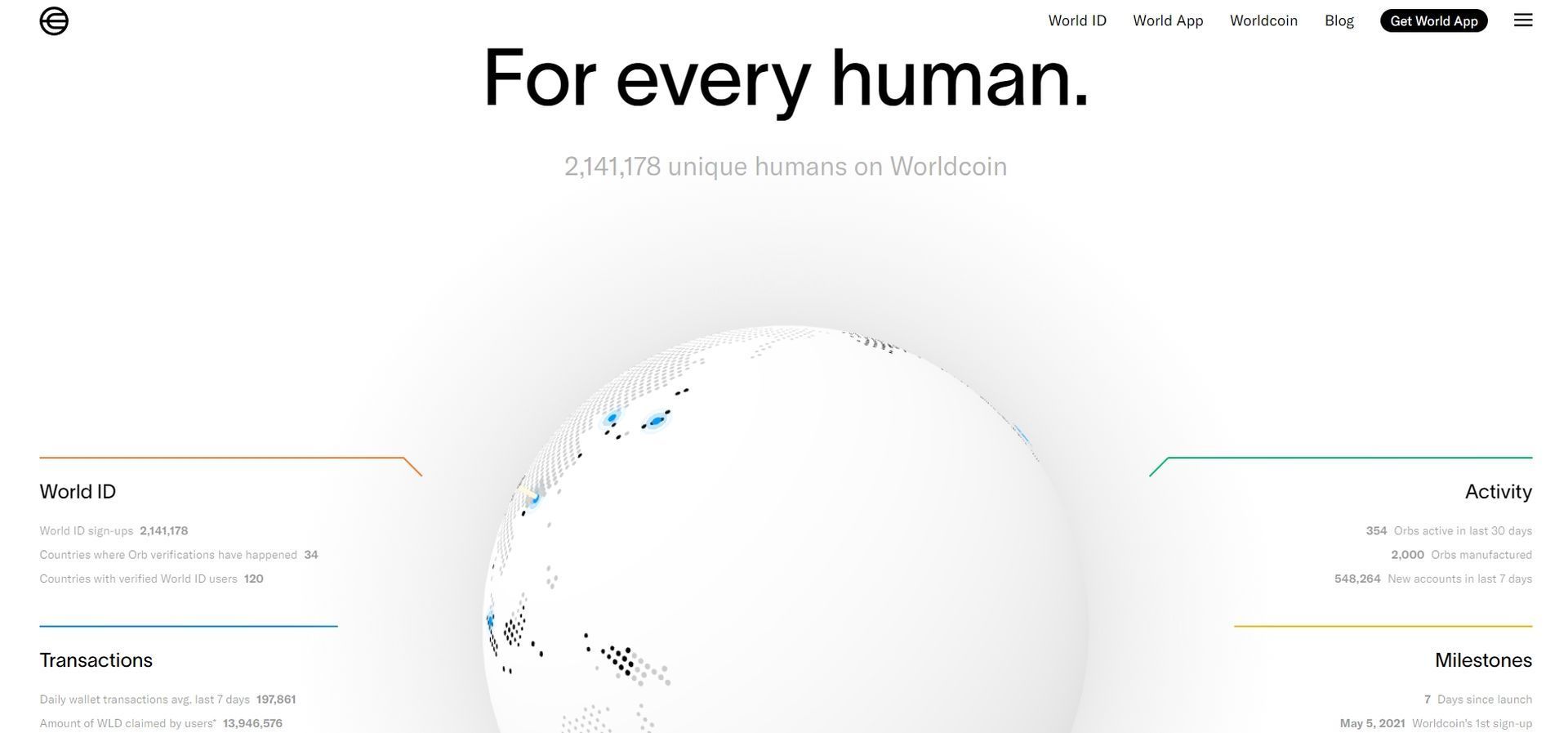
How to withdraw Worldcoin, convert it to M-Pesa, and purchase it?
Withdrawing Worldcoin is a straightforward process that requires a verified World ID. To withdraw your Worldcoin, follow these simple steps:
- Ensure you have a verified World ID to access your account securely.
- Navigate to the “Withdrawal” section on supported platforms like Binance and OKX.
- Choose the Worldcoin token you wish to withdraw and input the required WLD value.
- Confirm your withdrawal request.
- Wait for the transaction to be processed and completed.
The Worldcoin withdrawal process is designed to be user-friendly, making it accessible to both experienced cryptocurrency enthusiasts and newcomers.
Converting Worldcoin to M-Pesa
M-Pesa, the leading fintech platform in Africa, offers unparalleled safety and convenience in mobile money services. Converting Worldcoin to M-Pesa is achievable through the following steps:
- Create an account on Binance or OKX.
- Deposit your Worldcoin into your account.
- Exchange Worldcoin for Kenyan Shillings.
- Withdraw the converted Kenyan Shillings to M-Pesa.
- Confirm the withdrawal to complete the process.
By providing this option, Worldcoin opens up new possibilities for individuals in Africa who may not have access to traditional banking services.
Purchasing Worldcoin
For those looking to purchase Worldcoin, platforms like Binance and OKX offer a seamless experience. To buy Worldcoin, simply follow these steps:
- Create an account on Binance or OKX and meet any necessary requirements, such as age restrictions.
- Access the Worldcoin market on the chosen platform.
- Purchase Worldcoin tokens with ease.
As long as you have access to Binance or OKX, acquiring Worldcoin is a hassle-free endeavor.
World ID and identity verification
The World ID system is a groundbreaking aspect of Worldcoin, enabling users to prove their identity securely. This verification process is essential, given the advancements in artificial intelligence, which can blur the distinction between human and AI-generated activities online.
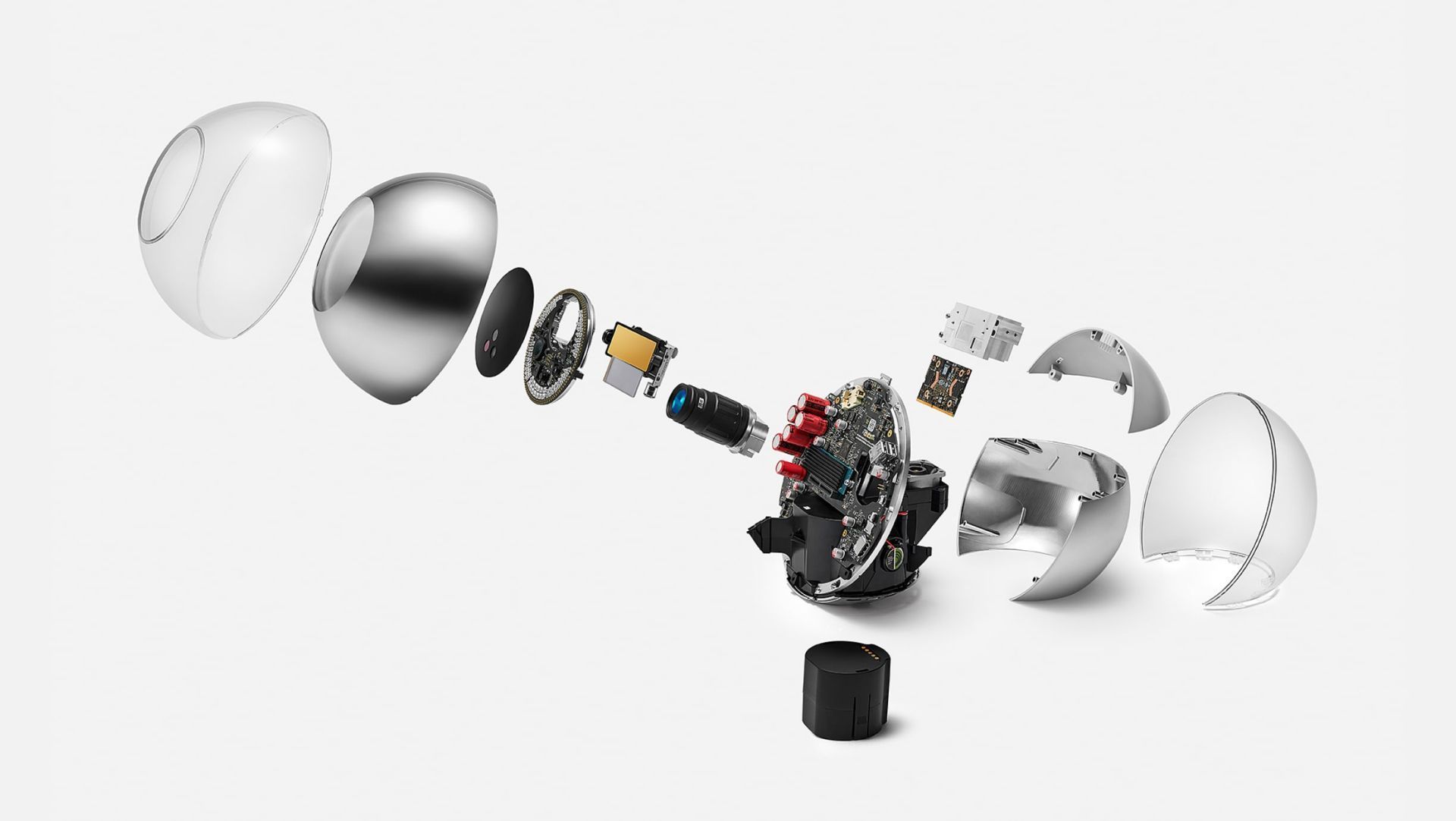
To ensure accuracy and safeguard against any misunderstandings, Worldcoin proposes the use of a digital passport based on the concept of “proof of personhood.” This innovation provides a unique identifier generated from the user’s iris scan through the Orb device. Crucially, no personal data is stored or processed locally during this procedure.
What sets Worldcoin apart?
Worldcoin is a trailblazing cryptocurrency with offices in Berlin and San Francisco. Offering access to its technology in 35 locations across 20 countries, Worldcoin has introduced a unique token that can be tracked on the blockchain but requires users to prove their identity first.

As artificial intelligence continues to advance, Worldcoin’s solution using the Orb device and World ID tackles the challenges of distinguishing between humans and AI-generated content. By ensuring the legitimacy of users through eye-scanning verification, Worldcoin sets a new standard in the world of cryptocurrencies.
Worldcoin, spearheaded by Sam Altman, has shaken the cryptocurrency world with its innovative approach to distribution and identity verification. By understanding the how to withdraw Worldcoin, how to convert it, and how to purchase it, users can fully embrace the potential of this revolutionary digital currency.
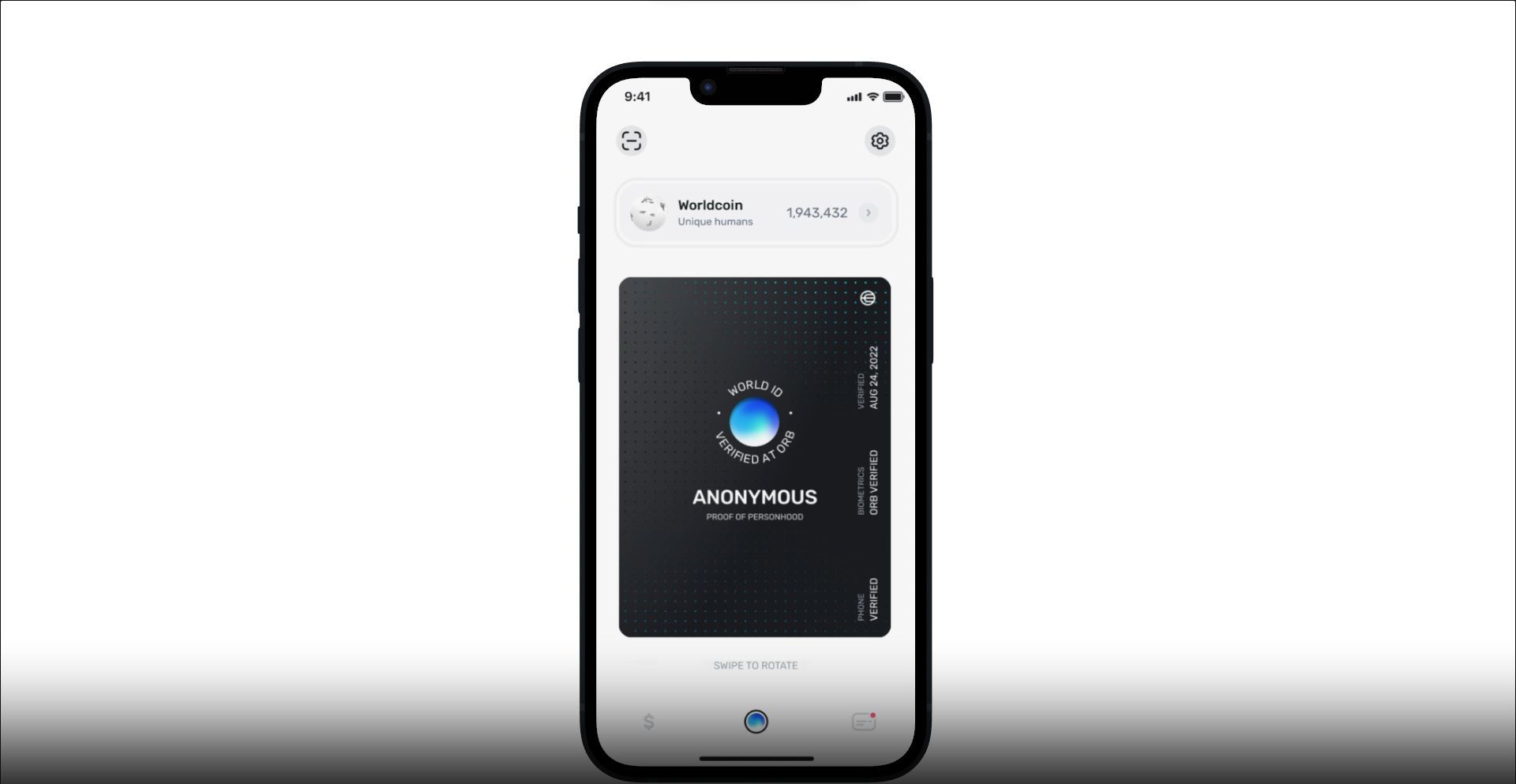
The World ID system further establishes Worldcoin’s commitment to security and accuracy, paving the way for a future where digital assets merge seamlessly with real-world identities. As always, please conduct your research and consult financial professionals before engaging in any cryptocurrency investments.
Featured Image: Credit


