
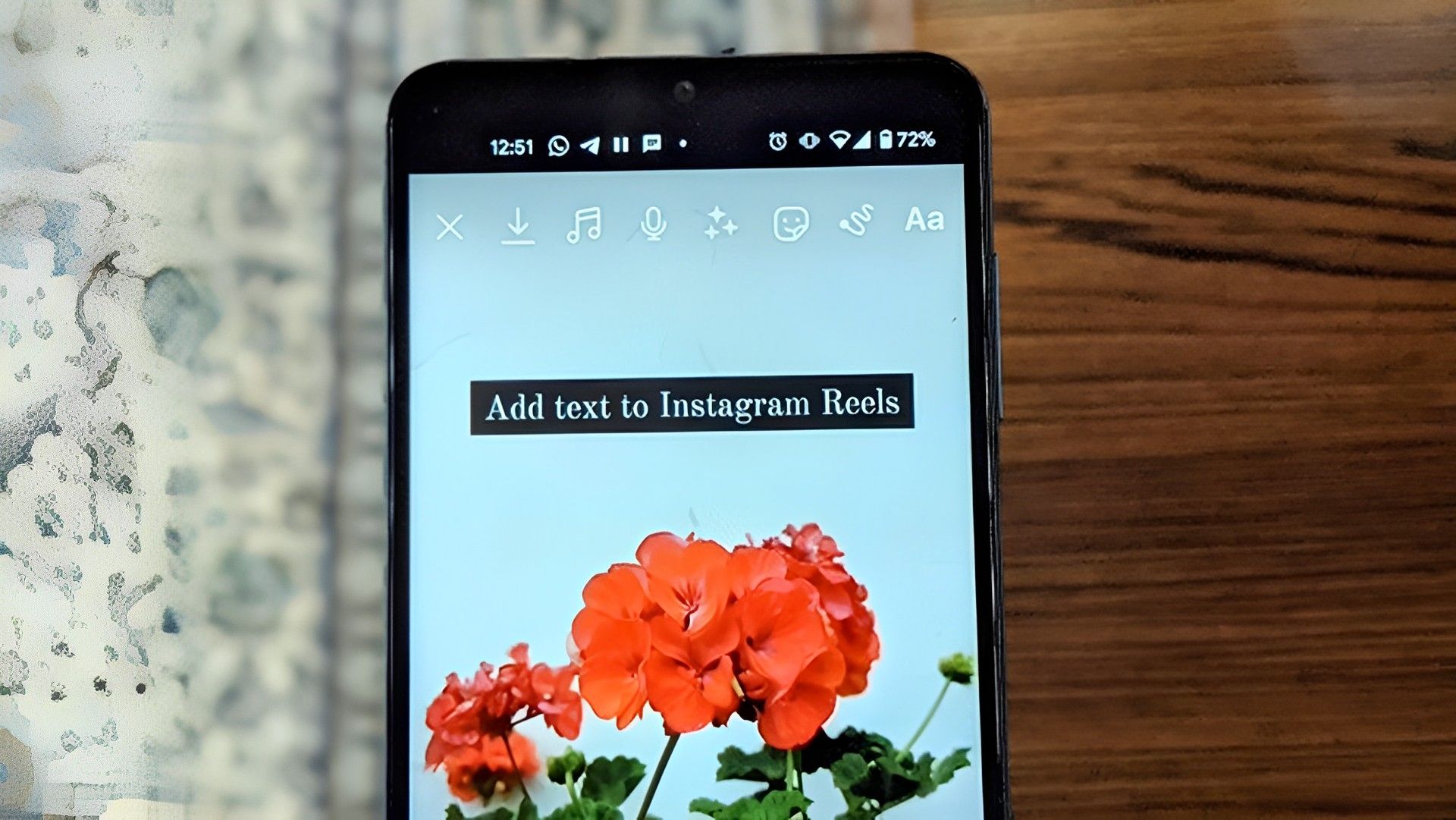

Instagram Reels has become extremely popular on social media, and many users are looking for the best Instagram Reel fonts to make their videos as compelling as possible. Compared to standard Instagram posts, Instagram Reels offers consumers a more engaging experience. On Instagram, anyone can quickly create Reels from a gallery or browse those already made by others. Using the best Instagram Reel fonts when generating Reels can help set your work apart from the competition.
Instagram has developed into a fantastic platform for making Reels and engaging the audience. Instagram Reels are widely used these days and include several capabilities like text-to-speech. Therefore, it is preferable that you stick out from the throng. Use the best hashtags for Instagram Reels and the finest fonts for Instagram Reels to further increase the engagement of your Instagram videos. Also, to get the most out of your Reels, you might want to check out the best Instagram transitions for Reels.
The use of aesthetically pleasing fonts for Instagram Reels can assist content creators make their Reels even more captivating. So it’s best to rock your profile and use the best Instagram Reel fonts!
Best Instagram Reel fonts to use
You should use the best Instagram Reel fonts if your reels are 60 seconds or less in length. The list of fonts below is neither ranked nor in any specific order, therefore check them out and decide the one that suits your taste the best!
Helvetica
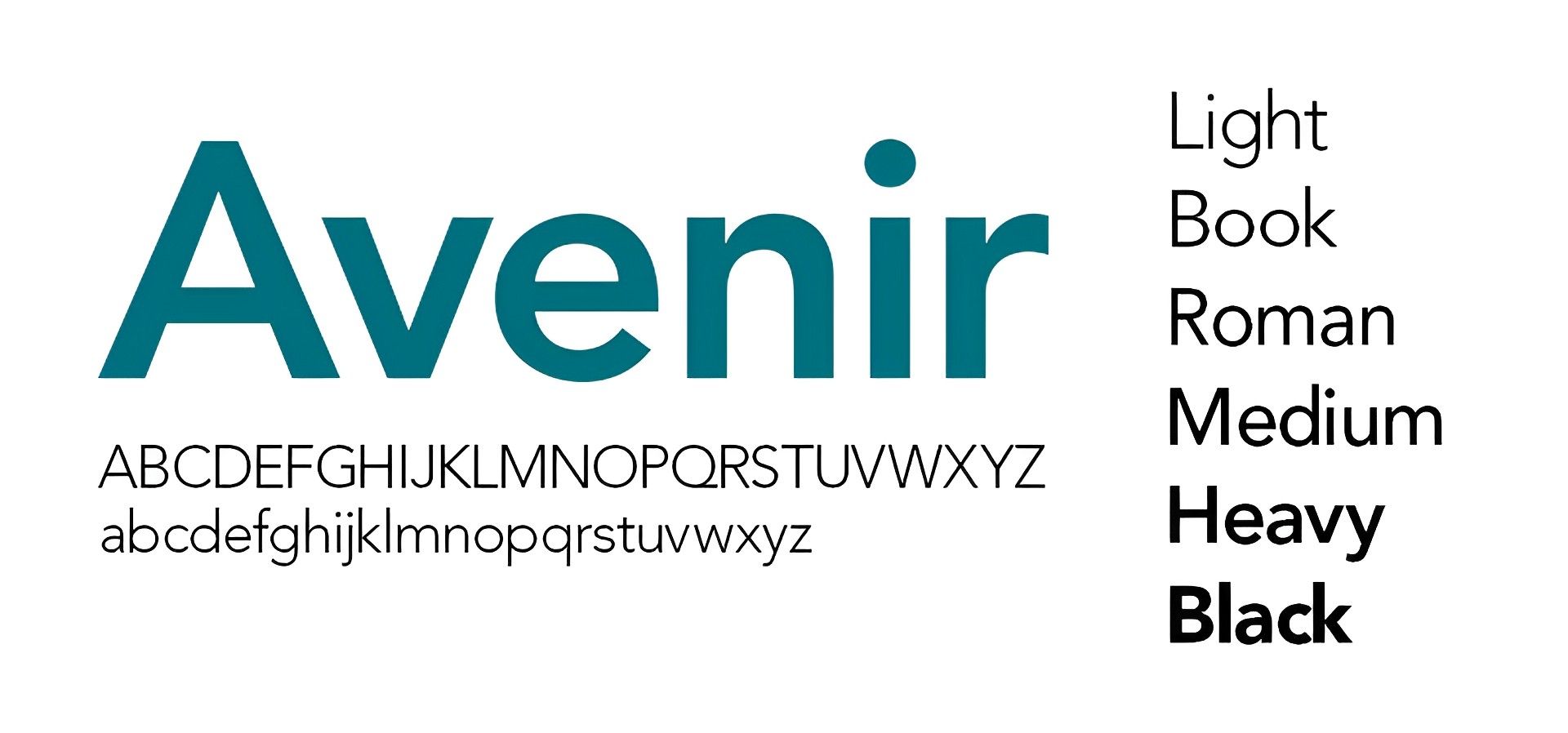
One of the most popular fonts in the Reels on Instagram is Helvetica. Helvetica is one of the nicest fonts you can use to give your Instagram Reels a sleek and tidy appearance. According to the designers, this typeface is like water and contains seven different letter shapes.
Avenir
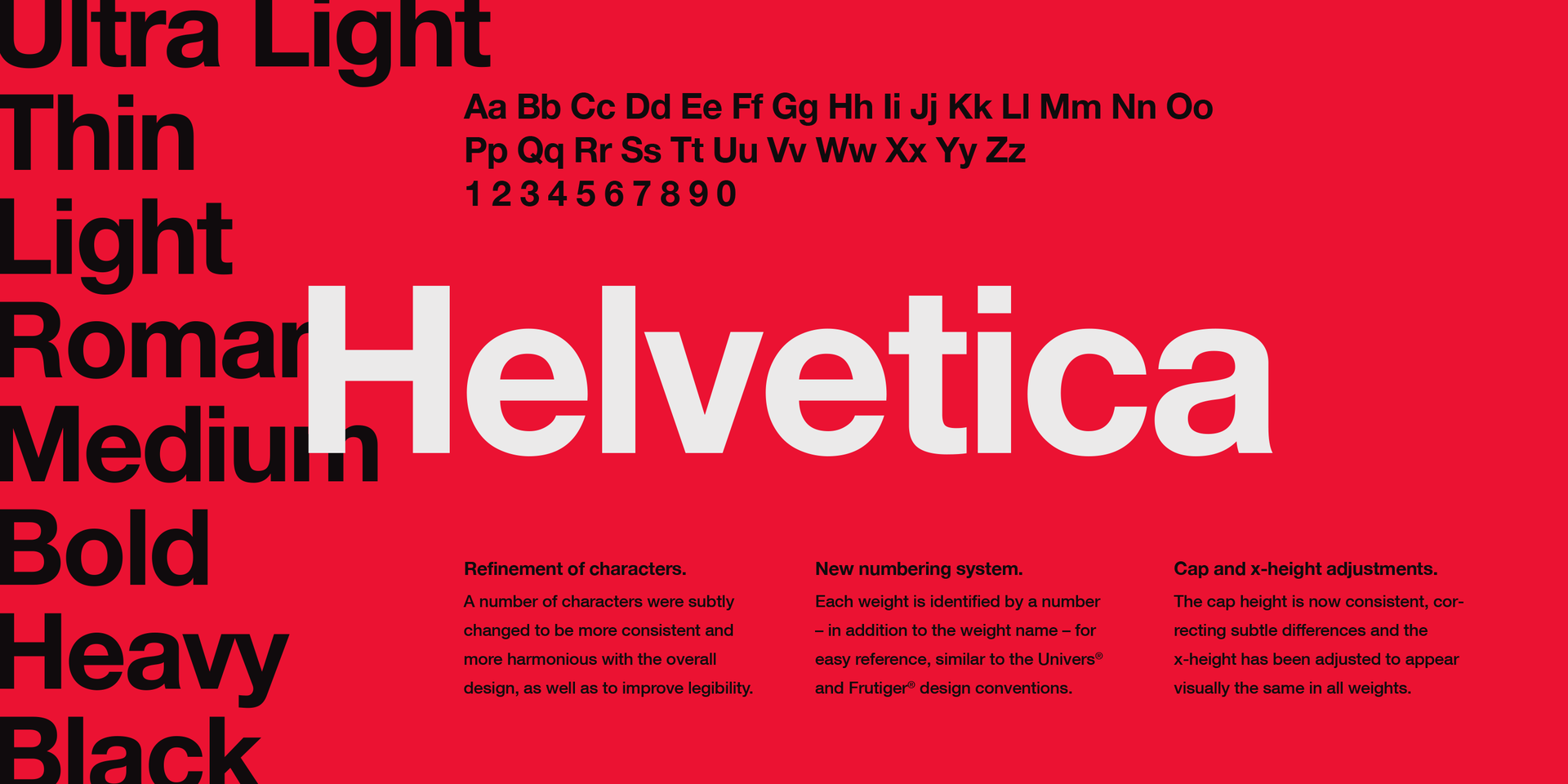
Many Instagram users frequently utilize Avenir for their Instagram Reels. Because it has a distinctive appearance, it is adored by designers and is thus regarded as one of the beautiful fonts for Instagram Reels.
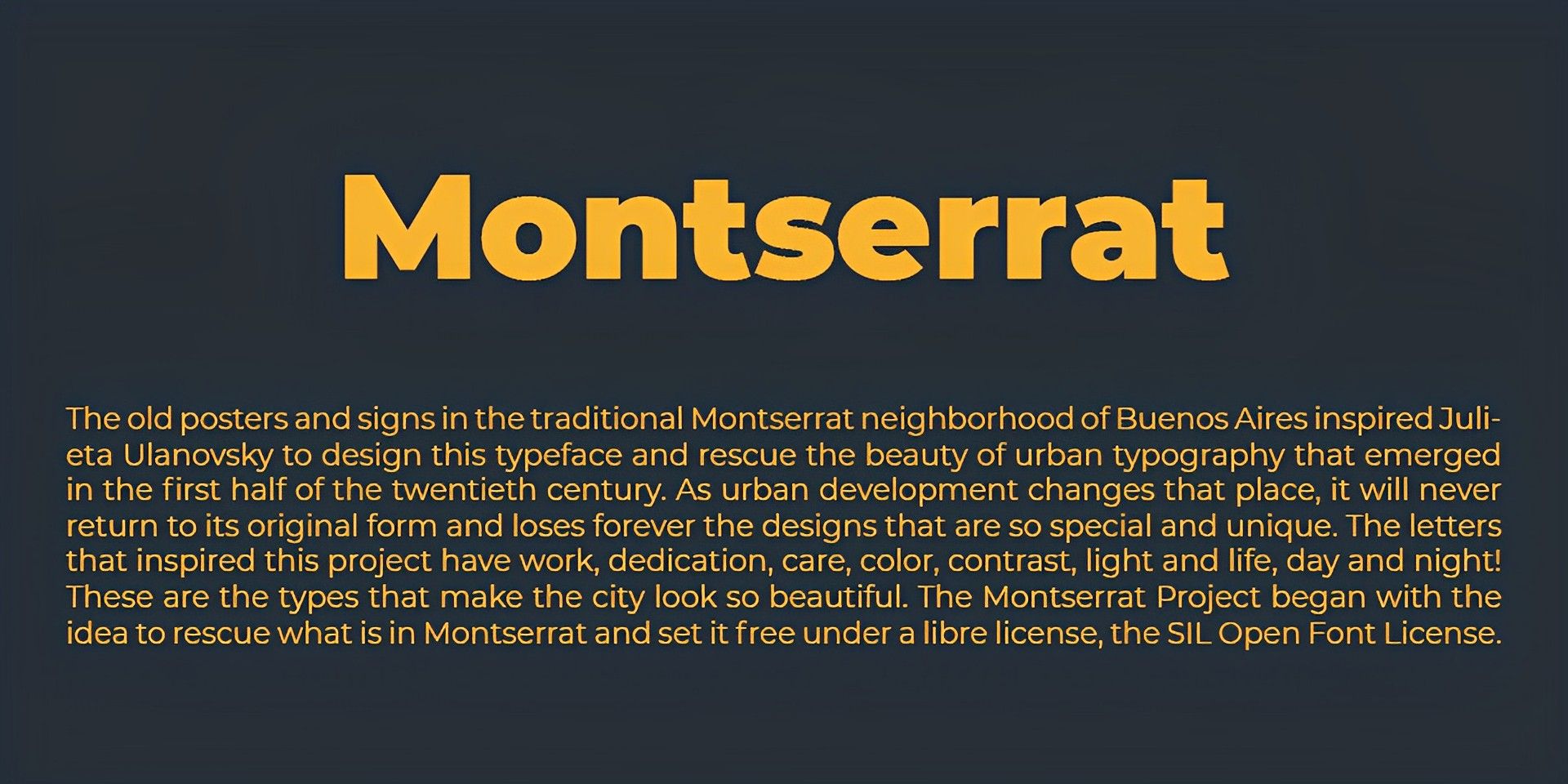
Montserrat
One of the greatest and most elegant fonts for Instagram Reels is Monsterrat. It will make your Reels more distinctive. It is one of the stylish fonts for Instagram Reels and is very adaptable and expert.
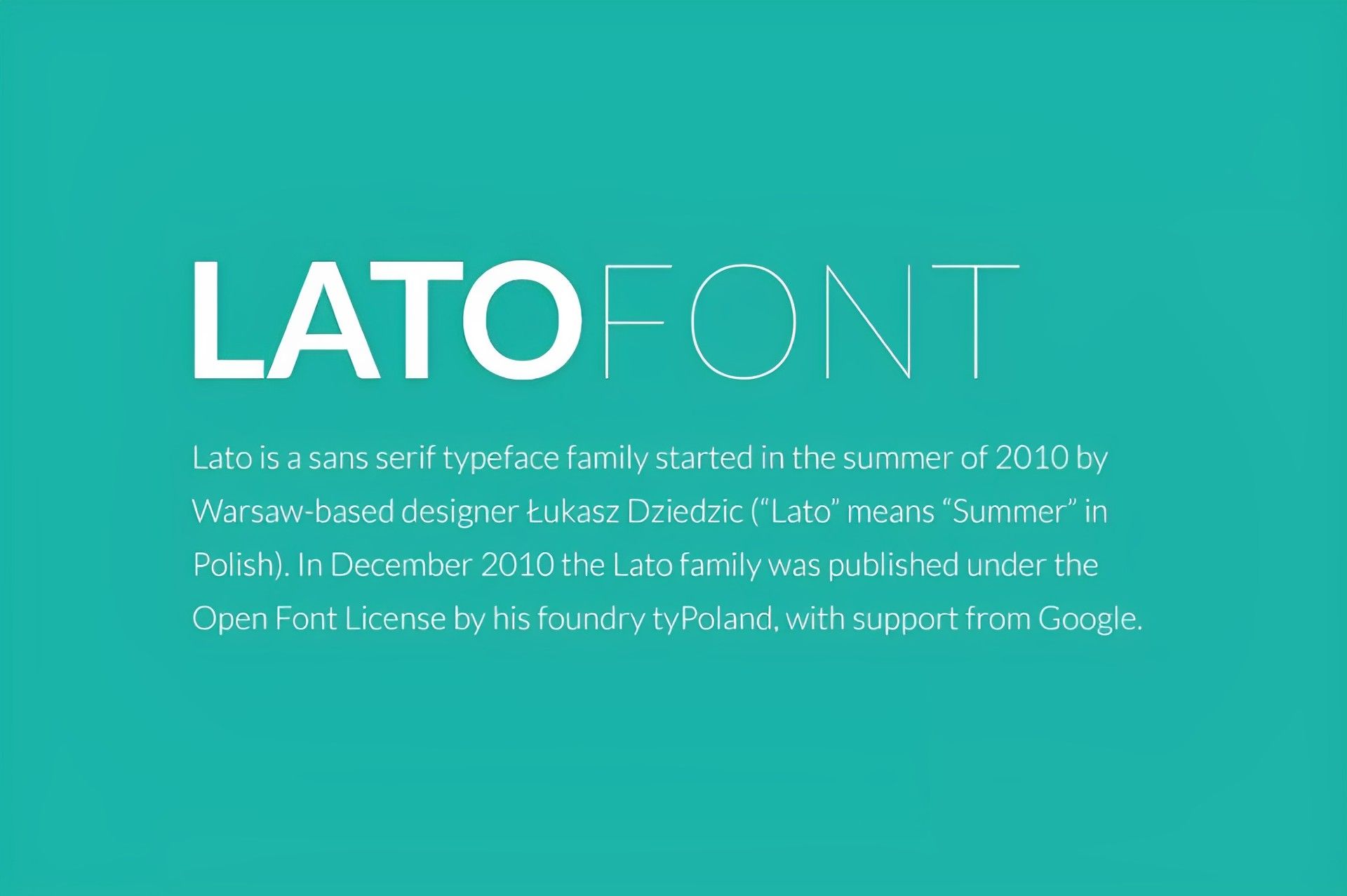
Lato
For both business and non-commercial uses, Lato is one of the best Instagram Reel fonts. Around the world, a lot of people use it for their Instagram Reels. In terms of corporate video material, it is regarded as the best.
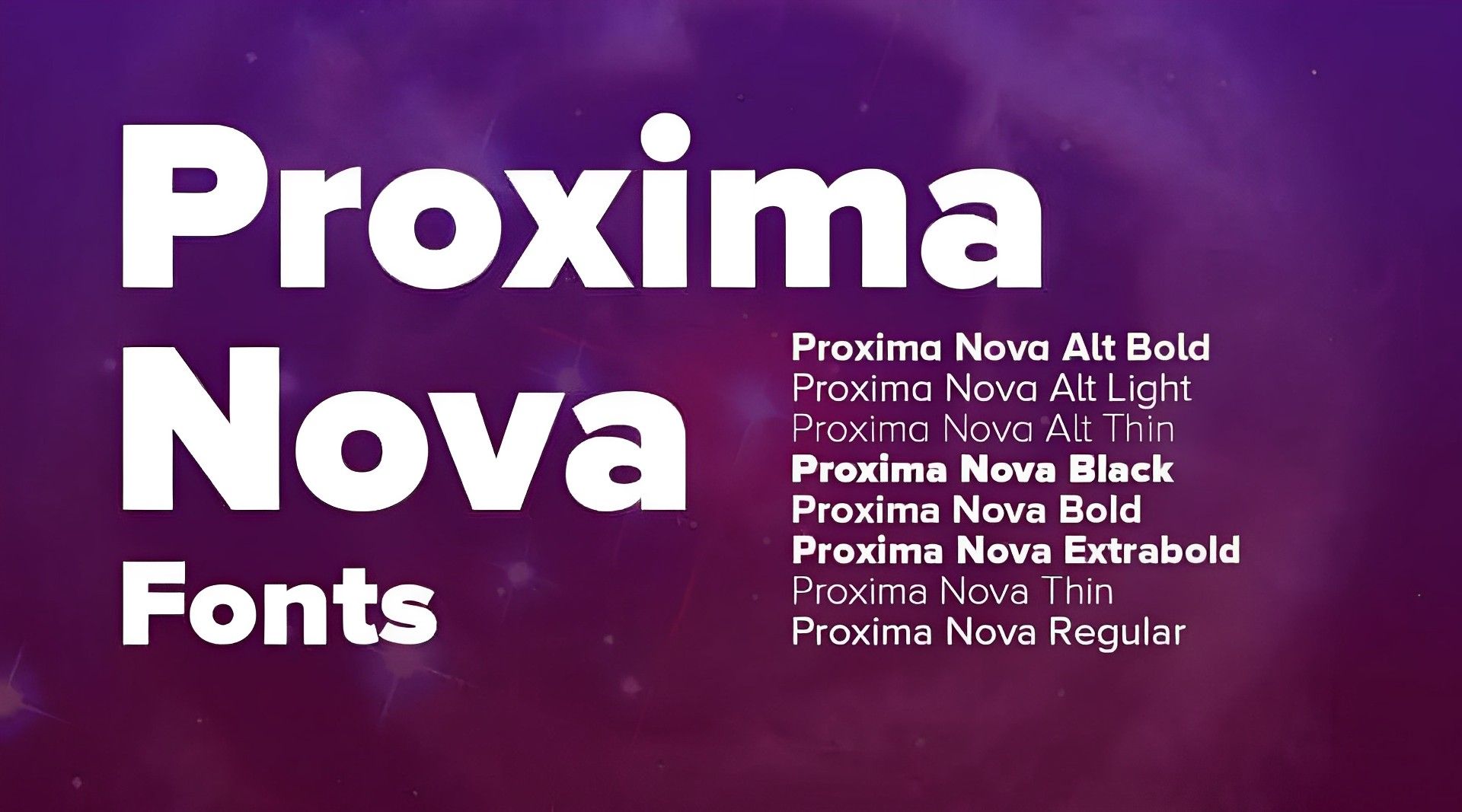
Proxima Nova
Mark Simonson is the designer of the well-known font Proxima Nova. It is one of the greatest and most widely used fonts for Instagram Reels. It is a traditional typeface and is available for non-commercial usage.
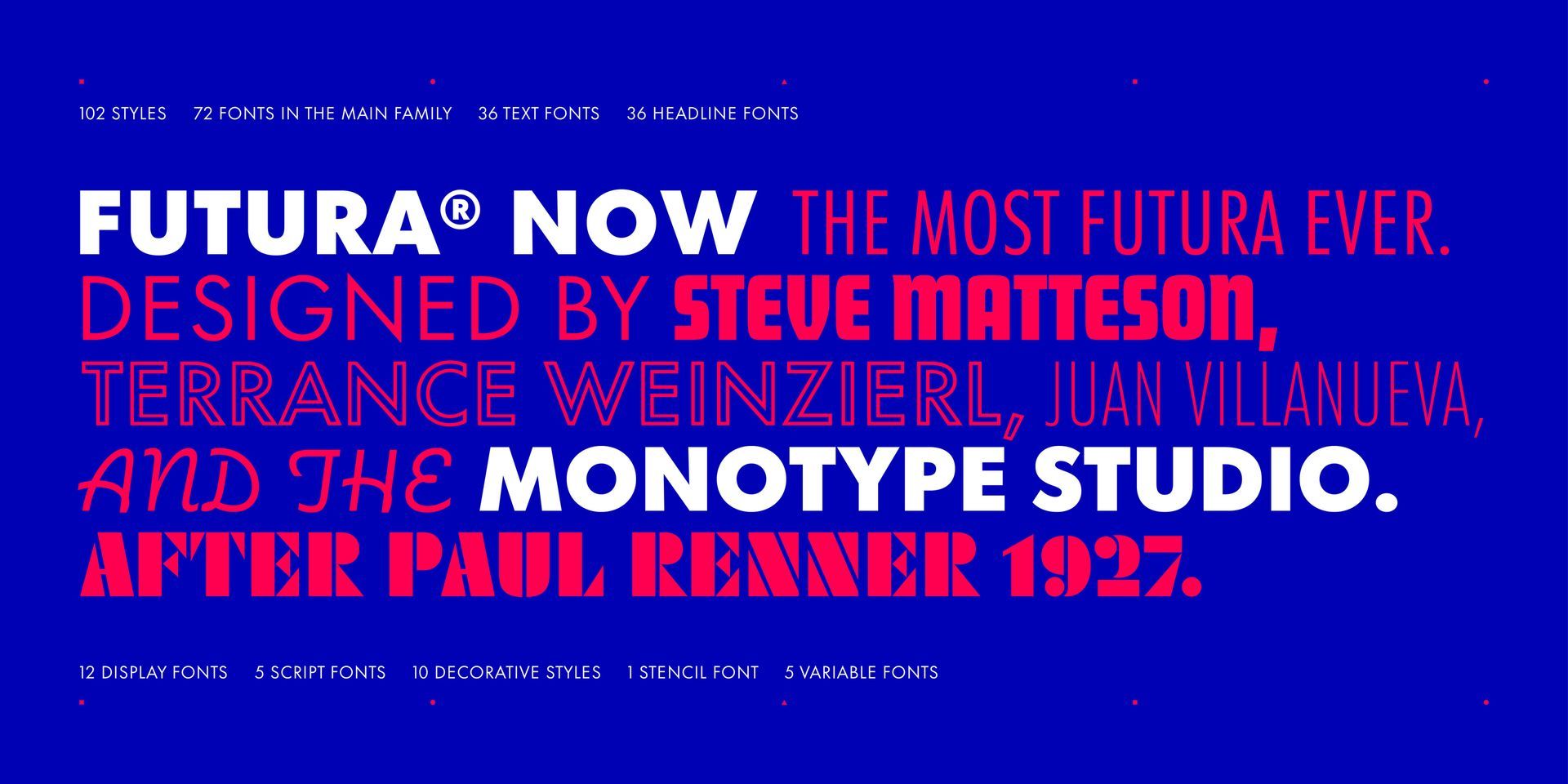
Futura
One of the stylish fonts for Instagram Reels is this one. Given that it embodies both efficiency and forward motion, it is regarded as one of the best fonts for Instagram Reels. Its considerable adaptability allows for a variety of design applications.
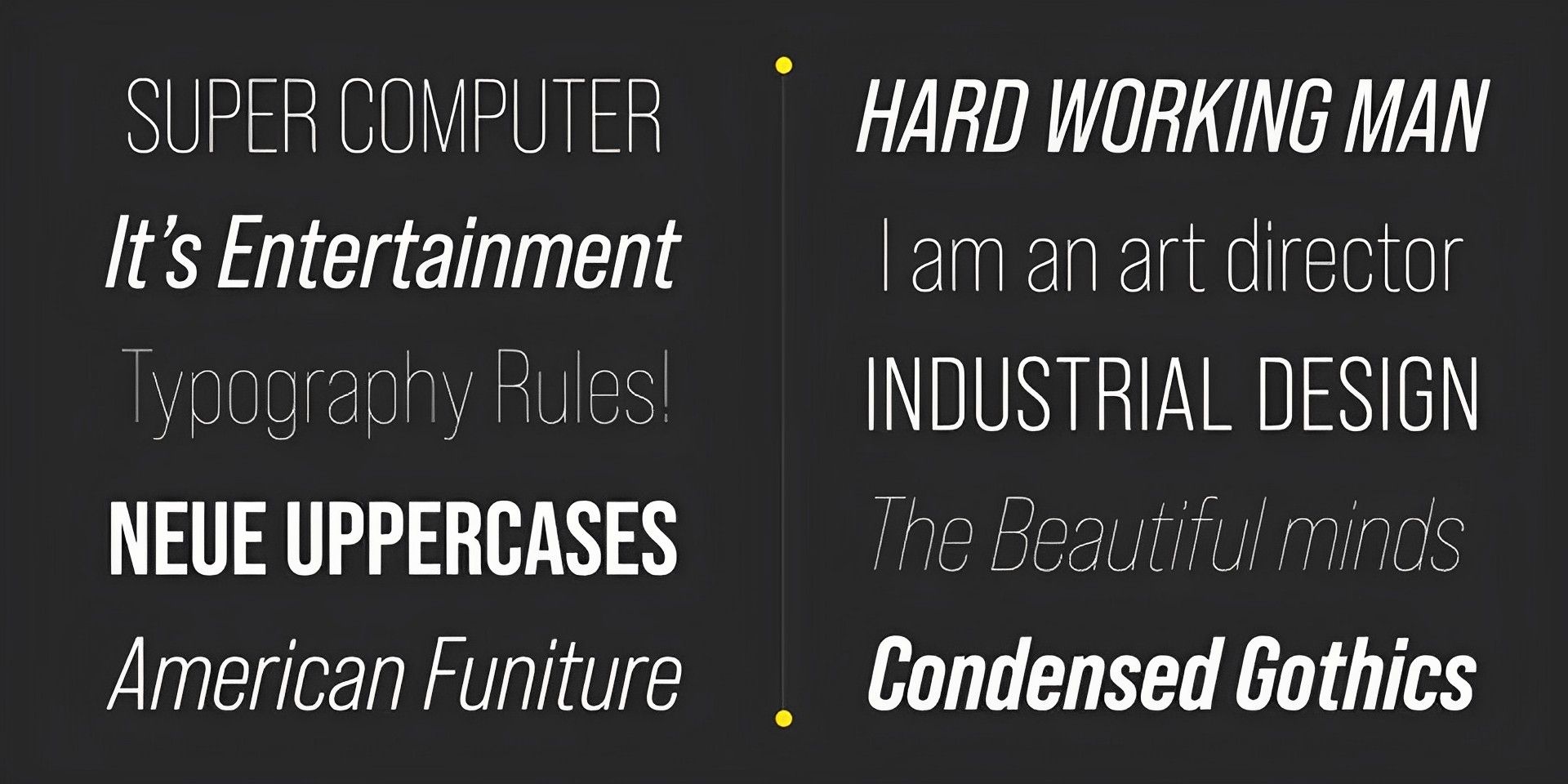
Bebas Neue
If you’re looking for the best Instagram Reel fonts, Bebas Neue is a solid option. It works well for headlines and captions. It is a Sans-Serif font family, and the popularity of the typeface has increased significantly.
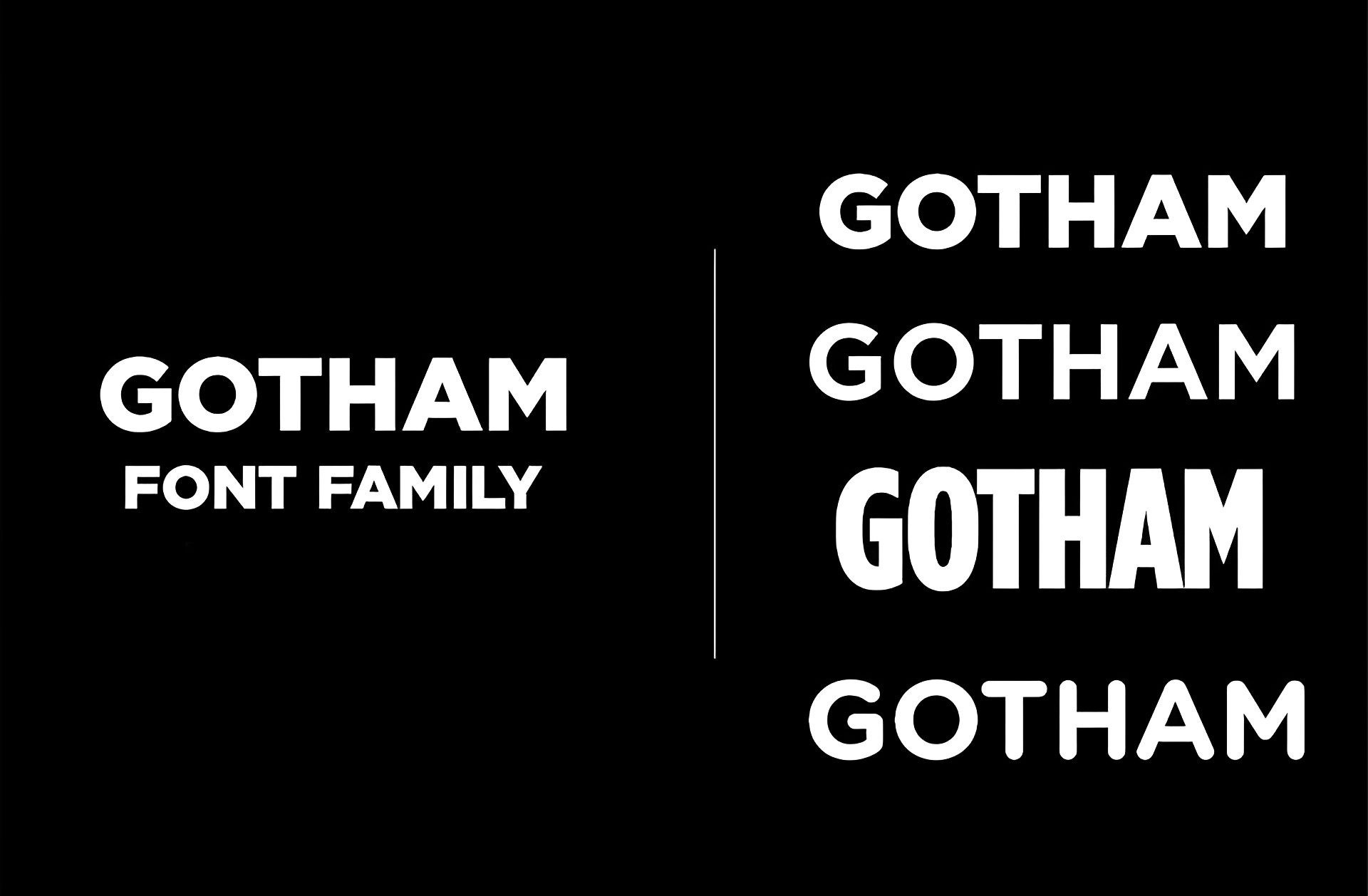
Gotham
There are roughly 18 font styles in the well-known Gotham font. It is a Sans-Serif font family that can be used for both professional and non-professional projects. Many people from all around the world use this typeface.
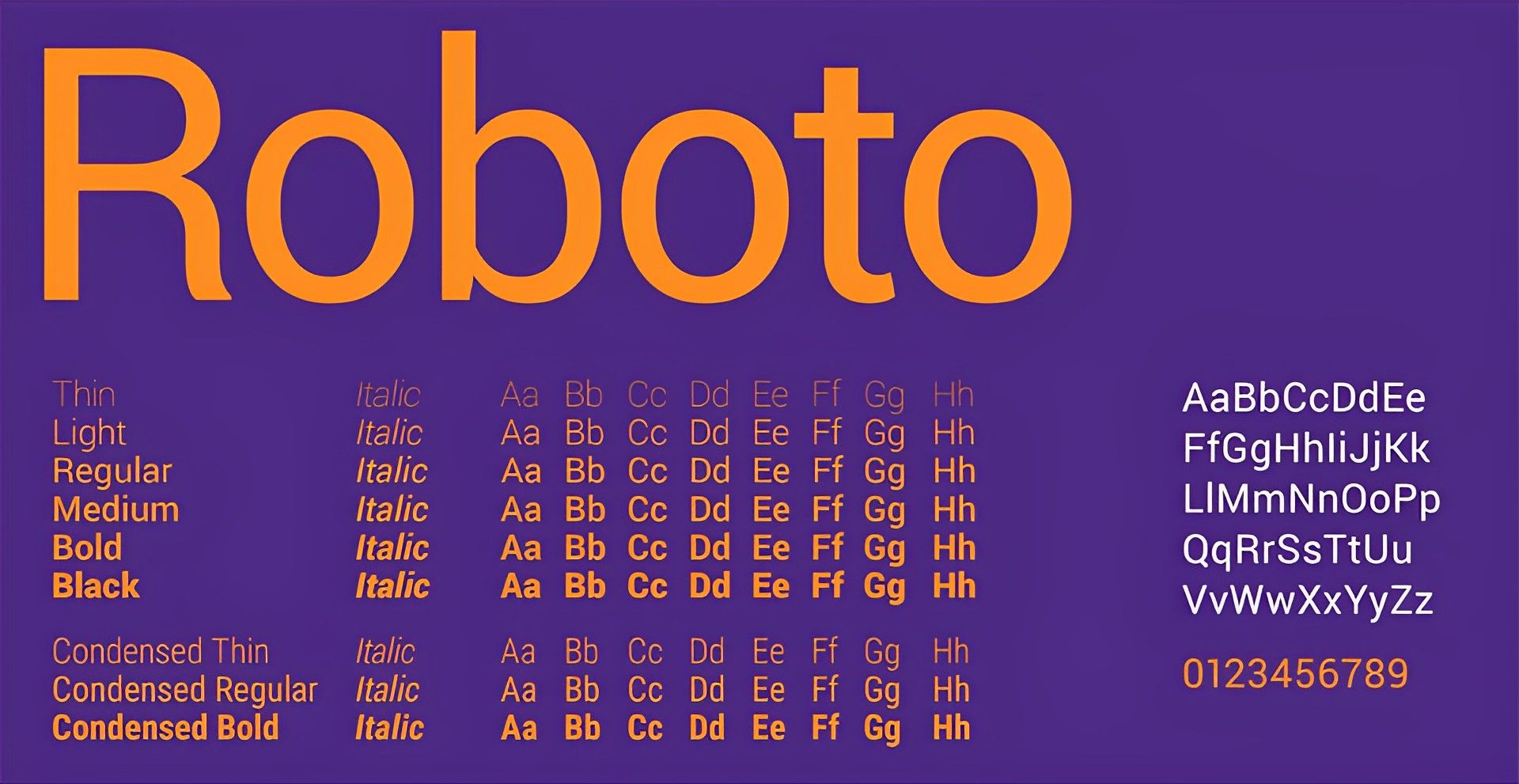
Roboto
The default font for many Android devices is Roboto. This typeface is popular among Android users and is thought to be among the best fonts for Instagram Reels.
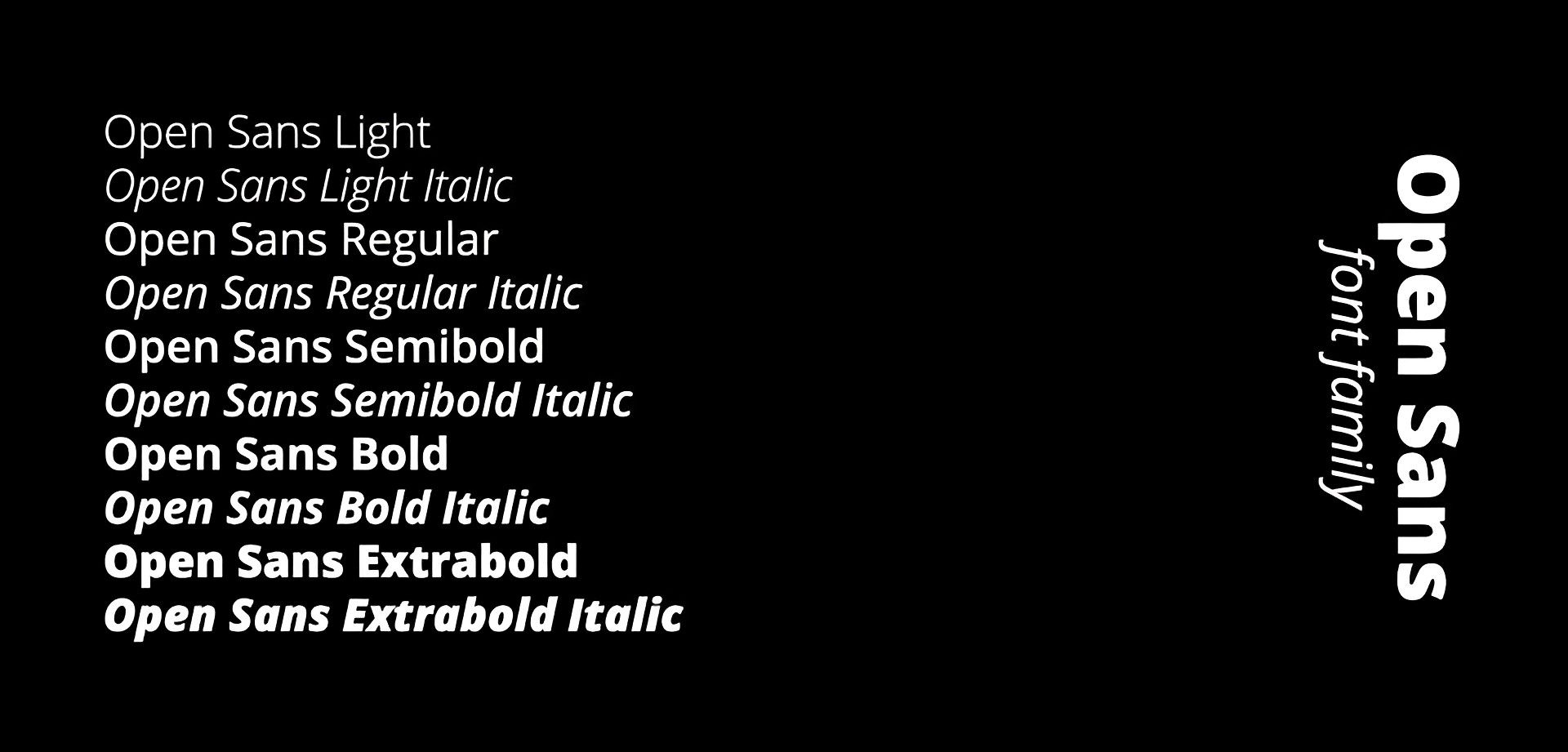
Open Sans
One of the most well-liked and frequently used typefaces for social media platforms is Open Sans. The font’s elegance and simplicity make it a good choice for everyday use. One of the greatest typefaces for videos, offline marketing, and Instagram Reels.
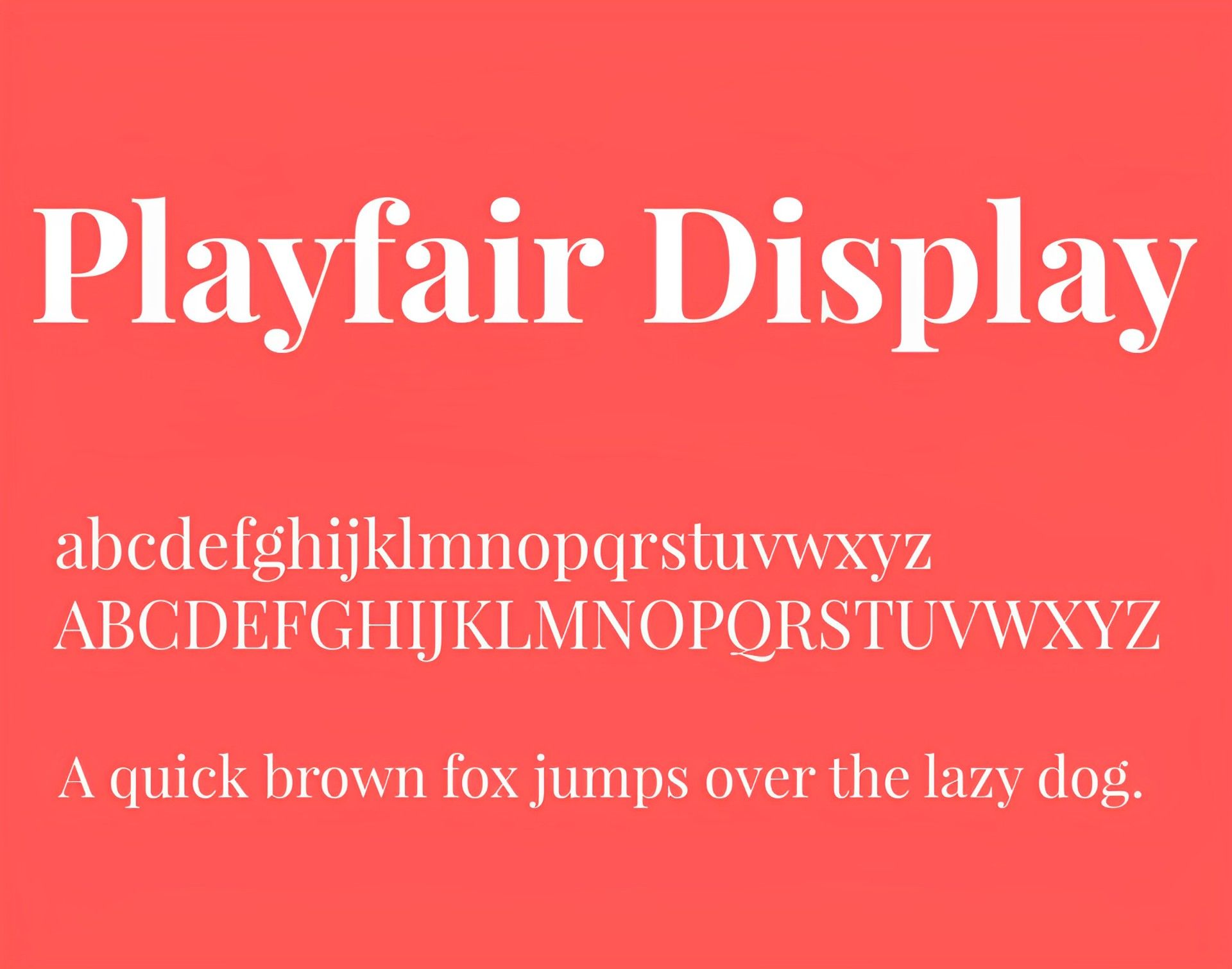
Playfair Display
Due to its adaptability, Playfair Display is one of the most well-liked aesthetic fonts for Instagram Reels. It is a popular font for use in all media, and bloggers and independent contractors utilize it. Posters and videos can both use as well.
Raleway
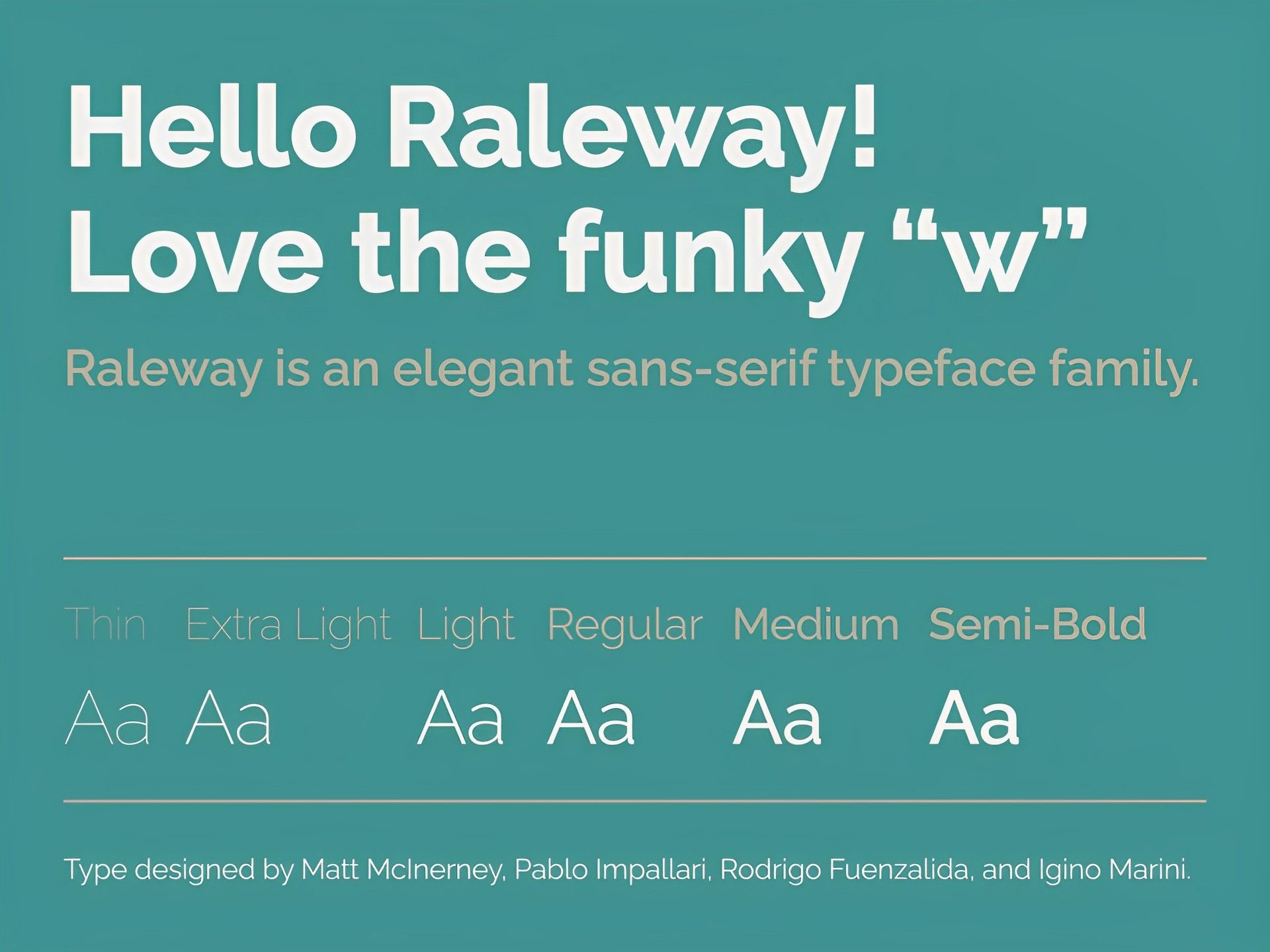
Raleway is a Sans-Serif typeface font family. It can be applied to both regular text and numerals. This typeface works well for headers as well as subheaders. You can use the Raleway font for both your professional and non-professional reels.
Pacifico
Many users from all around the world use the free Pacifico font family. For large display text, this font is a fantastic option. Given that it can be a little challenging to read, it might not be the greatest option for extensive texts.

Josefin Sans
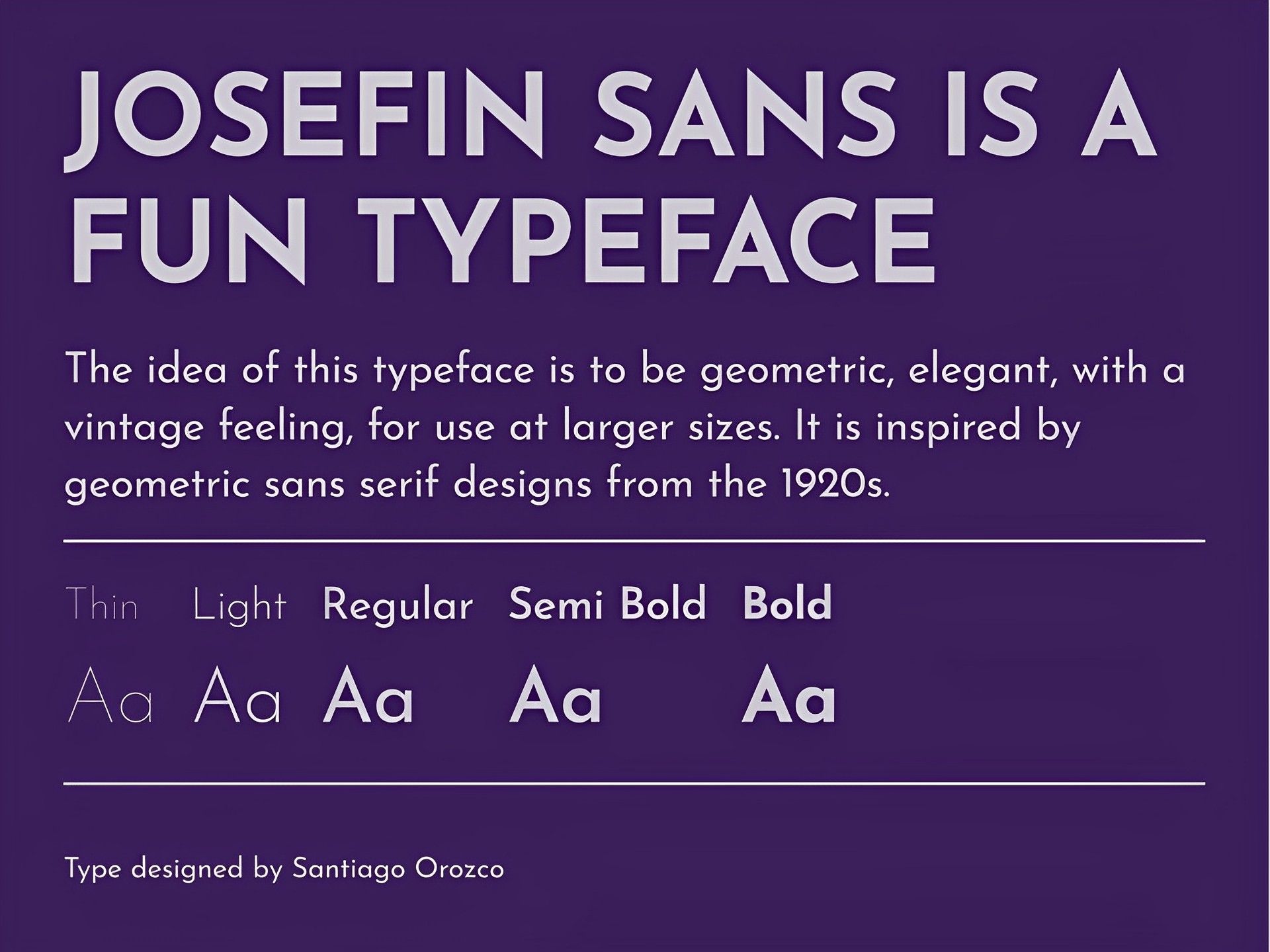
Josefin Sans is one of the best fonts for Instagram Reels because it embodies the idea of being elegant, geometric, and vintage for use at larger proportions. Both commercial and non-commercial uses are permissible.
Amatic SC
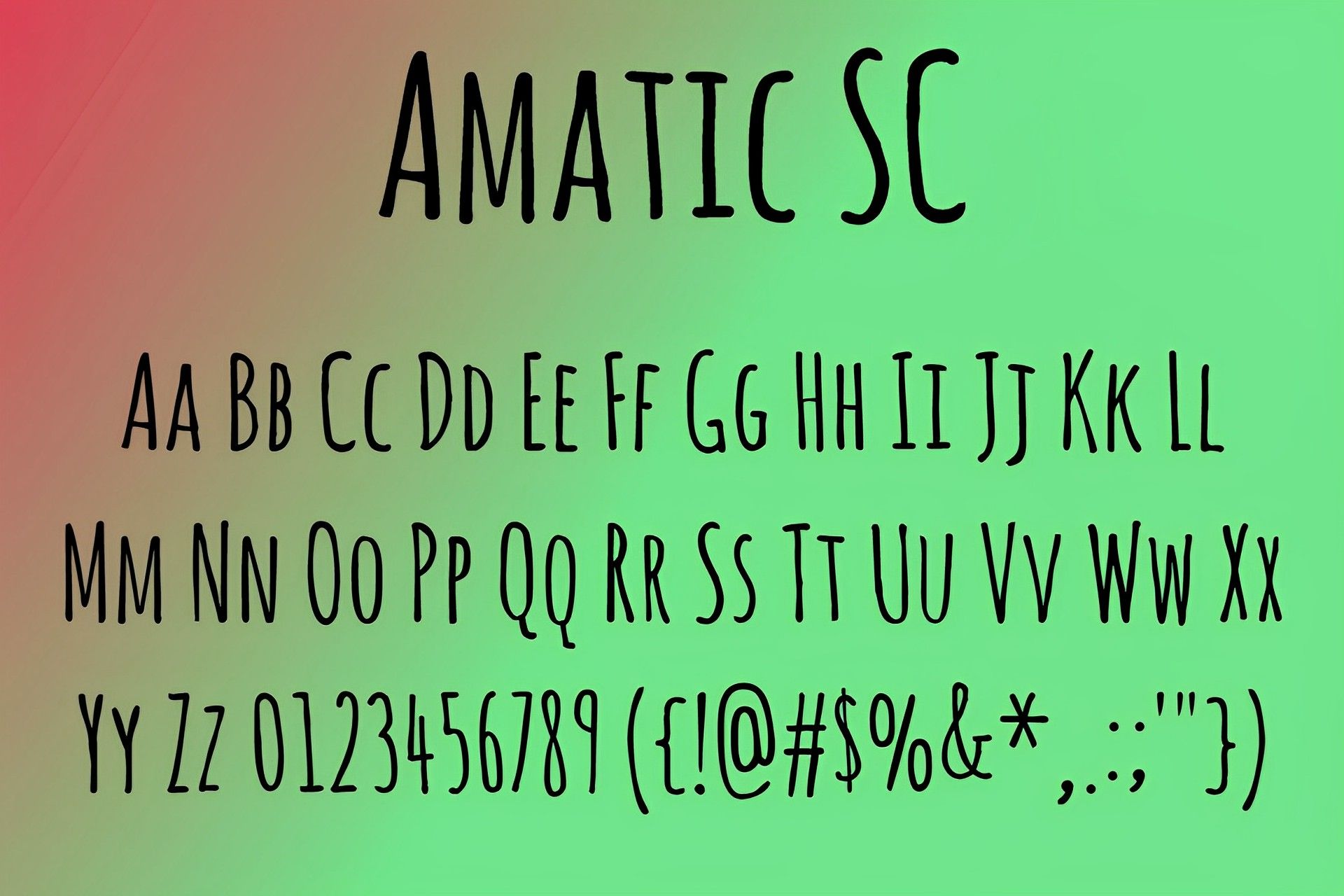
Many users utilize the straightforward yet powerful font Amatic SC (Small Caps) in their daily activities and on social media sites. Users are able to use this font for small runs of text and titling for free.
How can you add custom fonts to your Reels?
Your Instagram Reels will look much more appealing if you add text to them, and even more so if you customize your font before adding it. You should use Canva or Photoshop to create custom fonts for your Instagram Reels. Here are the measures you must take to accomplish that.
- Create graphics using your company’s brand fonts by using the Canva website. Start using Canva by entering some text.
- Choose a font from the ones that are offered.
- Change the font size.
- Change the hue to suit your preferences.
- Select Export by tapping it.
- After that, select Save with transparency.
- To save it to your camera roll once more, touch the Save button once more.
- Take a screenshot using your camera roll.
- Open the Instagram app, record a Reel, or pick one that has already been recorded.
- The image copied in step 8 should now be pasted into the text box by tapping on it.
You can share your Instagram Reel in your Instagram story or feed after adding your unique font in this way.


