

If you’re wondering how to view previews from both cameras in BeReal, in this article we’re going to explain why can’t you the feature in detail. BeReal has been steadily moving up the social media networks’ rankings. As the name implies, this brand-new social media site from 2022 focuses on authenticity and lets you post pictures taken with both the front- and rear-facing cameras at once.
Even though we strive to keep things authentic, the truth is that we all want to appear our best. Everyone wants their post to stand out and be seen, thus a tremendous amount of time and effort is invested into making sure each post does just that, as well as constant work on the daily feed. Every post during the day is frequently under intense pressure to appear fantastic or to be original and interesting.
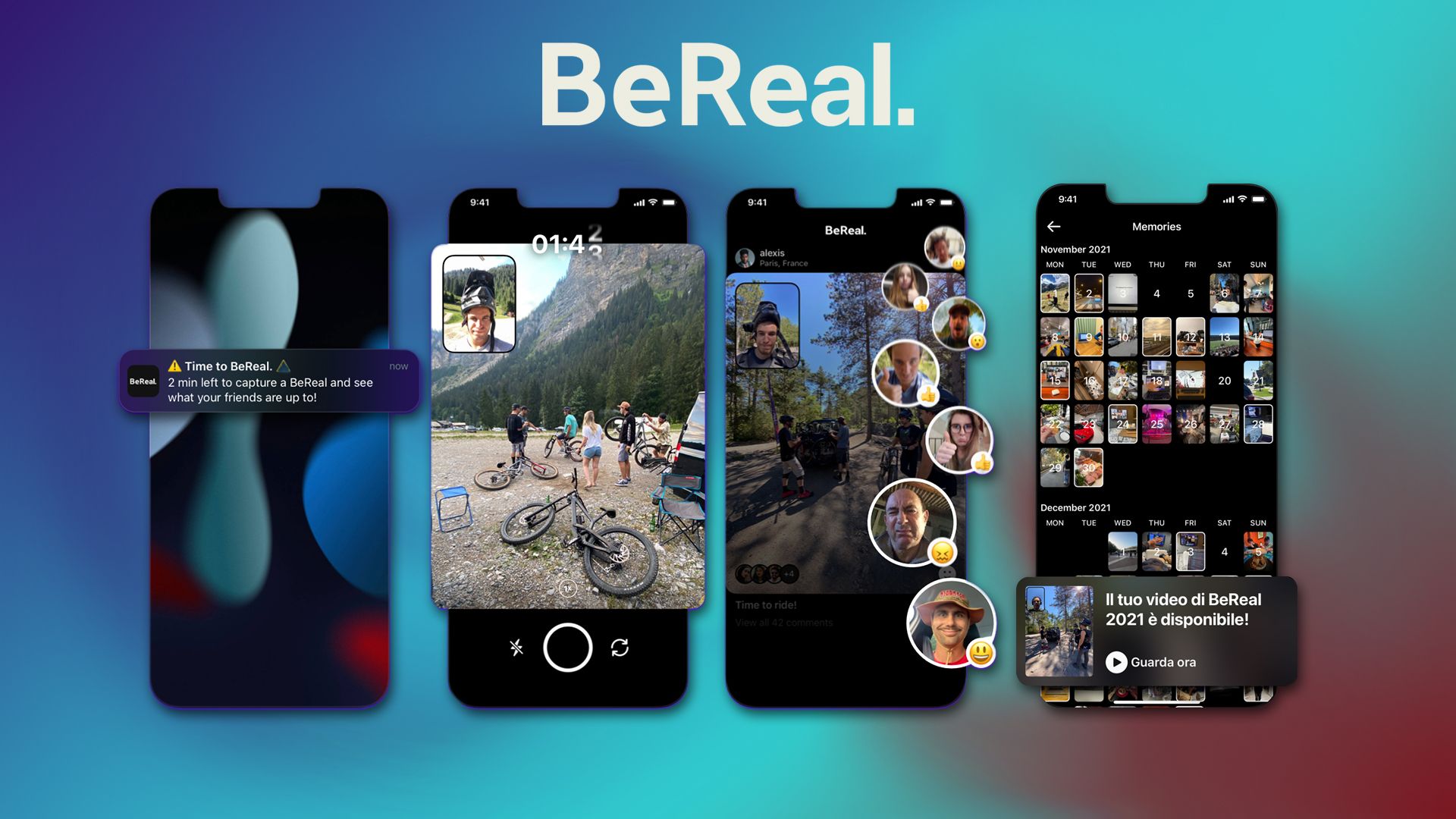
BeReal also suggests a two-minute time limit for posts in order to prevent you from spending too much time selecting and editing your captures. You might have noticed if you’re new to the platform and have an iPhone that you can’t get previews from both cameras. Is it possible to get past this limitation? Let’s check it out!
Can you view previews from both cameras in BeReal?
Regrettably, BeReal no longer allows you to watch camera previews from both the front and back, and there is no way to view previews from both cameras in BeReal. This was a feature in the early versions of BeReal, but a later update quickly had it taken out of the program. Android users could previously get camera previews from both the front and back.
Due to the terms under which third-party apps can use the Camera API, this was not feasible on iPhones. BeReal was only permitted to access one camera at a time as a result of these limitations, therefore it could only offer you a preview from that one camera. Nevertheless, Android did not have this limitation, allowing users to see a preview of their BeReal from both the front and back cameras.
Nevertheless, in favor of a more seamless experience, this feature has been dropped from the most recent iterations of the Android app, so users may no longer view both previews when using BeReal.
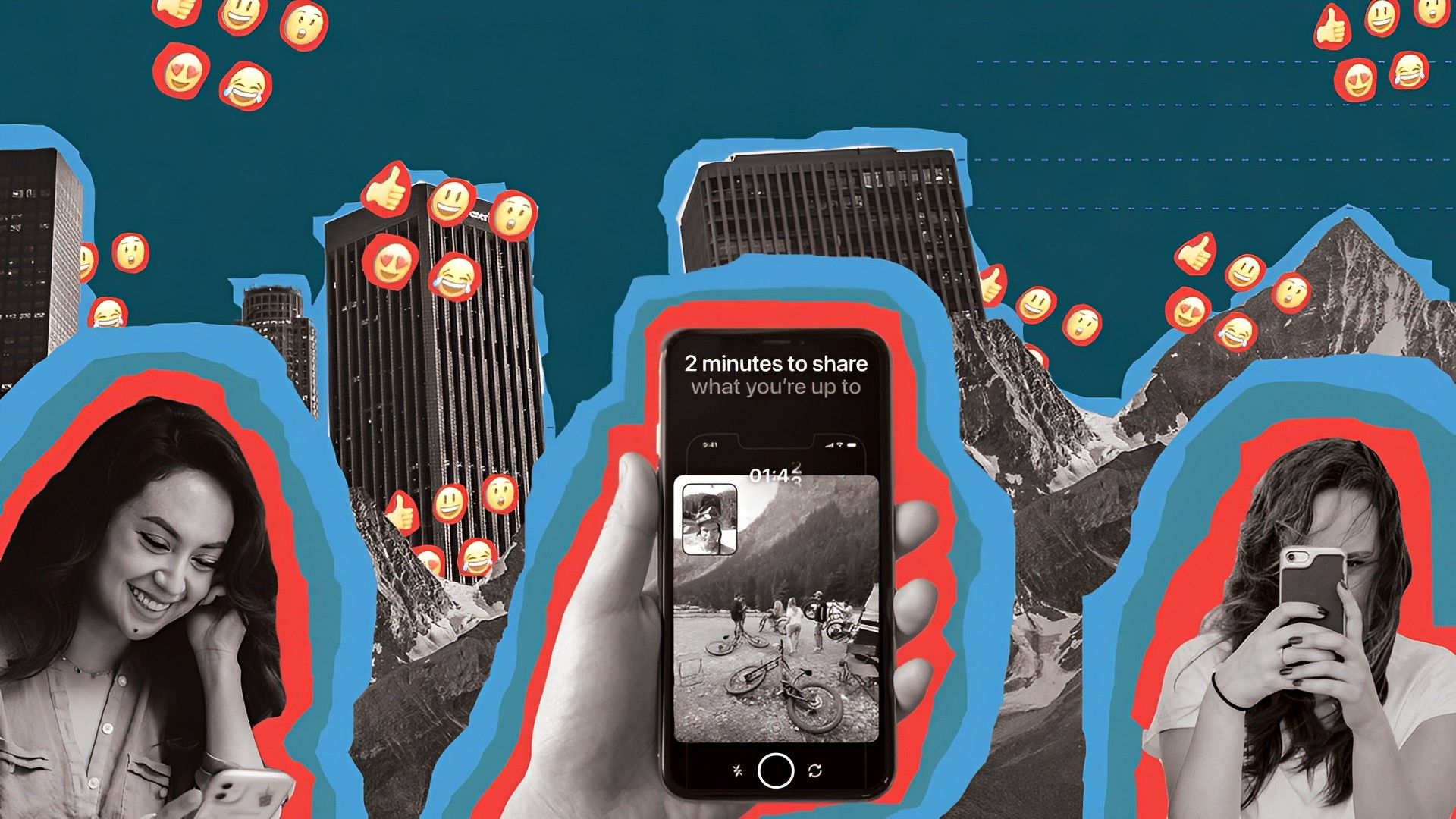
You might have assumed that you could downgrade your BeReal app to a previous version where you could get previews from both cameras, however, that is also not the case. Based on our comprehensive testing, this appears to be a server-side change, and even the earliest version of BeReal for Android no longer offers this capability.
Users using iPhones, however, were never given the chance to downgrade because iOS forbids it.
Can iPhone users view both previews using a workaround?
If you’re wondering how to view previews from both cameras in BeReal for iPhones, there isn’t currently a workaround for iPhone users that enables you to view previews from both your front and rear cameras. Your only choice would be to utilize an Android handset running an earlier version of the BeReal software.
It is unfortunate that the app removed this feature as many users were using it to decide whether or not to share their pictures. However, as the app’s motto is to motivate people to share their natural selves, the move can be regarded as understandable.
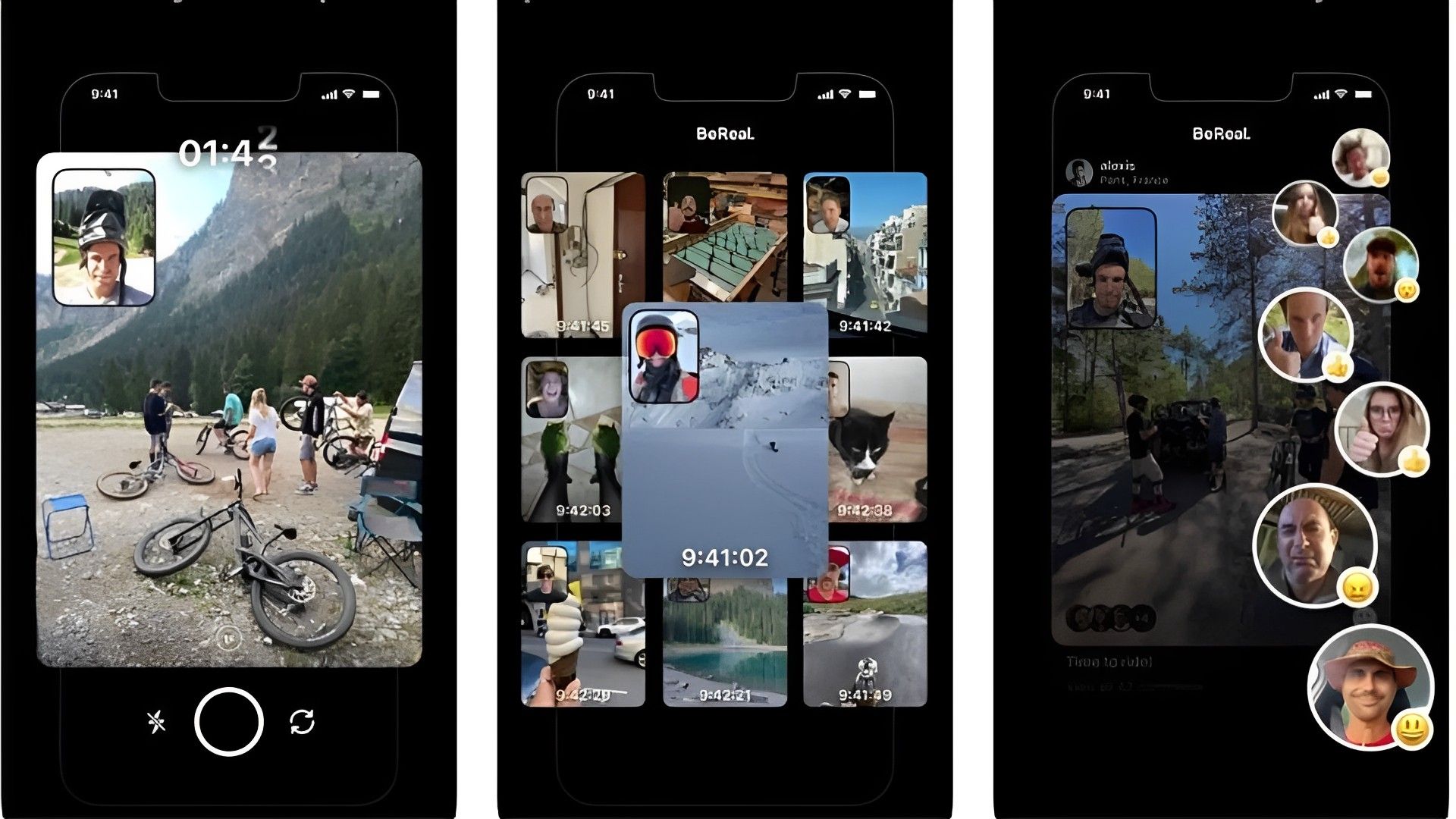
If you’re having any other issues with BeReal, don’t hesitate to contact their help center from this link. And if you want to read more about the app, to learn more about its features, make sure to check out the links below.