
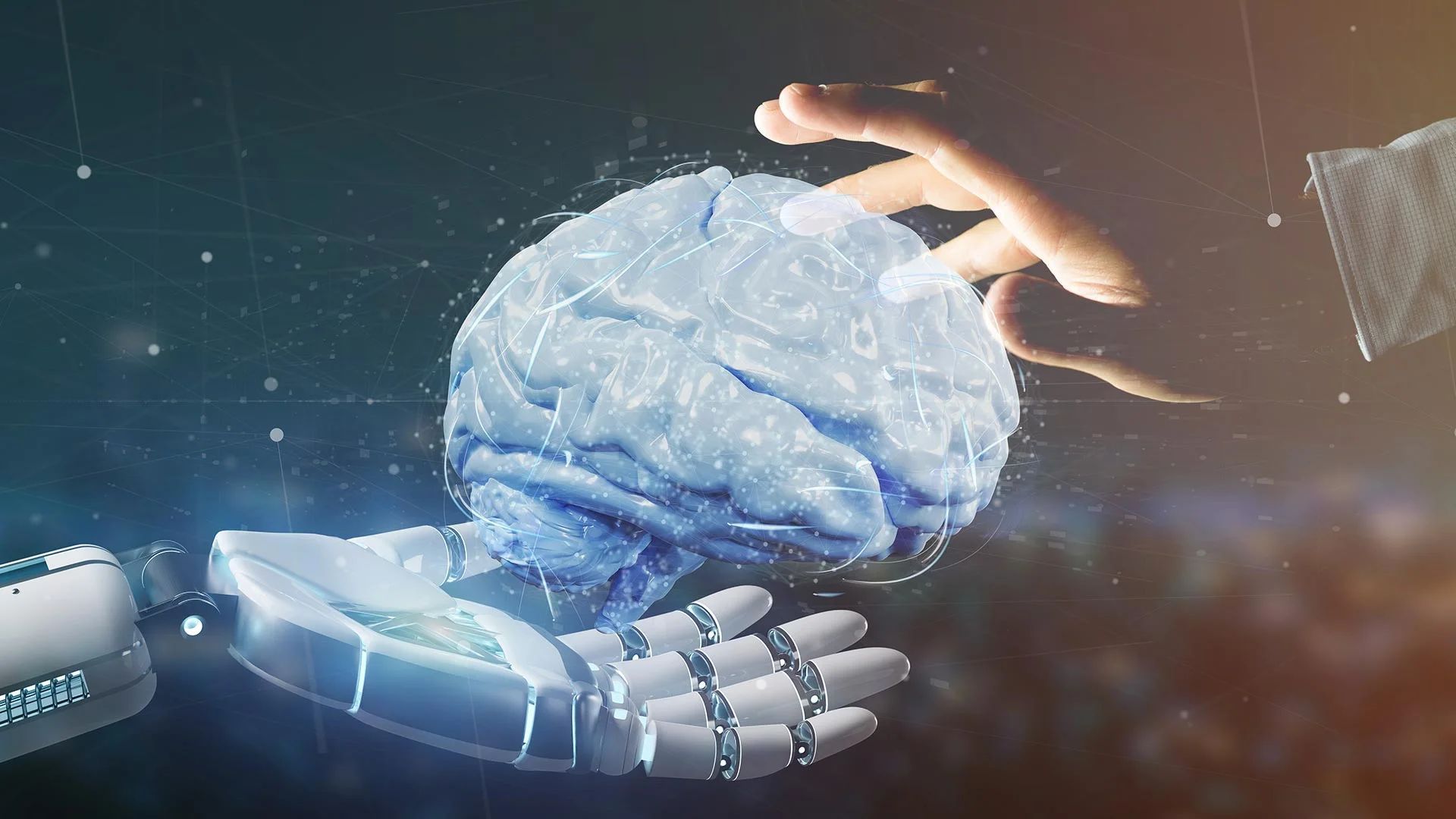

In this article, we’ll explore how to use AI for maximum efficiency and productivity.
As the world continues to become increasingly digitized, businesses are looking for ways to streamline their operations and increase productivity. One of the most promising technologies in this regard is artificial intelligence (AI). By harnessing the power of AI, businesses can automate repetitive tasks, make better decisions, and even create entirely new products and services.
Before we dive into how to use AI, it’s important to understand what it is and how it works. At its core, AI is a set of technologies that enable machines to learn from data, make decisions, and perform tasks that normally require human intelligence. This includes everything from natural language processing and computer vision to machine learning and deep learning.

One of the key advantages of AI is its ability to process vast amounts of data quickly and accurately. This means that businesses can use AI to identify patterns and insights that would be impossible for humans to detect. For example, an e-commerce company could use AI to analyze customer data and identify which products are likely to be popular, allowing them to make better inventory decisions.
So, without further ado here is how to use AI.
How to use AI to increase your work efficiency?
Now that we understand what AI is and how it works, let’s explore how to use AI for maximum efficiency and productivity.
Repetitive tasks are not as boring as they used to be
As mentioned earlier, one of the most powerful applications of AI is automation. By automating repetitive tasks, businesses can reduce errors, save time, and free up their employees to focus on more strategic work. Some examples of tasks that can be automated using AI include data entry, customer support, and lead generation. This may be the clearest and most useful answer to the question of how to use AI.
For instance, businesses can use AI to automate their accounting process, which involves tedious and time-consuming tasks like data entry, account reconciliation, and auditing. By automating these tasks, AI enables businesses to reduce their costs, increase accuracy, and make better financial decisions.
The concept of indecision disappears
Another way to use AI for efficiency and productivity is to improve decision-making. By analyzing vast amounts of data, AI can identify patterns and insights that would be impossible for humans to detect. This can be particularly useful in industries like finance and healthcare, where even small improvements in decision-making can have a significant impact.

For example, banks can use AI to analyze customer data and identify patterns in spending behavior, allowing them to make more informed lending decisions. Similarly, hospitals can use AI to analyze patient data and identify early warning signs of illnesses, allowing them to provide more proactive and effective care.
A new dimension to customer relations
In today’s hyper-competitive business environment, it’s more important than ever to provide personalized experiences for customers. AI can help with this by analyzing customer data and creating personalized recommendations and offers. This not only improves the customer experience but can also increase revenue by encouraging repeat business.
For instance, online retailers can use AI to analyze customer browsing and purchase history to make personalized product recommendations, increasing the likelihood of customers making a purchase. Similarly, hotels and airlines can use AI to offer personalized promotions and upgrades based on a customer’s previous travel history and preferences.
Utilizing NLP to create breathtaking content
Another popular use case for AI is in the field of natural language processing (NLP). NLP is the study of how computers can understand and process human language. With the help of AI, computers can now recognize speech and text, translate languages, and even generate human-like text.

One example of how to use AI in this area is chatbots. Chatbots are programs that can simulate conversation with human users through messaging applications, websites, and mobile apps. By using NLP and machine learning, chatbots can understand the intent of the user’s message and provide a relevant response. This technology has been adopted by many businesses as a way to improve customer service and provide 24/7 support.
In today’s standards two chatbots are dominating the current market. Check them out by using our link below.
Medicine is easier than ever
AI is also being used to improve healthcare. With the help of machine learning algorithms, doctors can now analyze large amounts of patient data to identify patterns and make more accurate diagnoses. AI is also being used to develop personalized treatment plans and to help researchers develop new drugs and treatments.
Investment advice is just a click away
In the field of finance, AI is being used to analyze large amounts of data to identify patterns and trends. This helps financial institutions to make better investment decisions and to manage risk more effectively. AI is also being used to detect fraud and improve customer service.

How about daily life usage of AI technologies?
Before asking the question of how to use AI, we also need to think about in which areas we already use it without even realizing it.
AI is also becoming increasingly integrated into our daily lives. We may not even realize how much we are interacting with AI on a daily basis. For example, social media like platforms like SnapChat use AI to personalize our news feeds and recommend content based on our interests and behaviors. Online shopping sites use AI to recommend products based on our browsing history and purchase patterns.
Voice assistants, such as Siri and Alexa, use AI to understand our voice commands and provide us with information or complete tasks for us. AI-powered virtual assistants are also being used in the workplace to schedule meetings, manage emails, and complete other administrative tasks.

AI is also being used in the entertainment industry. Streaming platforms like Netflix and Amazon Prime use AI to recommend shows and movies based on our viewing history and preferences. Video game developers use AI to create more intelligent and realistic non-player characters (NPCs) that can interact with human players in more lifelike ways. There is even an AI-powered version of the Seinfield on the popular streaming platform Twitch right now.
Conclusion
AI is no longer just a futuristic concept. It is becoming more and more integrated into our daily lives, from our social media feeds to our voice assistants. As AI technology continues to advance, it has the potential to improve many aspects of our lives, from healthcare to entertainment so, there are multiple factors we need to talk about to answer the question of how to use AI.
However, it is important that we approach the development and integration of AI with caution and responsibility to ensure that it is used for the greater good of society. We hope you enjoyed our how to use AI article. Stay tuned to read more articles like this one!




