
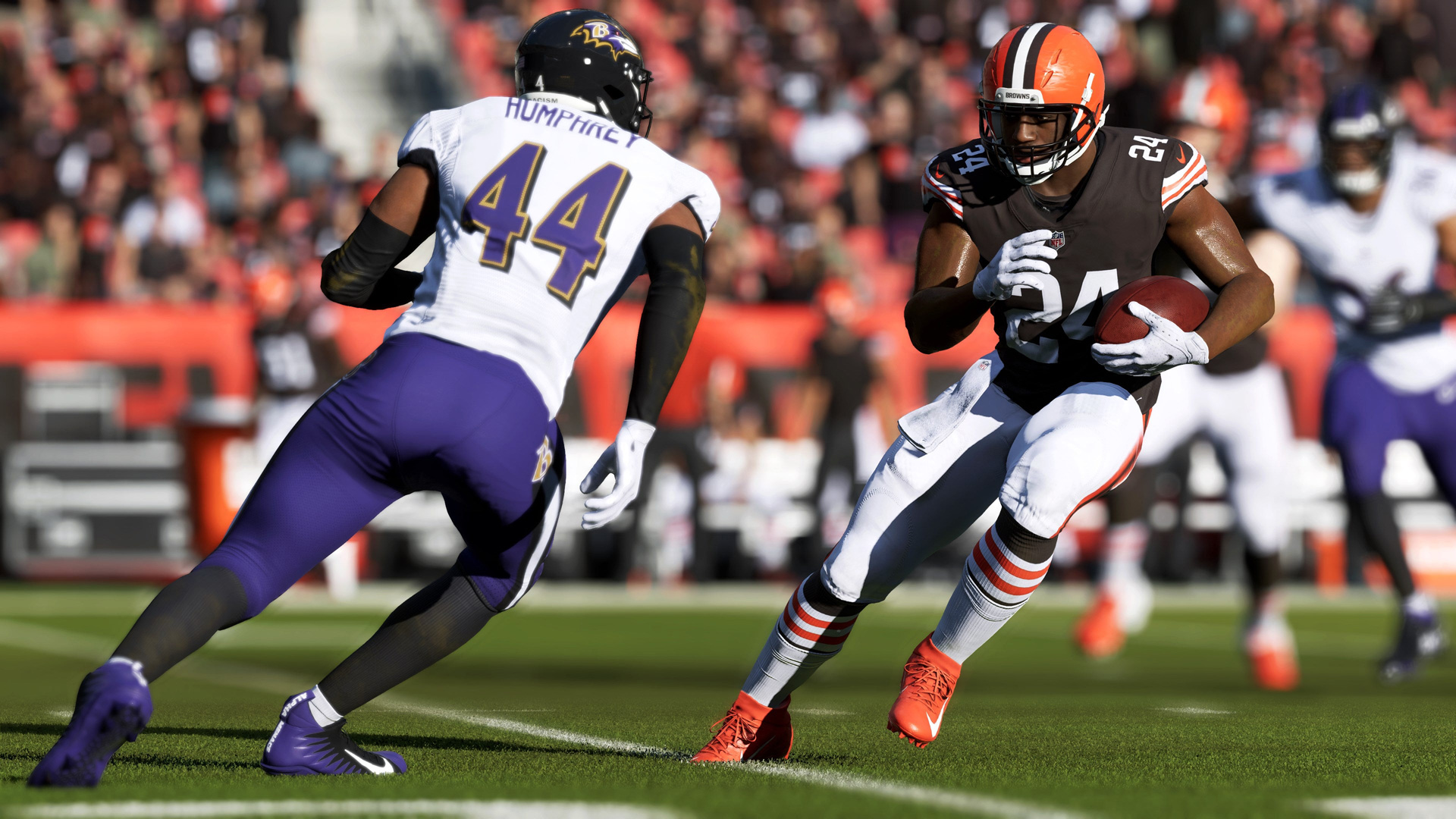

Today we explain how to throw low pass Madden 23. Players have extraordinary control over passing in Madden NFL 23, and not just the fundamentals. This encompasses the capacity to execute a touch pass, a high throw, and a low throw.
Three distinct passing mechanisms are available to players when they launch the game for the first time. That includes the conventional approach as well as two additional choices that let you control the kind of pass that is thrown. Players can choose whether a pass is low and harsh, high and floating, or wherever in between thanks to this manual control.
It’s a lot to take in all at once, but understanding the various quarterback controls is essential if you want to play multiplayer. In Madden NFL 23, follow these instructions to throw a high, low, and touch pass. Here is how to throw low pass Madden 23.
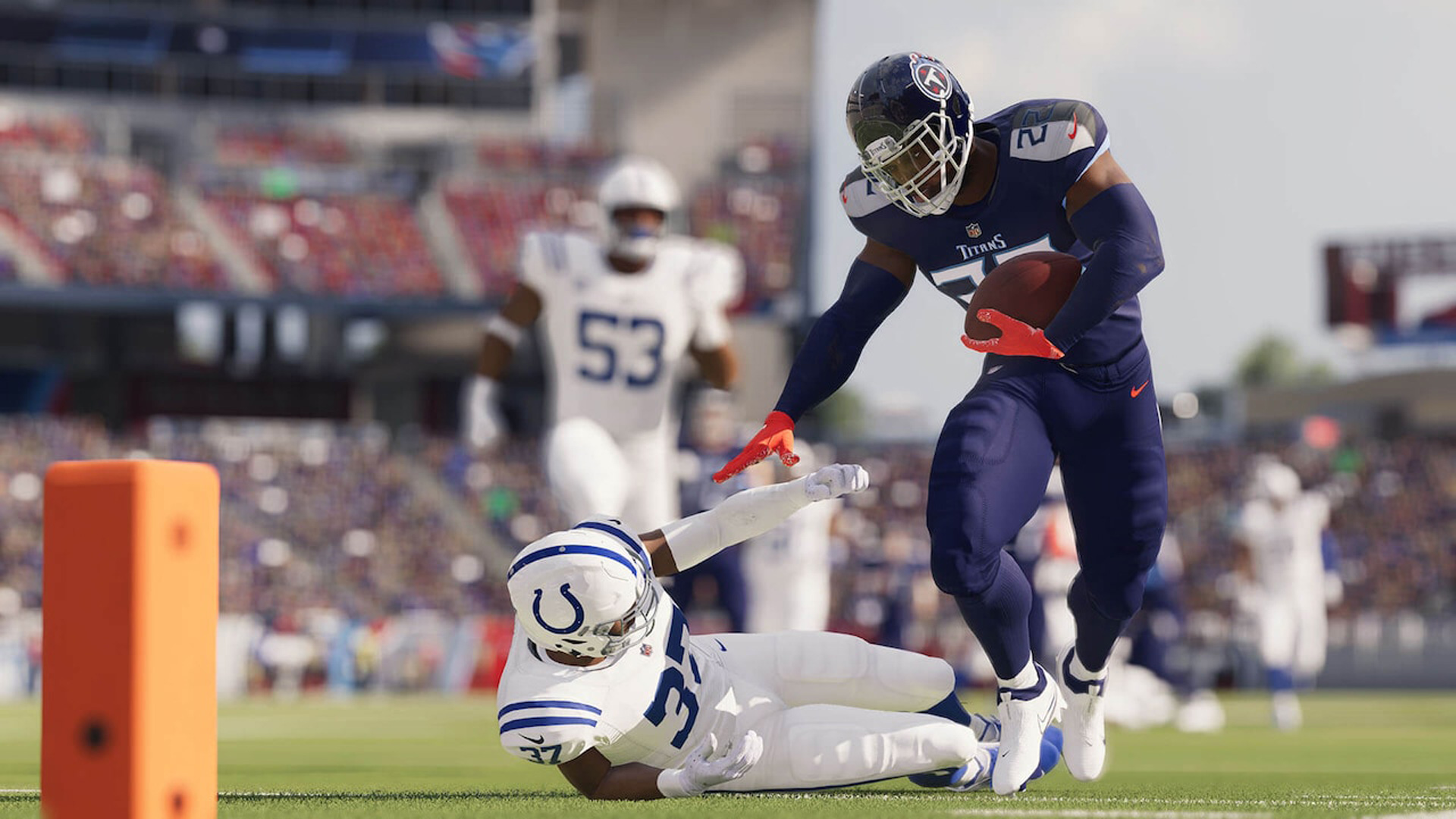
How to throw low pass Madden 23?
Players in Madden NFL 23 can throw a low pass by touching the receiver symbol while holding L2 on the PlayStation 4 or LT on the Xbox One.
The quarterback can execute a bullet pass by pressing and holding the receiver icon button. This strong, low-angle pass aims to reach the receiver as soon as possible. A well-executed bullet pass can get through coverage or give the receiver just enough extra time to gain more yards after the catch.
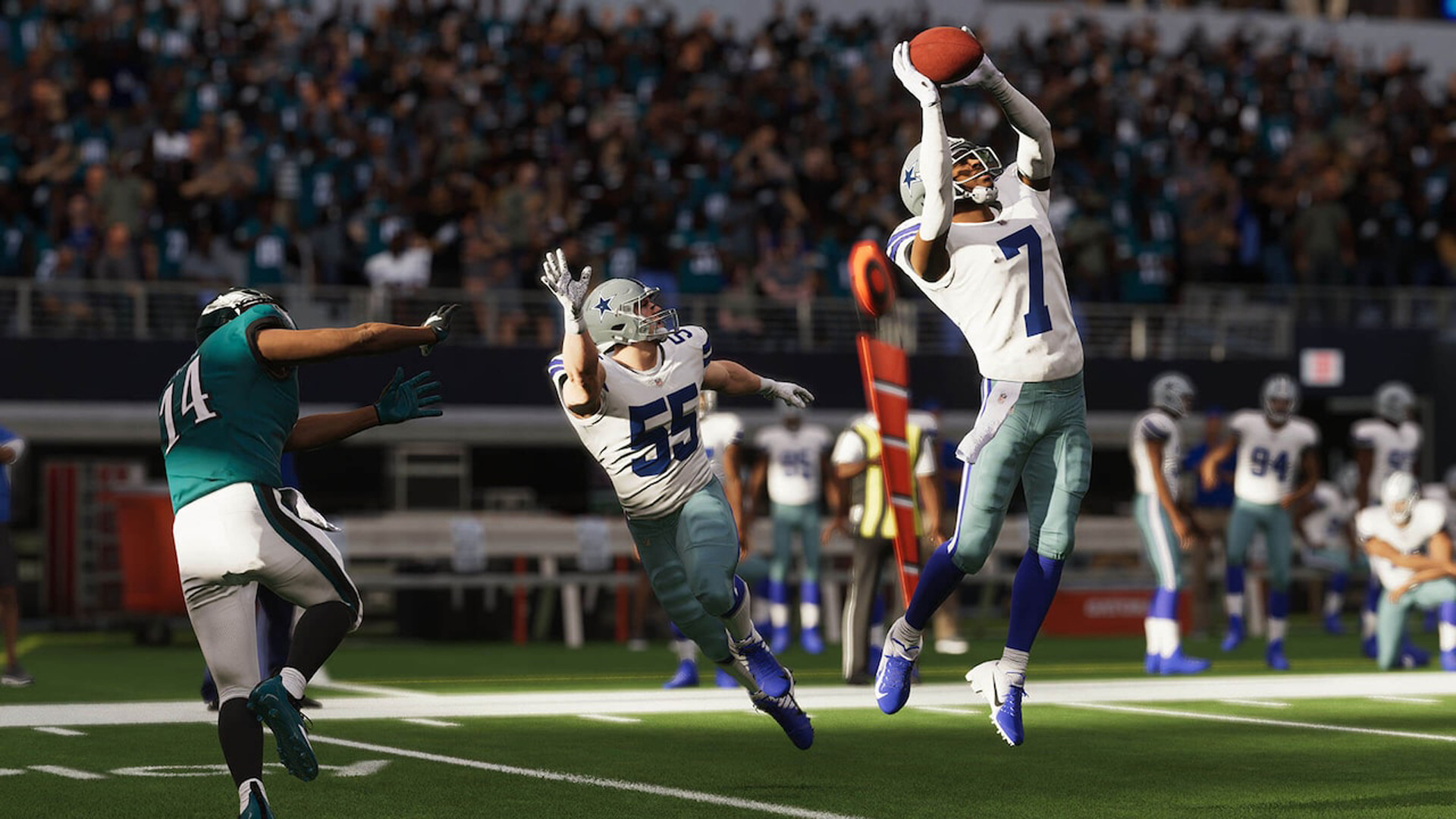
In Madden NFL 23, a bullet pass does have a decreased likelihood of being successfully intercepted. The catcher of the ball may have a harder problem reeling in a bullet pass than a softer throw depending on the stats of both the quarterback and receiver. In some situations, a touch pass can be utilized to correct that.
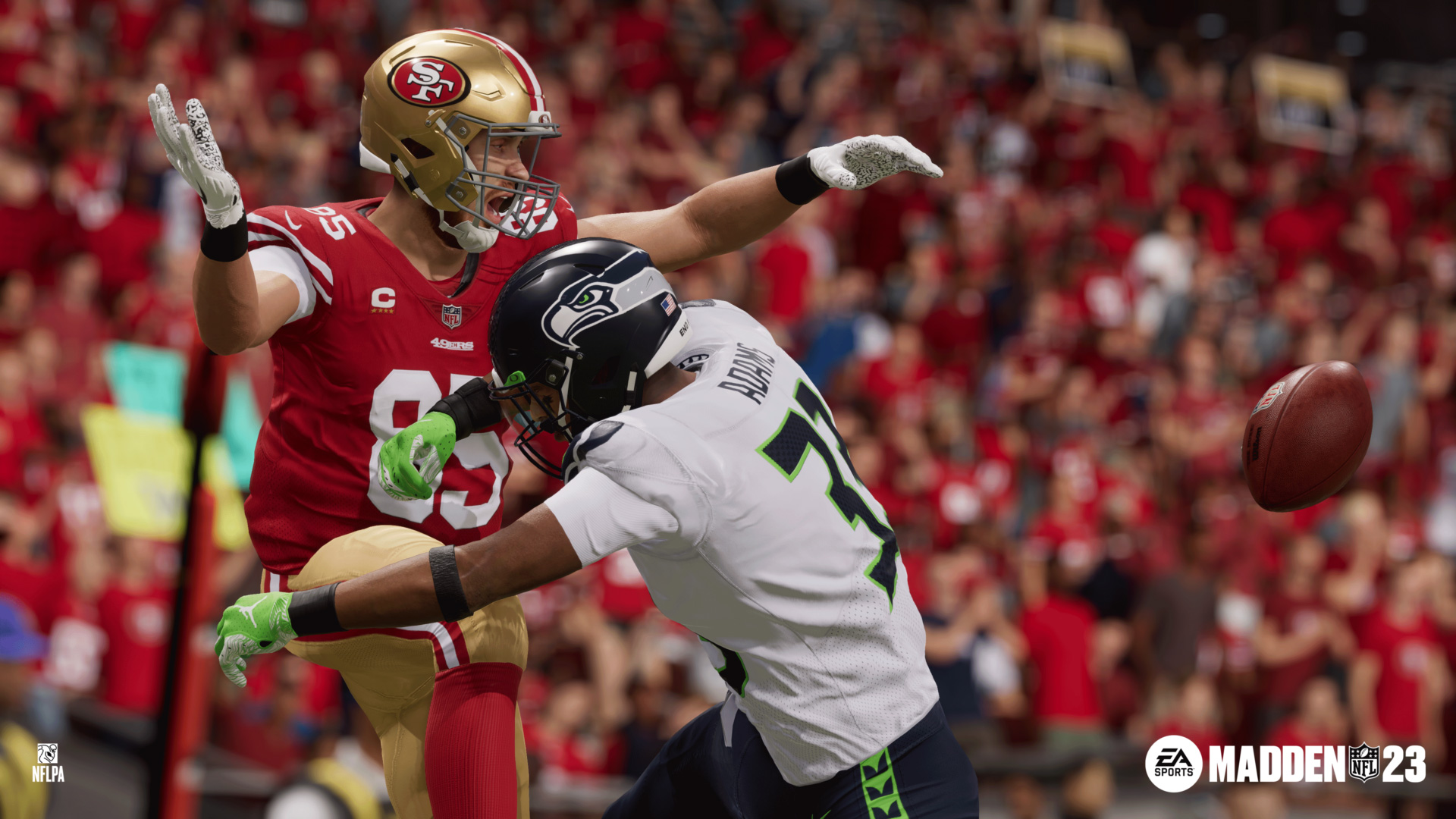
How to throw high pass Madden 23?
In Madden NFL 23, players must tap the receiver symbol and then immediately release it to perform a high lob pass. Holding down L1 on the PlayStation or LB on the Xbox before tapping the receiver symbol also allows players to complete a high pass.
The length of time a button is held down determines the arc of a pass. In reality, the duration of the button push for a pass is inversely proportional to the duration of the ball’s flight. As a result, in Madden NFL 23, players must quickly push and release the button in order to deliver a looping, high-arc pass.
For a pass to get over a defender who is playing tight coverage on the receiver, it must be thrown high. In Madden NFL 23, the receiver will be able to grab the ball with a well thrown high lob pass and the defender won’t have the angle to deflect it.
How to throw touch pass Madden 23?
Holding the receiver button down longer in Madden NFL 23 will result in a touch pass. In football, a touch pass is a rapid pass with a noticeable high arc. This is intended to fly over and beyond of reach of defenders close to the line while still getting the ball into the hands of the receiver swiftly.
How long the button is down determines the height of the pass in Madden NFL 23. Long-lasting button depressing will cause a low, hard bullet pass. A floating lob pass will result from tapping the button and letting it go. A touch pass will be made if something is done in the middle.
In Madden 23, hold down the receiver button for a brief moment before releasing it to execute a touch pass. Although learning the timing may be challenging and it may be difficult for inexperienced players to overcome the urge to simply hold the button down, it is an essential tool for any player.
We hope that you enjoyed this article on how to throw low pass Madden 23. If you did, we are sure that you will enjoy reading our other articles, such as Madden 23 ratings (Top 10 for every position), or best Madden 23 MUT database guide.


