


Today we are here to explain how to unlock Crew Customization in Saints Row. Players of Saints Row who are seeking for a fresh method to alter their gaming experience might be intrigued by the crew customization choices provided. To unlock these choices, follow the step-by-step procedures in this guide. So, if you’re prepared to level up your Saints Row experience, keep reading!
What is Crew Customization in Saints Row?
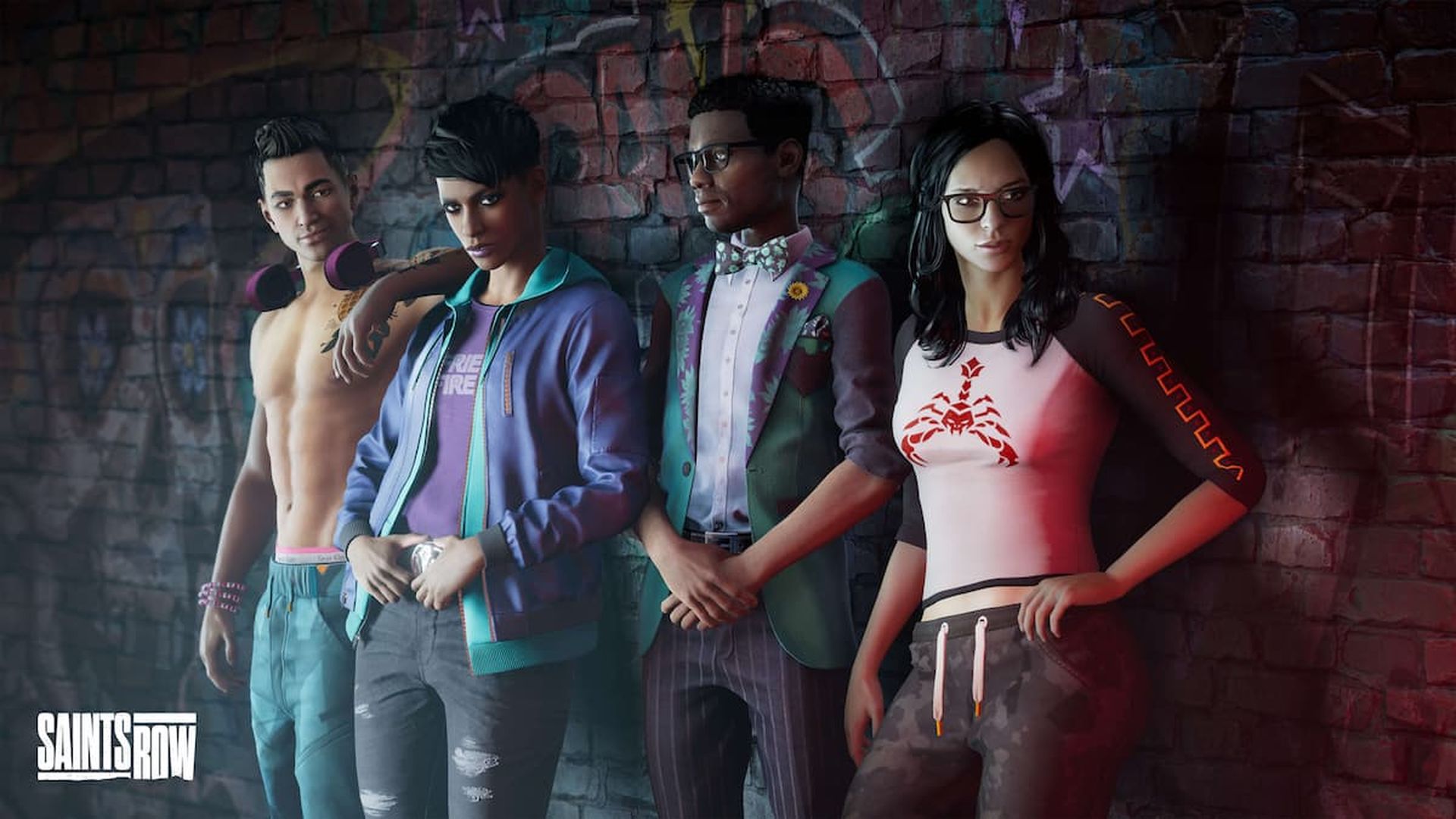
Players in Saints Row can alter the appearance of their characters and gangs. Customizing the Saints Hideout is a feature that isn’t included in the game, though. Instead, gamers can only alter how the 3rd Street Saints look. This feature is only accessible through exploration of the Saints Hideout, which the game never introduces.
What kind of crew are you looking for? Playa asks Gat in the Three Kings mission’s epilogue as if she were introducing Gang Customization. It’s unfortunate that this feature was never finished because it would have been a fantastic way to give players more customizing possibilities. Don’t forget to check out our Saints Row review if you haven’t played the game yet!
How to unlock Crew Customization in Saints Row?
You must finish both the aggressive recruitment objective and the main missions in Saints Row in order to access crew customization. Once you’ve finished these objectives, go to the Saints Hideout and poke around until you find the option to customize your team.
There aren’t many options available at first, but as you advance in the game and build up your crew, you’ll have to unlock more possibilities for personalization.
Saints Row Crew Customization picks
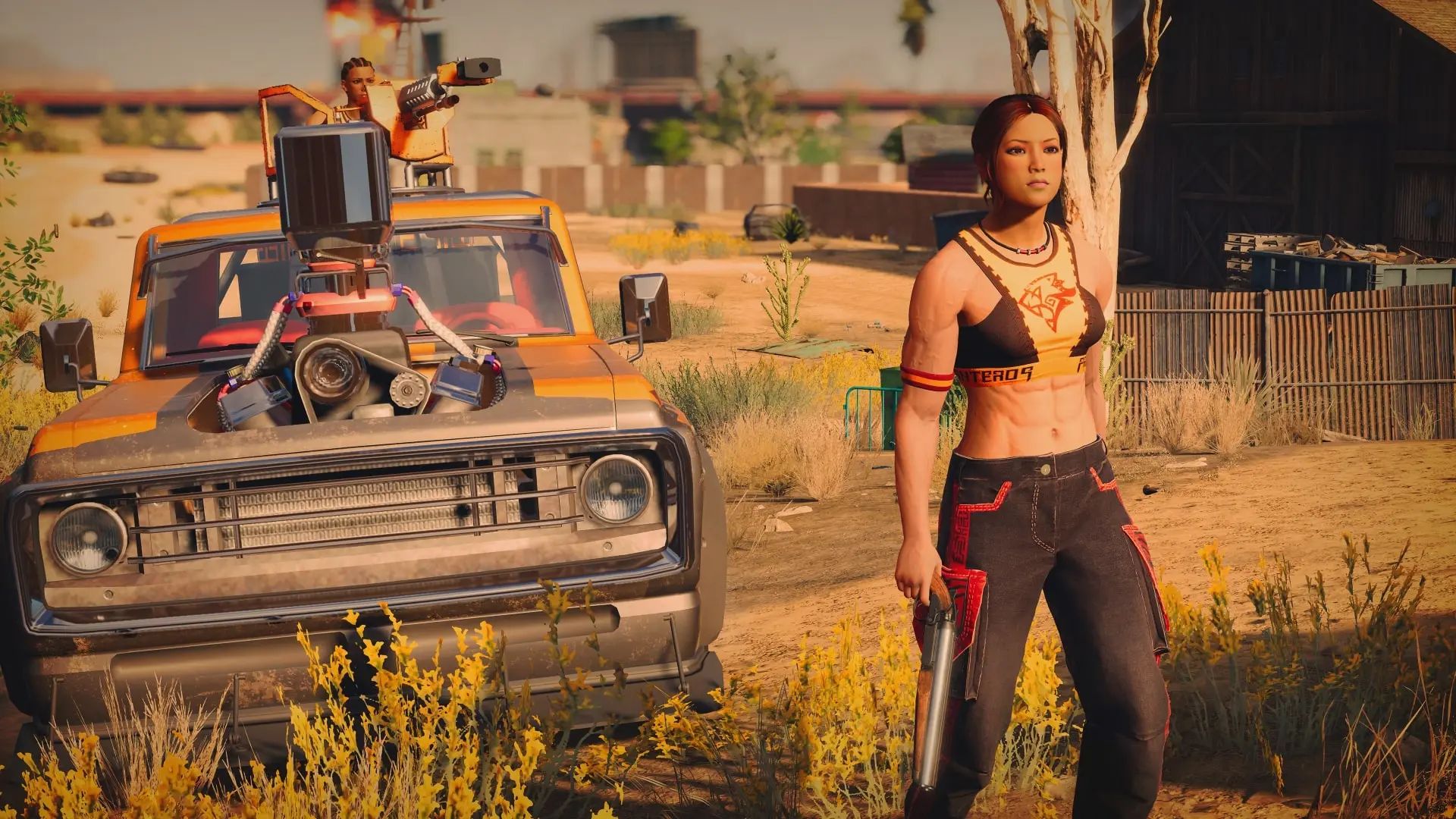
Customization is a big part in Saints Row, and that includes your wardrobe. You can mix and match items in Saints Row Crew Customization to give your crew the ideal look.
Clothing Styles
You have a variety of options, including gangster, 80s, preppy, and athletic looks. You can even dress up like cowboys or college students if you really want to stand out. However, if you’re not a member of the appropriate Saints Row team, some of these looks could not be available to you. Choose accordingly!
Signs
A compliments and insults database with 31 possibilities is available in Saints Row Crew Customization for Saints gang members to use. You may unlock the same taunts and compliments through Player Customization as you can by eliminating rival gang members. These options are available to the Saints Row crew members, who can utilize them to communicate their feelings or irritate one another.
Tags
The tagging system is one of the most amazing methods to personalise your characters. Twenty different tagging combinations, each with a distinctive appearance, are available in Saints Row. The “10 Getting Up” achievement can also be unlocked by completing all 75 tags. So have a look at the tagging system if you want to give your Saints Row group some style. It’s a fantastic method to personalize your characters and get some awesome rewards in the process.
Vehicles
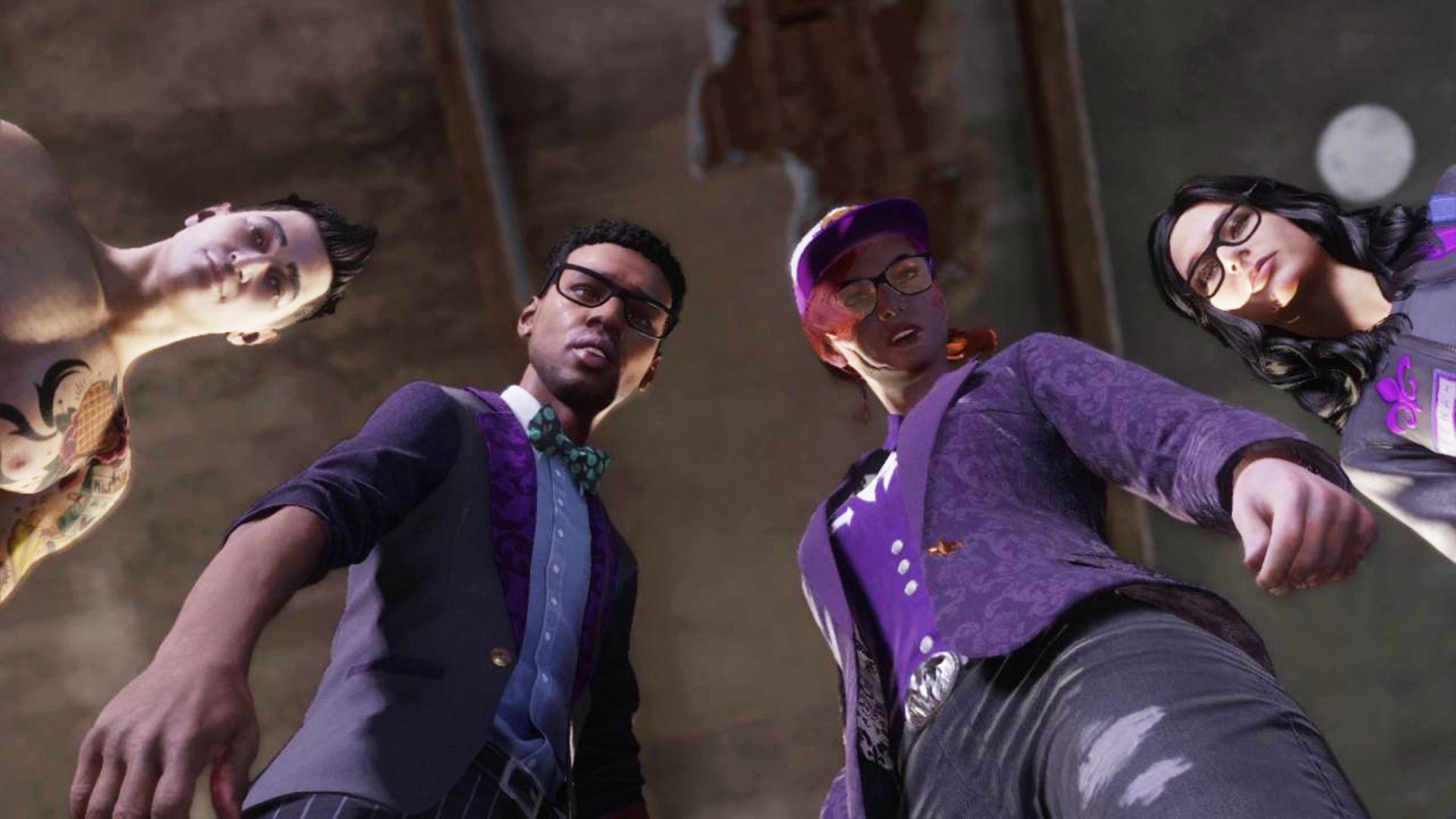
There are three car slots, and each one has a different collection of automobiles. The Bootlegger, Compton, and Zimos are the vehicles in the default group, but as players expand their conquests, they’ll gain access to new vehicle groups including Hollywood, La Fuerza, and Magma. Saints Row IV offers gamers plenty of ability to customize their experience with 26 distinct vehicle options.
The Saints Row Crew Customization system has a number of options, just like these. So have a look at this function if you want to give your squad some personality. It’s a fun and wonderful way to make your group stand out.
This way you’ve learned how to unlock Crew Customization in Saints Row. Don’t forget to check out and learn how to make a playlist in Saints Row. The game is available at Epic Games.




