


Let’s explain how to get a Snapchat Plus free trial for you guys today. Users of Snapchat Plus can test out its premium features for free during the trial period. Additionally, the procedure is rather simple.
How to get a Snapchat Plus free trial?
The fact that subscription services frequently come with a free trial is their strongest feature. The length of it varies, though. While some would just have a seven-day test, others may go up to six months.
With Snapchat Plus free trial, the platform has joined the seven-day trial club, allowing its customers to test it out for a week without having to pay anything, according to a recent article by Screen Rant.
Go directly to your Snapchat profile page to do this. Select the Snapchat Plus banner after that. Select the seven-day free trial option after that. It is important to note that users who are on a Snapchat Plus free trial will automatically be charged $3.99 after a week, but they can choose to manually cancel this.

What is Snapchat Plus?
In order to access some “exclusive features,” Snapchat just launched its premium membership service, Snapchat Plus, which charges customers a monthly or yearly price.
The subscription model, which helped Netflix become the most popular streaming service, is now being embraced by social networking and messaging services. Twitter, the microblogging site that Elon Musk is threatening to take over, already has a subscription plan called Twitter Blue that offers users features like the eagerly expected “Undo Tweet.”
Along with Twitter, the messaging software Telegram, which prioritizes anonymity, also unveiled its premium subscription plan. Snap is hopping on the bandwagon this time.
With Snapchat+, Snapchat is dipping its toe into the subscription service market. Users of the service may access “exclusive features”—some of which are experimental and unavailable elsewhere—by paying $3.99 per month or $39.99 per year. Some of these options include “ghost trails,” which, if someone shares their position with you on Snap Map, let you see a path of where they have been.

Additionally, you can obtain some special cosmetic icons and themes, check to see if anybody has watched your tale again, and pin a best buddy to the top of your list. Overall, it’s not too insane, but Snapchat+ offers a free seven-day trial if you want to give it a shot. By going to your settings in the Snapchat app and selecting Snapchat+, you may access the service.
“Today we’re starting to roll out Snapchat+, a collection of exclusive, experimental, and pre-release features available in Snapchat for $3.99/month. This subscription will allow us to deliver new Snapchat features to some of the most passionate members of our community and allow us to provide prioritized support. Snapchat+ will be available at launch in the United States, Canada, the United Kingdom, France, Germany, Australia, New Zealand, Saudi Arabia, and the United Arab Emirates. We’ll expand to more countries over time. Just tap Snapchat+ on your Snapchat profile to get started,” said Snapchat in a blog post.
Some of the Snapchat Plus features are still in the testing stage and may eventually be made available in the free version, while other features would only be available to paying members.
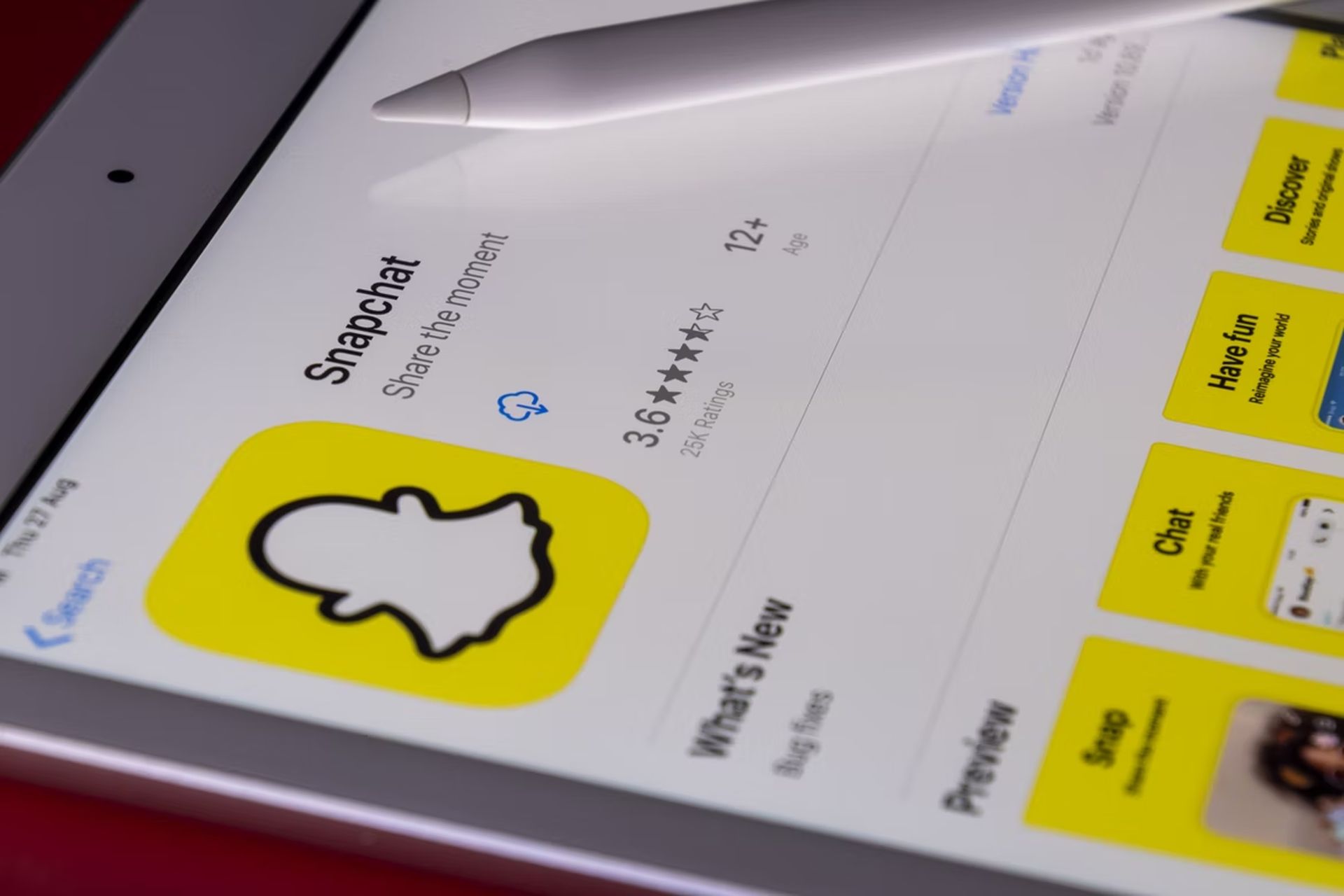
Exclusive Snapchat Plus features
Snapchat users may find out who has seen their stories more than once thanks to one of the exclusive features. Without a slew of glitzy icons and themes that free users are losing out on, the whole affair would fall flat.
Not to mention that Snap also adds a little unsettling aspect. Only if they voluntarily divulge their location may users be followed using Snap Map using “Ghost Trails.” In a blog post published on June 19, Snap officially launched the new subscription service.
Find out what is Ghost Trails on Snapchat Plus and What is the planet order in Snapchat Plus and use the platform like a pro!


